Dell Inspiron Desktop
Computer Workstation RAM Upgrade
Near Me
Looking for Computer Workstation RAM Upgrade for your Dell Inspiron Desktop near you? Xigox provides free doorstep pickup within 2 hours — experienced technicians, OEM parts & 90-day warranty.
Open 9 AM – 9 PM · 7 days a week
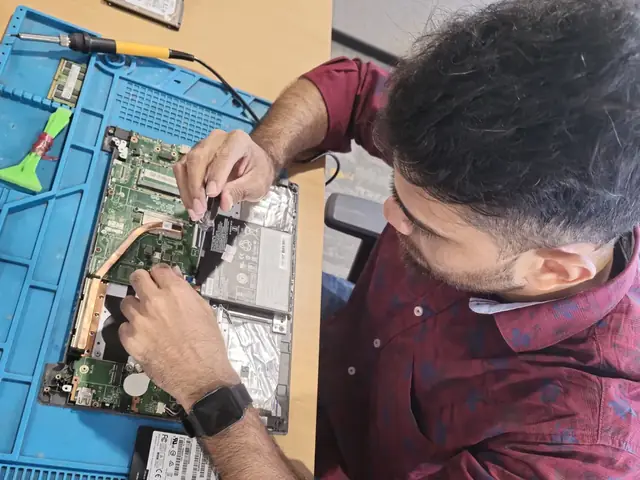
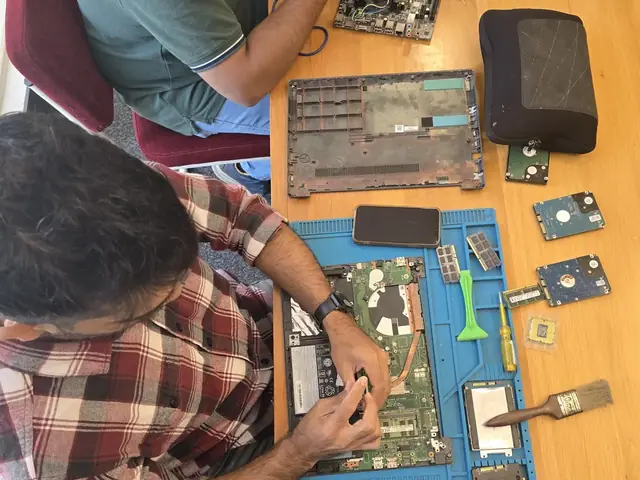
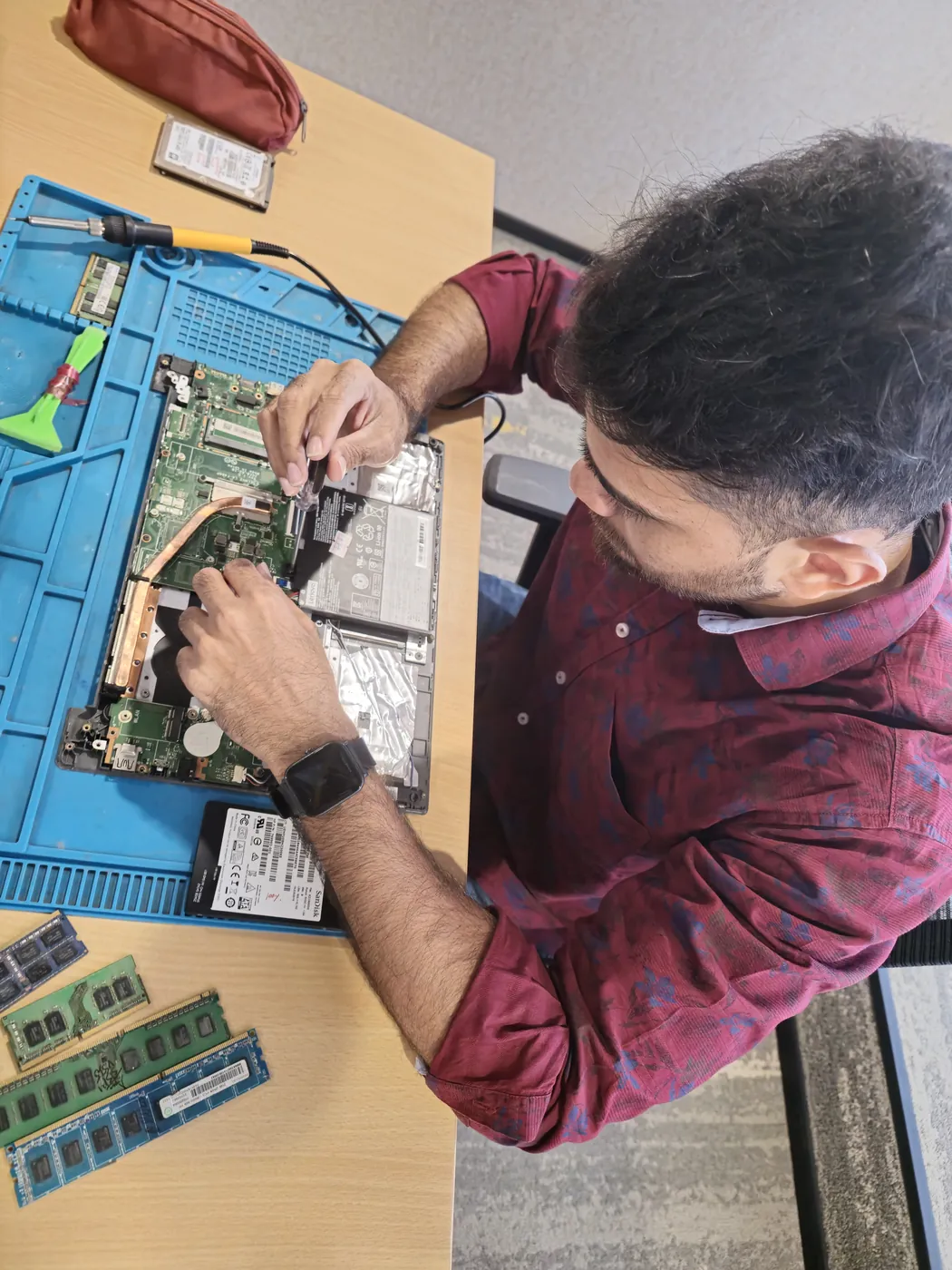
How Dell Inspiron Desktop Computer Workstation RAM Upgrade Works — Near You
From booking to delivery — simple, fast, transparent
Call or WhatsApp
Contact us — we'll confirm availability and give you a price estimate for your Dell Inspiron Desktop.
Free Doorstep Pickup
Our technician arrives at your location within 2 hours. No travel needed.
Expert Repair
Experienced team fixes your laptop or computer using OEM-quality parts. Most repairs done same-day.
Delivered Back
Laptop delivered to your doorstep, tested & quality-checked. 90-day warranty starts.
Dell Inspiron Desktop Computer Workstation RAM Upgrade — Price List
Transparent pricing · No hidden charges · Pay only after approval
| Issue / Component | Repair Price | Warranty |
|---|---|---|
| 4GB RAM Upgrade | ₹2,999 - ₹3,999 | 90 Days |
| 8GB RAM Upgrade | ₹4,999 - ₹7,999 | 90 Days |
| 16GB RAM Upgrade | ₹8,999 - ₹13,999 | 90 Days |
| 32GB RAM Upgrade | ₹16,999 - ₹25,999 | 90 Days |
Customer reviews
What Customers Say About Laptop & Computer Repairs in Mumbai
4.9/5 · 11 reviews shown
← Swipe or tap dots to browse →
FAQ
FAQs — Dell Inspiron Desktop Computer Workstation RAM Upgrade Near Me
Quick answers about our doorstep repair service
10 questions answered
Still have questions?
Send us your question on WhatsApp or call — a technician will answer.
Watch & learn
See Our Repair Process in Action
Repair videos from our Virar West workshop
Xigox Service Centre — Mumbai's Trusted Repair Experts
A closer look at the Xigox team, our tools, and the repair process behind 9,605+ customer reviews across Mumbai MMR.

Inside Xigox — Computer & Laptop Repair Service Centre, Mumbai
A tour of our ISO 9001:2015 certified workshop — laptop, desktop and computer repairs with genuine-grade parts and a 90-day warranty.

Laptop & Computer Repair, Sales & Data Recovery — Xigox
How the Xigox team handles laptop and computer repair, sales, service and data recovery across Mumbai, Thane & Palghar.

Xigox Laptop & Computer Repair — Real Customer Experience
See how Xigox handles real customer repairs — fast diagnosis, transparent pricing and a 90-day warranty on every job.
Dell Inspiron Desktop Computer Workstation RAM Upgrade — All Locations
Choose your area for instant doorstep pickup
Other Dell Inspiron Desktop Repair Services Near You
Explore all available repair options for your Dell Inspiron Desktop
Explore more services
More Repair & Tech Services Near Mumbai
Same technicians · Free pickup · 90-day warranty across all services.
Need Dell Inspiron Desktop
Computer Workstation RAM Upgrade Near You?
Free doorstep pickup within 2 hours · Same-day repair · 90-day warranty · All of Mumbai MMR
How it's done
How We Perform Computer Workstation RAM Upgrade
What our technicians do, what it requires, and how to tell you need it.
1 How It's Performed
For an upgrade rather than a repair, we run a memory diagnostic pass (testing each stick individually when more than one is installed) to confirm whether the fault is a bad module, a loose seating, or a slot-level issue, then fit correctly-specced modules and re-run the test to confirm stability.
Typical time: 15–30 minutes
2 What This Requires
- RAM modules matched to your motherboard's supported type (DDR4/DDR5), speed, and maximum per-slot capacity.
- A full memory diagnostic pass (not just "it boots fine") before and after the work, since marginal RAM faults can pass a quick boot test and still cause random crashes later.
3 When You Need This
- Frequent blue screens or random restarts, especially under multitasking or heavier workloads.
- The system reports less RAM installed than you know is fitted (a sign of a dead or unseated module).
- Performance feels sluggish specifically when many apps/tabs are open at once, improving when you close them — a classic insufficient-RAM symptom.
The model
About the Dell Inspiron Desktop
The Dell Inspiron Desktop is Dell's mainstream consumer desktop tower — everyday home computing with straightforward, accessible internals for upgrades and repairs.
Key features
- Tool-less or minimal-tool chassis access on most models, making component swaps genuinely straightforward.
- Standard ATX-style internals in most configurations, meaning parts availability is broad rather than proprietary.
- Entry-to-mid-range component tiers — adequate for everyday use, limited headroom for heavy workloads.
Dell Inspiron Desktop Computer Workstation RAM Upgrade in Mumbai — Professional, Reliable, and Affordable
Tired of middlemen? Work with the actual repair team — Xigox. SSD type matters more than many customers realise: SATA and NVMe offer very different real-world performance. In Mumbai, Xigox matches the storage tier to your Dell Inspiron Desktop's PCIe support: NVMe Gen 3 vs Gen 4, SATA SSD vs HDD replacement. Every upgrade comes with a before-and-after speed test to confirm rated throughput.
Performance Tuning alongside Dell Inspiron Desktop Computer Workstation RAM Upgrade
During your issue in Mumbai, it's the perfect time to consider an upgrade. A large number of clients choose to add thermal repasting while the Dell Inspiron Desktop is being repaired. Bundling these services saves you money on labour and extends its life by years. Inquire today about performance upgrades when you book your issue.
Rapid Dell Inspiron Desktop Computer Workstation RAM Upgrade — Timeline
Wondering how fast Xigox can complete repair in Mumbai? Our standard process: First — call or WhatsApp +91 74997 61196 and our pickup technician arrives at your Mumbai address within 2 hours. Then — ₹350 diagnostic pinpoints the issue. Step 3 — you approve the quote via WhatsApp — zero pressure. Step 4 — the repair is done using OEM-grade components by our engineers, usually within 2–4 hours. Step 5 — your Dell Inspiron Desktop is delivered back to you with a quality report.
Office Dell Inspiron Desktop Computer Workstation RAM Upgrade in Mumbai
Businesses across Mumbai trust our issue to keep operations running. We offer bulk repair contracts, same-day priority service, and a single point of contact. From a small team or an entire floor, Xigox manages this issue for your Mumbai workspace with GST invoices and complete service reports.
Convenient Collection across Mumbai
Navigating traffic in Mumbai takes hours. To solve this, Xigox offers a no-hassle doorstep logistics service for the repair. Just drop your pin, and our secure courier will collect your Dell Inspiron Desktop directly from you. Once the repair is finished, we safely return it in protective packaging. Enjoy total convenience without leaving your desk.
Top-Rated Dell Inspiron Desktop Computer Workstation RAM Upgrade in Mumbai
You have options in Mumbai, but Xigox is the preferred choice for this issue. Our core values include 100% upfront pricing. Every issue starts with a detailed hardware check costing just ₹350, refunded if you proceed. No hidden charges — just professional issue in Mumbai.
Multi-Point Inspection after Dell Inspiron Desktop Computer Workstation RAM Upgrade
Fixing the immediate problem is only half the job at Xigox. Prior to delivery in Mumbai, it must pass a rigorous full-system quality check. Our team ensures that the repair was successful, checking port functionality. This level of testing is the reason for our 4.9★ rating across Mumbai.
Budget-Friendly Dell Inspiron Desktop Computer Workstation RAM Upgrade in Mumbai
Premium issue doesn't have to be expensive in Mumbai. By optimizing our repair processes, we offer savings of up to half the cost compared to official repair outlets. You get the same OEM components for your Dell Inspiron Desktop, without the massive markup. Request a price estimate for this issue in Mumbai today.
Red Flags: Time for Dell Inspiron Desktop Computer Workstation RAM Upgrade
How do you know you need the repair on your Dell Inspiron Desktop? Look for: random crashes, overheating, slow performance, grinding or clicking, rapid battery loss, or screen glitches. If you notice any of these in Mumbai, act quickly — waiting often makes the problem worse. Our team can assess your Dell Inspiron Desktop quickly and advise on the best the repair.
Emergency Dell Inspiron Desktop Computer Workstation RAM Upgrade Available
Need your Dell Inspiron Desktop fixed urgently? We provide rush this issue in Mumbai for urgent situations. Whether you have an important client meeting and your Dell Inspiron Desktop just stopped working, our priority service puts your Dell Inspiron Desktop at the front of the queue, so most repairs can be finished the same business day. Priority repairs are available 7 days a week in Mumbai. Simply mention 'URGENT' when booking and we'll prioritise your issue immediately.
Data Security During Dell Inspiron Desktop Computer Workstation RAM Upgrade
Your private information is fully protected during your repair. Residents across Mumbai rely on Xigox because we follow strict data privacy protocols. During the repair, your photos, emails, and passwords are completely secure. In cases where OS reinstallation is required, we will always inform you first.
Genuine parts and a clear bill in Mumbai. Xigox combines experienced engineers, OEM-grade spares, upfront pricing, and a real warranty on every Dell Inspiron Desktop Computer Workstation RAM Upgrade. Book your Dell Inspiron Desktop Computer Workstation RAM Upgrade today — call or WhatsApp +91 74997 61196 for same-day service in Mumbai.
Dell Inspiron Desktop Computer Workstation RAM Upgrade price in Mumbai — know it before you book
- 1Pick your device & issue
- 2See the real price range
- 3Free doorstep pickup in Mumbai
4.9 from 9,605 customer reviews across all repairs · upfront pricing · 90-day warranty
Before you book: have your device model and a quick description of the issue ready — it speeds up your quote.
Not sure what's wrong?
Find Your Fix by Symptom
Tell us what your device is doing — we'll point you to the right repair, with real pricing and next steps.
Book a repair
Dell Inspiron Desktop Computer Workstation RAM Upgrade — Book Now
Free doorstep pickup · Genuine parts · 90-day warranty
Booking received
We'll call you within 1 hour to confirm your appointment and arrange doorstep pickup.
Inspection fee: ₹350
- Credited to your total repair cost if you go ahead.
- Still applies if the device can't be repaired or you decline the repair.
Device type *
Inspection fee: ₹350
- If you go ahead with the repair, the ₹350 is credited to your total repair cost.
- If the device can't be repaired or you decide not to continue, the ₹350 inspection fee still applies.
Your details are used only to arrange this repair. By submitting, you agree to our Privacy Policy.