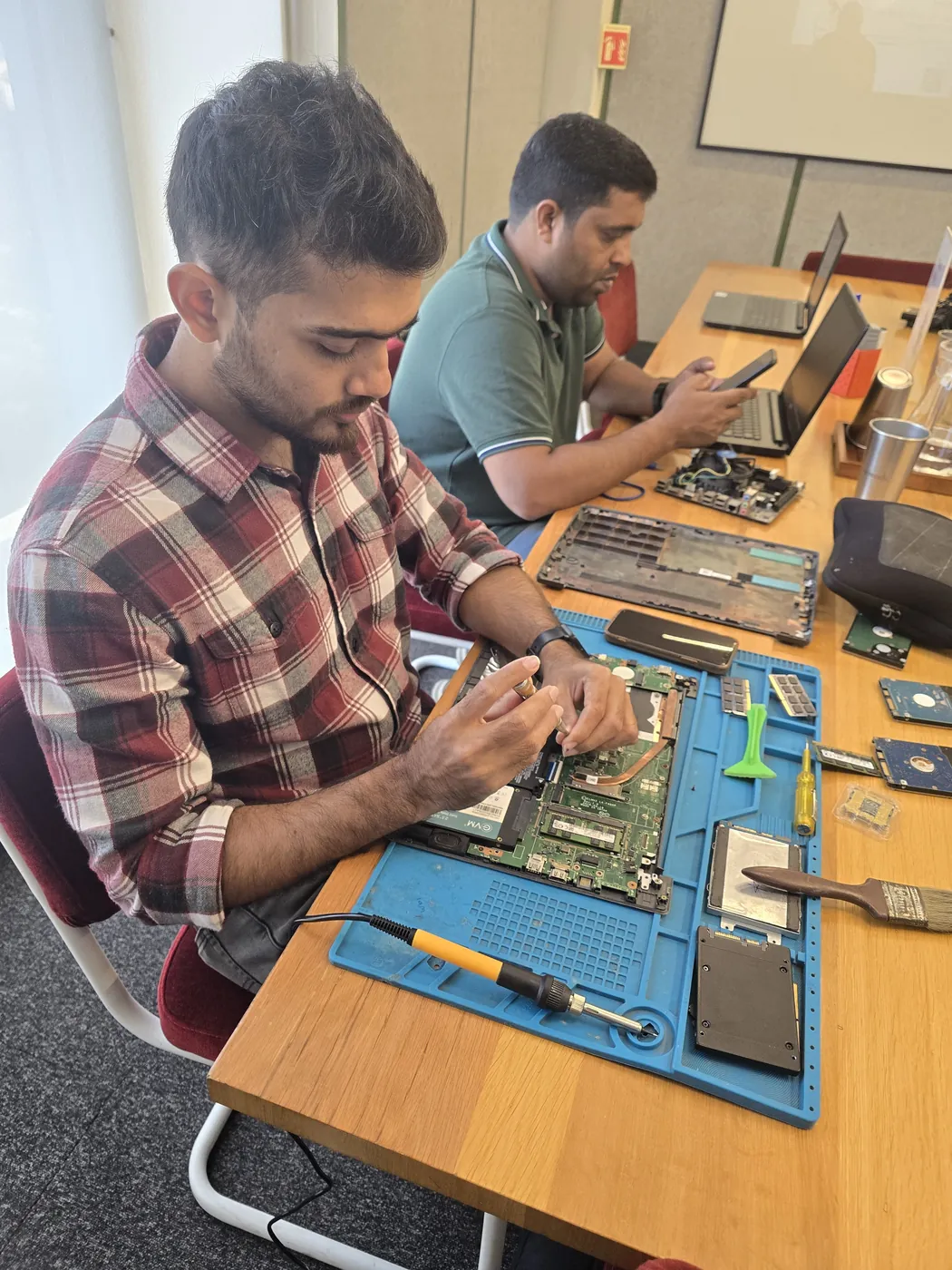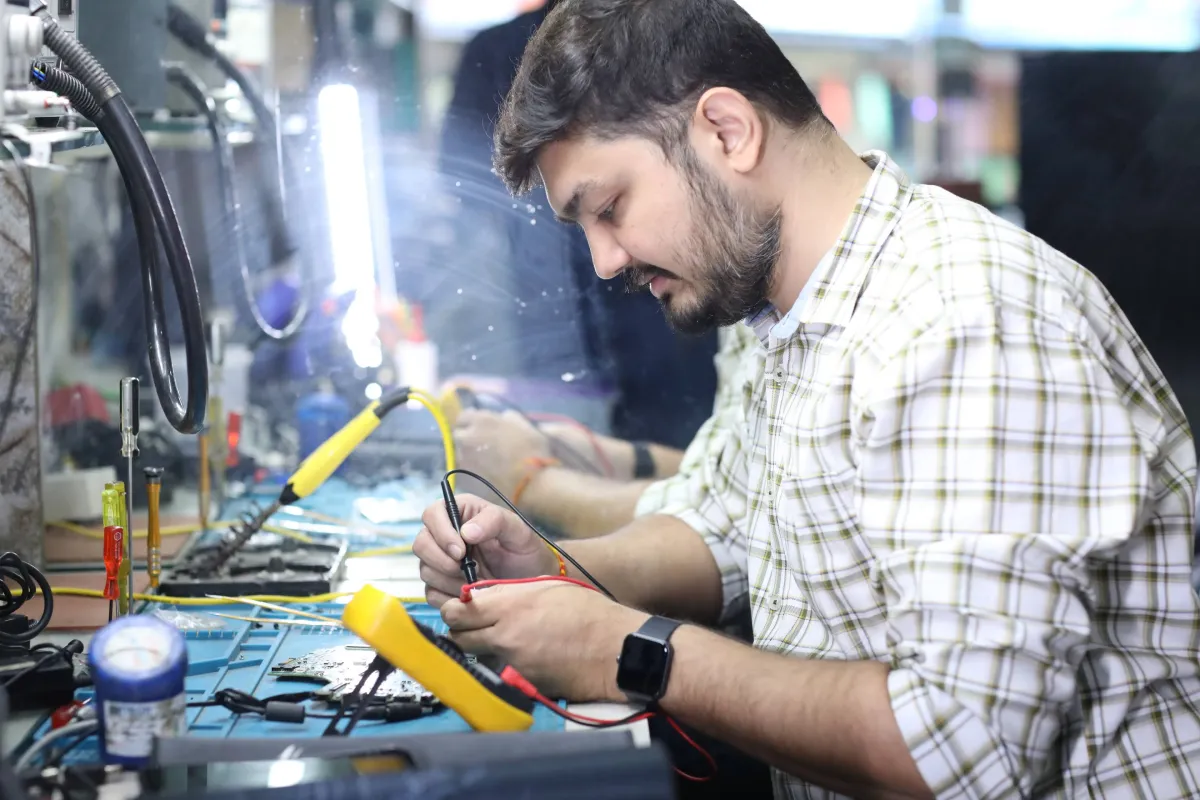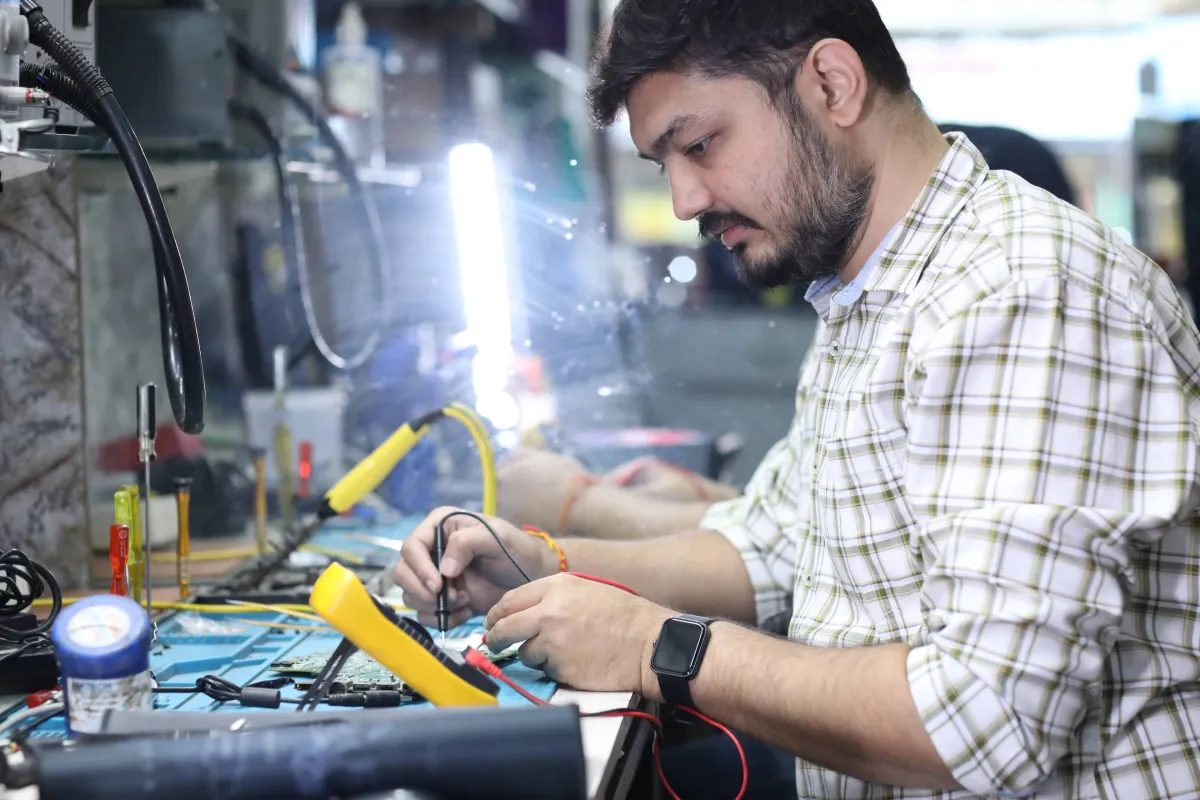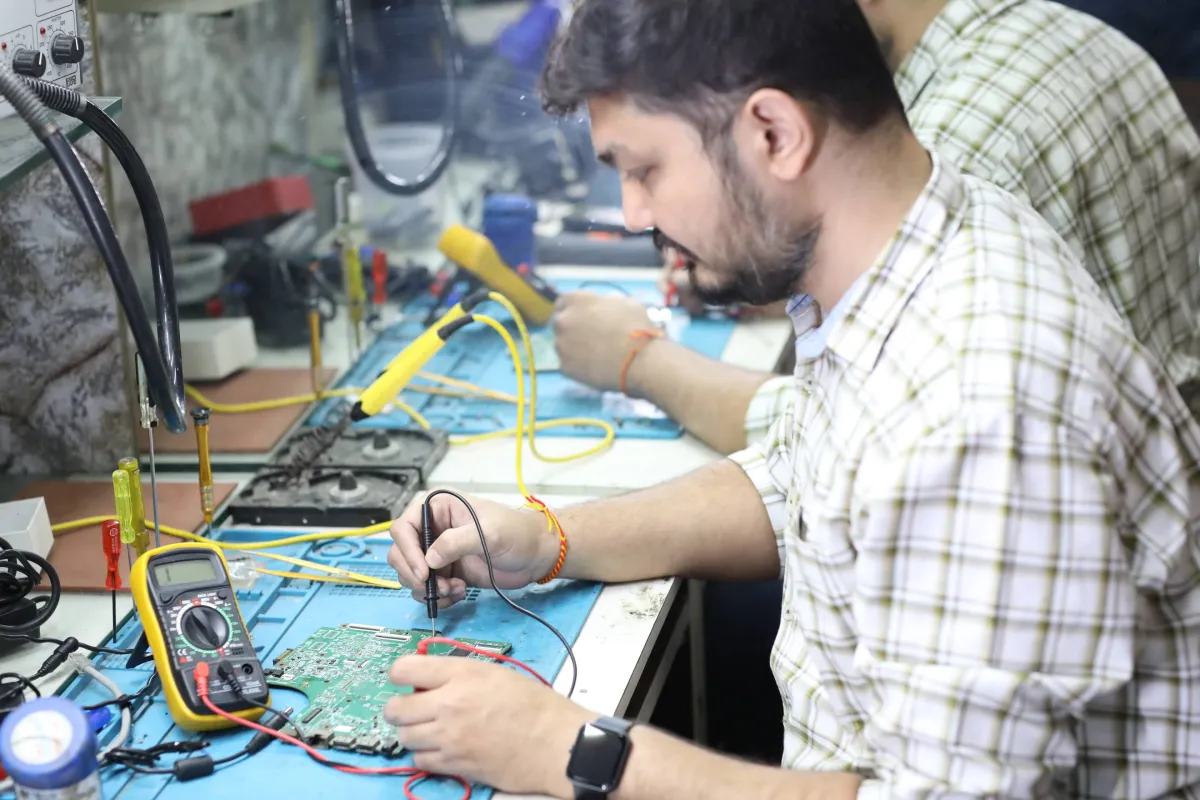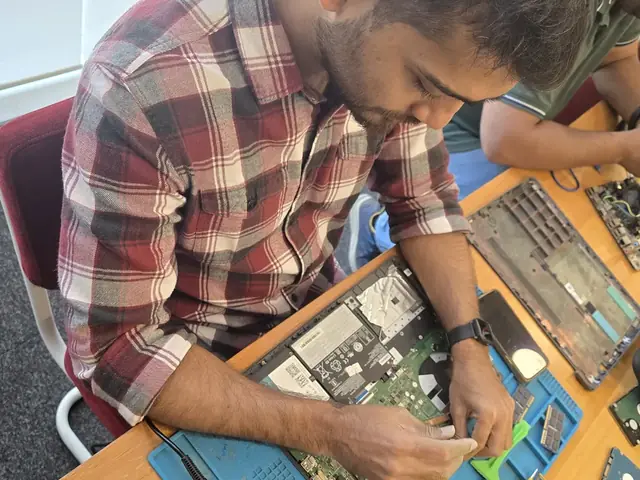
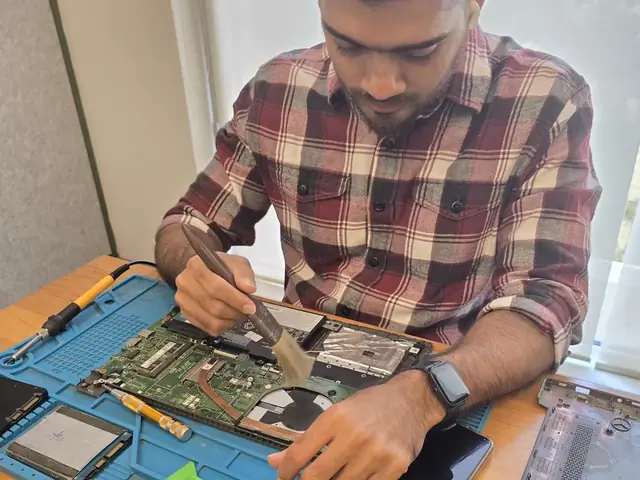
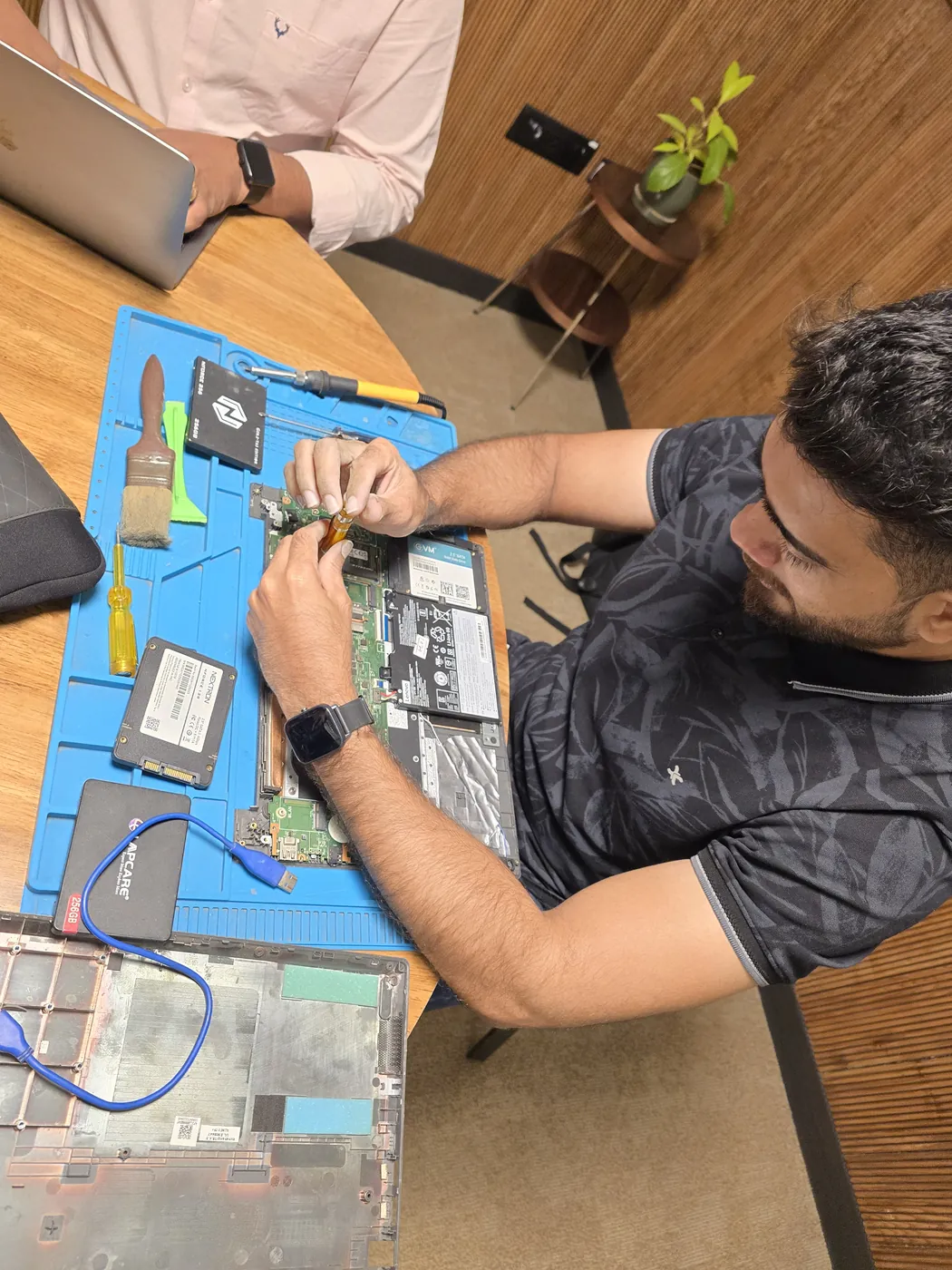
Laptop Thermal & Cooling Services

Laptop thermal paste, cooling repair & heat management across Mumbai. Fix overheating, reduce fan noise, restore peak performance.

Our Laptop Thermal & Cooling Services Services

Professional solutions for every need — select a service below to find certified technicians in your area.

Laptop Thermal Paste Replacement

Laptop thermal paste degrades within 12–18 months of heavy use. When yours dries out, CPU and GPU temperatures soar past 90°C, performance drops by 20–30%, and fans run at deafening speeds. Our thermal paste replacement service in {location} uses premium compounds like Thermal Grizzly Kryonaut to restore — or exceed — original factory thermal performance.
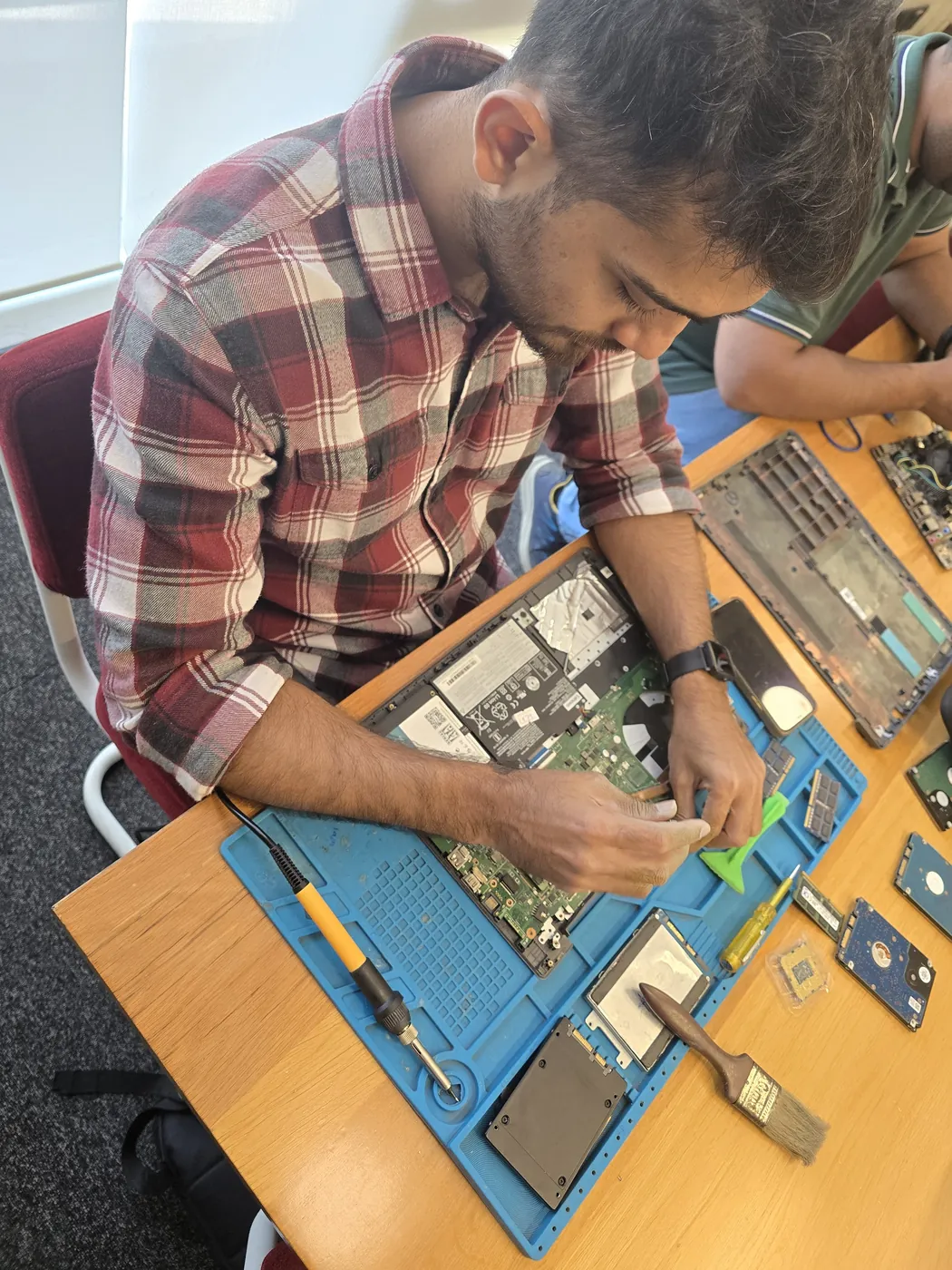
CPU Thermal Paste Service

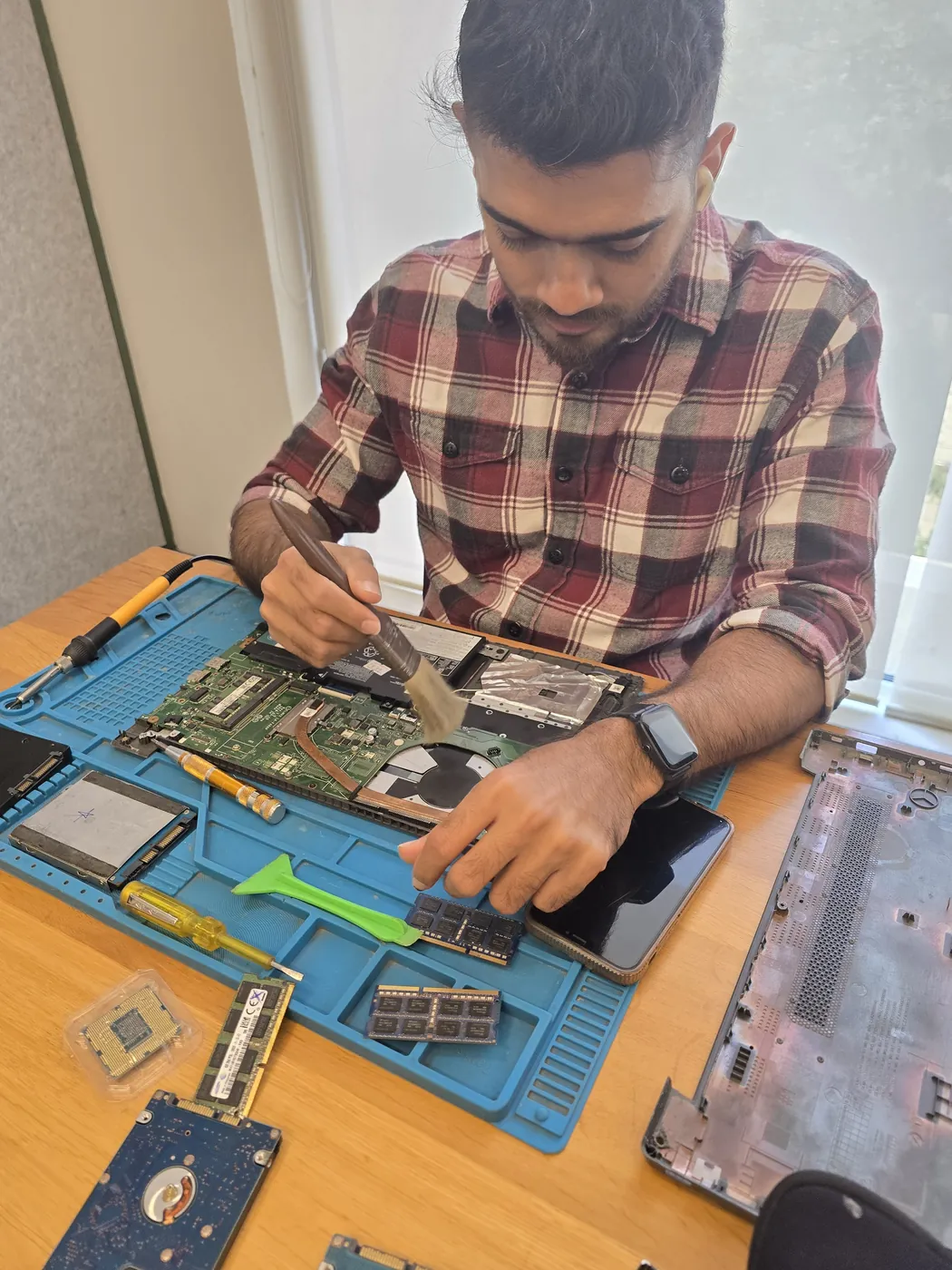
The CPU is the brain of your laptop — and it's throttling because the thermal paste between it and the heatsink has dried out. Our CPU thermal paste service in {location} specifically targets CPU thermal performance, applying premium Kryonaut or liquid metal directly on the processor die for maximum heat transfer to the cooling system.

Overheating Laptop Fix

An overheating laptop isn't just uncomfortable — it's actively damaging your hardware and killing performance. Sustained high temperatures degrade CPU solder joints, warp motherboards and permanently reduce battery life. Our comprehensive overheating fix in {location} addresses ALL causes: dried thermal paste, clogged fans, blocked vents, degraded thermal pads and suboptimal BIOS settings.

Laptop Cooling Service

Your laptop's cooling system is an ecosystem — fans, heatsink, thermal paste, thermal pads, vents and heatpipes all work together. When any one fails, the entire system suffers. Our laptop cooling service in {location} is a complete overhaul of every cooling component, ensuring your machine runs cool, quiet and at full performance.

Processor Thermal Paste Change

Whether your laptop runs Intel Core i3/i5/i7/i9 or AMD Ryzen 3/5/7/9, the processor's thermal paste degrades identically over time. Our processor thermal paste change service in {location} removes the old compound completely and applies premium Kryonaut or liquid metal — restoring the direct heat path from processor die to heatsink.

Thermal Compound Replacement Service

Thermal compound — also known as thermal paste, thermal grease or TIM (Thermal Interface Material) — is the crucial bridge between your processor and its heatsink. Our replacement service in {location} removes degraded factory compound and applies industrial-grade Thermal Grizzly Kryonaut or Conductonaut for maximum thermal conductivity across all laptop brands.

Laptop Heating Problem Solution

Sick of your laptop burning your lap and crashing during work? Our heating problem solution in {location} isn't a quick fix — it's a permanent resolution. We diagnose the root cause (paste, fans, vents, pads, heatpipes, software or hardware defect), fix ALL of them in one service, and back it with a 90-day guarantee.

Thermal Paste Reapply Service

Already had thermal paste applied before but temps are climbing again? Our thermal paste reapply service in {location} is specifically for laptops that need a fresh application — whether the previous paste was low-quality, improperly applied, or has simply reached the end of its serviceable life. We clean, inspect, reapply with premium compound and verify the improvement.

Cooling System Service

The cooling system is the lifeline of your laptop — fans, heatsink assembly, thermal paste, thermal pads, heatpipes and ventilation paths must all function optimally. Our cooling system service in {location} is a complete maintenance overhaul of every thermal component, restoring your laptop's ability to dissipate heat efficiently and run at full performance.

Laptop Temperature Fix

If monitoring tools like HWiNFO or HWMonitor show your CPU hitting 90–100°C, your laptop is in the danger zone. Our laptop temperature fix in {location} is a targeted service designed to bring CPU and GPU temperatures back to safe, optimal ranges — verified with before/after stress testing and documented with a detailed thermal report.

What Our Customers Say

Horizontal coloured lines appeared across my MSI Modern AM242 AIO display making work impossible. Xigox Goregaon diagnosed a failing T-CON board and replaced it. Sharp, line-free display restored perfectly. Quick turnaround on part sourcing.

Nilesh Lad Goregaon

Screen backlight on my MSI PRO AP242 AIO failed leaving the display nearly invisible. Xigox Ghatkopar replaced the LED backlight strip inside the display assembly without replacing the entire panel. Bright, even lighting restored. Cost-effective fix.

Meenal Agarkar Ghatkopar

Fans on my MSI Modern AM242 AIO were running at maximum speed constantly creating unbearable noise. Xigox Dadar replaced the internal fan assembly and cleaned all heatsinks. Whisper-quiet operation restored even during intensive tasks.

Rohit Deshpande Dadar

Touchscreen on my MSI PRO AP242 AIO had unresponsive areas across the bottom third. Xigox Colaba replaced the digitizer without removing the entire display panel. Full touch responsiveness restored. Impressive technical skill for integrated devices.

Anuja Gokhale Colaba

Internal hard drive on my MSI Modern AM242 AIO failed with clicking sounds. Xigox Chembur cloned recoverable data to a new one-terabyte SSD and installed it in the sealed chassis. Lightning-fast performance now. All files saved.

Pushkar Shinde Chembur

Two USB ports on my MSI PRO AP242 AIO stopped working completely. Xigox Borivali traced the issue to a blown fuse on the I/O board and replaced it. All ports working perfectly now. Board-level diagnostics at their best.

Varsha Usgaonkar Borivali

Frequently Asked Questions

How often should laptop thermal paste be replaced?
Every 12–18 months for heavy use, or whenever CPU temperatures consistently exceed 85°C under normal workloads.
What thermal paste do you use?
We use premium Thermal Grizzly Kryonaut (12.5 W/mK) as standard, with optional Conductonaut liquid metal (73 W/mK) for maximum cooling performance.
Can thermal paste replacement void my warranty?
Opening the laptop may void manufacturer warranty. We recommend this service for out-of-warranty devices or when overheating issues outweigh warranty concerns.
How long does thermal paste replacement take?
Most thermal paste replacements are completed in 1–2 hours including full disassembly, cleaning, application, and temperature testing.

Need Laptop Thermal & Cooling Services?

ISO 9001:2015 certified service • 90-day warranty • Same-day service available

Meet Our Expert Technicians

Certified professionals with years of hands-on experience

Priyank Bhurawalla
MacBook & Chip Level
8 Years experience
Umer Shaikh
Laptop Hardware
5 Years experience
Hapin Makwana
Data Recovery & OS
6 Years experience
Rahul Verma
iPhone & Samsung Chip Level
7 Years experience
ISO
Call WhatsApp