MSI Katana 15
Laptop Touchpad Not Working Repair
Near Me
Looking for Laptop Touchpad Not Working Repair for your MSI Katana 15 near you? Xigox provides free doorstep pickup within 2 hours — experienced technicians, OEM parts & 90-day warranty.
Open 9 AM – 9 PM · 7 days a week
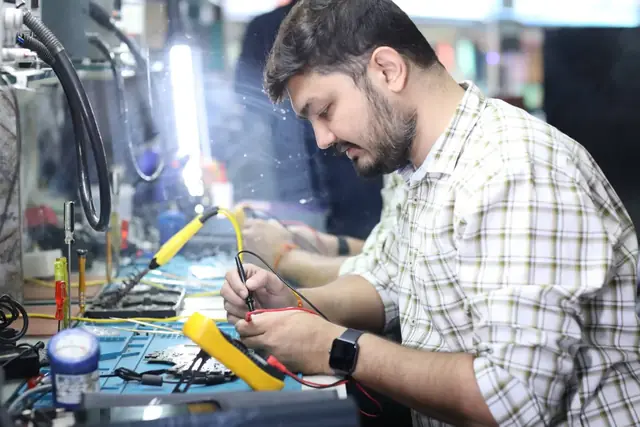
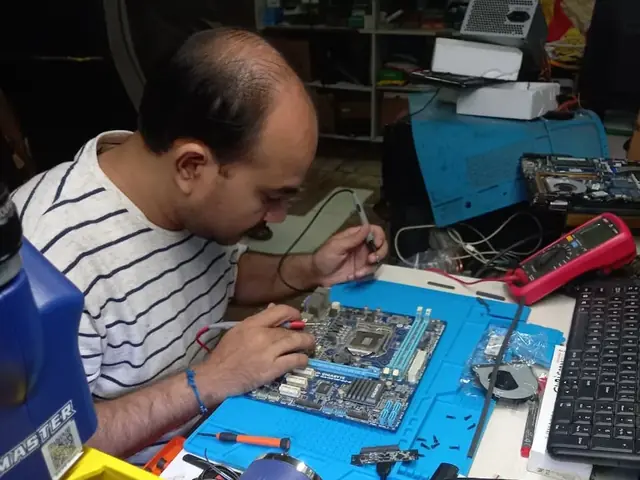
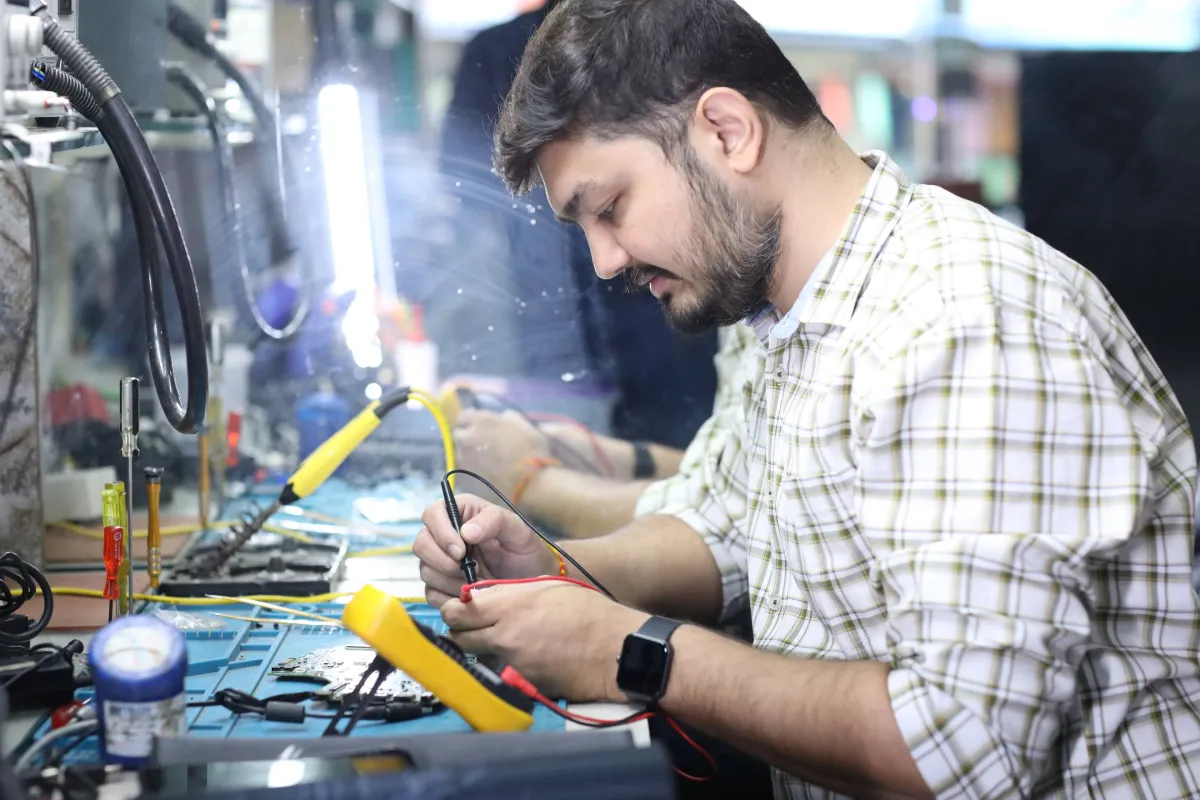
How MSI Katana 15 Laptop Touchpad Not Working Repair Works — Near You
From booking to delivery — simple, fast, transparent
Call or WhatsApp
Contact us — we'll confirm availability and give you a price estimate for your MSI Katana 15.
Free Doorstep Pickup
Our technician arrives at your location within 2 hours. No travel needed.
Expert Repair
Experienced team fixes your laptop or computer using OEM-quality parts. Most repairs done same-day.
Delivered Back
Laptop delivered to your doorstep, tested & quality-checked. 90-day warranty starts.
MSI Katana 15 Laptop Touchpad Not Working Repair — Price List
Transparent pricing · No hidden charges · Pay only after approval
| Issue / Component | Repair Price | Warranty |
|---|---|---|
| Laptop Touchpad Not Working Repair — Basic fix | ₹1,499 | 90 Days |
| Laptop Touchpad Not Working Repair — Standard fix | ₹1,999 | 90 Days |
| Laptop Touchpad Not Working Repair — Advanced fix | ₹2,999 | 90 Days |
| Laptop Touchpad Not Working Repair — Complex case | ₹3,999 | 90 Days |
Customer reviews
What Customers Say About Laptop & Computer Repairs in Mumbai
4.9/5 · 3 reviews shown
FAQ
FAQs — MSI Katana 15 Laptop Touchpad Not Working Repair Near Me
Quick answers about our doorstep repair service
10 questions answered
Still have questions?
Send us your question on WhatsApp or call — a technician will answer.
Watch & learn
See Our Repair Process in Action
Repair videos from our Virar West workshop

Laptop & Computer Repair, Sales & Data Recovery — Xigox
How the Xigox team handles laptop and computer repair, sales, service and data recovery across Mumbai, Thane & Palghar.

Xigox Laptop & Computer Repair — Real Customer Experience
See how Xigox handles real customer repairs — fast diagnosis, transparent pricing and a 90-day warranty on every job.

Xigox Service Centre — Mumbai's Trusted Repair Experts
A closer look at the Xigox team, our tools, and the repair process behind 9,605+ customer reviews across Mumbai MMR.

Inside Xigox — Computer & Laptop Repair Service Centre, Mumbai
A tour of our ISO 9001:2015 certified workshop — laptop, desktop and computer repairs with genuine-grade parts and a 90-day warranty.
MSI Katana 15 Laptop Touchpad Not Working Repair — All Locations
Choose your area for instant doorstep pickup
Other MSI Katana 15 Repair Services Near You
Explore all available repair options for your MSI Katana 15
Explore more services
More Repair & Tech Services Near Mumbai
Same technicians · Free pickup · 90-day warranty across all services.
Need MSI Katana 15
Laptop Touchpad Not Working Repair Near You?
Free doorstep pickup within 2 hours · Same-day repair · 90-day warranty · All of Mumbai MMR
How it's done
How We Perform Laptop Touchpad Not Working Repair
What our technicians do, what it requires, and how to tell you need it.
1 How It's Performed
When this exact symptom shows up, our technicians check the touchpad's cable seating and connector first, since a half-seated ribbon cable is a very common cause of intermittent touchpad faults, before deciding a full module replacement is actually needed.
Typical time: 20–30 minutes
2 What This Requires
- A touchpad module matched to your exact chassis, since mounting points and cable length vary even within the same brand's lineup.
- A BIOS-level test to rule out a driver conflict before any hardware is opened up.
3 When You Need This
- The cursor jumps, double-clicks on its own, or stops responding in specific areas of the pad.
- Multi-finger gestures (scroll, zoom) stop working even though basic movement is fine.
- The touchpad is unresponsive even inside the BIOS/UEFI setup screen — this points to hardware, not software.
The model
About the MSI Katana 15
The MSI Katana 15 is part of MSI's Katana line — mid-tier gaming laptops offering a dedicated GPU and high-refresh display at a more accessible price than MSI's flagship Raider/Titan lines.
Key features
- Dedicated gaming GPU standard, at a price point below MSI's flagship gaming lines.
- High-refresh display on most configurations.
- MSI Center software for performance/thermal tuning.
MSI Katana models we commonly repair
- MSI Katana 15
- MSI Katana 17
- MSI Katana GF66
- MSI Katana GF76
MSI Katana 15 Laptop Touchpad Not Working Repair in Mumbai — Professional, Reliable, and Affordable
Don't waste time on booking portals. Reach the engineers directly with Xigox. Fixing individual keycaps are often possible in under 60 minutes — far cheaper than a full deck replacement. Xigox has replacement keycaps for popular MSI Katana 15 models in Mumbai: if only one or two keys are broken, individual key swap saves ₹2,000–₹4,000 versus a full replacement. That's the standard Xigox holds for MSI Katana 15 Laptop Touchpad Not Working Repair in Mumbai — free doorstep pickup, a transparent quote in writing, genuine-grade parts, and a 90-day warranty once the MSI Katana 15 Laptop Touchpad Not Working Repair is complete.
Same-Day Rush MSI Katana 15 Laptop Touchpad Not Working Repair in Mumbai
Is your deadline today? We provide emergency this issue in Mumbai for time-sensitive situations. Whether you have a presentation tomorrow and your MSI Katana 15 just stopped working, our priority service puts your MSI Katana 15 at the front of the queue, so most repairs can be finished the same business day. Priority repairs are available 7 days a week in Mumbai. Simply mention 'URGENT' when booking and we'll prioritise your issue immediately.
The Best Choice for MSI Katana 15 Laptop Touchpad Not Working Repair in Mumbai
There are many repair shops in Mumbai, however, Xigox stands out for the repair. We believe in total honesty. Each repair begins with a thorough diagnostic inspection for ₹350, which is fully refunded if you proceed. No surprise fees — only expert repair in Mumbai.
Multi-Brand Expertise in Mumbai
Your MSI Katana 15 model doesn't limit what we can fix. Our technicians are brand-agnostic experts: HP, Dell, Lenovo, Asus, Acer, MSI, Toshiba, Samsung and Apple MacBook. Each brand has quirks in their assembly that our team knows well. Model-specific experience cuts diagnostic time and improves first-time fix rates.
Enterprise MSI Katana 15 Laptop Touchpad Not Working Repair in Mumbai
Xigox isn't just for individuals Mumbai rely on our repair to minimise downtime. Our corporate solutions include annual maintenance plans, priority turnaround, and dedicated account managers. Whether you have 5 laptops or 500, Xigox handles the repair for your Mumbai office with corporate billing and detailed repair documentation.
Authentic Components for MSI Katana 15 Laptop Touchpad Not Working Repair
Quality matters for this issue. Because of this, our team strictly use genuine parts for your MSI Katana 15. Instead of unbranded components, we use trusted supply chains. This is how we help your issue stay durable, supported by our standard 90-day warranty.
Expert Technicians for MSI Katana 15 Laptop Touchpad Not Working Repair in Mumbai
Not everyone in Mumbai can handle complex the repair. Xigox's engineers possess years of experience specifically for MSI Katana 15 hardware. Whether it's a minor fix or advanced component-level motherboard repair, we fix it properly right here for Mumbai clients.
Same-Day MSI Katana 15 Laptop Touchpad Not Working Repair — How It Works
Curious how quickly Xigox can complete issue in Mumbai? Here's our typical timeline: Step 1 — message us and our pickup technician reaches you within 2 hours. Step 2 — our inspection identifies the exact fault. Next — you give the go-ahead via WhatsApp — completely your decision. Finally — this issue is executed using genuine parts at our Virar West workshop, often same day. Then — we return it to your Mumbai address fully tested.
Rigorous Testing after MSI Katana 15 Laptop Touchpad Not Working Repair
Fixing the immediate problem is only half the job at Xigox. Prior to delivery in Mumbai, it must pass a rigorous full-system quality check. Our team ensures that the repair was successful, checking wi-fi connectivity. This level of testing is the reason for our 4.9★ rating across Mumbai.
Xigox Service Promise for MSI Katana 15 Laptop Touchpad Not Working Repair
Xigox's responsibility extends beyond the repair itself. The Xigox after-service team remains reachable 7 days a week, 9 AM–9 PM via WhatsApp or phone. Should any concern arise within 90 days of your issue, simply contact us and a technician is dispatched at no cost. This commitment is why residents in Mumbai return to Xigox.
Post-Repair Performance MSI Katana 15 Laptop Touchpad Not Working Repair
Following a professional repair in Mumbai, you can expect significantly better performance: faster boot times, lower fan noise, full-day battery performance, or crisp, bright display — based on what was fixed. Xigox performs a benchmark at the end of every repair in Mumbai to document the improvement.
Stop letting your broken MSI Katana 15 disrupt your workflow in Mumbai. Contact Xigox right now to schedule your MSI Katana 15 Laptop Touchpad Not Working Repair. With our 90-day warranty and transparent pricing, your MSI Katana 15 is in safe hands. Schedule your free pickup in Mumbai via WhatsApp.
MSI Katana 15 Laptop Touchpad Not Working Repair price in Mumbai — know it before you book
- 1Pick your device & issue
- 2See the real price range
- 3Free doorstep pickup in Mumbai
4.9 from 9,605 customer reviews across all repairs · upfront pricing · 90-day warranty
Before you book: have your device model and a quick description of the issue ready — it speeds up your quote.
Not sure what's wrong?
Find Your Fix by Symptom
Tell us what your device is doing — we'll point you to the right repair, with real pricing and next steps.
Book a repair
MSI Katana 15 Laptop Touchpad Not Working Repair — Book Now
Free doorstep pickup · Genuine parts · 90-day warranty
Booking received
We'll call you within 1 hour to confirm your appointment and arrange doorstep pickup.
Inspection fee: ₹350
- Credited to your total repair cost if you go ahead.
- Still applies if the device can't be repaired or you decline the repair.
Device type *
Inspection fee: ₹350
- If you go ahead with the repair, the ₹350 is credited to your total repair cost.
- If the device can't be repaired or you decide not to continue, the ₹350 inspection fee still applies.
Your details are used only to arrange this repair. By submitting, you agree to our Privacy Policy.