MSI Katana 15
WiFi Not Detecting
Near Me
Looking for WiFi Not Detecting for your MSI Katana 15 near you? Xigox provides free doorstep pickup within 2 hours — experienced technicians, OEM parts & 90-day warranty.
Open 9 AM – 9 PM · 7 days a week
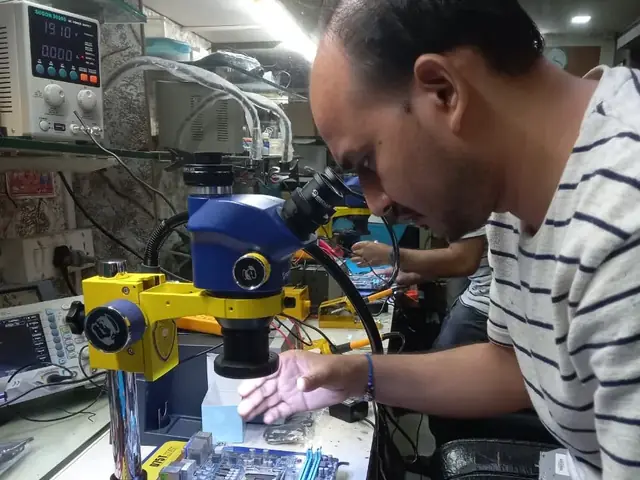
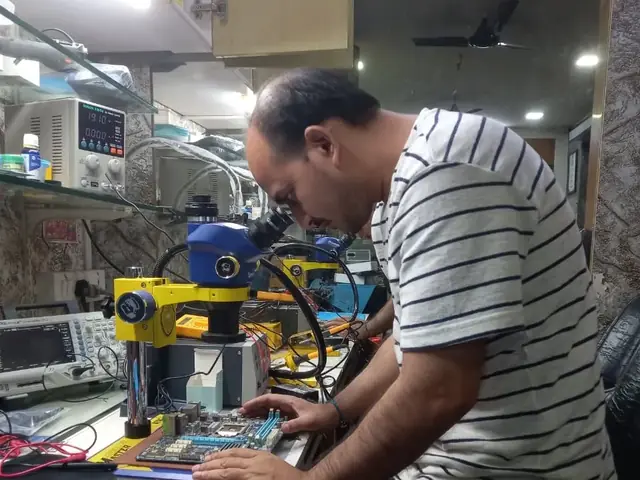
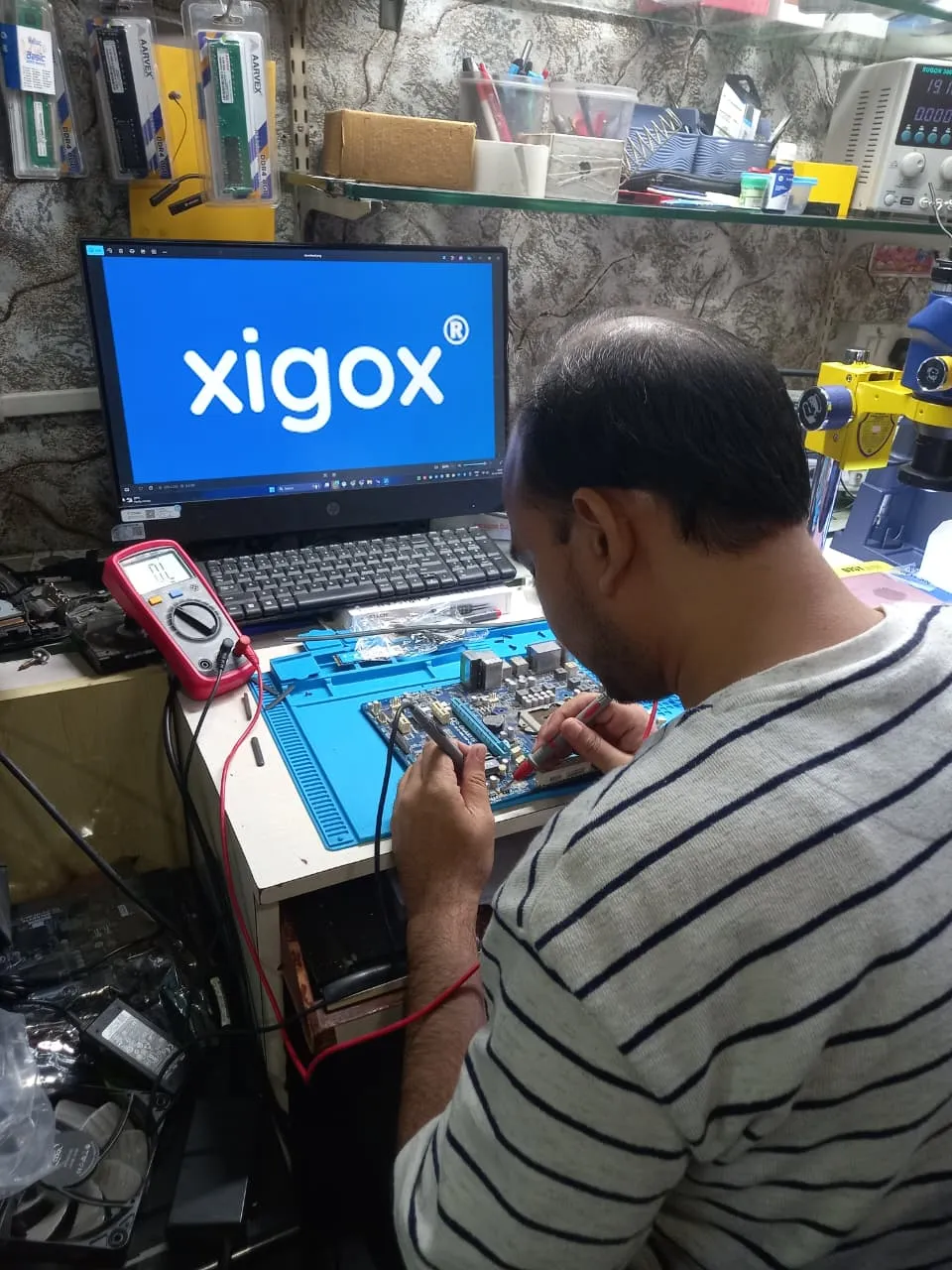
How MSI Katana 15 WiFi Not Detecting Works — Near You
From booking to delivery — simple, fast, transparent
Call or WhatsApp
Contact us — we'll confirm availability and give you a price estimate for your MSI Katana 15.
Free Doorstep Pickup
Our technician arrives at your location within 2 hours. No travel needed.
Expert Repair
Experienced team fixes your laptop or computer using OEM-quality parts. Most repairs done same-day.
Delivered Back
Laptop delivered to your doorstep, tested & quality-checked. 90-day warranty starts.
MSI Katana 15 WiFi Not Detecting — Price List
Transparent pricing · No hidden charges · Pay only after approval
| Issue / Component | Repair Price | Warranty |
|---|---|---|
| WiFi Software Fix | ₹350 - ₹799 | 90 Days |
| WiFi Card Repair | ₹749 - ₹1,499 | 90 Days |
| WiFi Card Replacement | ₹1,499 - ₹2,899 | 90 Days |
| Antenna + Card Replacement | ₹2,199 - ₹4,099 | 90 Days |
Customer reviews
What Customers Say About Laptop & Computer Repairs in Mumbai
4.9/5 · 9 reviews shown
← Swipe or tap dots to browse →
FAQ
FAQs — MSI Katana 15 WiFi Not Detecting Near Me
Quick answers about our doorstep repair service
10 questions answered
Still have questions?
Send us your question on WhatsApp or call — a technician will answer.
Watch & learn
See Our Repair Process in Action
Repair videos from our Virar West workshop

Laptop & Computer Repair, Sales & Data Recovery — Xigox
How the Xigox team handles laptop and computer repair, sales, service and data recovery across Mumbai, Thane & Palghar.

Xigox Laptop & Computer Repair — Real Customer Experience
See how Xigox handles real customer repairs — fast diagnosis, transparent pricing and a 90-day warranty on every job.

Xigox Service Centre — Mumbai's Trusted Repair Experts
A closer look at the Xigox team, our tools, and the repair process behind 9,605+ customer reviews across Mumbai MMR.

Inside Xigox — Computer & Laptop Repair Service Centre, Mumbai
A tour of our ISO 9001:2015 certified workshop — laptop, desktop and computer repairs with genuine-grade parts and a 90-day warranty.
MSI Katana 15 WiFi Not Detecting — All Locations
Choose your area for instant doorstep pickup
Other MSI Katana 15 Repair Services Near You
Explore all available repair options for your MSI Katana 15
Explore more services
More Repair & Tech Services Near Mumbai
Same technicians · Free pickup · 90-day warranty across all services.
Need MSI Katana 15
WiFi Not Detecting Near You?
Free doorstep pickup within 2 hours · Same-day repair · 90-day warranty · All of Mumbai MMR
How it's done
How We Perform WiFi Not Detecting
What our technicians do, what it requires, and how to tell you need it.
1 How It's Performed
For this specific fault, our technicians check signal strength and connection stability both with the laptop's own card and (where possible) a known-good external adapter, isolating a hardware fault from a router-side or driver-side cause before any part is replaced.
Typical time: 20–40 minutes
2 What This Requires
- A test against a known-good network and, where possible, a second device, to rule out a router-side cause before concluding the fault is in your laptop.
- A wireless card matched to your model's exact M.2/mini-PCIe slot and antenna connector type.
3 When You Need This
- The problem started after the laptop was opened for cleaning or a RAM/SSD upgrade — antenna leads are easy to dislodge during other internal work.
The model
About the MSI Katana 15
The MSI Katana 15 is part of MSI's Katana line — mid-tier gaming laptops offering a dedicated GPU and high-refresh display at a more accessible price than MSI's flagship Raider/Titan lines.
Key features
- Dedicated gaming GPU standard, at a price point below MSI's flagship gaming lines.
- High-refresh display on most configurations.
- MSI Center software for performance/thermal tuning.
MSI Katana models we commonly repair
- MSI Katana 15
- MSI Katana 17
- MSI Katana GF66
- MSI Katana GF76
MSI Katana 15 WiFi Not Detecting in Mumbai — Professional, Reliable, and Affordable
Why waste time on aggregators? Get direct service without middleman markup with Xigox. Every day, people in Mumbai need trustworthy MSI Katana 15 WiFi Not Detecting — and Xigox delivers. Having completed thousands of repairs across Mumbai, our technicians combine speed with precision for MSI Katana 15 WiFi Not Detecting. From startups to family homes in Mumbai, we've earned the trust that 4.9★ ratings validate.
Warranty & After-Service for MSI Katana 15 WiFi Not Detecting
All this issue performed by Xigox in Mumbai comes with a written 90-day warranty covering parts and labour. Simply put, if the same issue recurs within 90 days, we redo it completely free. Xigox issues a printed warranty receipt every single time, so you know exactly what is covered.
After-Repair Speed MSI Katana 15 WiFi Not Detecting
Following a professional repair in Mumbai, you can expect significantly better performance: faster boot times, lower fan noise, full-day battery performance, or crisp, bright display — based on what was fixed. Xigox performs a benchmark at the end of every repair in Mumbai to document the improvement.
Genuine Parts for MSI Katana 15 WiFi Not Detecting
Quality matters for this issue. Because of this, our team strictly use genuine parts for your MSI Katana 15. Instead of unbranded components, we use trusted supply chains. This is how we help your issue stay durable, supported by our standard 90-day warranty.
Our MSI Katana 15 WiFi Not Detecting Process Step by Step
Arranging the repair in Mumbai is incredibly simple. Step 1, call or WhatsApp us at +91 74997 61196 to describe your issue. Next, our complimentary collection driver arrives at your Mumbai doorstep within 1–2 hours. The team then carry out a thorough diagnostic (₹350, credited toward your repair). Once you agree, the repair is executed with genuine parts — and your MSI Katana 15 is returned to you. Most repairs done same day.
Data Security During MSI Katana 15 WiFi Not Detecting
Your personal data is our top priority during your issue. Customers throughout Mumbai trust us because we never access personal files. Throughout the issue, your confidential files remain untouched. If a software reset is necessary, we consult you beforehand.
Trained Technicians for MSI Katana 15 WiFi Not Detecting in Mumbai
Not everyone in Mumbai can handle complex the repair. Xigox's engineers undergo rigorous training specifically for MSI Katana 15 hardware. Whether it's a minor fix or advanced component-level motherboard repair, we fix it properly right here for Mumbai clients.
Multi-Point Inspection after MSI Katana 15 WiFi Not Detecting
Completing the repair is just the first step at Xigox. Before your MSI Katana 15 is returned in Mumbai, it undergoes a strict multi-point inspection. We verify that your issue was executed flawlessly, testing thermal performance. This attention to detail is why our return rate is so low across Mumbai.
Eco-Friendly MSI Katana 15 WiFi Not Detecting Practices in Mumbai
We are committed to reducing e-waste in Mumbai. Rather than discarding your broken MSI Katana 15, our repair extends its lifespan significantly. We safely dispose of irreparable parts instead of dumping them. When you opt for our service team, you are actively contributing to reduce electronic waste.
Rapid MSI Katana 15 WiFi Not Detecting — Timeline
Curious how quickly Xigox can complete issue in Mumbai? Here's our typical timeline: Step 1 — message us and our pickup technician reaches you within 2 hours. Step 2 — our inspection identifies the exact fault. Next — you give the go-ahead via WhatsApp — completely your decision. Finally — this issue is executed using genuine parts at our Virar West workshop, often same day. Then — we return it to your Mumbai address fully tested.
Transparent Inspection in Mumbai
Uncertain about the issue with your MSI Katana 15? Prior to starting any repair, Xigox performs a thorough diagnostic check. The ₹350 inspection fee, it is 100% refunded if you proceed with the repair. Our local experts will show you the broken part in plain English so you can make an informed decision.
Don't let a broken MSI Katana 15 slow you down in Mumbai. Call Xigox right now to schedule your MSI Katana 15 WiFi Not Detecting. With our 90-day warranty and upfront pricing, your MSI Katana 15 is in safe hands. Schedule your free pickup in Mumbai online now.
MSI Katana 15 WiFi Not Detecting price in Mumbai — know it before you book
- 1Pick your device & issue
- 2See the real price range
- 3Free doorstep pickup in Mumbai
4.9 from 9,605 customer reviews across all repairs · upfront pricing · 90-day warranty
Before you book: have your device model and a quick description of the issue ready — it speeds up your quote.
Not sure what's wrong?
Find Your Fix by Symptom
Tell us what your device is doing — we'll point you to the right repair, with real pricing and next steps.
Book a repair
MSI Katana 15 WiFi Not Detecting — Book Now
Free doorstep pickup · Genuine parts · 90-day warranty
Booking received
We'll call you within 1 hour to confirm your appointment and arrange doorstep pickup.
Inspection fee: ₹350
- Credited to your total repair cost if you go ahead.
- Still applies if the device can't be repaired or you decline the repair.
Device type *
Inspection fee: ₹350
- If you go ahead with the repair, the ₹350 is credited to your total repair cost.
- If the device can't be repaired or you decide not to continue, the ₹350 inspection fee still applies.
Your details are used only to arrange this repair. By submitting, you agree to our Privacy Policy.