Dell · Inspiron 27 7720 AIO · Wada

Dell Inspiron 27 7720 AIO
SSD Upgrade
in Wada

Expert repair for your Dell Inspiron 27 7720 AIO in Wada. Free doorstep pickup, OEM-quality parts & 90-day warranty.

✓ Free Doorstep Pickup ✓ Same-Day Repair ✓ 90-Day Warranty ✓ ISO 9001 Certified

Open every day, 9 AM – 9 PM

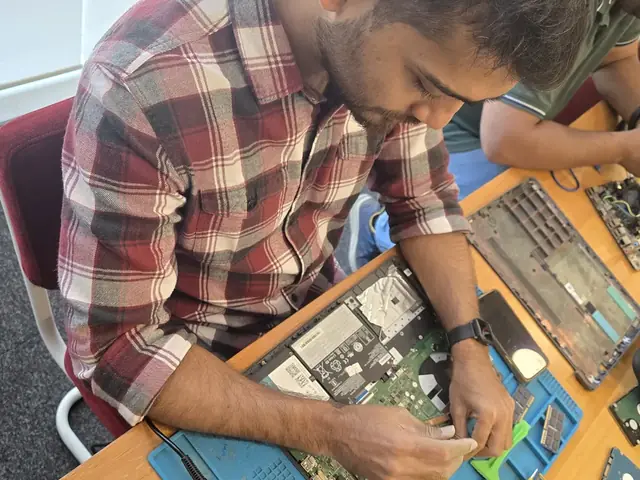
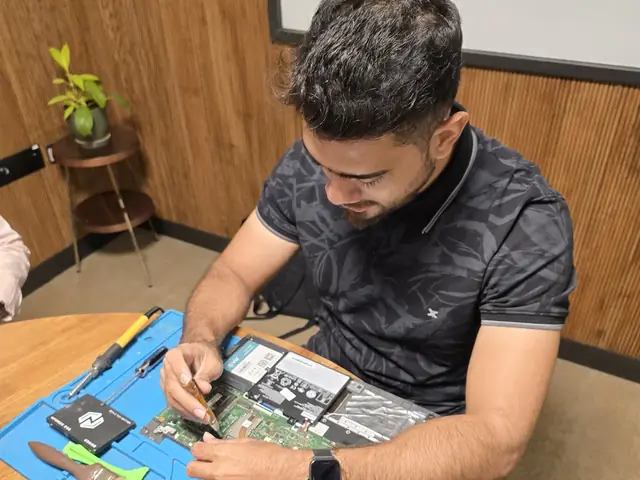
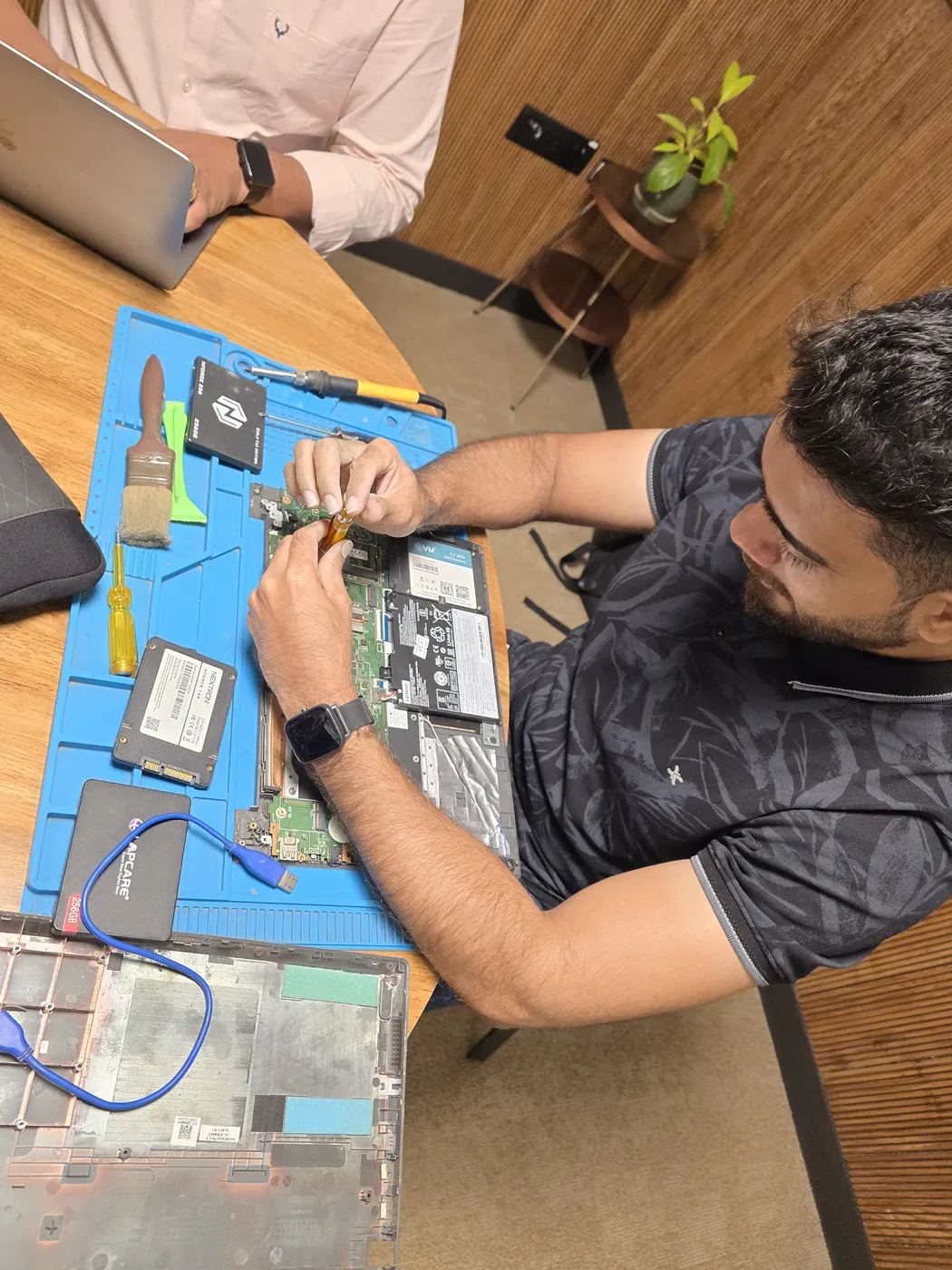
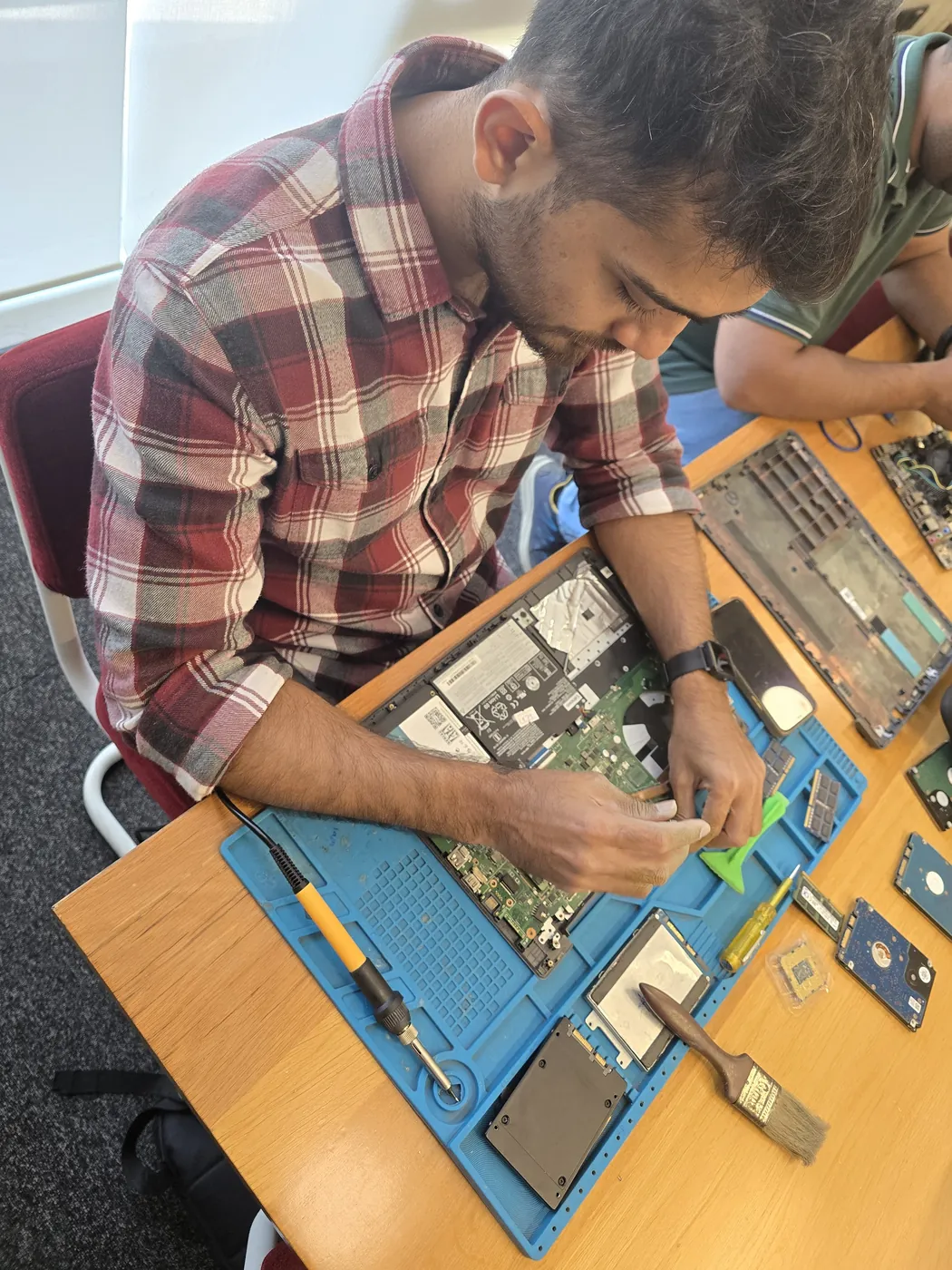
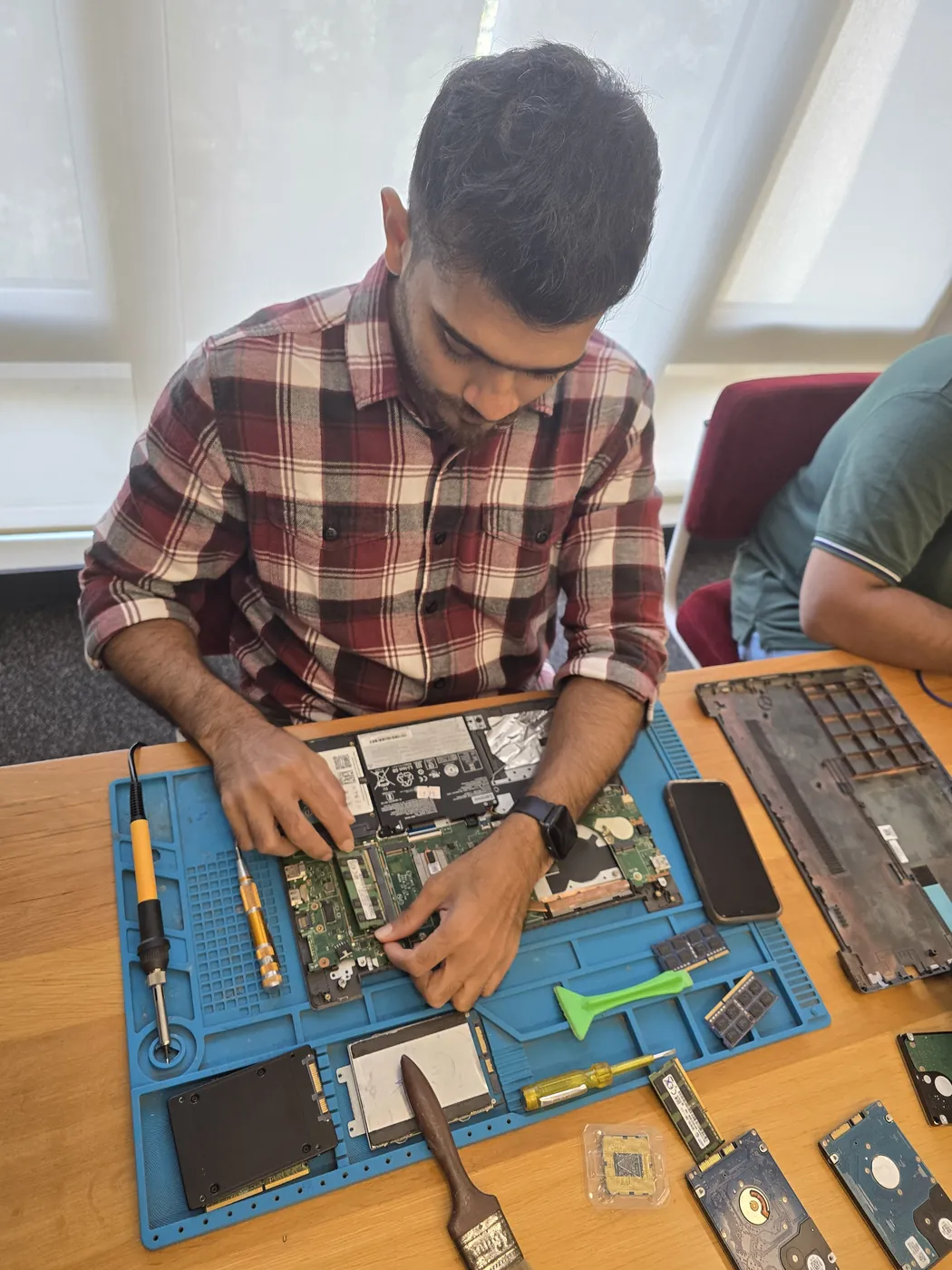
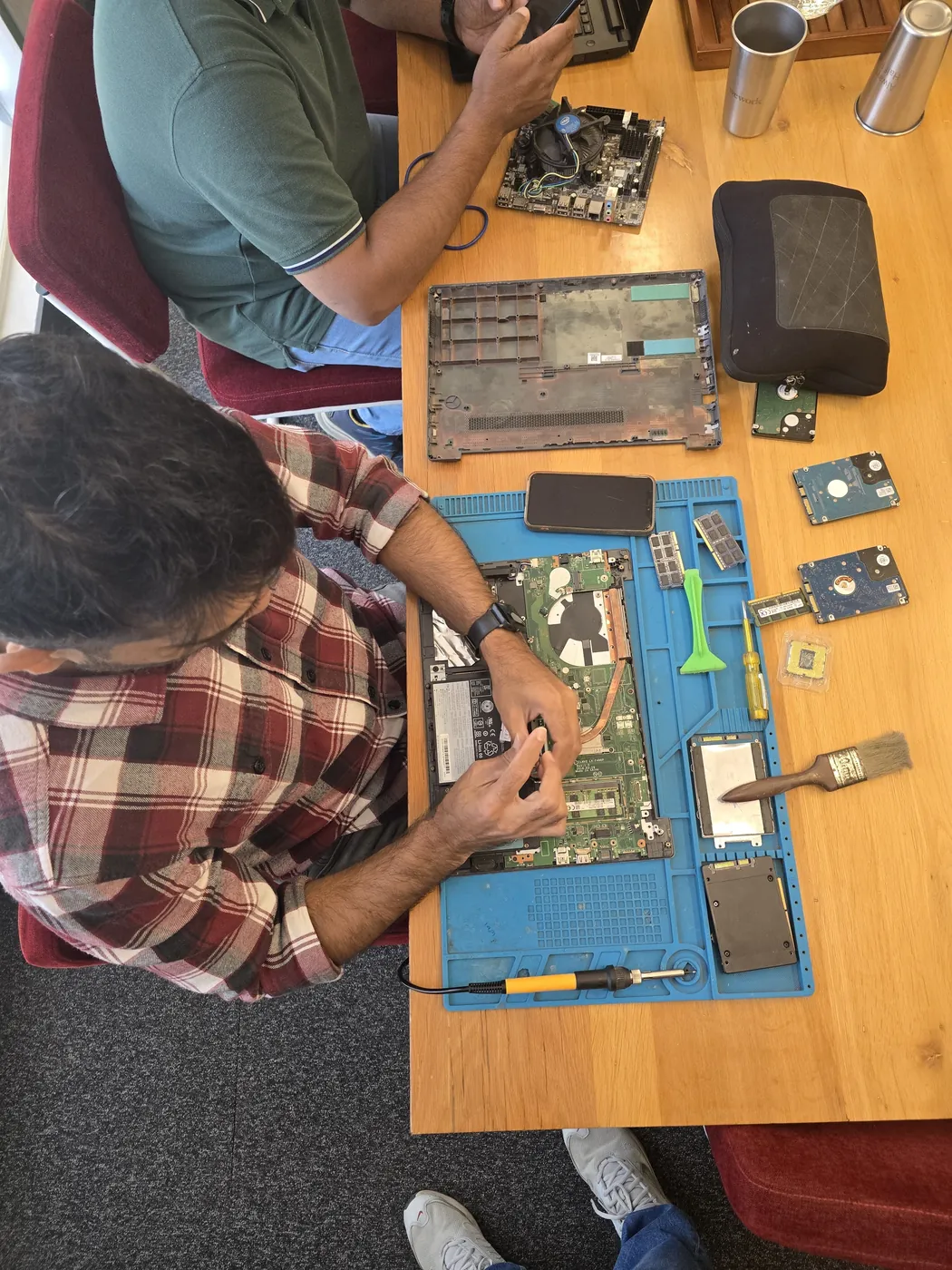
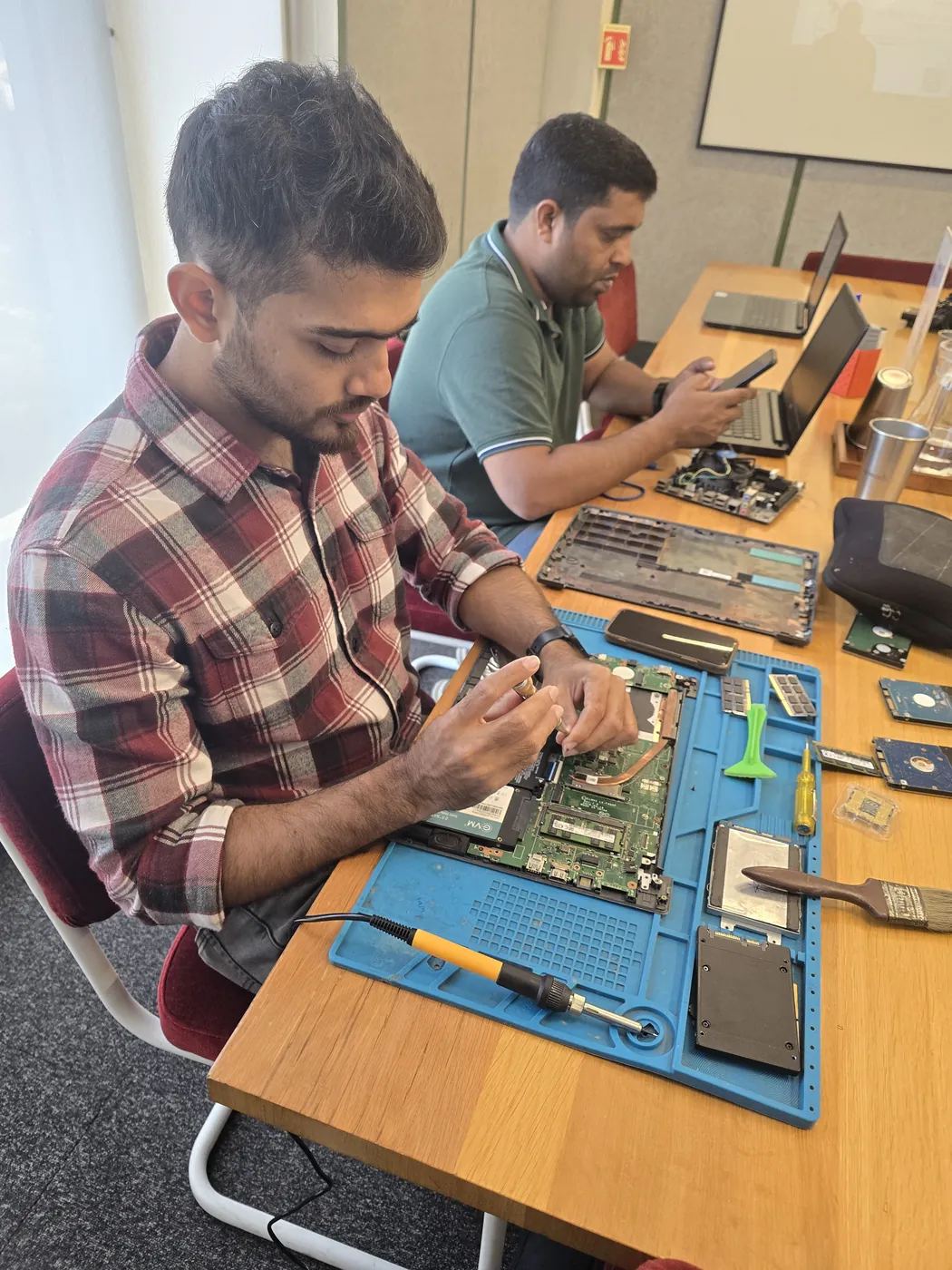
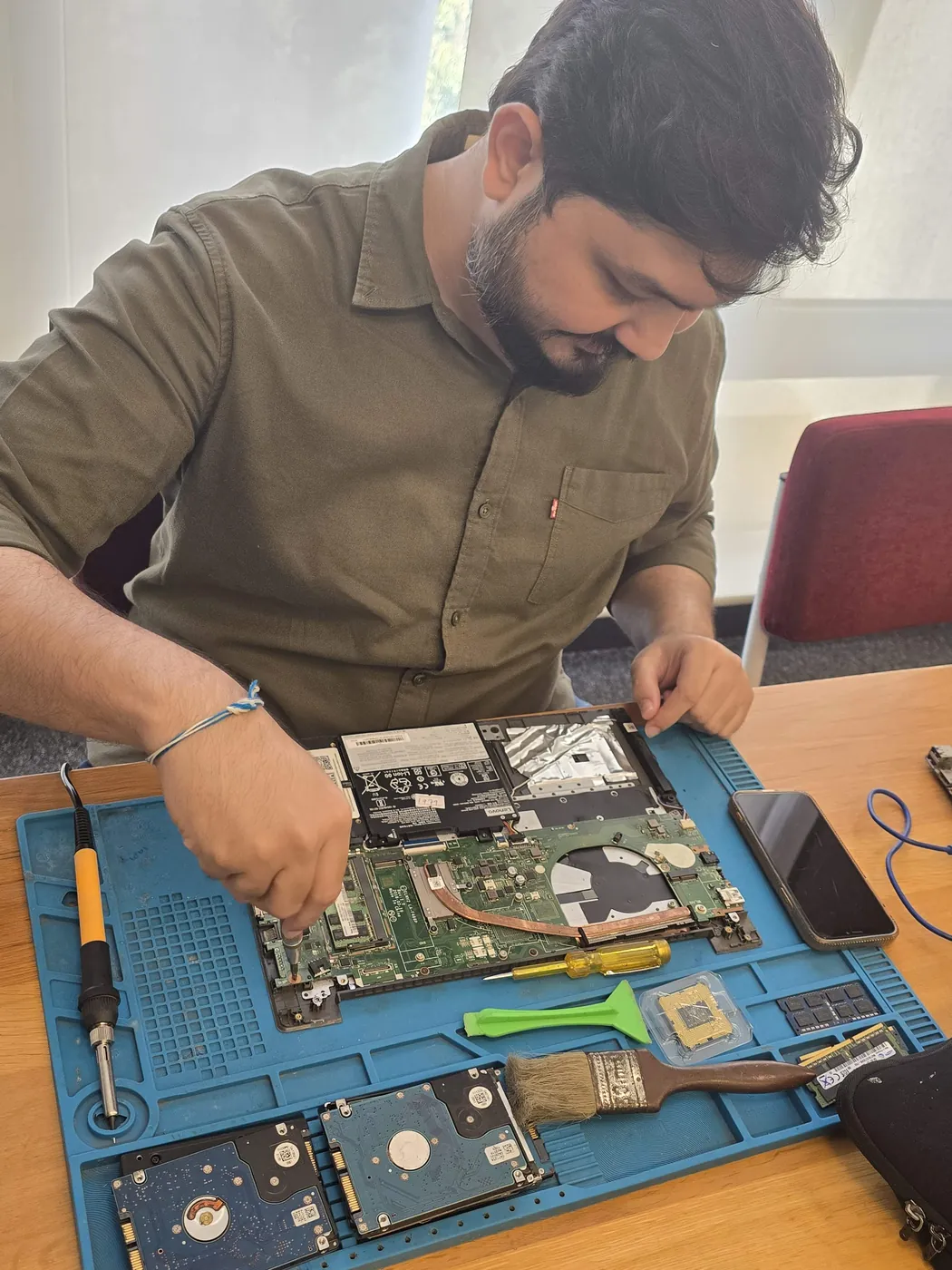
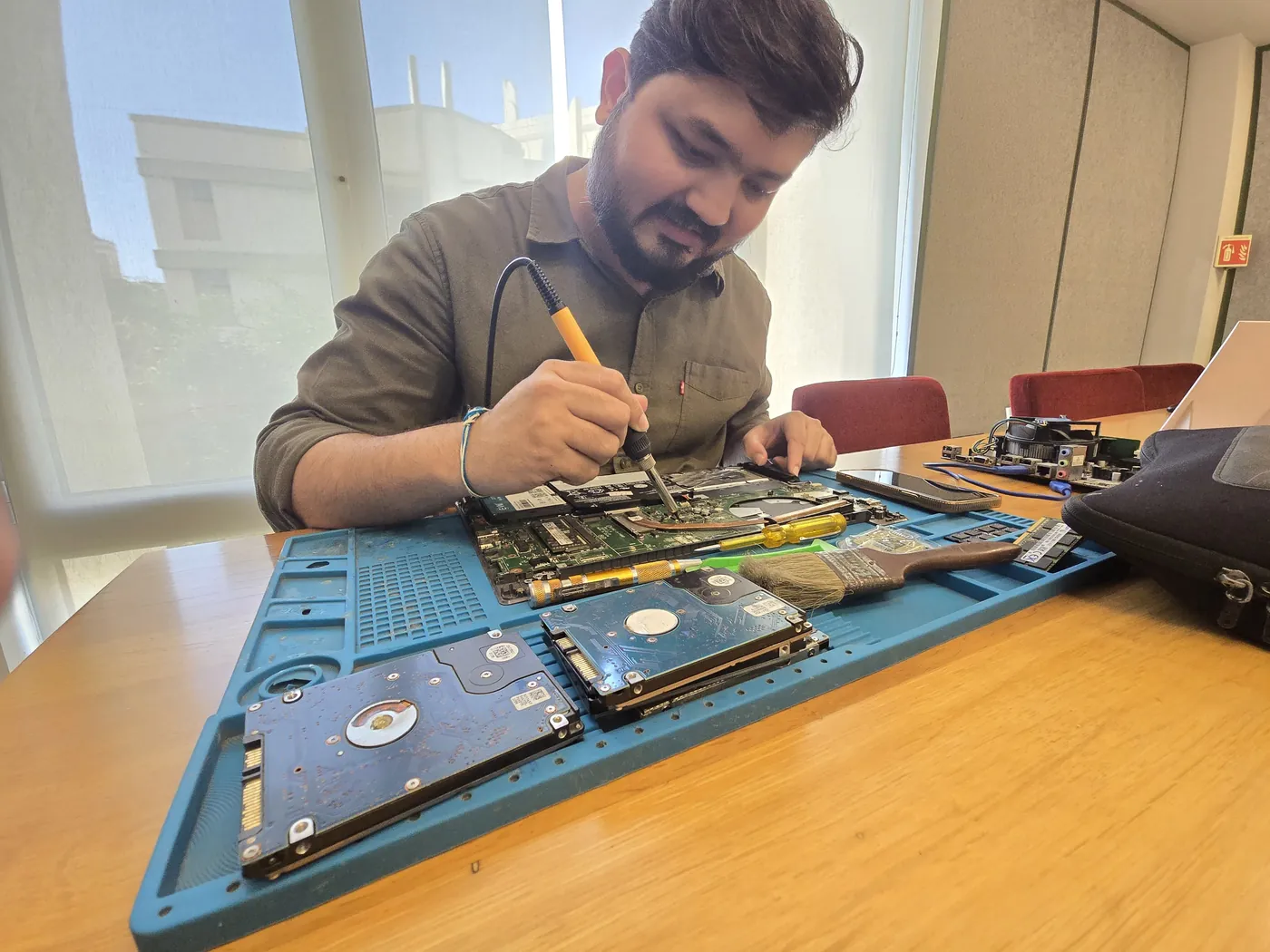
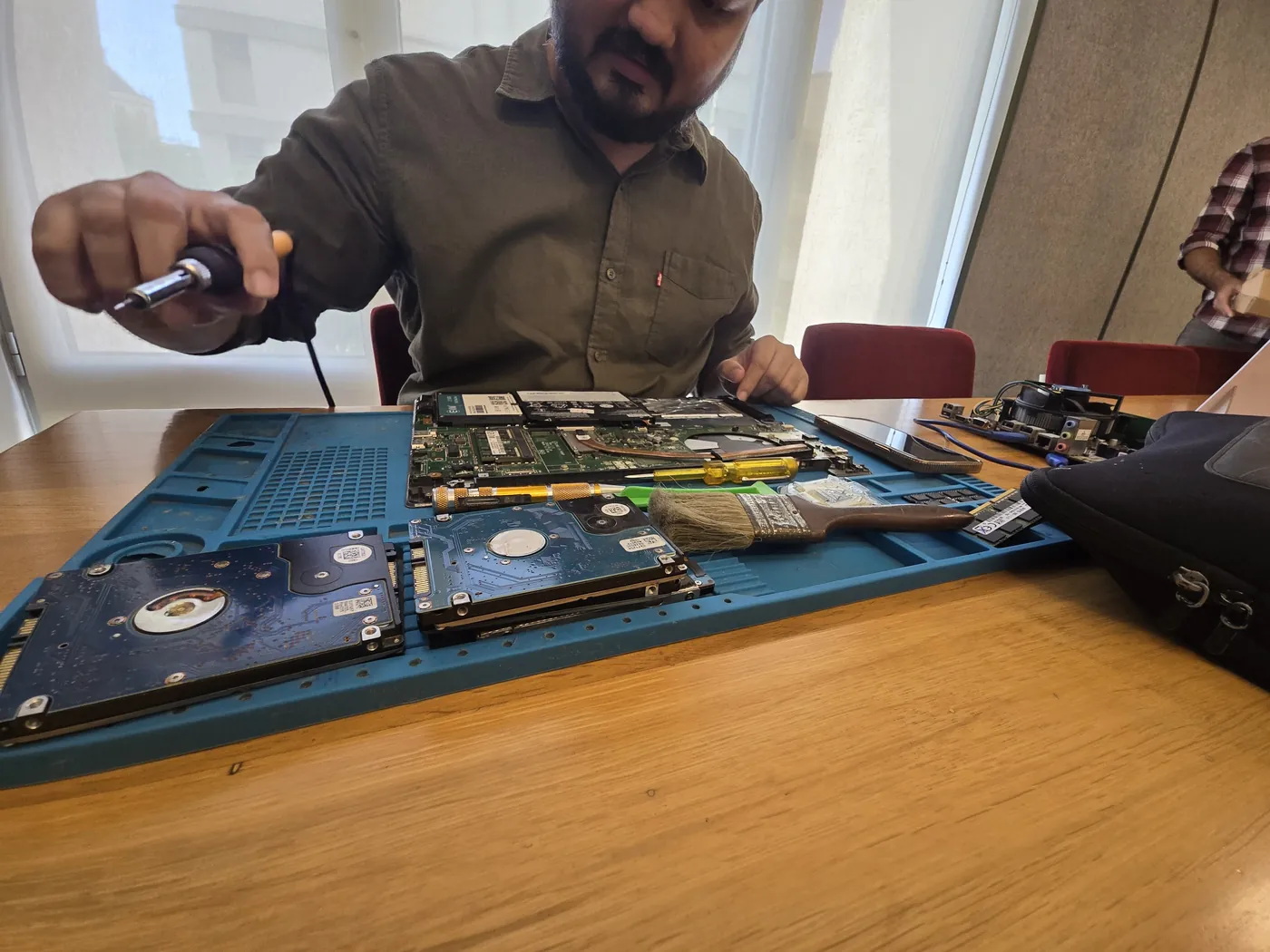
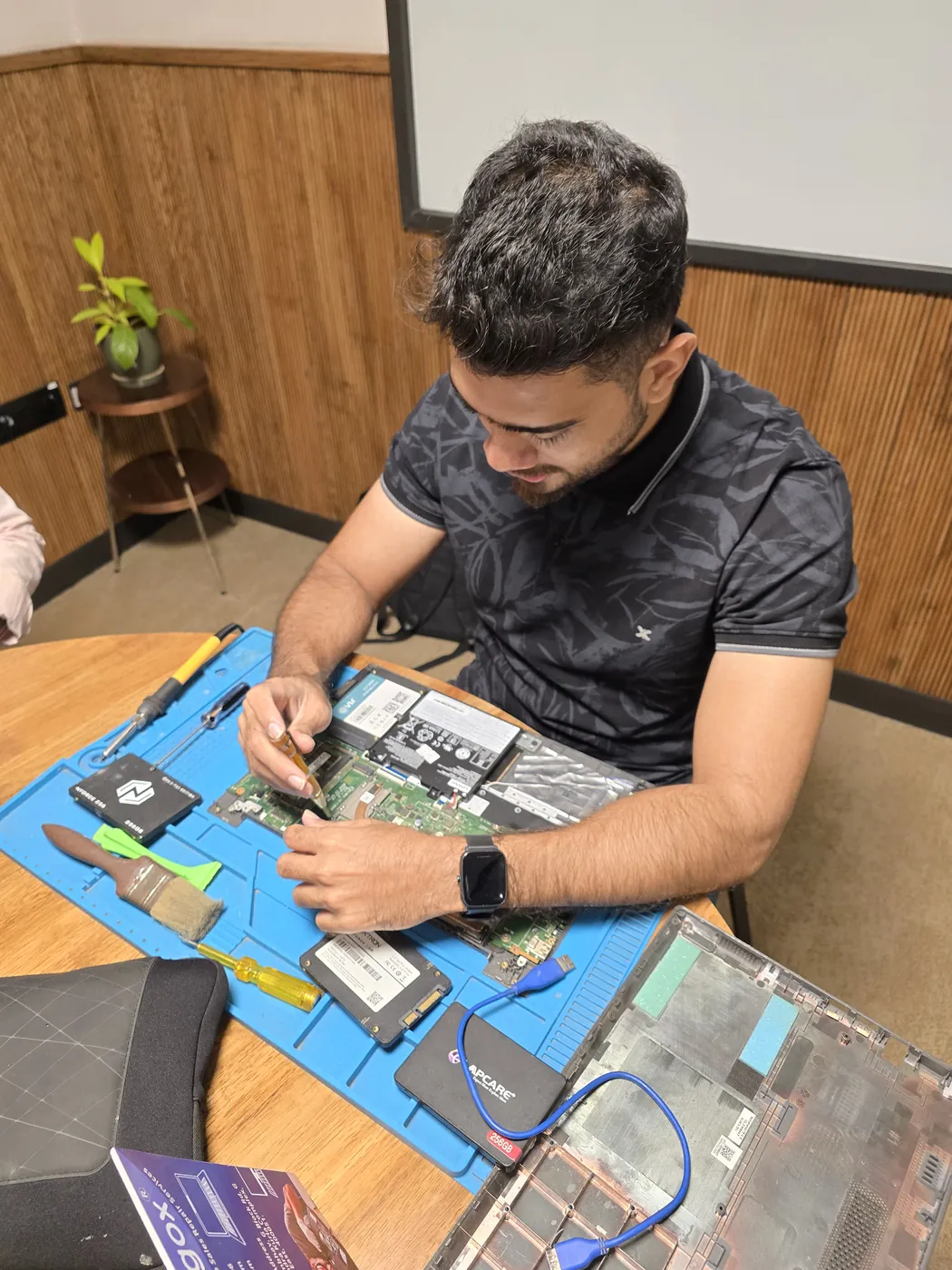
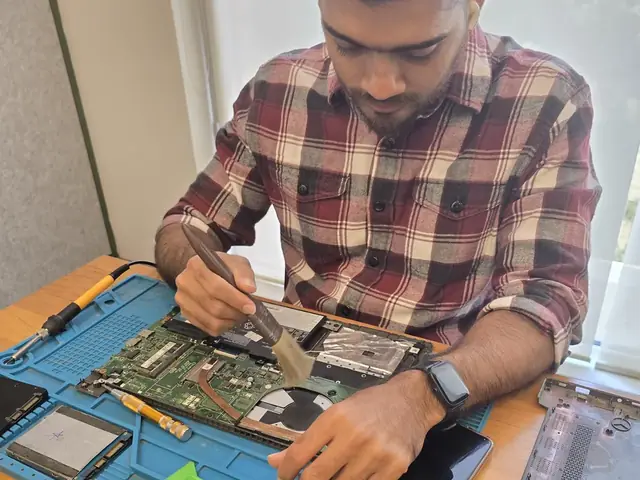
Top-down view of a technician servicing a laptop beside an SSD and a cleaning brush Technician working on an opened laptop with SSDs and tools laid out on an anti-static repair mat
Xigox technicians at the repair bench
Tejas Chudasama, Xigox Founder Janak Chudasama, Xigox CTO

Run by Tejas & Janak Chudasama since 2011

Xigox is a family-run, ISO 9001:2015-certified repair business, not a marketplace listing or a franchise. Every repair is backed by a written 90-day warranty and billed against GSTIN 27AJXPC8441R1Z7. Read our story

Repair Pricing

Dell Inspiron 27 7720 AIO SSD Upgrade — Price List

Transparent pricing · ₹350 inspection (refunded if you proceed with repair) · No hidden charges · Pay only after approval

Issue / ComponentRepair PriceWarranty
256GB SSD Upgrade ₹3,499 - ₹4,999 90 Days
512GB NVMe SSD Upgrade ₹4,999 - ₹7,499 90 Days
512GB SSD Upgrade ₹4,999 - ₹7,499 90 Days
1TB NVMe SSD Upgrade ₹8,499 - ₹12,999 90 Days
1TB SSD Upgrade ₹8,499 - ₹12,999 90 Days
2TB SSD Upgrade ₹15,999 - ₹22,999 90 Days

Prices may vary by exact condition. Final quote given after ₹350 inspection (refunded if you proceed with repair).

Get Exact Quote

Why Us?

Why Choose Xigox for Dell SSD Upgrade in Wada?

With 1,00,344+ successful repairs and a 4.9-star rating, Xigox is an independent Dell repair specialist serving Wada. Conveniently located near Wada Village.

Experienced Technicians

Our engineers work on Dell hardware regularly. Every repair is tested before return.

Genuine & OEM-Grade Parts

We use genuine Dell parts wherever available; otherwise OEM-compatible components.

90-Day Parts Warranty

Every repair backed by a written 90-day warranty. Same fault recurs? We fix it free of charge.

Same-Day Turnaround

Most Dell SSD Upgrade jobs in Wada are completed same-day. Urgent service available for critical cases.

Full Transparency

We quote before starting work. No hidden fees. You pay exactly what you were quoted.

Lifetime Post-Repair Support

Free WhatsApp support for any questions about your Dell Inspiron 27 7720 AIO SSD Upgrade after repair — always.

Repairs Completed
1,00,344+
Since 2011
Average Rating
4.9 ★
9,605+ reviews
Repair Warranty
90 Days
Parts & labour
Avg Response
30 Min
For common issues
Pickup & Drop
Free
₹350 inspection fee
Est. Since
2011
15+ yrs in Palghar

Who repairs your device

Repaired in-house by Xigox technicians

Your Dell Inspiron 27 7720 AIO is handled by Xigox technicians from start to finish. It is never handed on to another shop. Work that needs the repair bench is done at our workshop in Virar West.

Board-level faults are traced with a microscope, a multimeter and a soldering station before any part is replaced, and parts are fitted only after you approve the quote.

We don't open your personal files during a repair. When a job needs access to your data, such as data recovery or a Windows reinstall, we ask you first.

  • Repaired in-house, not outsourced
  • Quote approved by you before work starts
  • Your files stay private
  • Microscope and board-level tools
  • Genuine or OEM-grade parts
  • 90-day warranty on repairs
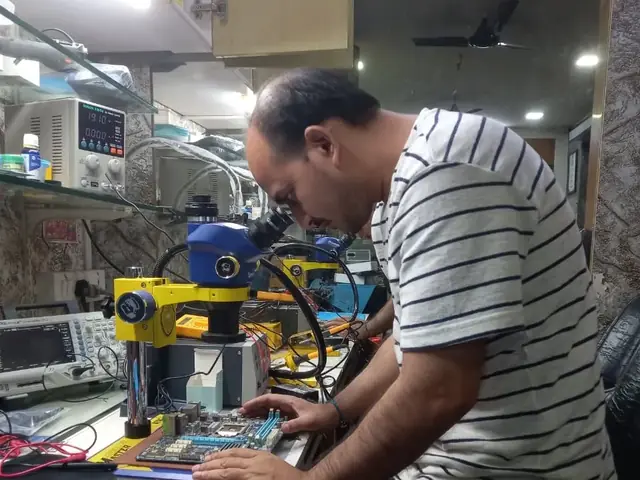
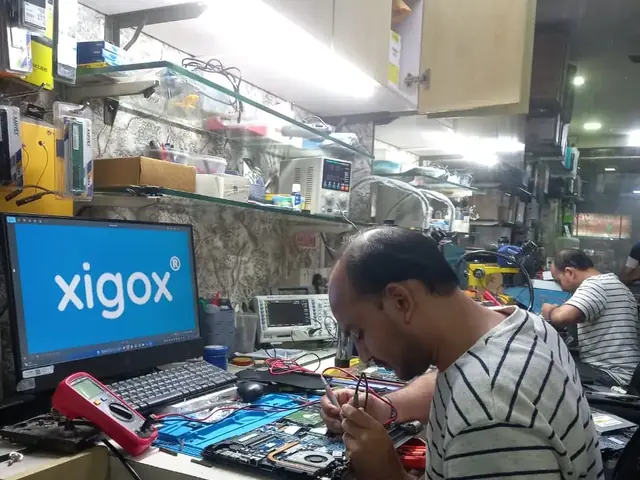
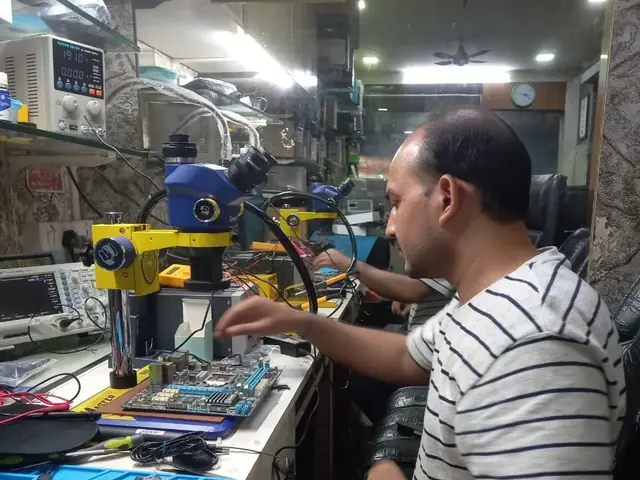
Technician inspecting a laptop motherboard under a microscope at the repair bench Technician testing a laptop mainboard with a multimeter beside a Xigox-branded monitor Technician brushing dust off an opened laptop motherboard with a cleaning brush Technician inspecting a laptop motherboard under a microscope at the repair bench
Xigox technicians at the repair bench.
Our Process

How Dell Inspiron 27 7720 AIO SSD Upgrade Works

From booking to delivery — here's exactly what happens at every step

Book Pickup

Call or WhatsApp +91 74997 61196. Tell us your Dell Inspiron 27 7720 AIO issue in Wada and schedule a free doorstep pickup.

₹350 Inspection (refunded if you proceed with repair)

Our experienced technician inspects your Dell Inspiron 27 7720 AIO and provides a transparent written quote for SSD Upgrade.

Expert Repair

Once approved, we perform SSD Upgrade using OEM-quality parts. Most repairs are completed same-day.

Quality Check

Every Dell Inspiron 27 7720 AIO passes a multi-point QA test before delivery. Your 90-day warranty starts from this moment.

Free Delivery

We deliver your repaired Dell Inspiron 27 7720 AIO back to your Wada address. Completely free, same day.

After-Service Care

Post-repair support via WhatsApp. If the issue recurs within 90 days, we fix it at zero cost.

Repair examples

Recently Repaired All-in-One PCs

View All Recent Repairs

ASUS

Zen AiO 24 M5401

Fixed
Issue
AIO running extremely hot. Fan constantly at full speed. Performance throttling during normal use.
Solution
Disassembled AIO. Cleaned dust-clogged fan and heatsink. Applied premium thermal paste. Temps dropped 20\u00b0C.

Technician's note

AIO was 3 years old and never serviced. Recommended annual cleaning for slim AIO form factors.

Dadar West 1 Hour
  • Overheating
  • ASUS
  • AIO

iMac

27 5K 2020

Fixed
Issue
iMac 27 came with 256GB SSD — always full. Customer needs 1TB for video editing projects.
Solution
Removed display, upgraded SSD to 1TB NVMe. Migrated macOS and all data. Resealed display with new adhesive.

Technician's note

iMac 27-inch is the last model with user-upgradable RAM. SSD requires display removal.

Thane West 3 Hours
  • SSD
  • iMac 27
  • Storage

Dell

Inspiron 24 5420 AIO

Fixed
Issue
AIO not powering on. No LED, no fan spin. Power button unresponsive.
Solution
Diagnosed failed power management IC on motherboard. Replaced IC at chip level. All ports and functions restored.

Technician's note

Power surge caused IC failure. Saved from full motherboard replacement.

Powai 4 Hours
  • Motherboard
  • Dell
  • AIO

iMac

24 M3

Fixed
Issue
Large crack across 4.5K Retina display after accidental impact. Colors distorted, touch not available on iMac.
Solution
Carefully removed glued display assembly. Installed genuine-quality 4.5K Retina panel. P3 wide color and True Tone verified.

Technician's note

iMac display is adhesive-bonded. Required heat station and precision suction tools for safe removal.

Andheri West 3 Hours
  • Screen
  • iMac
  • Retina

iMac

24 M1

Fixed
Issue
Two USB-C ports stopped working completely. External monitor and drives not detected.
Solution
Identified damaged USB controller IC on logic board. Micro-soldered replacement IC. All ports functional.

Technician's note

USB-C controller required precision BGA rework. Saved customer from entire logic board replacement.

Malad West 5 Hours
  • Logic Board
  • iMac
  • USB-C

HP

Pavilion 24-ca AIO

Fixed
Issue
All-in-One painfully slow with original 1TB HDD. Boot time over 3 minutes. Apps freezing constantly.
Solution
Installed 512GB NVMe SSD. Cloned OS and data from old HDD. Boot time reduced to 9 seconds.

Technician's note

HP AIO has accessible M.2 slot behind rear panel. HDD kept as secondary storage.

Bandra East 1.5 Hours
  • SSD
  • HP
  • AIO

Comparison

Xigox vs Other Dell Inspiron 27 7720 AIO Shops in Wada

What you get with Xigox in Wada, side by side.

FeatureXigoxOther shops
Experienced Technicians Trained & VerifiedVaries; ask who will work on the device
Genuine / OEM Parts OEM-Quality PartsVaries; ask which part will be fitted
90-Day Warranty Written CertificateVaries; ask for the warranty in writing
Diagnosis / Inspection ₹350, credited to the repairVaries; ask what the diagnosis costs
Same-Day Turnaround Wada — Most RepairsVaries; ask for a time in writing
Free Doorstep Pickup Wada — FreeVaries; ask whether pickup is free
Transparent Pricing Written Quote FirstVaries; ask for a written quote first
Live WhatsApp Updates Real-time Repair StatusVaries; ask how you will get updates

Xigox charges ₹350 for inspection — credited to your repair cost if you go ahead.

Customer reviews

What Customers Say About Dell Inspiron 27 7720 AIO SSD Upgrade in Wada

4.9/5 · 12 reviews shown

See all 9,605+ reviews

Dell OptiPlex 7410 AIO — AIO Data Recovery

“My Dell OptiPlex 7410 AIO crashed and refused to boot with four years of files inside. Xigox Malad recovered every single file from the damaged drive, installed a new SSD, and restored everything. Set up cloud backup too. Lifesaver.”
A Ajay Mhatre Bhandup West · 20 Jun 2026 45

Dell OptiPlex 7410 AIO — Logic Board Fix

“My Dell OptiPlex 7410 AIO stopped powering on after a voltage fluctuation. Xigox Juhu did chip-level repair on the power regulation circuit instead of full board replacement. Saved me thousands. Working perfectly for two months now.”
C Chirag Doshi Kherwadi · 1 Jun 2024 42

Dell Inspiron 24 5420 AIO — Storage Upgrade

“My Dell Inspiron 24 5420 AIO was painfully slow with the old HDD. Xigox upgraded to a 1TB NVMe SSD and cloned everything. Boot time is now 8 seconds instead of 3 minutes! Incredible difference.”
M Manish Kapoor Thane · 24 Jun 2026 7

Dell Inspiron 27 7720 AIO — Display Fix

“Display on my Dell Inspiron 27 7720 AIO developed a large dark spot covering a quarter of the screen. Xigox Goregaon carefully replaced the integrated IPS panel and calibrated colours professionally. Flawless display with uniform brightness now.”
M Madhuri Gaikwad Carter Road · 2 May 2024 40

Dell OptiPlex 5400 AIO — Overheating Fix

“My Dell OptiPlex 5400 AIO was overheating badly in the compact chassis causing random shutdowns. Xigox Bhayandar cleaned all dust, replaced thermal compound, and improved internal airflow. Runs cool and stable now even under heavy load.”
L Leela Gokhale Santacruz West · 23 Nov 2024 4

Dell OptiPlex 5400 AIO — Memory Expansion

“My Dell OptiPlex 5400 AIO was crawling with only eight gigs of RAM. Xigox Khar carefully opened the compact chassis and installed thirty-two gigs in dual-channel. Zero slowdowns now no matter how many apps I run. Huge difference.”
S Sonali Gupte Mohammed Ali Road · 10 Jan 2026 24
Page 1 / 2

← Swipe or tap dots to browse →

Customer stories

Customer Stories

What customers say about their laptop and computer repairs

“My iMac was overheating and shutting down randomly. Xigox did a complete thermal repaste and cleaned the internal fans. Temperature dropped by 20°C and it runs silently now. Excellent work!”

Apple iMac 27-inch

S Sunil Kapoor Andheri
“My HP All-in-One had a flickering screen that was giving me headaches. Xigox diagnosed a failing inverter board and replaced it same day. Crystal clear display again — thank you!”

HP All-in-One 24

M Meera Patil Dadar
“Needed SSD upgrade in my Lenovo AIO that was running painfully slow. Xigox cloned my HDD to a 512GB NVMe SSD — boot time went from 3 minutes to 15 seconds! Best investment for an old machine.”

Lenovo IdeaCentre AIO 3

R Rakesh Sharma Vikhroli
“My Dell All-in-One stopped turning on after a power surge. Xigox repaired the power supply board at component level instead of replacing the whole unit, saving me over ₹8,000. Honest service!”

Dell Inspiron AIO 5400

A Anita Reddy Bandra
“Needed RAM upgrade on my M1 iMac — wait, the RAM is soldered! Xigox transparently told me that and instead optimized my storage and cleaned the system, improving performance significantly. Honest team...”

Apple iMac 24-inch M1

V Vijay Desai Malad
“Webcam and speakers stopped working simultaneously on my HP Envy AIO. Xigox found a loose ribbon cable inside and reconnected everything. Took 30 minutes and they didn't even charge much. Great experi...”

HP Envy AIO 34

P Pooja Thakur Chembur

FAQ

FAQs — Dell Inspiron 27 7720 AIO SSD Upgrade in Wada

Everything you need to know before booking your repair

10 questions answered

Physical installation takes 30-60 minutes. OS migration adds 1-3 hours. Same-day service available.
We accept all major payment methods for Dell Inspiron 27 7720 AIO SSD Upgrade in Wada: UPI (Google Pay, PhonePe, Paytm), debit/credit cards, net banking, and cash. Payment is collected after the repair is completed to your satisfaction — we never charge upfront without consent. Customers across Wada (421303) enjoy priority same-day scheduling.
Yes — out-of-warranty all-in-one PCs are most of what we handle in Wada. Once the manufacturer warranty lapses, authorised centres often quote near-replacement prices for a single component. We repair at component level where it is safe to do so, which is usually a fraction of that cost, and back it with our own 90-day warranty. Trusted by customers throughout Palghar — rated 4.9★ across 9,605+ reviews.
You pay nothing beyond the ₹350 inspection. If we cannot resolve the fault, we explain exactly what we found, return your all-in-one PC in the condition we received it, and — where the economics do not justify a repair — tell you so plainly rather than selling you work that is not worth doing. We also serve Saphale Market, Saphale Station, Kudan, so you can recommend us to neighbours too.
For software faults, setup, upgrades and diagnostics we can work on-site anywhere in Wada. Component-level work — board repair, screen bonding, liquid-damage recovery — needs workshop equipment, so we collect the all-in-one PC, repair it, and return it. Both options are free of travel charges. Trusted by customers throughout Palghar — rated 4.9★ across 9,605+ reviews.
We send live updates over WhatsApp at each stage: collection, diagnosis, quote approval, repair completion, and dispatch. You can reply to that thread at any point to reach the technician handling your all-in-one PC rather than a general helpline. Our service covers the full 421303 postal area in Wada.
Back up documents, photos and anything stored only on that all-in-one PC before any repair — with us or anyone else. Most Dell Inspiron 27 7720 AIO SSD Upgrade work does not touch your data, but board-level faults and storage failures can be unpredictable. Tell us in advance if the drive holds irreplaceable data and we will treat recovery as the first priority. Free pickup also available in Saphale Market, Saphale Station, Kudan and surrounding areas.
Our rule of thumb: if the repair costs more than roughly half of a comparable replacement and the all-in-one PC is more than five years old, replacement is usually the better call. We tell you which side of that line you are on during the inspection in Wada, even when the answer means we do not get the job. Trusted by customers throughout Palghar — rated 4.9★ across 9,605+ reviews.
Yes — Xigox operates 9 AM to 9 PM, seven days a week in Wada, including Sundays and public holidays. Weekend pickups are often the most convenient option for people who cannot be at home on a working day. Free pickup also available in Saphale Market, Saphale Station, Kudan and surrounding areas.
Yes, on request. Any component we remove during Dell Inspiron 27 7720 AIO SSD Upgrade is yours, and we will hand it back with the repaired all-in-one PC so you can see exactly what was changed. Just mention it when you approve the quote. We've been serving Palghar district for over 15 years.

Still have questions?

Send us your question on WhatsApp or call — a technician will answer.

Dell Inspiron 27 7720 AIO Repair in Wada — Xigox

Xigox is Wada's leading independent specialist for Dell Inspiron 27 7720 AIO repair. Our engineers are not generalists — they undergo dedicated training on Dell hardware, firmware and diagnostics. Since 2011, we have completed over 1,00,000+ repairs across all Dell product lines, earning a 4.9-star average customer rating.

We stock genuine Dell parts and OEM-compatible components for every common Dell Inspiron 27 7720 AIO fault — from screen replacements and battery swaps to logic board repairs and data recovery. Before any work begins, you receive a written cost estimate. Our ₹350 inspection fee is refunded if you proceed with the repair.

We actively serve the entire 421303 postal area within Palghar district, ensuring same-day response for every repair request. ₹350 inspection fee (refunded if you proceed with repair). Located near Wada Village, our service coverage extends across Wada and all surrounding localities. In addition to Wada, we also provide doorstep repairs and free pickup for lab work for customers in Saphale Market, Saphale Station, Kudan and other nearby areas.

Doorstep part replacement (battery, keyboard, screen, SSD, RAM) is available across Wada. For chip-level and motherboard repairs, we provide free pickup and drop — confirming within 15 minutes of your booking. Most common faults are resolved same-day. For complex repairs, we provide a realistic timeline and keep you updated throughout.

Every Dell repair at Xigox is covered by a 90-day warranty on all parts and labour. If the same fault recurs within the warranty period, we fix it at no charge. Our after-repair WhatsApp support means we are always available to answer questions about your Dell Inspiron 27 7720 AIO.

Service Hours

Monday – Sunday · 9 AM – 9 PM

Open on all public holidays

Service Area

Wada & surrounding Mumbai areas

Doorstep repairs + free pickup for lab work

Contact Us

+91 74997 61196

info@xigox.com

Our Guarantee

90-day warranty on all repairs

Free re-repair if same fault recurs

SSD Upgrade for Other Dell Models

We repair all Dell models in Wada

SSD Upgrade for Other Brands in Wada

We repair all major brands — same service, same quality, same warranty

Explore more services

More Repair & Tech Services Near Wada

Same technicians · Free pickup · 90-day warranty across all services.

ISO 9001:2015 Certified · 1,00,344+ Repairs · 4.9 ★ Rating

Ready to Fix Your
Dell Inspiron 27 7720 AIO Today?

₹350 inspection fee (refunded if you proceed with repair) · Same-day SSD Upgrade · 90-day warranty

Serving Wada and all of Mumbai MMR · Open 9 AM – 9 PM daily

How it's done

How We Perform All-in-One PC SSD Upgrade

What our technicians do, what it requires, and how to tell you need it.

1 How It's Performed

For an upgrade rather than a repair, we first check the drive's own health data (SMART attributes, reallocated sector count) to confirm whether it's actually failing versus just full, then clone your existing drive sector-by-sector onto the new one wherever possible so your OS, apps, and files carry over without a fresh install.

Typical time: 30–60 minutes (longer if cloning existing data)

2 What This Requires

  • Enough free space on the new drive to hold a full clone of the old one (a straightforward constraint that's easy to miscalculate when "upgrading" to a smaller, faster drive instead of a larger one).

3 When You Need This

  • You're running low on storage space regularly and want more capacity rather than just a repair.
  • The drive has already shown SMART warnings or the system has started taking noticeably longer to wake from sleep.

The model

About the Dell Inspiron 27 7720 AIO

Best for: everyday home and student use on a budget

The Dell Inspiron 27 7720 AIO is Dell's mainstream consumer laptop line — everyday computing, schoolwork, and general productivity at a more accessible price point than the premium XPS line.

Key features

  • Broad range of configurations from entry-level to mid-range, so exact specs vary significantly between units.
  • Plastic or mixed metal/plastic chassis — generally good value, but typically less rigid than the XPS or Latitude lines.
  • Upgradeable RAM and storage on most models — a genuine repair/upgrade advantage over sealed designs.

Dell Inspiron 27 7720 AIO SSD Upgrade in Wada — Professional, Reliable, and Affordable

Tired of middlemen? Work with the actual repair team — Xigox. SSD type matters more than many customers realise: a PCIe 4.0 NVMe runs 5× faster than a SATA SSD. In Wada, Xigox matches the storage tier to your Dell's PCIe support: the right upgrade for your specific model. Every upgrade comes with a CrystalDiskMark benchmark to verify the full performance gain.

Fixed-Quote Policy for Dell Inspiron 27 7720 AIO SSD Upgrade

The biggest frustration about repair shops in Wada is surprise bills after the job is done. We've built our entire model around transparency. Prior to touching your Dell, our technician sends a WhatsApp quote that covers everything. You see the exact cost — approve it or decline, no pressure. Our ₹350 inspection fee is fully refunded when you proceed with this job.

Data Security During Dell Inspiron 27 7720 AIO SSD Upgrade

Your personal data is our top priority during your repair. Customers throughout Wada trust us because we never access personal files. Throughout the repair, your confidential files remain untouched. If a software reset is necessary, we consult you beforehand.

Our Dell Inspiron 27 7720 AIO SSD Upgrade Process Works

Getting your Dell fixed in Wada is incredibly straightforward. Step 1, call or WhatsApp us at +91 74997 61196 to describe your issue. Next, our complimentary collection driver arrives at your Wada doorstep within 1–2 hours. The team then carry out a thorough diagnostic (₹350, credited toward your repair). Once you agree, this job is executed with genuine parts — and your Dell is returned to you. Most repairs done same day.

After-Repair Care for Dell Inspiron 27 7720 AIO SSD Upgrade

Xigox's responsibility extends beyond the repair itself. The Xigox after-service team remains reachable 7 days a week, 9 AM–9 PM via WhatsApp or phone. Should any concern arise in the post-repair period, simply contact us and a technician is dispatched at no cost. This commitment is why residents in Wada return to Xigox.

Convenient Collection across Wada

Navigating traffic in Wada is stressful. To solve this, Xigox offers a no-hassle doorstep logistics service for this job. Just drop your pin, and our secure courier will collect your Dell directly from you. Once the job is finished, we safely return it in protective packaging. Enjoy total convenience without leaving your desk.

Multi-Point Inspection after Dell Inspiron 27 7720 AIO SSD Upgrade

Completing the repair is just the first step at Xigox. Prior to delivery in Wada, it undergoes a rigorous full-system inspection. We verify that your repair was executed flawlessly, testing thermal performance. This attention to detail is why our return rate is so low across Wada.

What Wada Customers Say About Dell Inspiron 27 7720 AIO SSD Upgrade

Don't just take our word for it. Xigox has earned a 4.9-star rating from 9,605+ customer reviews from customers across Mumbai MMR. Customers frequently mention: no surprise charges, same-day completion, and OEM-grade replacements. What Wada customers value most: "Same-day fix with genuine parts and clear communication throughout." Join the growing community of happy Xigox customers in Wada.

Trained Technicians for Dell Inspiron 27 7720 AIO SSD Upgrade in Wada

Not all shops in Wada has the skills for complex this repair. Our technicians work on Dell hardware every day dealing with Dell hardware. From basic part swaps to complex micro-soldering, we handle it all right here for Wada clients.

Same-Day Dell Inspiron 27 7720 AIO SSD Upgrade in Wada

We know you can't stay disconnected in Wada. We plan this job for speed and efficiency. For most issues, our technicians finish the job within hours. We arrange secure collection from your Wada home or office, perform the job using precision tools, and deliver it back to you.

Rapid Dell Inspiron 27 7720 AIO SSD Upgrade — Timeline

Curious how quickly Xigox can complete repair in Wada? Here's our typical timeline: Step 1 — message us and our pickup technician reaches you within 2 hours. Step 2 — our inspection identifies the exact fault. Next — you give the go-ahead via WhatsApp — completely your decision. Finally — this repair is executed using genuine parts at our Virar West workshop, often same day. Then — your Dell is delivered back to your Wada address fully tested.

Don't let a broken Dell slow you down in Wada. Call Xigox today for your Dell Inspiron 27 7720 AIO SSD Upgrade. Backed by our written parts and labour warranty and upfront pricing, your Dell is in safe hands. Book your doorstep technician in Wada online now.

Service area

Dell Inspiron 27 7720 AIO SSD Upgrade in Wada — Service Area & Coverage

Xigox provides dell inspiron 27 7720 aio ssd upgrade across Wada (PIN 421303), in the Palghar district of Wada. Our doorstep pickup and on-site service cover the entire Wada area and the neighbourhoods around it.

Localities we cover in Wada: Palghar. Wherever you are in Wada, we can collect your device from your door and bring it back after the repair.

Our technicians regularly serve homes, societies and offices around Wada Fort, Wada Market and Wada Village, and along Wada Road, Manor Road and NH-848. If you're near any of these landmarks, same-day pickup for dell inspiron 27 7720 aio ssd upgrade is almost always available.

Dell Inspiron 27 7720 AIO SSD Upgrade price in Wada — know it before you book

  1. 1Pick your device & issue
  2. 2See the real price range
  3. 3Free doorstep pickup in Wada

4.8 from 19 customer reviews for this service · upfront pricing · 90-day warranty

Before you book: have your device model and a quick description of the issue ready — it speeds up your quote.

Our head office: Virar West

~42.1 km from Wada. With free doorstep pickup you don't need to travel — this is where the repair is done.

Book a repair

Dell Inspiron 27 7720 AIO SSD Upgrade — Book Now

Free pickup · Genuine parts · 90-day warranty

Booking received

We'll call you within 1 hour to confirm your appointment and arrange doorstep pickup.

Inspection fee: ₹350

  • Credited to your total repair cost if you go ahead.
  • Still applies if the device can't be repaired or you decline the repair.

+91

Device type *

Inspection fee: ₹350

  • If you go ahead with the repair, the ₹350 is credited to your total repair cost.
  • If the device can't be repaired or you decide not to continue, the ₹350 inspection fee still applies.

Your details are used only to arrange this repair. By submitting, you agree to our Privacy Policy.

Call WhatsApp