Dell OptiPlex 7010
Windows Update Stuck Problem Repair
Near Me
Looking for Windows Update Stuck Problem Repair for your Dell OptiPlex 7010 near you? Xigox provides free doorstep pickup within 2 hours — experienced technicians, OEM parts & 90-day warranty.
Open 9 AM – 9 PM · 7 days a week
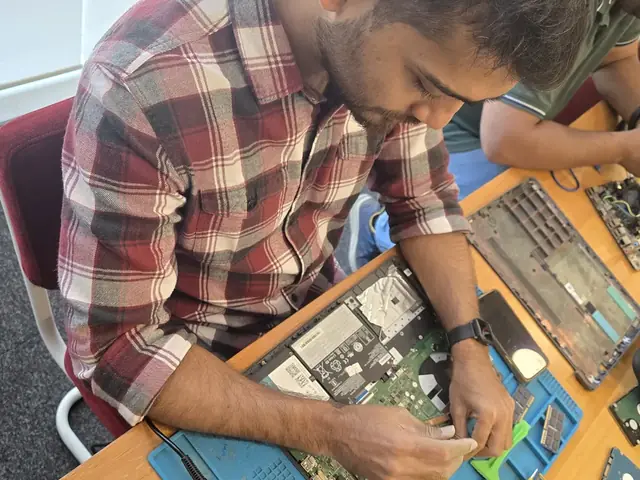
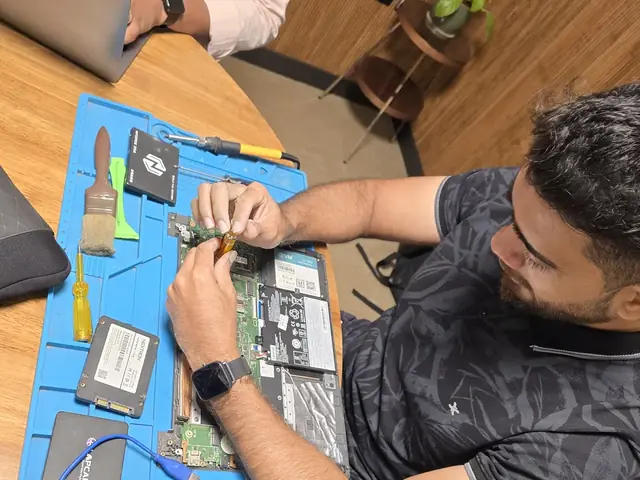
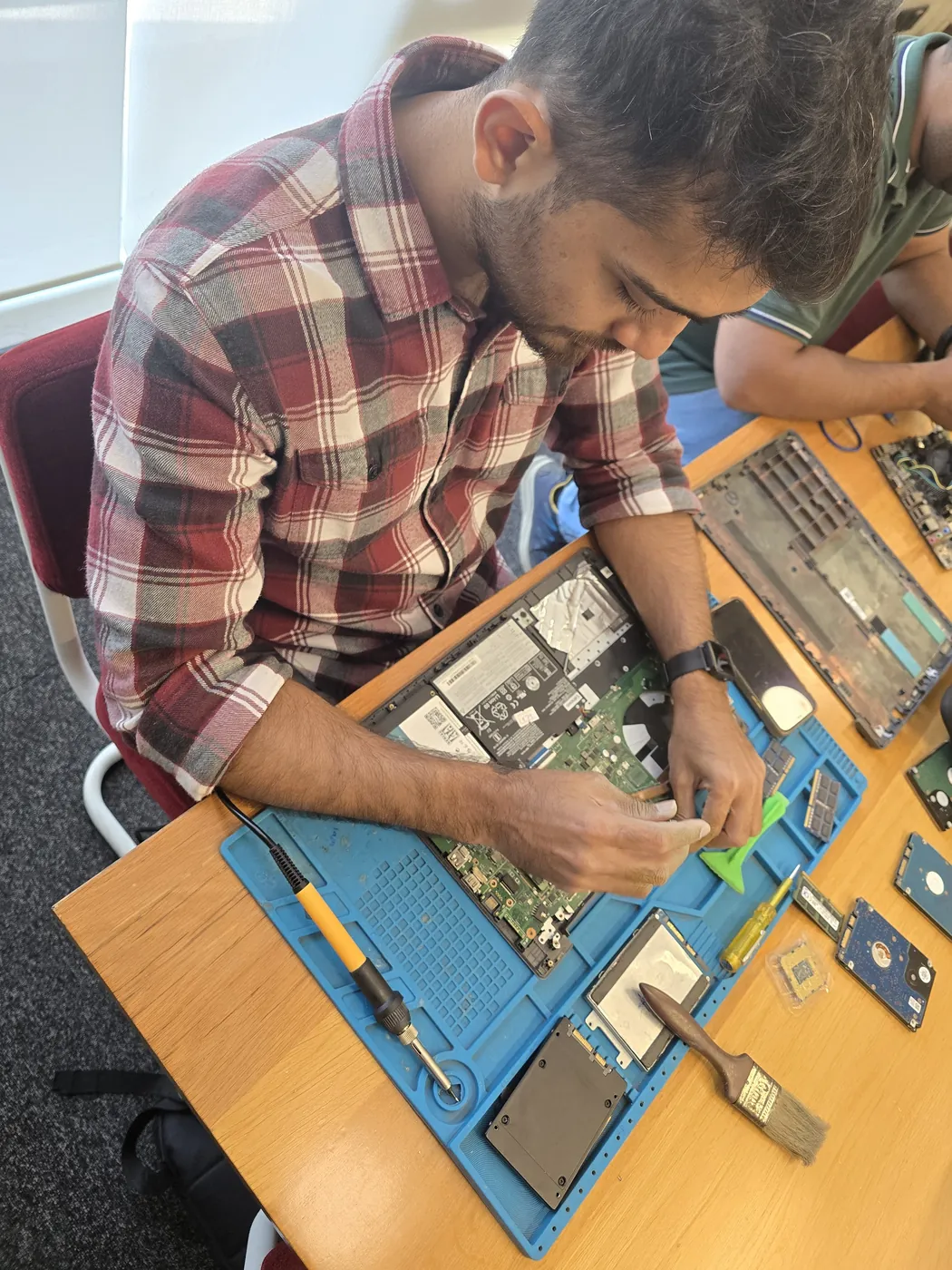
How Dell OptiPlex 7010 Windows Update Stuck Problem Repair Works — Near You
From booking to delivery — simple, fast, transparent
Call or WhatsApp
Contact us — we'll confirm availability and give you a price estimate for your Dell OptiPlex 7010.
Free Doorstep Pickup
Our technician arrives at your location within 2 hours. No travel needed.
Expert Repair
Experienced team fixes your laptop or computer using OEM-quality parts. Most repairs done same-day.
Delivered Back
Laptop delivered to your doorstep, tested & quality-checked. 90-day warranty starts.
Dell OptiPlex 7010 Windows Update Stuck Problem Repair — Price List
Transparent pricing · No hidden charges · Pay only after approval
| Issue / Component | Repair Price | Warranty |
|---|---|---|
| OS Installation | ₹699 - ₹1,199 | 90 Days |
| OS + Drivers + Software | ₹1,199 - ₹2,099 | 90 Days |
| BIOS Repair + OS Install | ₹1,699 - ₹3,199 | 90 Days |
| Complete System Recovery | ₹2,299 - ₹4,399 | 90 Days |
Customer reviews
What Customers Say About Laptop & Computer Repairs in Mumbai
4.9/5 · 10 reviews shown
← Swipe or tap dots to browse →
FAQ
FAQs — Dell OptiPlex 7010 Windows Update Stuck Problem Repair Near Me
Quick answers about our doorstep repair service
10 questions answered
Still have questions?
Send us your question on WhatsApp or call — a technician will answer.
Watch & learn
See Our Repair Process in Action
Repair videos from our Virar West workshop

Xigox Service Centre — Mumbai's Trusted Repair Experts
A closer look at the Xigox team, our tools, and the repair process behind 9,605+ customer reviews across Mumbai MMR.

Inside Xigox — Computer & Laptop Repair Service Centre, Mumbai
A tour of our ISO 9001:2015 certified workshop — laptop, desktop and computer repairs with genuine-grade parts and a 90-day warranty.

Laptop & Computer Repair, Sales & Data Recovery — Xigox
How the Xigox team handles laptop and computer repair, sales, service and data recovery across Mumbai, Thane & Palghar.

Xigox Laptop & Computer Repair — Real Customer Experience
See how Xigox handles real customer repairs — fast diagnosis, transparent pricing and a 90-day warranty on every job.
Dell OptiPlex 7010 Windows Update Stuck Problem Repair — All Locations
Choose your area for instant doorstep pickup
Other Dell OptiPlex 7010 Repair Services Near You
Explore all available repair options for your Dell OptiPlex 7010
Explore more services
More Repair & Tech Services Near Mumbai
Same technicians · Free pickup · 90-day warranty across all services.
Need Dell OptiPlex 7010
Windows Update Stuck Problem Repair Near You?
Free doorstep pickup within 2 hours · Same-day repair · 90-day warranty · All of Mumbai MMR
How it's done
How We Perform Windows Update Stuck Problem Repair
What our technicians do, what it requires, and how to tell you need it.
1 How It's Performed
For a repair job on this component, for an installation or reinstall, we back up your existing files first, install a genuine, correctly licensed copy of the operating system, and install the specific driver set your exact hardware model needs — not a generic driver pack that happens to install without errors.
Typical time: 30–90 minutes
2 What This Requires
- A backup of your existing files before any OS-level work begins — a format/reinstall is not reversible afterward.
- Genuine, licensed software — we don't install pirated copies, which carry both legal risk and a much higher rate of hidden malware.
- The manufacturer-specific driver package for your exact model, not a generic one.
3 When You Need This
- The system has become unstable, slow, or error-prone after months/years of accumulated software issues, and a clean start would help.
- A specific piece of hardware (WiFi, graphics, audio) isn't working correctly and a driver update/reinstall hasn't already been tried properly.
- You've bought the device secondhand and want a clean, verified-genuine OS install rather than trusting what's already on it.
The model
About the Dell OptiPlex 7010
The Dell OptiPlex 7010 is Dell's business desktop line — small-form-factor and tower options built for corporate deployment, with an emphasis on manageability, security features, and long-term part availability.
Key features
- Small-form-factor and micro options available alongside standard towers, for space-constrained office desks.
- Vpro/manageability features on business-tier configurations, supporting remote IT administration.
- Long product-support lifecycle — exact-match replacement parts tend to stay available longer than on consumer desktops.
Dell OptiPlex 7010 Windows Update Stuck Problem Repair in Mumbai — Professional, Reliable, and Affordable
Why waste time on aggregators? Get direct service without middleman markup with Xigox. Desktop PCs have different failure modes from laptop repair: larger PSUs with more failure-prone capacitors, discrete GPU mounting, and tower cooling. Our engineers apply proper desktop diagnostic protocols to identify the exact component at fault — not a full board swap.
Our Dell OptiPlex 7010 Windows Update Stuck Problem Repair Process in Mumbai
Arranging this repair in Mumbai is incredibly hassle-free. Step 1, call or WhatsApp us at +91 74997 61196 to describe your issue. Next, our complimentary collection driver arrives at your Mumbai doorstep within 1–2 hours. The team then carry out a thorough diagnostic (₹350, credited toward your repair). Once you agree, this repair is executed with genuine parts — and your Dell OptiPlex 7010 is returned to you. Most repairs done same day.
What Mumbai Customers Say About Dell OptiPlex 7010 Windows Update Stuck Problem Repair
Numbers speak louder. Xigox maintains a 4.9-star rating from 9,605+ customer reviews from customers across Mumbai MMR. Common praise includes: honest pricing, fast turnaround, and genuine parts. What Mumbai customers value most: "Excellent this job, done same day with genuine parts." Become part of the growing community of satisfied Xigox customers in Mumbai.
No-Obligation Testing in Mumbai
Uncertain about the issue with your Dell OptiPlex 7010? Prior to starting any repair, Xigox performs a thorough diagnostic check. The ₹350 inspection fee, it is 100% refunded if you proceed with the repair. Our local experts will show you the broken part in plain English so you can make an informed decision.
Repairs for Mumbai
We repair devices for homes, offices and colleges across Mumbai book us with free pickup and drop. You get a written quote before any work, OEM-grade parts and a 90-day warranty, whether it is one laptop or an office fleet. When you choose Xigox for this job in Mumbai, you get the same service and warranty as every other customer.
The Best Choice for Dell OptiPlex 7010 Windows Update Stuck Problem Repair in Mumbai
There are many repair shops in Mumbai, however, Xigox stands out for this repair. We believe in total honesty. Each repair begins with a thorough diagnostic inspection for ₹350, which is fully refunded if you proceed. No surprise fees — only expert repair in Mumbai.
Safe & Secure Dell OptiPlex 7010 Windows Update Stuck Problem Repair
Your personal data is our top priority during your job. Customers throughout Mumbai trust us because we never access personal files. Throughout the job, your confidential files remain untouched. If a software reset is necessary, we consult you beforehand.
Premium Protection Dell OptiPlex 7010 Windows Update Stuck Problem Repair Options
A common question is whether their laptop insurance covers this repair. We help with insurance claims and can generate the detailed GST invoice required for claim submission — broken down by component and labour. When manufacturer warranty has expired, third-party repair is typically often far cheaper compared to the brand's authorised centre.
Free Logistics across Mumbai
Traveling across town in Mumbai can be a nightmare. That's why Xigox has built a straightforward pickup and delivery network for this job. Simply share your Mumbai address, and our technician will pick up the Dell OptiPlex 7010 from your home or office. After the job is completed, it is delivered back fully tested and sealed. Save your time without leaving your desk.
Post-Repair Performance Dell OptiPlex 7010 Windows Update Stuck Problem Repair
Following a professional repair in Mumbai, you can expect significantly better performance: faster boot times, lower fan noise, full-day battery performance, or crisp, bright display — based on what was fixed. Xigox performs a benchmark at the end of every repair in Mumbai to document the improvement.
Xigox Service Promise for Dell OptiPlex 7010 Windows Update Stuck Problem Repair
Your job doesn't end when the Dell OptiPlex 7010 is returned. The Xigox after-service team remains reachable 7 days a week, 9 AM–9 PM via WhatsApp or phone. Should any concern arise within 90 days of your job, simply contact us and a technician is dispatched at no cost. This commitment is why residents in Mumbai return to Xigox.
Every minute your Dell OptiPlex 7010 is down matters. That's why Xigox built a fast, transparent, doorstep Dell OptiPlex 7010 Windows Update Stuck Problem Repair you can rely on. No travelling across Mumbai — only honest, warranty-backed repairs. WhatsApp +91 74997 61196 to arrange same-day Dell OptiPlex 7010 Windows Update Stuck Problem Repair.
Dell OptiPlex 7010 Windows Update Stuck Problem Repair price in Mumbai — know it before you book
- 1Pick your device & issue
- 2See the real price range
- 3Free doorstep pickup in Mumbai
4.9 from 9,605 customer reviews across all repairs · upfront pricing · 90-day warranty
Before you book: have your device model and a quick description of the issue ready — it speeds up your quote.
Not sure what's wrong?
Find Your Fix by Symptom
Tell us what your device is doing — we'll point you to the right repair, with real pricing and next steps.
Book a repair
Dell OptiPlex 7010 Windows Update Stuck Problem Repair — Book Now
Free doorstep pickup · Genuine parts · 90-day warranty
Booking received
We'll call you within 1 hour to confirm your appointment and arrange doorstep pickup.
Inspection fee: ₹350
- Credited to your total repair cost if you go ahead.
- Still applies if the device can't be repaired or you decline the repair.
Device type *
Inspection fee: ₹350
- If you go ahead with the repair, the ₹350 is credited to your total repair cost.
- If the device can't be repaired or you decide not to continue, the ₹350 inspection fee still applies.
Your details are used only to arrange this repair. By submitting, you agree to our Privacy Policy.