Dell Vostro 3910
Desktop Overheating Fix
Near Me
Looking for Desktop Overheating Fix for your Dell Vostro 3910 near you? Xigox provides free doorstep pickup within 2 hours — experienced technicians, OEM parts & 90-day warranty.
Open 9 AM – 9 PM · 7 days a week
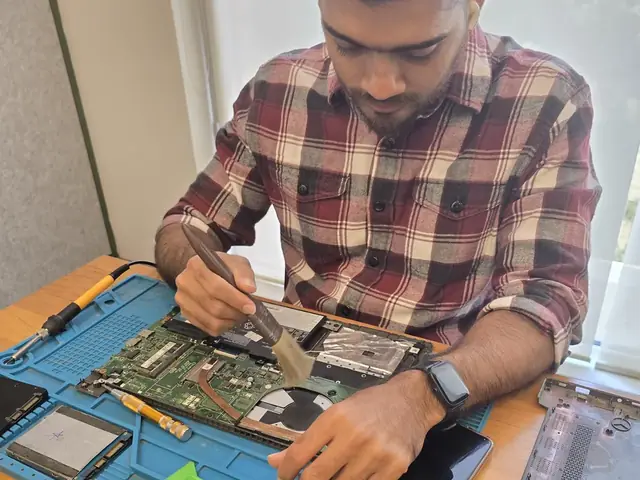
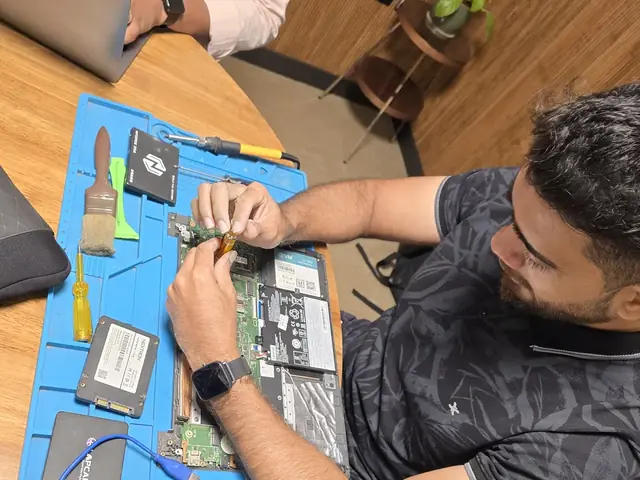
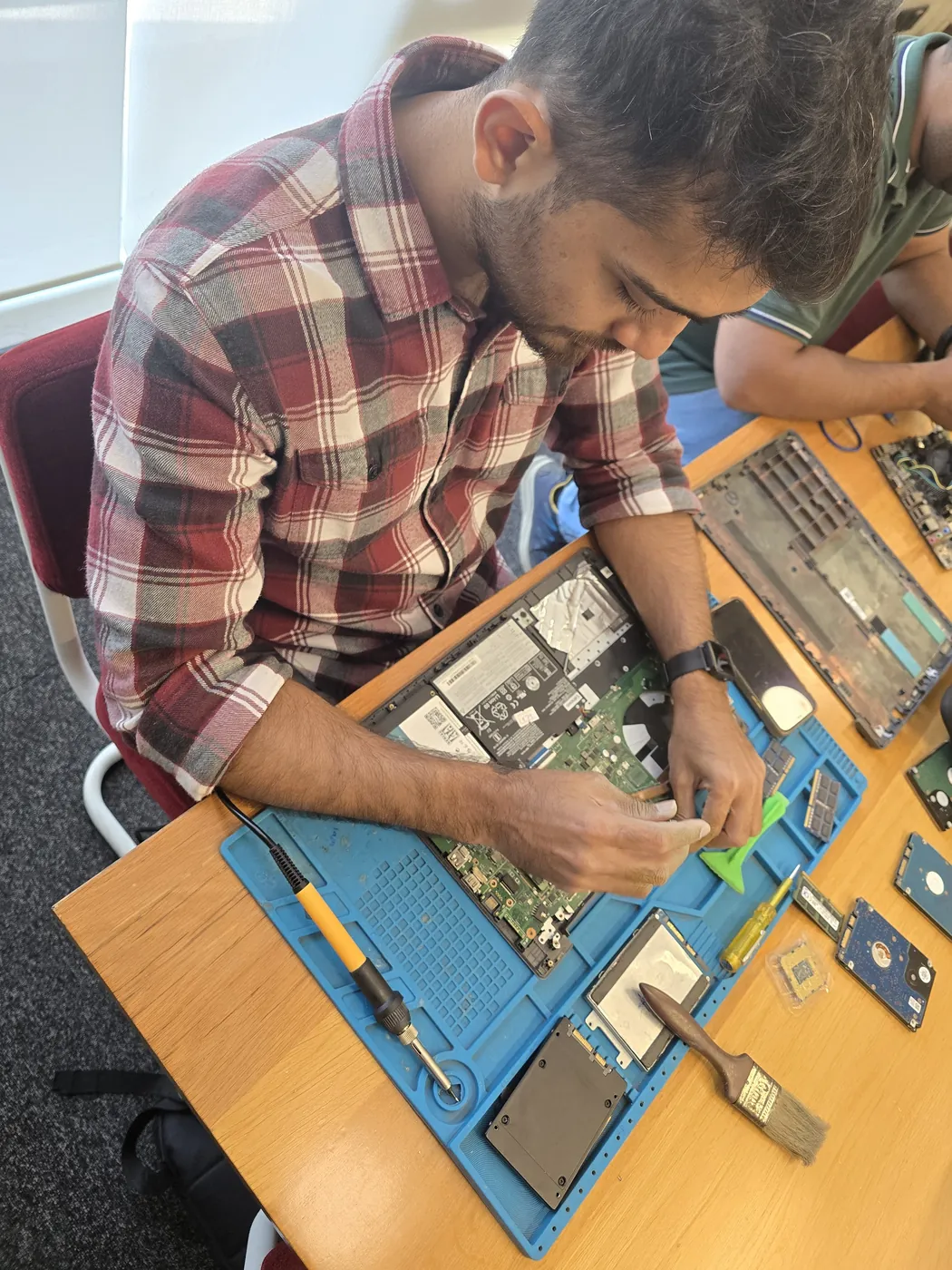
How Dell Vostro 3910 Desktop Overheating Fix Works — Near You
From booking to delivery — simple, fast, transparent
Call or WhatsApp
Contact us — we'll confirm availability and give you a price estimate for your Dell Vostro 3910.
Free Doorstep Pickup
Our technician arrives at your location within 2 hours. No travel needed.
Expert Repair
Experienced team fixes your laptop or computer using OEM-quality parts. Most repairs done same-day.
Delivered Back
Laptop delivered to your doorstep, tested & quality-checked. 90-day warranty starts.
Customer reviews
What Customers Say About Laptop & Computer Repairs in Mumbai
4.9/5 · 12 reviews shown
← Swipe or tap dots to browse →
FAQ
FAQs — Dell Vostro 3910 Desktop Overheating Fix Near Me
Quick answers about our doorstep repair service
10 questions answered
Still have questions?
Send us your question on WhatsApp or call — a technician will answer.
Watch & learn
See Our Repair Process in Action
Repair videos from our Virar West workshop

Laptop & Computer Repair, Sales & Data Recovery — Xigox
How the Xigox team handles laptop and computer repair, sales, service and data recovery across Mumbai, Thane & Palghar.

Xigox Laptop & Computer Repair — Real Customer Experience
See how Xigox handles real customer repairs — fast diagnosis, transparent pricing and a 90-day warranty on every job.

Xigox Service Centre — Mumbai's Trusted Repair Experts
A closer look at the Xigox team, our tools, and the repair process behind 9,605+ customer reviews across Mumbai MMR.

Inside Xigox — Computer & Laptop Repair Service Centre, Mumbai
A tour of our ISO 9001:2015 certified workshop — laptop, desktop and computer repairs with genuine-grade parts and a 90-day warranty.
Dell Vostro 3910 Desktop Overheating Fix — All Locations
Choose your area for instant doorstep pickup
Other Dell Vostro 3910 Repair Services Near You
Explore all available repair options for your Dell Vostro 3910
Explore more services
More Repair & Tech Services Near Mumbai
Same technicians · Free pickup · 90-day warranty across all services.
Need Dell Vostro 3910
Desktop Overheating Fix Near You?
Free doorstep pickup within 2 hours · Same-day repair · 90-day warranty · All of Mumbai MMR
How it's done
How We Perform Desktop Overheating Fix
What our technicians do, what it requires, and how to tell you need it.
1 How It's Performed
When this exact symptom shows up, our technicians run a before/after temperature benchmark under load so the improvement is measurable, not just assumed — checking fan RPM response and idle/load temperatures both before opening the chassis and again after the clean and repaste.
Typical time: 30–45 minutes
2 What This Requires
- Full disassembly of the cooling path (not just an external vent blow-out), since dust builds up heaviest inside the heatsink fins where compressed air alone can't reach.
- Complete removal of old, dried thermal paste before applying new paste — layering fresh paste over old residue defeats the purpose.
- A before/after load-temperature comparison so you can see the actual improvement.
3 When You Need This
- It's been 2+ years since the last internal cleaning — dust buildup is gradual and easy to not notice until it's already affecting performance.
- The exhaust vent feels barely warm even when the fan is clearly running fast, suggesting a dust-blocked path rather than a working one.
The model
About the Dell Vostro 3910
The Dell Vostro 3910 is Dell's small-business laptop/desktop line — positioned between the consumer Inspiron and the enterprise Latitude/OptiPlex lines, aimed at small businesses that want manageability without full enterprise IT overhead.
Key features
- Business-oriented features (TPM, basic manageability tools) without the full enterprise price premium of Latitude.
- Generally more accessible internals than Latitude for straightforward repairs.
- Positioned specifically for small/medium business budgets rather than large IT fleets.
Dell Vostro 3910 Desktop Overheating Fix in Mumbai — Professional, Reliable, and Affordable
Skip the directories. Book direct for transparent pricing with Xigox. Thermal compound dries out and cracks after 2–3 years — causing CPU temperatures to spike from a healthy 55–65°C to 90–100°C, triggering severe performance throttling. In Mumbai, Xigox's Dell Vostro 3910 Desktop Overheating Fix applies premium compounds and clears years of dust from the cooling system to restore factory-level thermals.
Our Dell Vostro 3910 Desktop Overheating Fix Process Works
Getting your Dell Vostro 3910 fixed in Mumbai is incredibly straightforward. Step 1, call or WhatsApp us at +91 74997 61196 to describe your issue. Next, our complimentary collection driver arrives at your Mumbai doorstep within 1–2 hours. The team then carry out a thorough diagnostic (₹350, credited toward your repair). Once you agree, this job is executed with genuine parts — and your Dell Vostro 3910 is returned to you. Most repairs done same day.
Business & Corporate Dell Vostro 3910 Desktop Overheating Fix in Mumbai
Businesses across Mumbai trust our repair to maintain productivity. We offer AMC agreements, a priority response queue, and a single point of contact. From a small team or an entire floor, Xigox manages this repair for your Mumbai workspace with GST invoices and complete service reports.
Quick & Hassle-Free Dell Vostro 3910 Desktop Overheating Fix in Mumbai
We know you can't stay disconnected in Mumbai. We plan this job for rapid turnaround. For most issues, our technicians finish the job within hours. We arrange secure collection from your Mumbai home or office, perform the job using precision tools, and deliver it back to you.
Extended Care Dell Vostro 3910 Desktop Overheating Fix Options
Many Mumbai customers wonder whether an extended warranty applies to this repair. Xigox supports insurance claims and can provide the itemised bill your insurer needs — including parts cost, labour cost, and fault description. For out-of-warranty Dell Vostro 3910 units, our repair is almost always usually cheaper compared to the official service centre.
Common Signs: Time for Dell Vostro 3910 Desktop Overheating Fix
How do you know you need this job on your Dell Vostro 3910? Look for: frequent freezing, overheating, slow performance, grinding or clicking, rapid battery loss, or dead pixels. If you notice any of these in Mumbai, act quickly — waiting often makes the problem worse. Our team can assess your Dell Vostro 3910 quickly and advise on the best this job.
OEM-Grade Solutions for Dell Vostro 3910 Desktop Overheating Fix
Longevity matters for this repair. Because of this, our team strictly use OEM-grade parts for your Dell Vostro 3910. Instead of grey-market components, we use trusted supply chains. This is how we help your repair stay durable, supported by our standard 90-day warranty.
Multi-Brand Expertise in Mumbai
Your Dell Vostro 3910 model never limits what we can fix. Xigox engineers are trained across all major brands: HP, Dell, Lenovo, Asus, Acer, MSI, Toshiba, Samsung and Apple MacBook. Different manufacturers have unique design choices we account for in every repair. This depth of brand knowledge reduces repair time and lowers the chance of secondary damage.
Affordable Dell Vostro 3910 Desktop Overheating Fix in Mumbai
Premium repair doesn't have to be expensive in Mumbai. By optimizing our repair processes, we offer savings of up to half the cost compared to official repair outlets. You get the same OEM components for your Dell Vostro 3910, without the massive markup. Request a price estimate for this repair in Mumbai today.
Express Dell Vostro 3910 Desktop Overheating Fix — What to Expect
Wondering how fast Xigox can complete job in Mumbai? Our standard process: First — call or WhatsApp +91 74997 61196 and our pickup technician arrives at your Mumbai address within 2 hours. Then — ₹350 diagnostic pinpoints the issue. Step 3 — you approve the quote via WhatsApp — zero pressure. Step 4 — this job is done using OEM-grade components by our engineers, usually within 2–4 hours. Step 5 — we return it to you with a quality report.
Transparent Pricing Policy for Dell Vostro 3910 Desktop Overheating Fix
One of the most common complaints about repair shops in Mumbai is hidden charges after the job is done. Xigox operates differently. Before any work begins, our technician shares a written quote covering parts and labour. There is zero ambiguity — the decision is entirely yours. The ₹350 diagnostic is credited 100% when you proceed with this repair.
Get it fixed properly in Mumbai. We bring together trained specialists, genuine components, transparent ₹350 diagnostics, and a written 90-day warranty on every Dell Vostro 3910 Desktop Overheating Fix. Join the thousands in Mumbai who trust us — call or WhatsApp +91 74997 61196 for doorstep convenience in Mumbai.
Dell Vostro 3910 Desktop Overheating Fix price in Mumbai — know it before you book
- 1Pick your device & issue
- 2See the real price range
- 3Free doorstep pickup in Mumbai
4.9 from 9,605 customer reviews across all repairs · upfront pricing · 90-day warranty
Before you book: have your device model and a quick description of the issue ready — it speeds up your quote.
Not sure what's wrong?
Find Your Fix by Symptom
Tell us what your device is doing — we'll point you to the right repair, with real pricing and next steps.
Book a repair
Dell Vostro 3910 Desktop Overheating Fix — Book Now
Free doorstep pickup · Genuine parts · 90-day warranty
Booking received
We'll call you within 1 hour to confirm your appointment and arrange doorstep pickup.
Inspection fee: ₹350
- Credited to your total repair cost if you go ahead.
- Still applies if the device can't be repaired or you decline the repair.
Device type *
Inspection fee: ₹350
- If you go ahead with the repair, the ₹350 is credited to your total repair cost.
- If the device can't be repaired or you decide not to continue, the ₹350 inspection fee still applies.
Your details are used only to arrange this repair. By submitting, you agree to our Privacy Policy.