Dell Vostro 3910
Network Card Upgrade
Near Me
Looking for Network Card Upgrade for your Dell Vostro 3910 near you? Xigox provides free doorstep pickup within 2 hours — experienced technicians, OEM parts & 90-day warranty.
Open 9 AM – 9 PM · 7 days a week
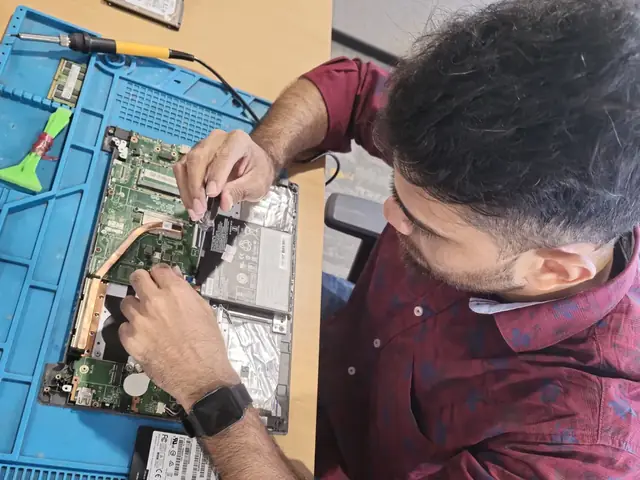
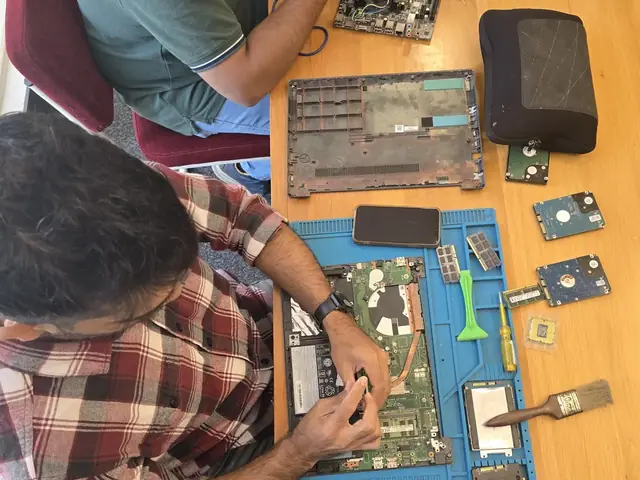
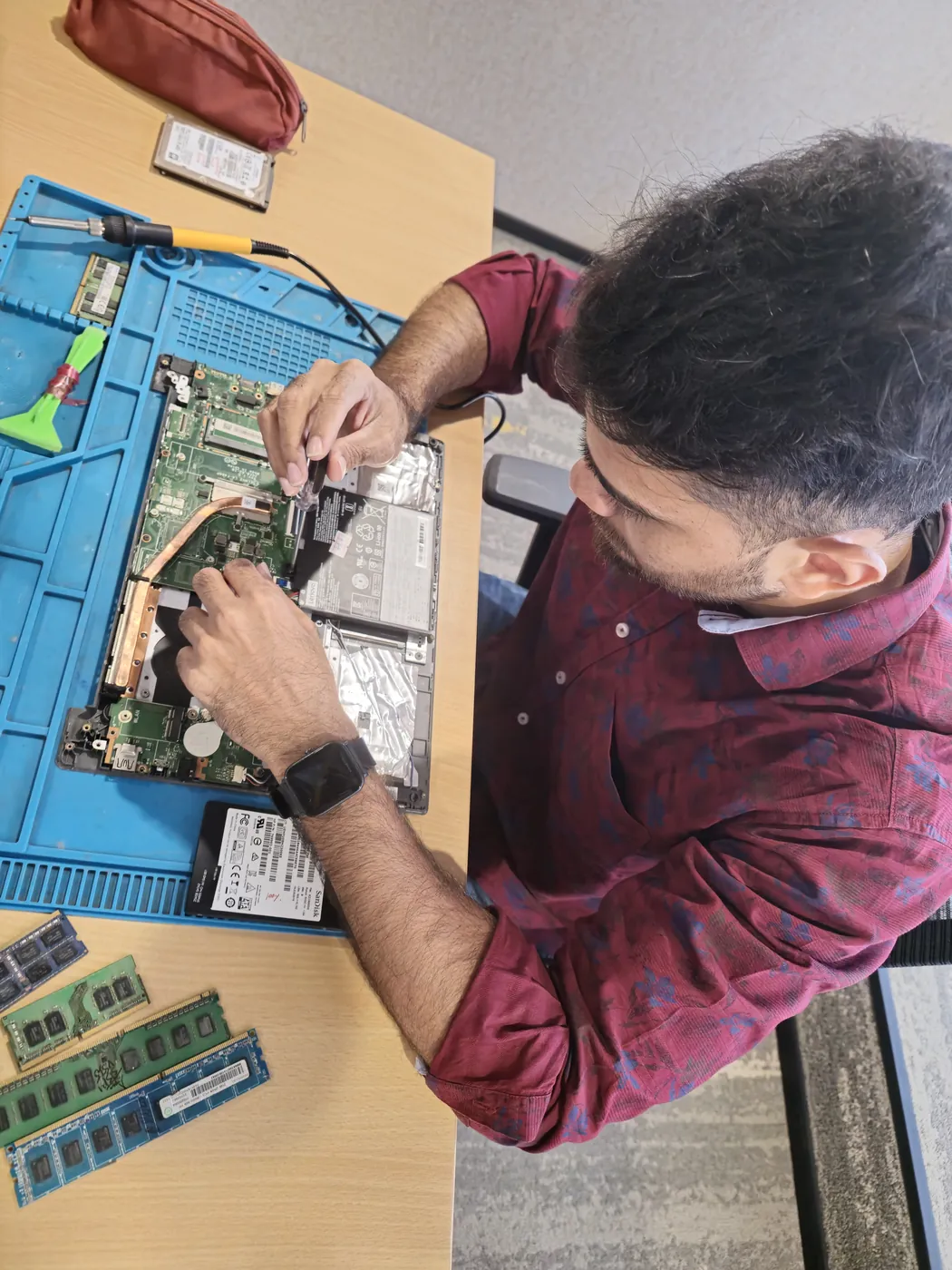
How Dell Vostro 3910 Network Card Upgrade Works — Near You
From booking to delivery — simple, fast, transparent
Call or WhatsApp
Contact us — we'll confirm availability and give you a price estimate for your Dell Vostro 3910.
Free Doorstep Pickup
Our technician arrives at your location within 2 hours. No travel needed.
Expert Repair
Experienced team fixes your laptop or computer using OEM-quality parts. Most repairs done same-day.
Delivered Back
Laptop delivered to your doorstep, tested & quality-checked. 90-day warranty starts.
Dell Vostro 3910 Network Card Upgrade — Price List
Transparent pricing · No hidden charges · Pay only after approval
| Issue / Component | Repair Price | Warranty |
|---|---|---|
| Upgrade Consultation | ₹350 - ₹499 | N/A |
| Single Component Upgrade | ₹1,199 - ₹2,799 | 90 Days |
| Dual Component Upgrade | ₹2,199 - ₹4,899 | 90 Days |
| Full System Upgrade | ₹4,399 - ₹9,799 | 90 Days |
Customer reviews
What Customers Say About Laptop & Computer Repairs in Mumbai
4.9/5 · 12 reviews shown
← Swipe or tap dots to browse →
FAQ
FAQs — Dell Vostro 3910 Network Card Upgrade Near Me
Quick answers about our doorstep repair service
10 questions answered
Still have questions?
Send us your question on WhatsApp or call — a technician will answer.
Watch & learn
See Our Repair Process in Action
Repair videos from our Virar West workshop

Laptop & Computer Repair, Sales & Data Recovery — Xigox
How the Xigox team handles laptop and computer repair, sales, service and data recovery across Mumbai, Thane & Palghar.

Xigox Laptop & Computer Repair — Real Customer Experience
See how Xigox handles real customer repairs — fast diagnosis, transparent pricing and a 90-day warranty on every job.

Xigox Service Centre — Mumbai's Trusted Repair Experts
A closer look at the Xigox team, our tools, and the repair process behind 9,605+ customer reviews across Mumbai MMR.

Inside Xigox — Computer & Laptop Repair Service Centre, Mumbai
A tour of our ISO 9001:2015 certified workshop — laptop, desktop and computer repairs with genuine-grade parts and a 90-day warranty.
Dell Vostro 3910 Network Card Upgrade — All Locations
Choose your area for instant doorstep pickup
Other Dell Vostro 3910 Repair Services Near You
Explore all available repair options for your Dell Vostro 3910
Explore more services
More Repair & Tech Services Near Mumbai
Same technicians · Free pickup · 90-day warranty across all services.
Need Dell Vostro 3910
Network Card Upgrade Near You?
Free doorstep pickup within 2 hours · Same-day repair · 90-day warranty · All of Mumbai MMR
How it's done
How We Perform Network Card Upgrade
What our technicians do, what it requires, and how to tell you need it.
1 How It's Performed
For an upgrade rather than a repair, we test whether the issue is the wireless card, the antenna connection, or purely a driver/OS setting — each shows slightly different symptoms — before opening the chassis to reseat or replace the card and its antenna leads.
Typical time: 20–40 minutes
2 What This Requires
- Reseating (not just replacing) the antenna leads first, since a loose antenna connector is a very common and easily fixed cause of weak signal.
3 When You Need This
- WiFi drops intermittently or shows very weak signal specifically on this device while other devices on the same network are fine.
- Bluetooth devices pair but disconnect repeatedly, or won't be discovered at all.
- The wireless adapter disappears from Device Manager/System Settings entirely, sometimes reappearing after a restart.
The model
About the Dell Vostro 3910
The Dell Vostro 3910 is Dell's small-business laptop/desktop line — positioned between the consumer Inspiron and the enterprise Latitude/OptiPlex lines, aimed at small businesses that want manageability without full enterprise IT overhead.
Key features
- Business-oriented features (TPM, basic manageability tools) without the full enterprise price premium of Latitude.
- Generally more accessible internals than Latitude for straightforward repairs.
- Positioned specifically for small/medium business budgets rather than large IT fleets.
Dell Vostro 3910 Network Card Upgrade in Mumbai — Professional, Reliable, and Affordable
Tired of middlemen? Work with the actual repair team — Xigox. Desktop PC diagnostics in Mumbai need a different approach than laptop repair — a POST card, PSU tester, and RAM slot isolation. Xigox technicians use a methodical component-isolation sequence: starting from the most common fault point outward. This prevents unnecessary parts purchases — you don't replace a ₹8,000 GPU if the PSU is the real fault.
Component-Level Dell Vostro 3910 Network Card Upgrade in Mumbai
Swapping the whole board costs 3–5x more than fixing the fault on it. Xigox's on-site micro-soldering lab means engineers identify the specific chip and repair at the component level — saving customers thousands of rupees. Customers in Mumbai come to Xigox specifically for this.
Our Dell Vostro 3910 Network Card Upgrade Process in Mumbai
Getting your Dell Vostro 3910 fixed in Mumbai is incredibly straightforward. Step 1, call or WhatsApp us at +91 74997 61196 to describe your issue. Next, our complimentary collection driver arrives at your Mumbai doorstep within 1–2 hours. The team then carry out a thorough diagnostic (₹350, credited toward your repair). Once you agree, this issue is executed with genuine parts — and your Dell Vostro 3910 is returned to you. Most repairs done same day.
Written Warranty Protection for Dell Vostro 3910 Network Card Upgrade
All the repair performed by Xigox in Mumbai comes with a written 90-day warranty covering parts and labour. Simply put, if the same issue recurs within 90 days, we redo it completely free. Xigox issues a printed warranty receipt every single time, so you know exactly what is covered.
Same-Day Dell Vostro 3910 Network Card Upgrade — How It Works
Wondering how fast Xigox can complete issue in Mumbai? Our standard process: First — call or WhatsApp +91 74997 61196 and our pickup technician arrives at your Mumbai address within 2 hours. Then — ₹350 diagnostic pinpoints the issue. Step 3 — you approve the quote via WhatsApp — zero pressure. Step 4 — this issue is done using OEM-grade components by our engineers, usually within 2–4 hours. Step 5 — we return it to you with a quality report.
Rigorous Testing after Dell Vostro 3910 Network Card Upgrade
Completing the repair is just the first step at Xigox. Prior to delivery in Mumbai, it undergoes a rigorous full-system inspection. We verify that your repair was executed flawlessly, testing thermal performance. This attention to detail is why our return rate is so low across Mumbai.
Fast & Easy Dell Vostro 3910 Network Card Upgrade in Mumbai
We know you can't stay disconnected in Mumbai. We plan this issue for maximum convenience. For most issues, our technicians finish the issue within hours. We arrange secure collection from your Mumbai home or office, perform the issue using precision tools, and deliver it back to you.
Enterprise Dell Vostro 3910 Network Card Upgrade in Mumbai
Businesses across Mumbai trust our repair to minimise downtime. We offer annual maintenance plans, priority turnaround, and a single point of contact. From a small team or an entire floor, Xigox manages the repair for your Mumbai workspace with GST invoices and complete service reports.
Expert Technicians for Dell Vostro 3910 Network Card Upgrade in Mumbai
Not everyone in Mumbai can handle complex this issue. Xigox's engineers undergo rigorous training specifically for Dell Vostro 3910 hardware. Whether it's a minor fix or advanced component-level motherboard repair, we fix it properly right here for Mumbai clients.
Xigox Service Promise for Dell Vostro 3910 Network Card Upgrade
Your repair doesn't end when the Dell Vostro 3910 is returned. The Xigox after-service team remains reachable 7 days a week, 9 AM–9 PM via WhatsApp or phone. Should any concern arise within 90 days of your repair, simply contact us and a technician is dispatched at no cost. This commitment is why residents in Mumbai return to Xigox.
No Hidden Costs Policy for Dell Vostro 3910 Network Card Upgrade
The biggest frustration about repair shops in Mumbai is surprise bills after the job is done. We've built our entire model around transparency. Prior to touching your Dell Vostro 3910, our technician provides a clear cost estimate that covers everything. You see the exact cost — approve it or decline, no pressure. Our ₹350 inspection fee is fully refunded when you proceed with this issue.
Genuine parts and a clear bill in Mumbai. Xigox combines experienced engineers, OEM-grade spares, upfront pricing, and a real warranty on every Dell Vostro 3910 Network Card Upgrade. Join the thousands in Mumbai who trust us — call or WhatsApp +91 74997 61196 for same-day service in Mumbai.
Dell Vostro 3910 Network Card Upgrade price in Mumbai — know it before you book
- 1Pick your device & issue
- 2See the real price range
- 3Free doorstep pickup in Mumbai
4.9 from 9,605 customer reviews across all repairs · upfront pricing · 90-day warranty
Before you book: have your device model and a quick description of the issue ready — it speeds up your quote.
Not sure what's wrong?
Find Your Fix by Symptom
Tell us what your device is doing — we'll point you to the right repair, with real pricing and next steps.
Book a repair
Dell Vostro 3910 Network Card Upgrade — Book Now
Free doorstep pickup · Genuine parts · 90-day warranty
Booking received
We'll call you within 1 hour to confirm your appointment and arrange doorstep pickup.
Inspection fee: ₹350
- Credited to your total repair cost if you go ahead.
- Still applies if the device can't be repaired or you decline the repair.
Device type *
Inspection fee: ₹350
- If you go ahead with the repair, the ₹350 is credited to your total repair cost.
- If the device can't be repaired or you decide not to continue, the ₹350 inspection fee still applies.
Your details are used only to arrange this repair. By submitting, you agree to our Privacy Policy.