
Gaming
PC RTX 4080
- Issue
- No display output, fans spinning. No boot sequence.
- Solution
- Diagnosed motherboard failure. Replaced with compatible board.
Goregaon West
4 Hours
- Motherboard
- Gaming
- Display
Expert Desktop BIOS Update in Palghar. We handle OS installation, BIOS repair, driver updates, and system recovery for Windows, macOS, and Linux. Clean install with drivers and software configuration included.
Desktop BIOS Update in Palghar, in short: diagnosis is ₹350, credited to the repair. Most repairs are finished the same day; board-level work takes 2–5 days. Free pickup within 2 hours in Palghar and across Mumbai, Thane and Palghar. Simple replacements at your door; board-level and body repairs at our Virar West workshop after free pickup. Every repair carries a 90-day written warranty.

Typical price
₹2,999–₹14,000+
Turnaround
2–5 hours
Warranty
90-day warranty
Skip the directories. Book direct for transparent pricing with Xigox. A desktop PC or all-in-one that won't boot, runs slowly, or has hardware faults in Palghar needs a technician who understands desktop architecture. Xigox handles Desktop BIOS Update for all desktop types: the full range of desktop hardware faults. Doorstep collection available across Palghar.
Longevity matters for the repair. Because of this, our team strictly use OEM-grade parts for your desktop PC. Instead of grey-market components, we use trusted supply chains. This is how we help your repair stay durable, supported by our standard 90-day warranty.
High-quality issue shouldn't break the bank in Palghar. Because we repair at the component level, we typically save customers 30% to 50% versus authorized brand service centres. You receive identical stellar quality for your desktop PC, but at a much fairer price. Get your free quote for this issue in Palghar now.
Your personal data is our top priority during your repair. Customers throughout Palghar trust us because we never access personal files. Throughout the repair, your confidential files remain untouched. If a software reset is necessary, we consult you beforehand.
Xigox isn't just for individuals Palghar rely on our issue to minimise downtime. Our corporate solutions include annual maintenance plans, priority turnaround, and dedicated account managers. Whether you have 5 laptops or 500, Xigox handles this issue for your Palghar office with corporate billing and detailed repair documentation.
After a successful the repair in Palghar, most customers notice immediate performance improvements: quicker application loading, cooler operating temperatures, restored battery life, or a perfect display — depending on the specific repair. Xigox runs diagnostic tests before and after the repair in Palghar to confirm the improvement.
Need your desktop PC fixed urgently? Xigox offers priority this issue in Palghar for critical situations. From an exam deadline and your desktop PC just crashed, our emergency service moves your desktop PC to the front of the line, so most repairs can be finished the same business day. Emergency this issue can be arranged including weekends in Palghar. Just say 'priority' when calling and our team will fast-track your issue immediately.
Completing the repair is just the first step at Xigox. Prior to delivery in Palghar, it undergoes a comprehensive multi-point inspection. We verify that your repair was executed flawlessly, testing screen calibration. This attention to detail is why our return rate is so low across Palghar.
Getting your desktop PC fixed in Palghar is incredibly straightforward. Step 1, call or WhatsApp us at +91 74997 61196 to describe your issue. Next, our complimentary collection driver arrives at your Palghar doorstep within 1–2 hours. The team then carry out a thorough diagnostic (₹350, credited toward your repair). Once you agree, this issue is executed with genuine parts — and your desktop PC is returned to you. Most repairs done same day.
We know your time is valuable in Palghar. Xigox plans the repair for maximum convenience. In 90% of cases, our technicians complete the repair on the same day. Our team offers free doorstep pickup from your Palghar address, execute the repair at our workshop, and return it to you.
Your desktop PC model never limits what we can fix. Xigox engineers are trained across all major brands: HP, Dell, Lenovo, Asus, Acer, MSI, Intel and custom-built systems. Different manufacturers have unique design choices we account for in every repair. This depth of brand knowledge reduces repair time and lowers the chance of secondary damage.
Your desktop PC is an investment — protect it with a dependable Desktop BIOS Update team. Xigox looks after customers across Mumbai, Thane and Palghar with zero hidden charges. Need a quick fix? Call us at +91 74997 61196 for same-day Desktop BIOS Update in Palghar.
· Verified by Xigox experienced technicians
Transparent pricing. ₹350 inspection fee (refunded if you proceed with repair). Exact quote before work starts. No hidden charges.
Credited to the repair when you go ahead; no charge for the quote itself.
Part and labour listed; nothing is replaced until you approve it.
In writing, on parts and labour, for the repair we did.
* Final price confirmed after the ₹350 inspection, which is credited to the repair if you go ahead. Call +91 74997 61196 for a specific quote.
Our process
From your Palghar doorstep to our Virar West workshop and back — completely hassle-free. Here's our proven process.
Step 1Step 1: Get In Touch with Our Team Free
Call, WhatsApp, or fill out our online form. Share your product type (laptop, desktop, all-in-one PC, printer) and the issue you're experiencing. We respond within minutes with repair availability.
Step 2Step 2: Doorstep Service or Free Pickup
For part replacements (battery, keyboard, screen, SSD, RAM), our technician visits your Palghar doorstep. For chip-level and body repairs, free pickup and drop from your Palghar address. Safe handling and padded transport. Customers near NH-48 (Mumbai-Ahmedabad Highway) get free pickup within 2 hours of booking.
Step 3Step 3: Transparent Diagnosis & Quote
Our experienced engineer diagnoses your laptop or computer at our lab. ₹350 inspection fee applies (fully refunded if you proceed with the repair). You receive a clear, itemised written quote before any repair work begins. No surprises, no hidden fees. Our 4.9★ rating across 9,605+ reviews reflects our commitment to thorough quality assurance.
Step 4Step 4: Professional Repair with Genuine Parts
Using OEM-grade components and manufacturer-approved techniques, our technicians repair your laptop or computer to factory-level quality. Most common repairs are completed the same day.
Step 5Step 5: Free Delivery + 90-Day Warranty
Your repaired laptop or computer is delivered back to your Palghar doorstep at zero cost. Every repair includes a 90-day written warranty covering parts and labour. Trusted by customers across Palghar district — 4.9★ rated.
Join 9,605+ happy customers across Mumbai MMR. Free pickup for lab repairs, ₹350 inspection (refunded if you proceed with repair), written warranty — get started in under 30 seconds.
How it's done
What our technicians do, what it requires, and how to tell you need it.
When this needs a genuine repair rather than a reset, for driver-specific faults, we identify the exact chipset/controller involved, remove the conflicting or corrupted driver cleanly, and install the manufacturer-correct version rather than letting Windows Update pick a generic one that may not fully support every feature of your hardware.
Typical time: 30–90 minutes
Who repairs your device
Desktop BIOS Update is handled by Xigox technicians from start to finish, never handed on to another shop. Work that needs the repair bench is done at our workshop in Virar West.
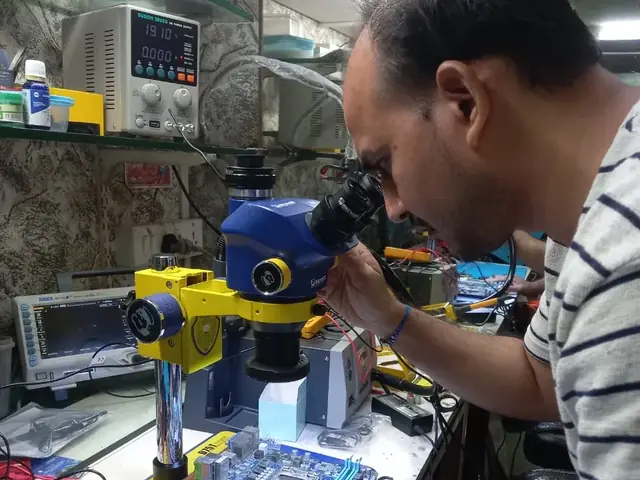
Board-level faults are traced with a microscope, a multimeter and a soldering station before any part is replaced, and parts are fitted only after you approve the quote.
We don't open your personal files during a repair. When a job needs access to your data, such as data recovery or a Windows reinstall, we ask you first.



Photos
Photographs of Xigox technicians working on opened laptops and boards. They show how the work is done, not the results on any particular customer's device.

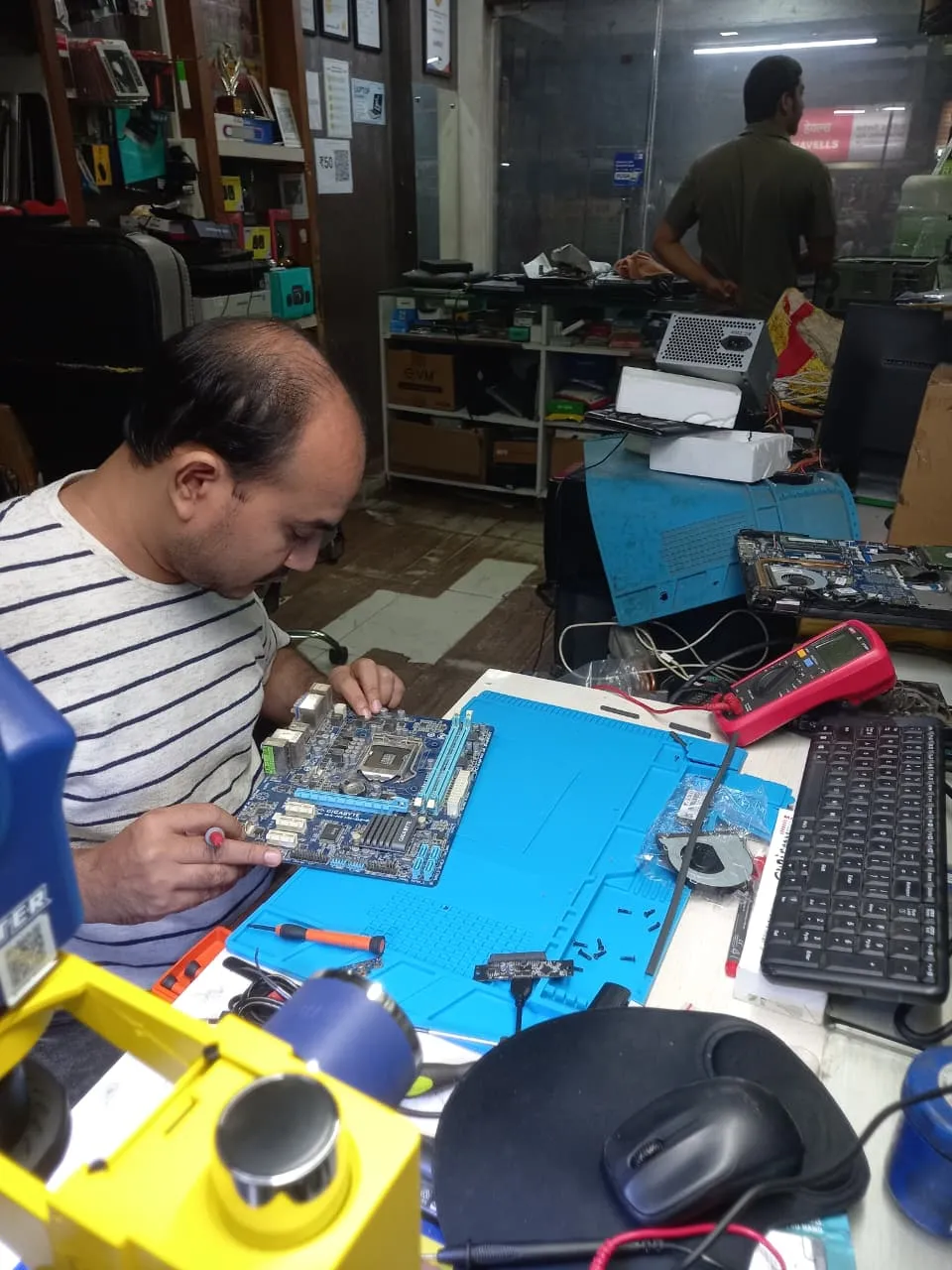
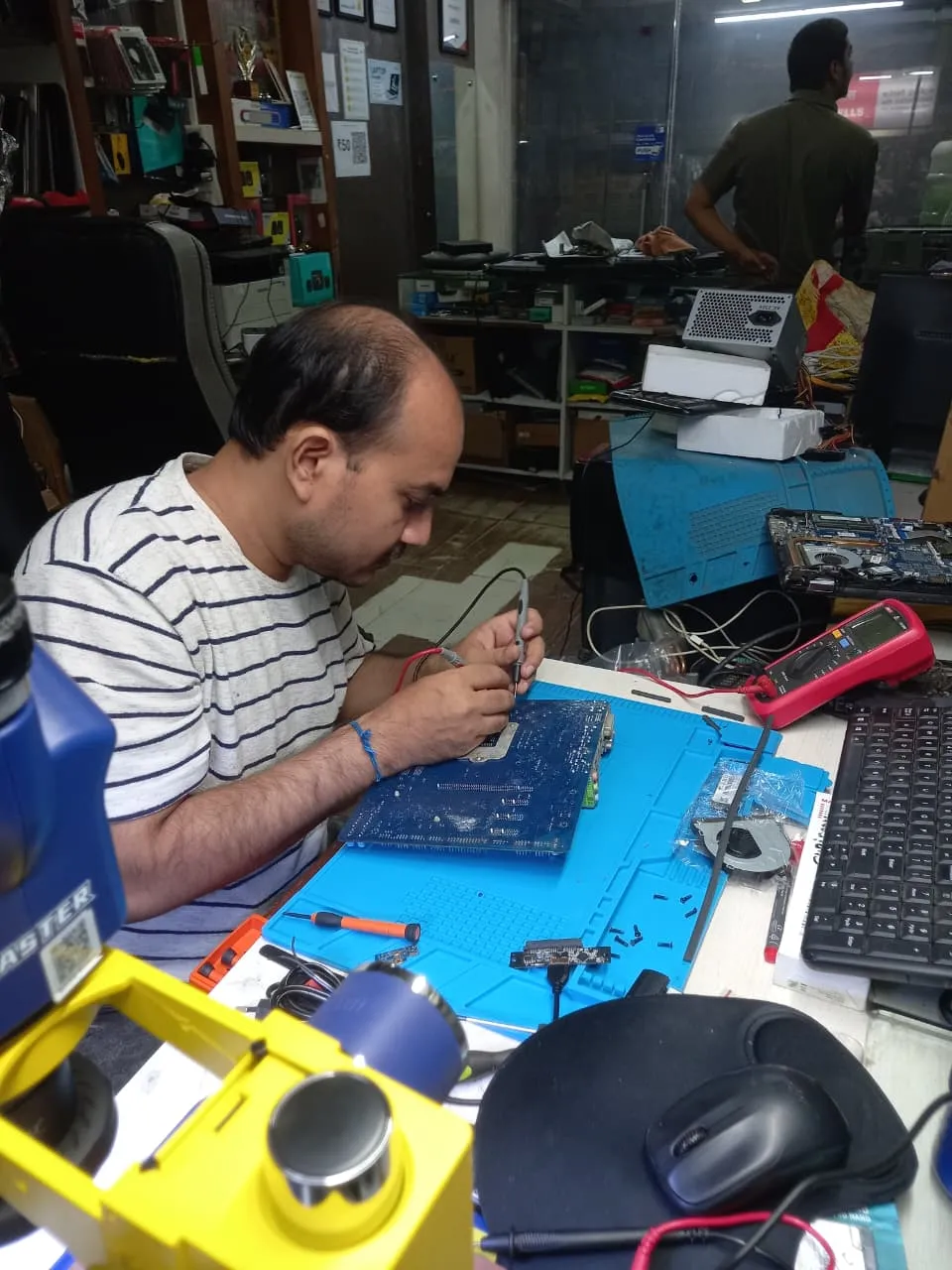
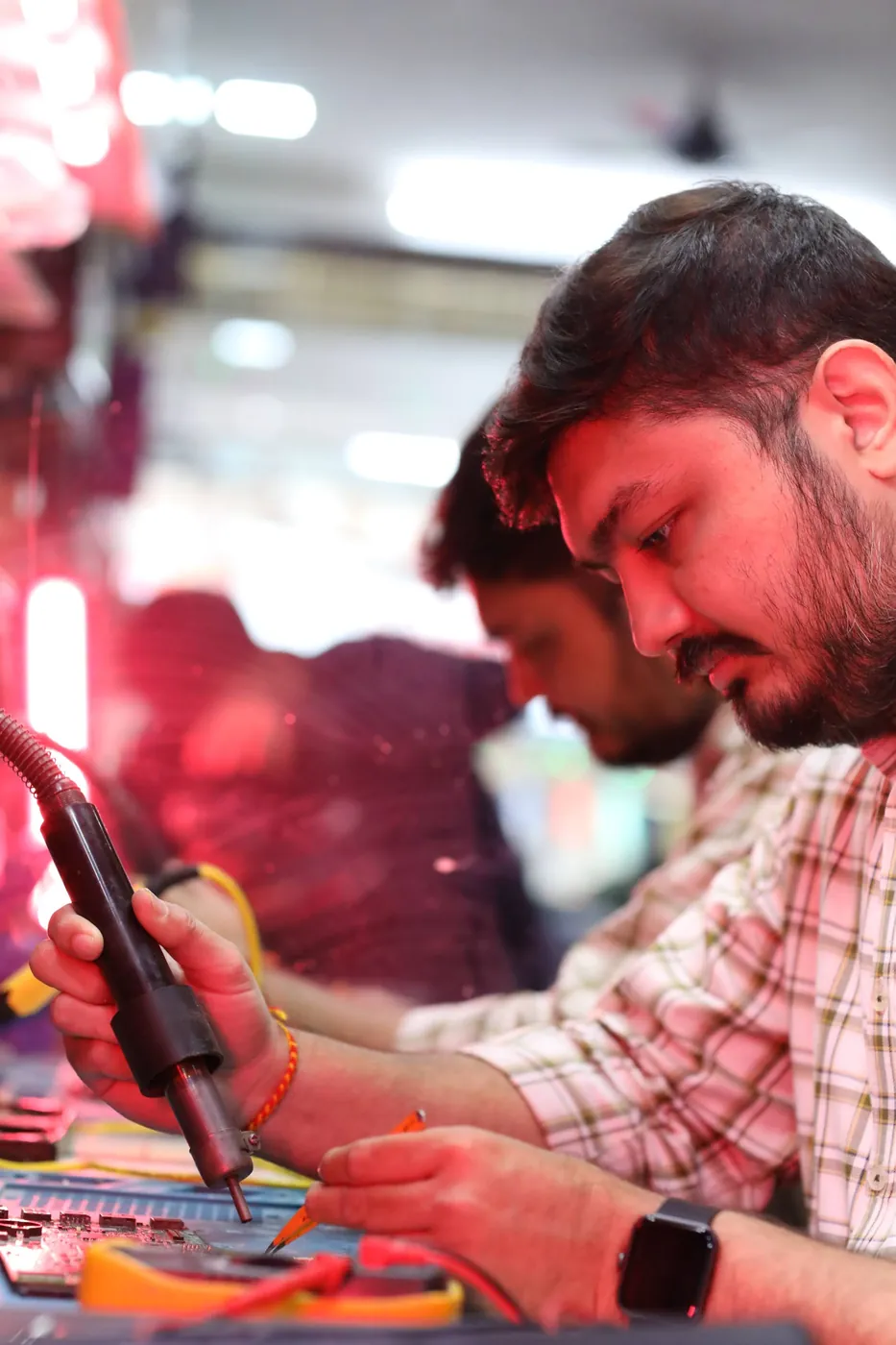
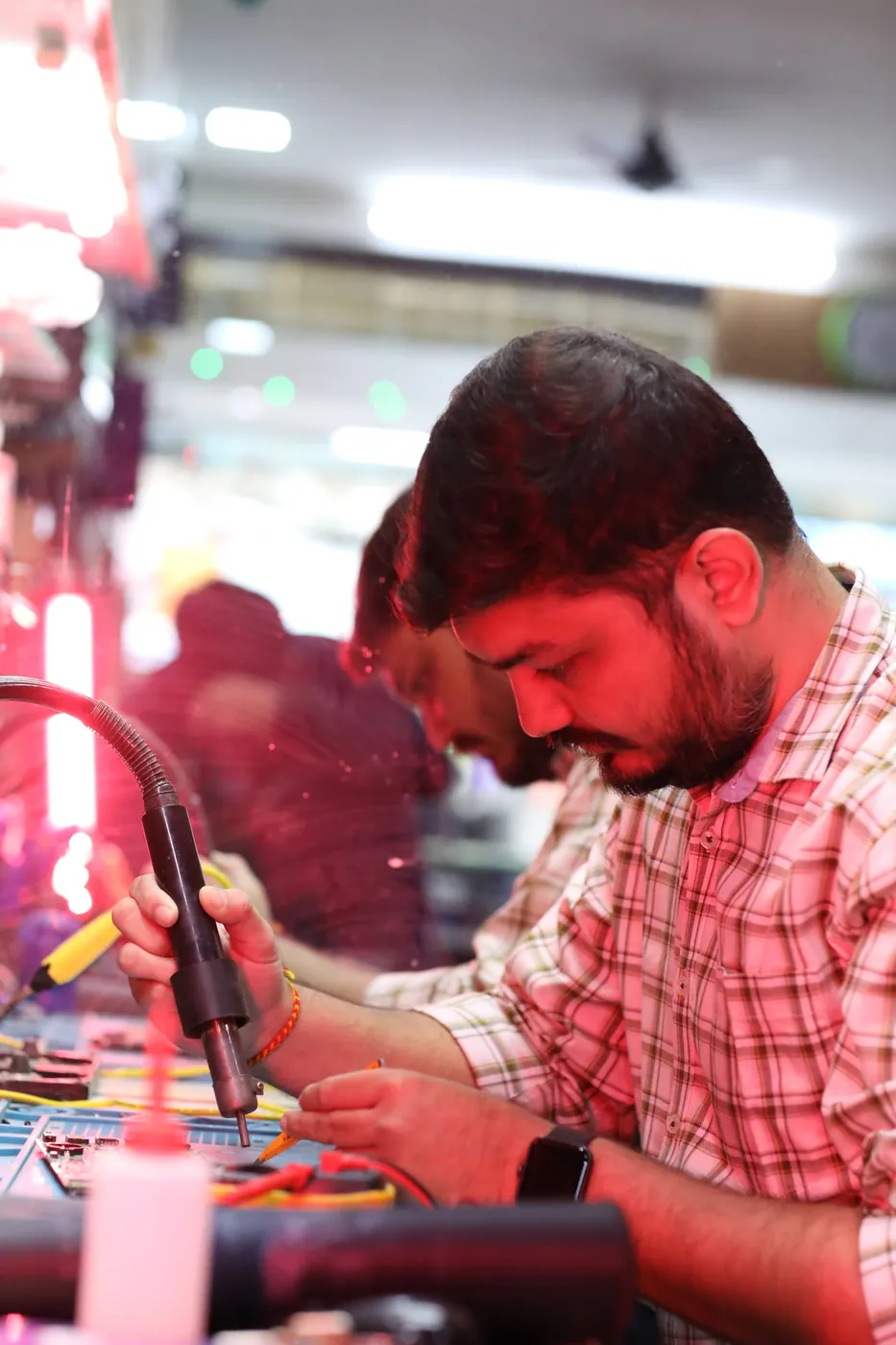
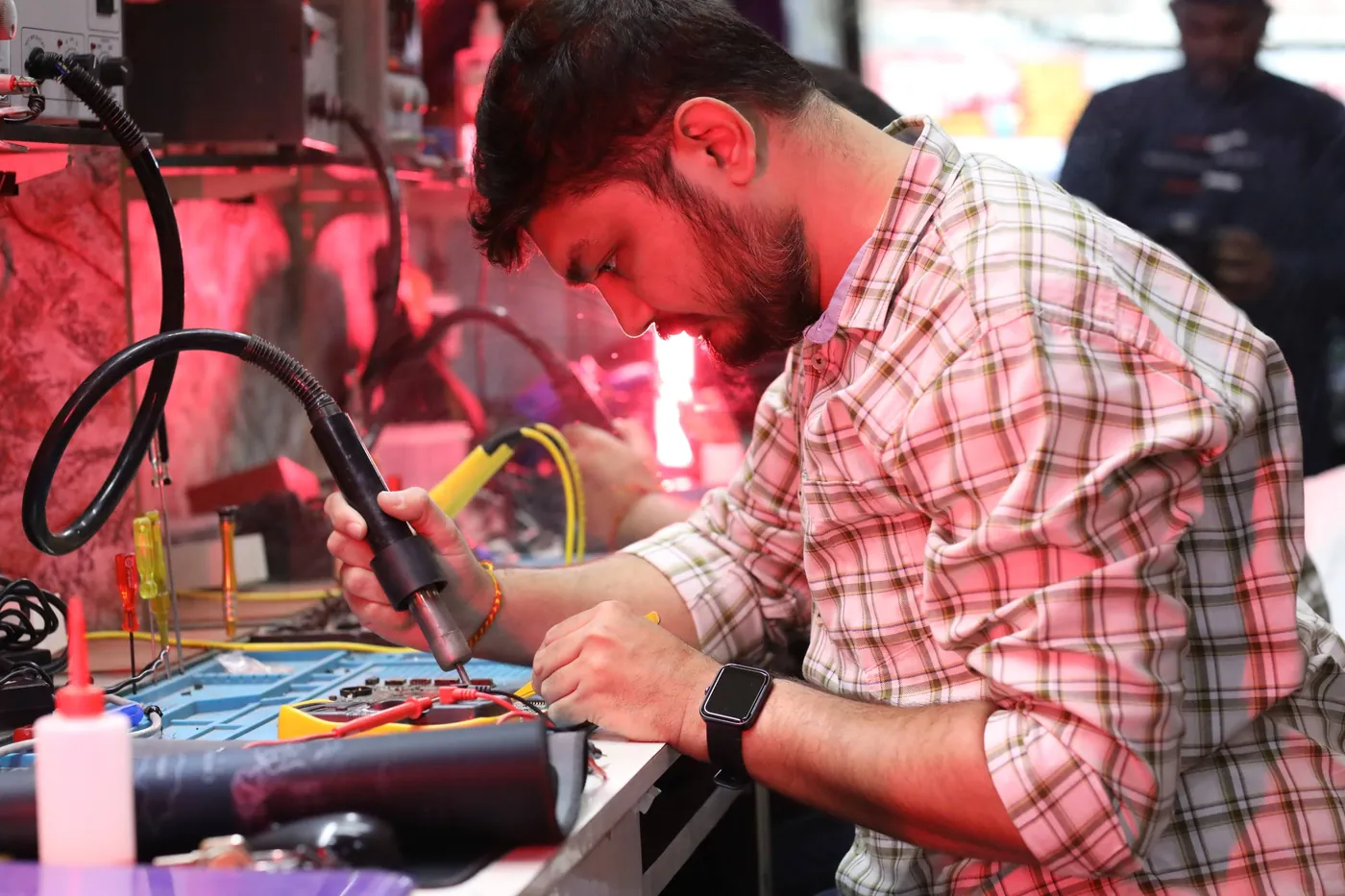
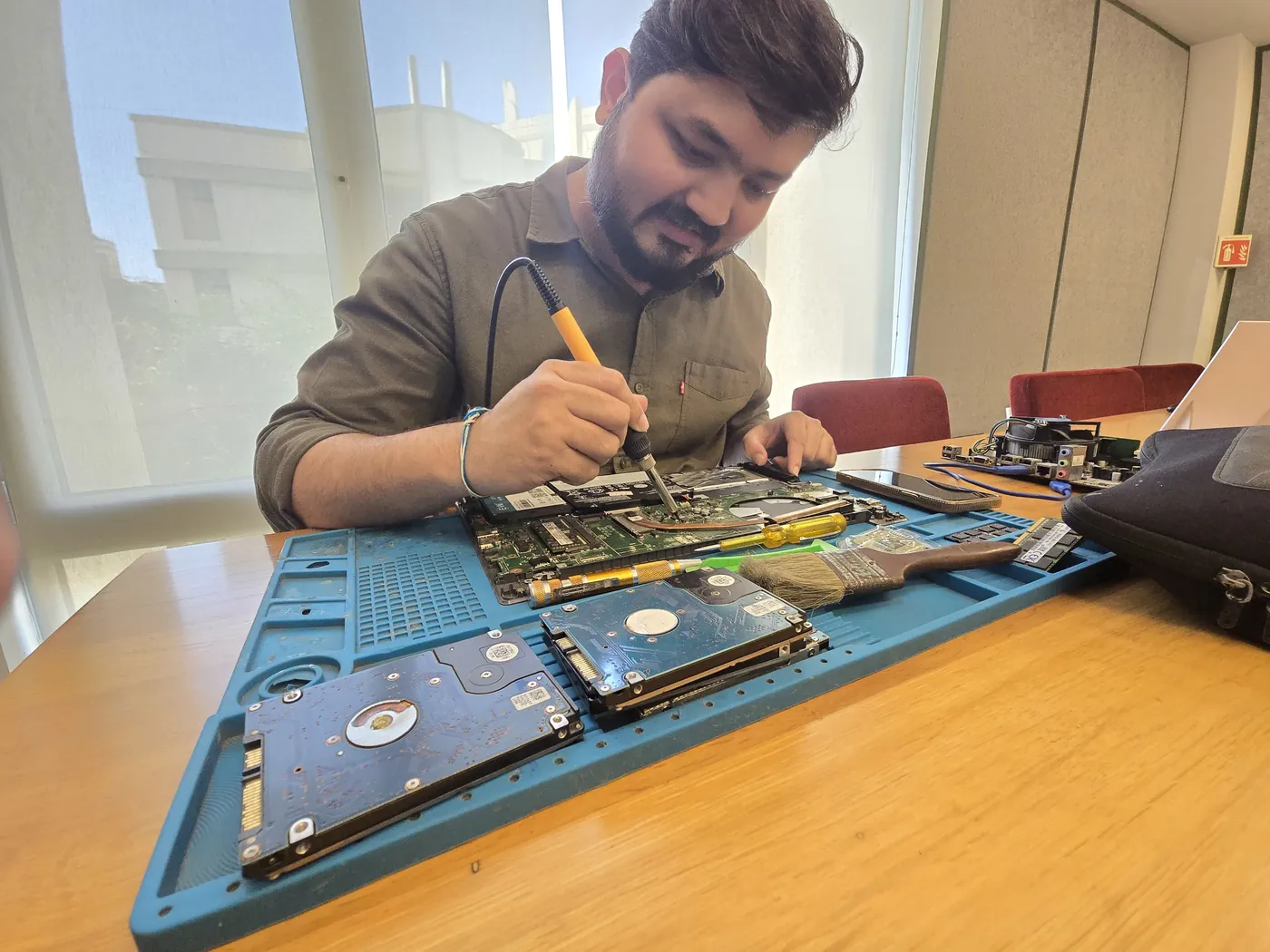

All photos are real photographs of the Xigox team at work.
Why Xigox?
Over 9,605+ reviewers across Mumbai trust Xigox for professional, transparent and affordable Desktop BIOS Update. Serving all addresses in the 401404 postal zone.
Only genuine or OEM-grade parts used for Desktop BIOS Update — zero aftermarket shortcuts, ever.
Your Desktop BIOS Update is covered by a written 90-day warranty. Same fault recurs? We fix it free.
Most Desktop BIOS Update jobs finished in 2–4 hours. Doorstep service for part replacements; free pickup for lab repairs in Palghar.
₹350 inspection fee (refunded if you proceed with repair). Exact written quote before we start. No surprise charges — ever.
WhatsApp support after every Desktop BIOS Update job. We answer laptop and computer questions — always free.
Collection and return anywhere in Palghar at no charge. Doorstep Desktop BIOS Update costs the same as bringing it to us — we do not bill convenience.
What Xigox puts in writing, and what to ask any other shop or listing
| Feature | Xigox | Other shops & listings |
|---|---|---|
| Experienced Technicians | Yes | Varies; ask who will work on the device |
| Transparent Pricing (₹350 Inspection) | Yes | Varies; ask for a written quote first |
| 90-Day Warranty | Yes | Varies; ask for the warranty in writing |
| Free Pickup & Drop | Yes | Varies; ask whether pickup is free |
| Genuine Parts | OEM Parts | Varies; ask which part will be fitted |
| Same-Day Service | Most Repairs | Varies; ask for a time in writing |
| ISO 9001 Certified | Yes | Varies; ask for their certificate |
Repair examples
Gaming
PC RTX 4080
HP
ProDesk 400 G7
Technician's note
Capacitor failure likely caused by prolonged voltage fluctuation. Recommended UPS installation.
HP
EliteDesk 800 G9
Technician's note
Accounting firm with heavy Tally usage. 32GB is optimal for their workflow.
Mac
Mini M2
Technician's note
M2 Mac Mini SSD upgrade requires specific NVMe controller compatibility. Used validated module.
HP
ProDesk 400 G9
Technician's note
Original HDD retained as secondary storage. Best ROI upgrade for any desktop.
Dell
OptiPlex 7010
Technician's note
PSU exceeded 5-year lifespan. Recommended surge protector for office fleet.
Customer reviews
4.9/5 · 18 reviews shown
← Swipe or tap dots to browse →
Customer stories
What customers say about their laptop and computer repairs
“Mac Mini wasn't turning on — just showed an amber light. Xigox diagnosed a power board issue and repaired it. Mac Mini runs perfectly now!”
Mac Mini M2
“Workstation was blue-screening during 3D rendering. Xigox found faulty RAM modules and replaced them. Zero crashes since then.”
Dell Precision 3660
“Graphics card died on our office desktop. Xigox sourced a compatible GPU and installed it same day. CAD software running smoothly again. Great service!”
Dell OptiPlex 7080
“Desktop was freezing randomly. Xigox diagnosed a failing HDD, replaced with SSD. Boot time went from 3 minutes to 15 seconds. Outstanding upgrade!”
HP ProDesk 600 G6
“Office PC wouldn't boot — kept showing BIOS errors. Xigox replaced the CMOS battery and reconfigured BIOS. Running smoothly for months now!”
Dell OptiPlex 5000
“My gaming PC kept crashing during games. Xigox found the GPU had a failing VRAM chip and repaired it. Smooth 4K gaming again!”
Custom Gaming PC (RTX 4070)
Watch & learn
Repair videos from our Virar West workshop

A tour of our ISO 9001:2015 certified workshop — laptop, desktop and computer repairs with genuine-grade parts and a 90-day warranty.

How the Xigox team handles laptop and computer repair, sales, service and data recovery across Mumbai, Thane & Palghar.

See how Xigox handles real customer repairs — fast diagnosis, transparent pricing and a 90-day warranty on every job.

A closer look at the Xigox team, our tools, and the repair process behind 9,605+ customer reviews across Mumbai MMR.
FAQ
Everything you need to know about Desktop BIOS Update in Palghar
10 questions answered
Send us your question on WhatsApp or call — a technician will answer.
Expert repair solutions available at your doorstep
Explore more services
Same technicians · Free pickup · 90-day warranty across all services.
Available across Mumbai, Thane & Palghar
Book a repair
Get your laptop or computer fixed today. Fill in 4 fields and we'll call within 1 hour.
We'll call you within 1 hour to confirm your appointment and arrange doorstep pickup.
Inspection fee: ₹350
Device type *
Inspection fee: ₹350
Your details are used only to arrange this repair. By submitting, you agree to our Privacy Policy.
Desktop BIOS Update in Palghar. Free pickup • 90-day warranty • Genuine parts
Open All Days · 9 AM – 9 PM · Reply within 15 minutes
Desktop PC specifics
Tower desktops have the most internal space of anything we service, which makes diagnosis straightforward — parts are standard, accessible and individually replaceable.
Tower parts are standard and widely stocked, so a desktop repair rarely waits on part sourcing — most are finished the same day.
Just the cabinet is enough for most faults. If the complaint is display-related we may ask for the monitor and its cable so we can reproduce it exactly.
Guides
Written by the Xigox workshop team — diagnostics, cost breakdowns and step-by-step fixes you can read before you book.
USB port not working on a laptop or desktop? Sort it into one port, every port or one device, then try safe so...
6 min read Computer GuideWindows 11 errors fall into startup, update and driver families. Use the error code to find yours, then follow...
9 min read Computer RepairA comprehensive guide to desktop computer and PC repair costs in India. From software fixes to motherboard rep...
11 min read Computer TipsExpert guide on whether your old PC is worth repairing. Covers cost comparisons, upgrade options, and a clear...
10 min readService area
Xigox provides desktop bios update across Palghar (PIN 401404), in the Palghar district. Our doorstep pickup and on-site service cover the entire Palghar area and the neighbourhoods around it.
Localities we cover in Palghar: Palghar West, Palghar East, Palghar Taluka, Kelve Road, Boisar, Umroli. Wherever you are in Palghar, we can collect your device from your door and bring it back after the repair.
Our technicians regularly serve homes, societies and offices around Palghar Station, Mahim Creek and Palghar Market, and along NH-48 (Mumbai-Ahmedabad Highway), Manor Road, Palghar Station Road and Kelve-Mahim Road. If you're near any of these landmarks, same-day pickup for desktop bios update is almost always available.
We also serve these nearby areas — tap your locality for local desktop bios update:
4.9 from 9,605 customer reviews across all repairs · upfront pricing · 90-day warranty
Before you book: have your device model and a quick description of the issue ready — it speeds up your quote.
Not sure what's wrong?
Tell us what your device is doing — we'll point you to the right repair, with real pricing and next steps.
Our head office: Virar West
~27.3 km from Palghar. With free doorstep pickup you don't need to travel — this is where the repair is done.