Epson · L5190 · Pokharan Road

Epson L5190
Printer Setup
in Pokharan Road

Expert repair for your Epson L5190 in Pokharan Road. Free doorstep pickup, OEM-quality parts & 90-day warranty.

✓ Free Doorstep Pickup ✓ Same-Day Repair ✓ 90-Day Warranty ✓ ISO 9001 Certified

Open every day, 9 AM – 9 PM

Tejas Chudasama, Xigox Founder Janak Chudasama, Xigox CTO

Run by Tejas & Janak Chudasama since 2011

Xigox is a family-run, ISO 9001:2015-certified repair business, not a marketplace listing or a franchise. Every repair is backed by a written 90-day warranty and billed against GSTIN 27AJXPC8441R1Z7. Read our story

Why Us?

Why Choose Xigox for Epson Printer Setup in Pokharan Road?

With 1,00,318+ successful repairs and a 4.9-star rating, Xigox is an independent Epson repair specialist serving Pokharan Road. Covering the entire Thane district with same-day service.

Free Pickup & Drop

Collection and return anywhere in Pokharan Road at no charge for lab-based Epson work — we don't bill for convenience.

Transparent Pricing

₹350 inspection fee (refunded if you proceed). Written quote before any Epson Printer Setup work begins.

No Fix, No Repair Fee

If we cannot resolve your Epson Printer Setup issue, you pay nothing beyond the inspection fee.

Component-Level Repairs

We repair Epson hardware at chip and board level where it's safe to do so — often a fraction of a full-module swap.

Experienced Technicians

Our engineers work on Epson hardware regularly. Every repair is tested before return.

Genuine & OEM-Grade Parts

We use genuine Epson parts wherever available; otherwise OEM-compatible components.

Repairs Completed
1,00,318+
Since 2011
Average Rating
4.9 ★
9,605+ reviews
Repair Warranty
90 Days
Parts & labour
Avg Response
30 Min
For common issues
Pickup & Drop
Free
₹350 inspection fee
Est. Since
2011
15+ yrs in Thane

Who repairs your device

Repaired in-house by Xigox technicians

Your Epson L5190 is handled by Xigox technicians from start to finish. It is never handed on to another shop. Work that needs the repair bench is done at our workshop in Virar West.

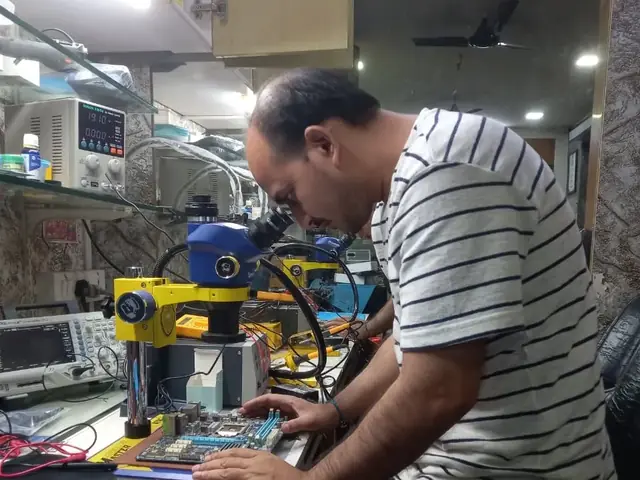
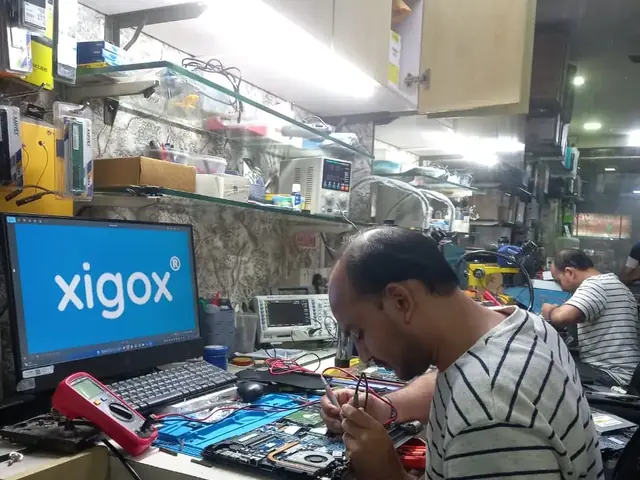
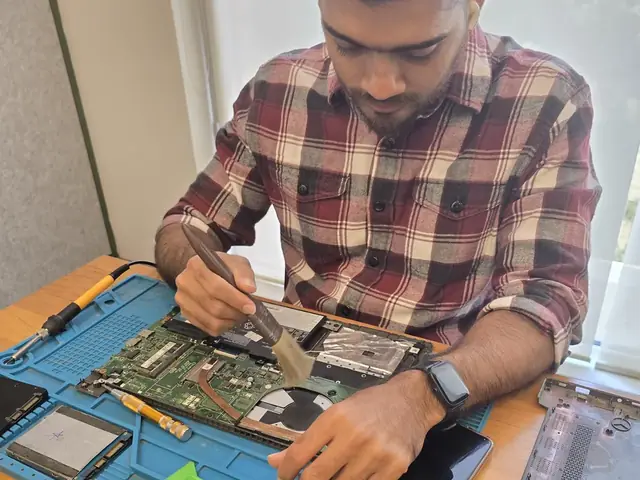
Board-level faults are traced with a microscope, a multimeter and a soldering station before any part is replaced, and parts are fitted only after you approve the quote.

We don't open your personal files during a repair. When a job needs access to your data, such as data recovery or a Windows reinstall, we ask you first.

  • Repaired in-house, not outsourced
  • Quote approved by you before work starts
  • Your files stay private
  • Microscope and board-level tools
  • Genuine or OEM-grade parts
  • 90-day warranty on repairs
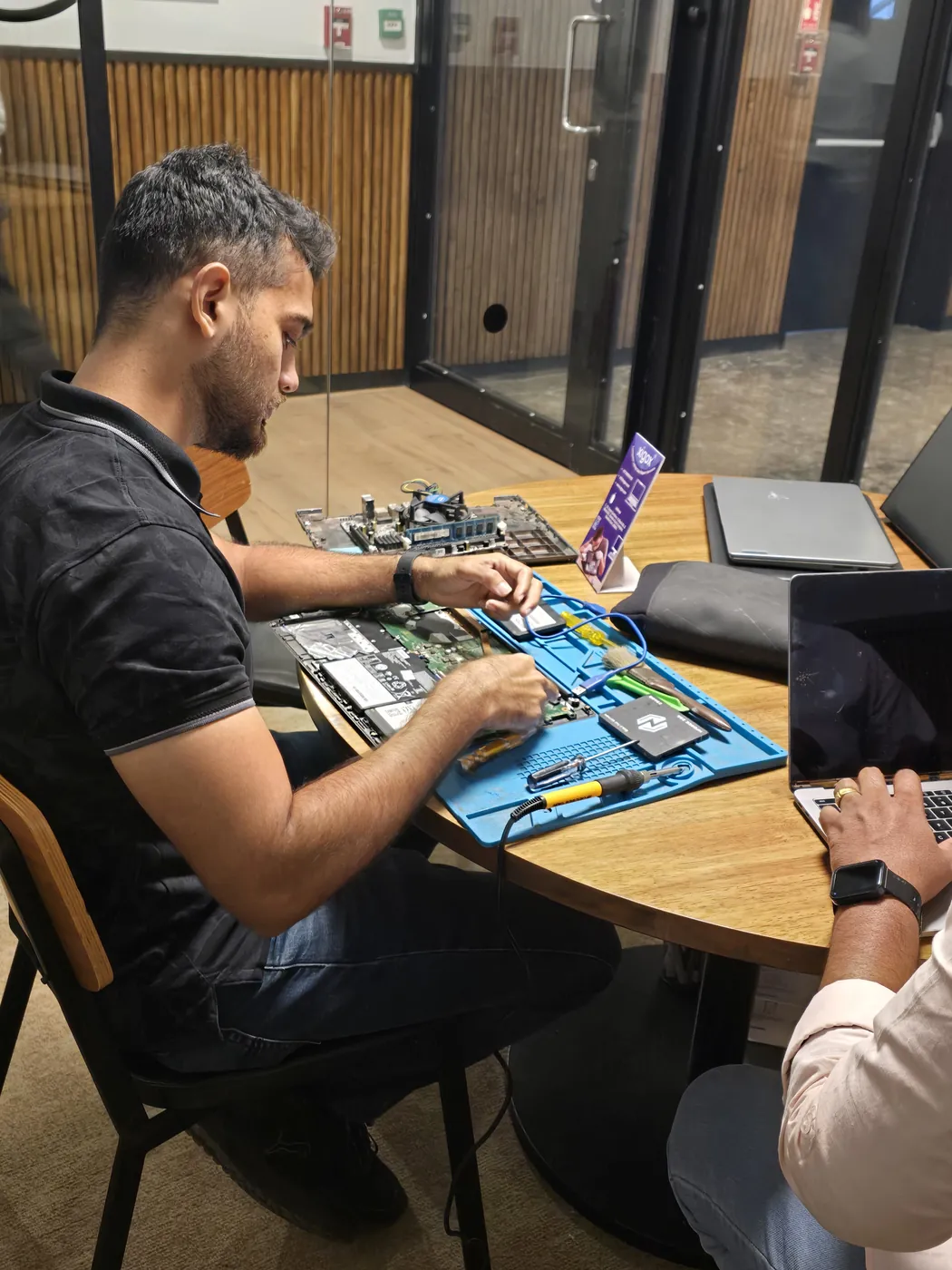
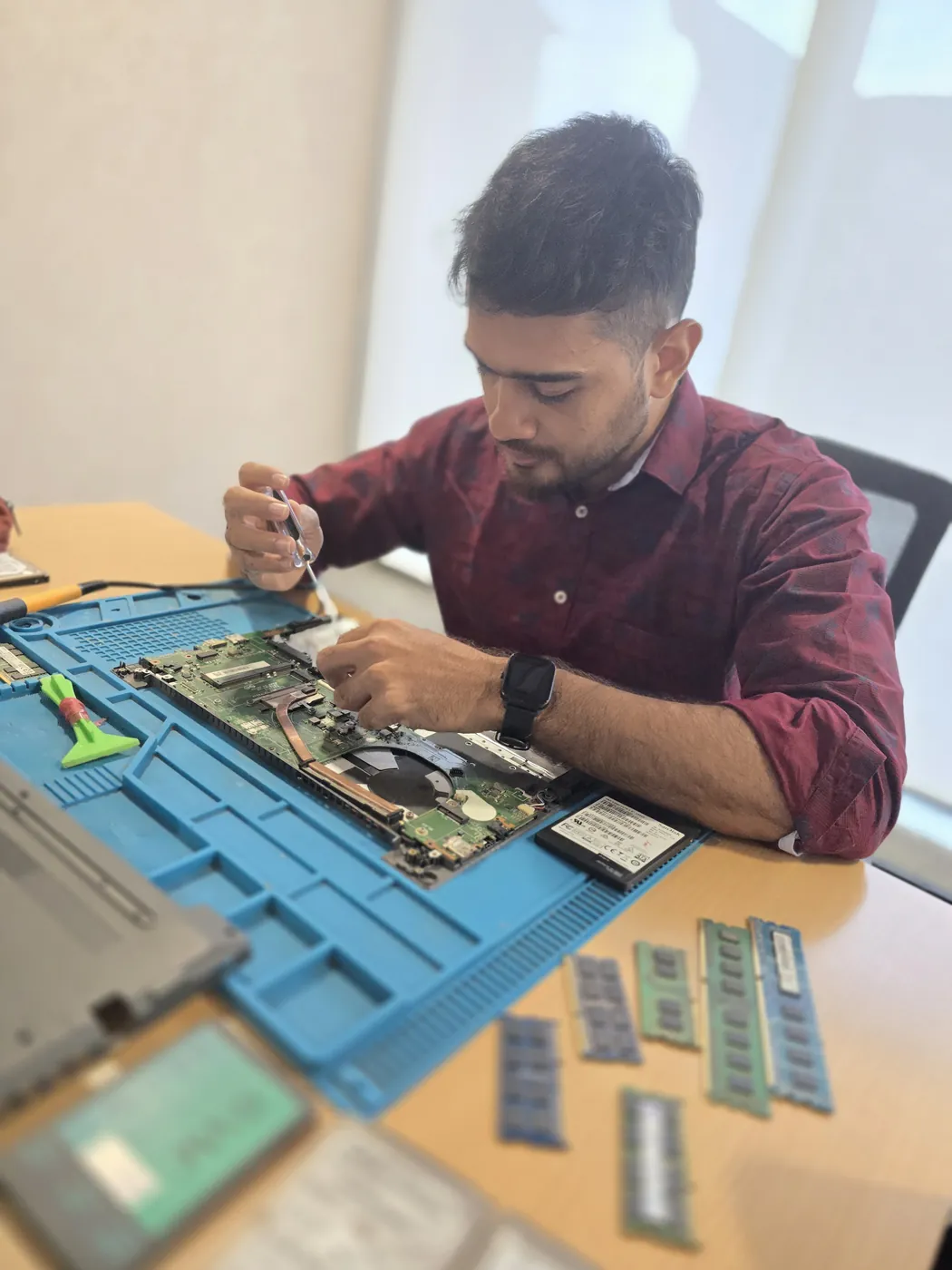
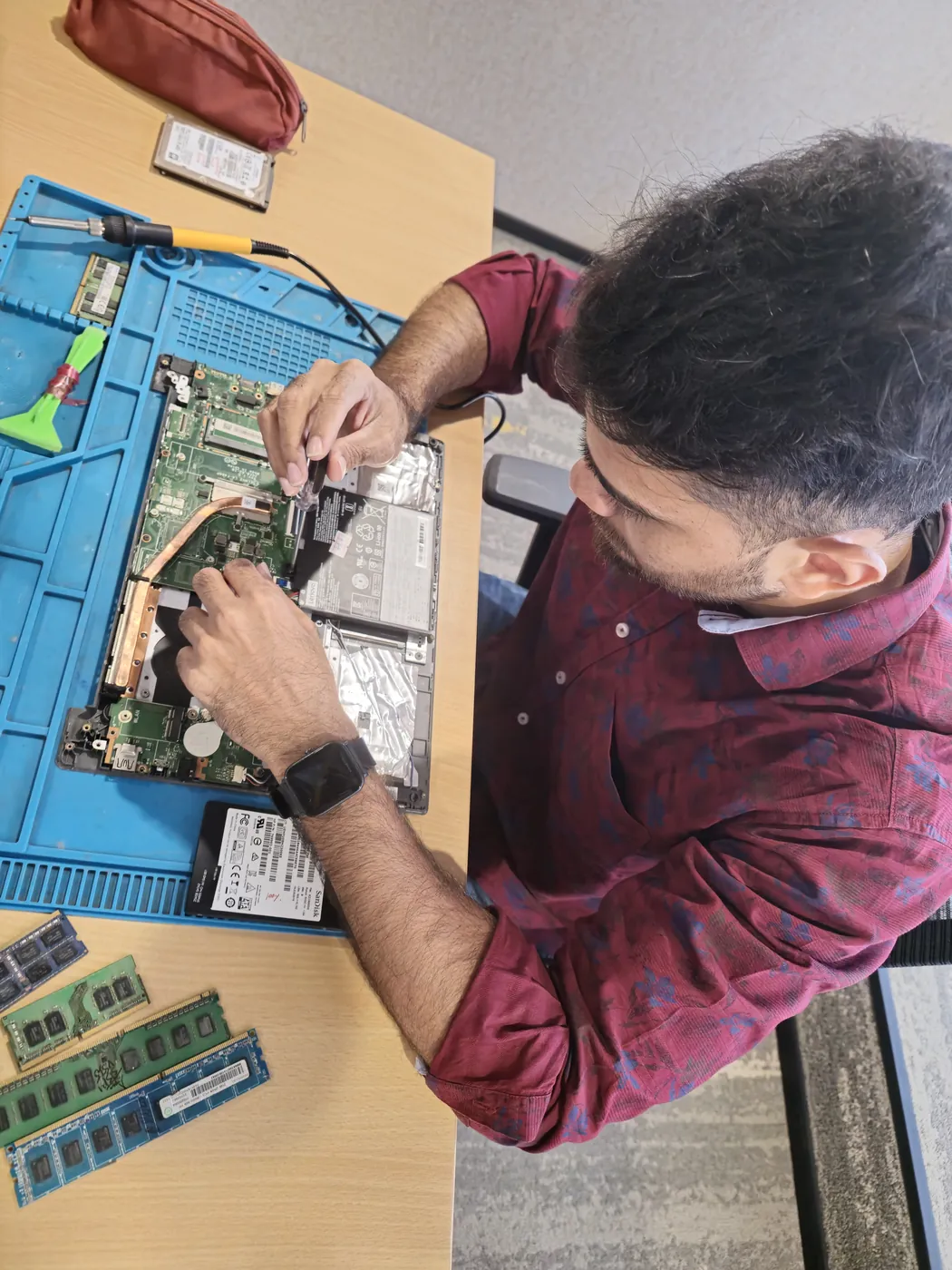
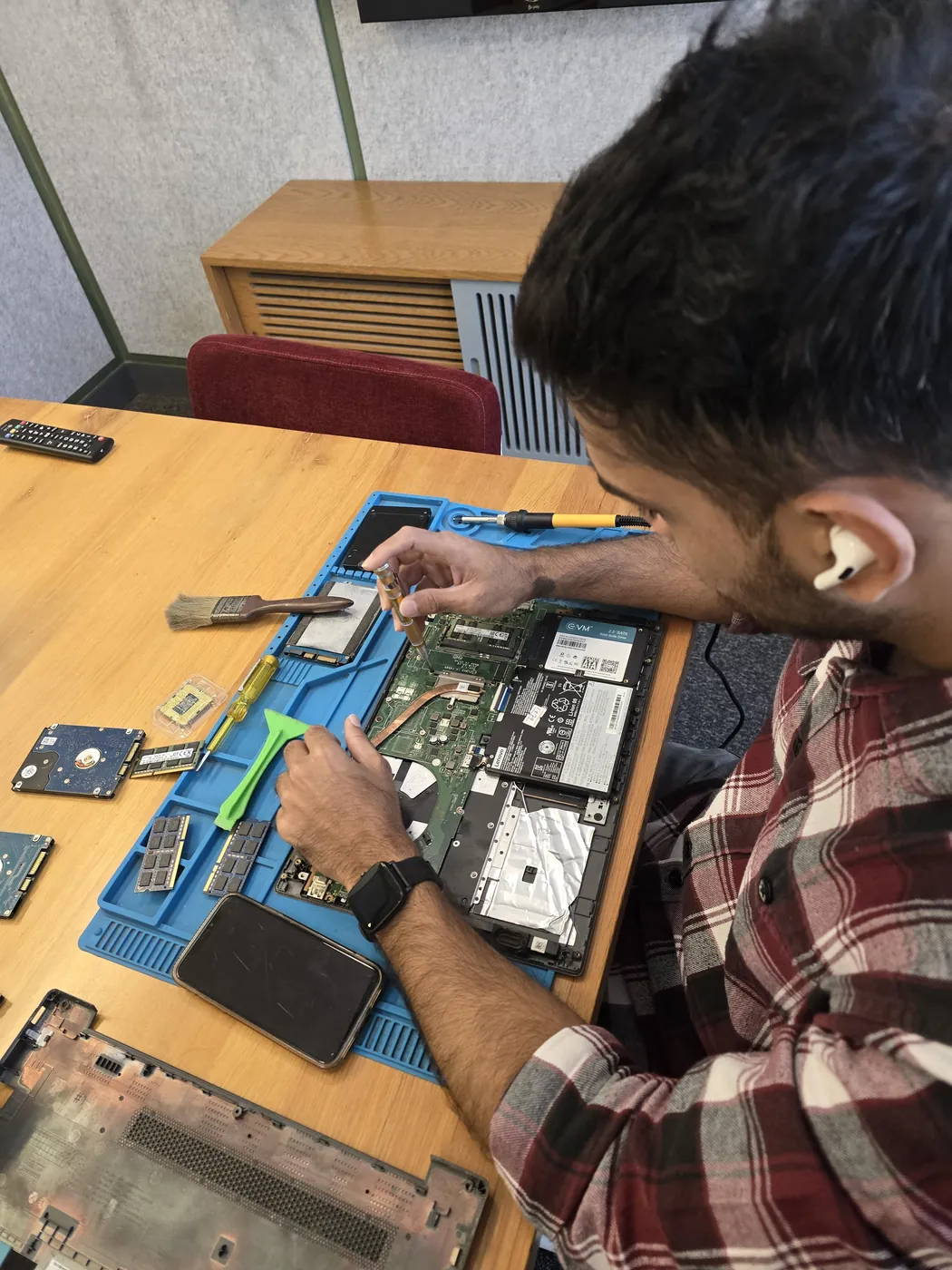
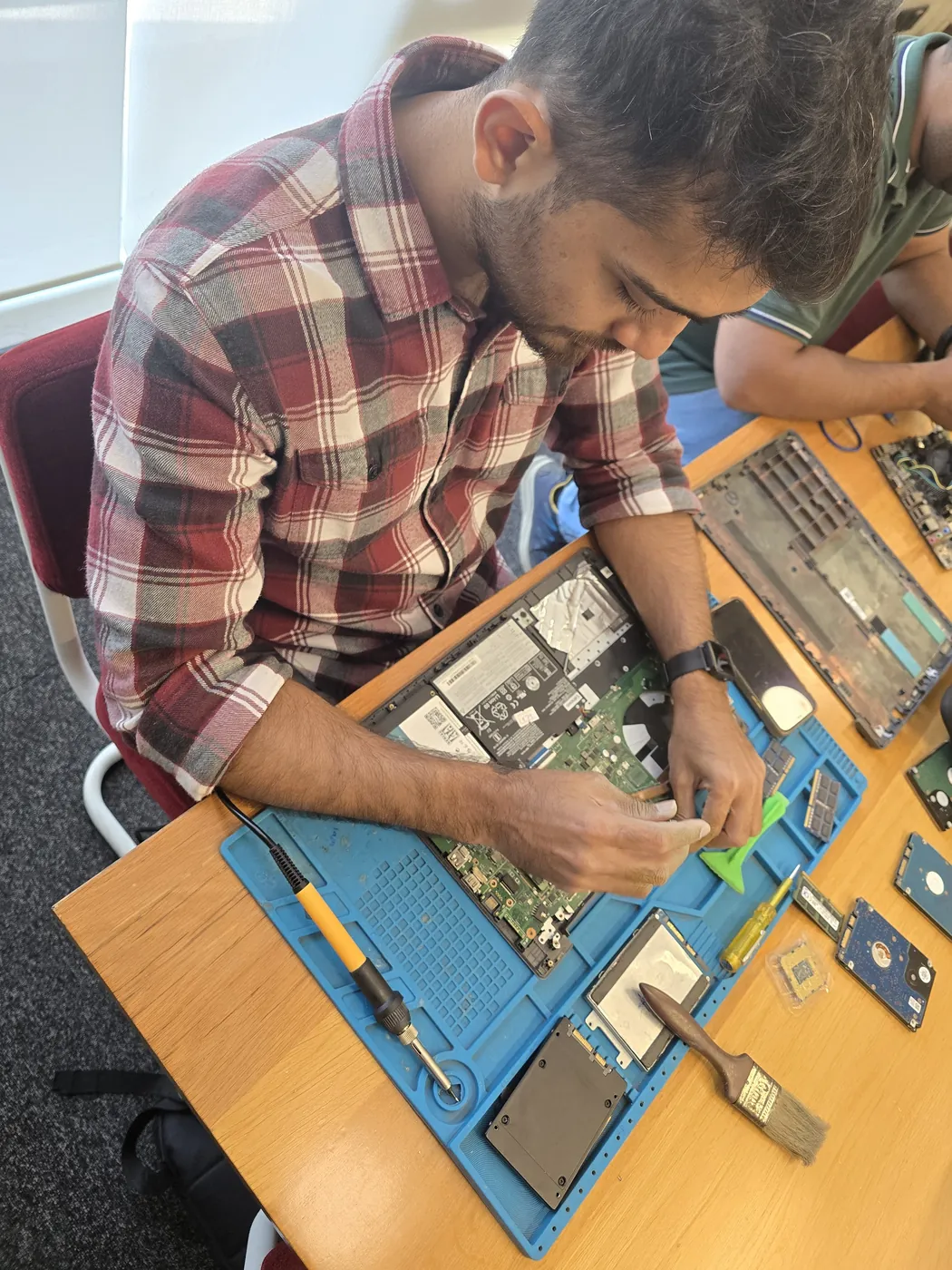
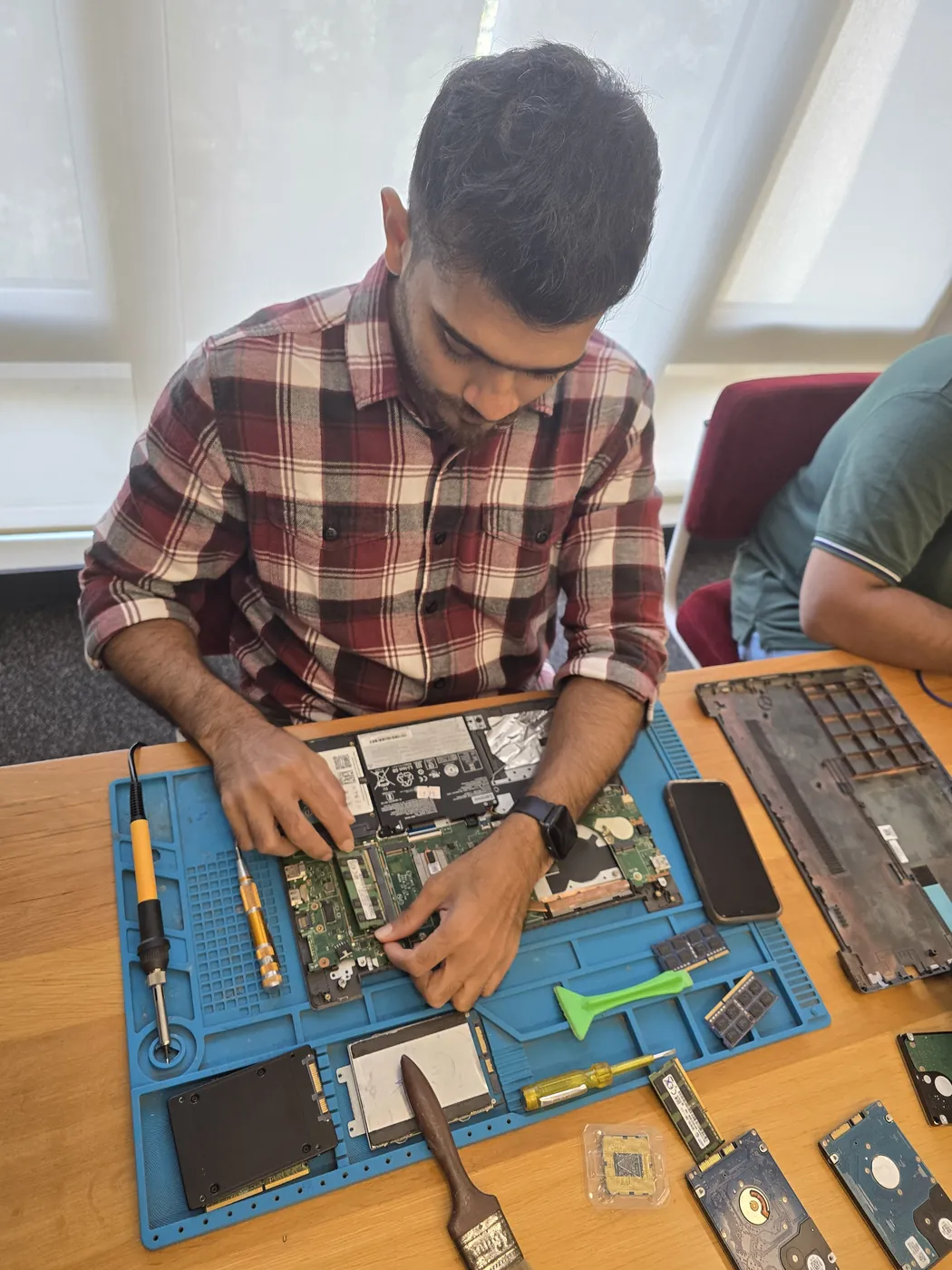
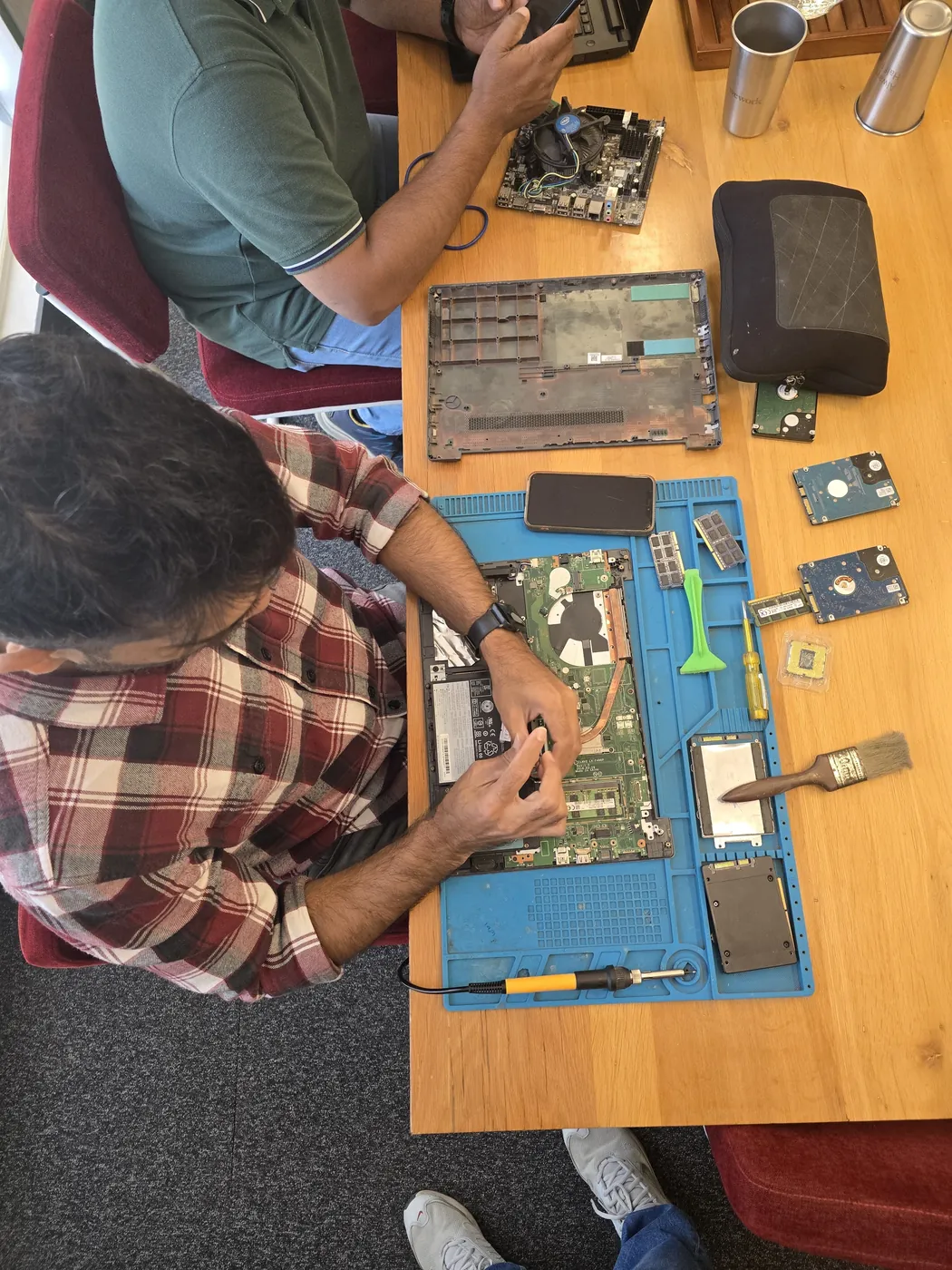
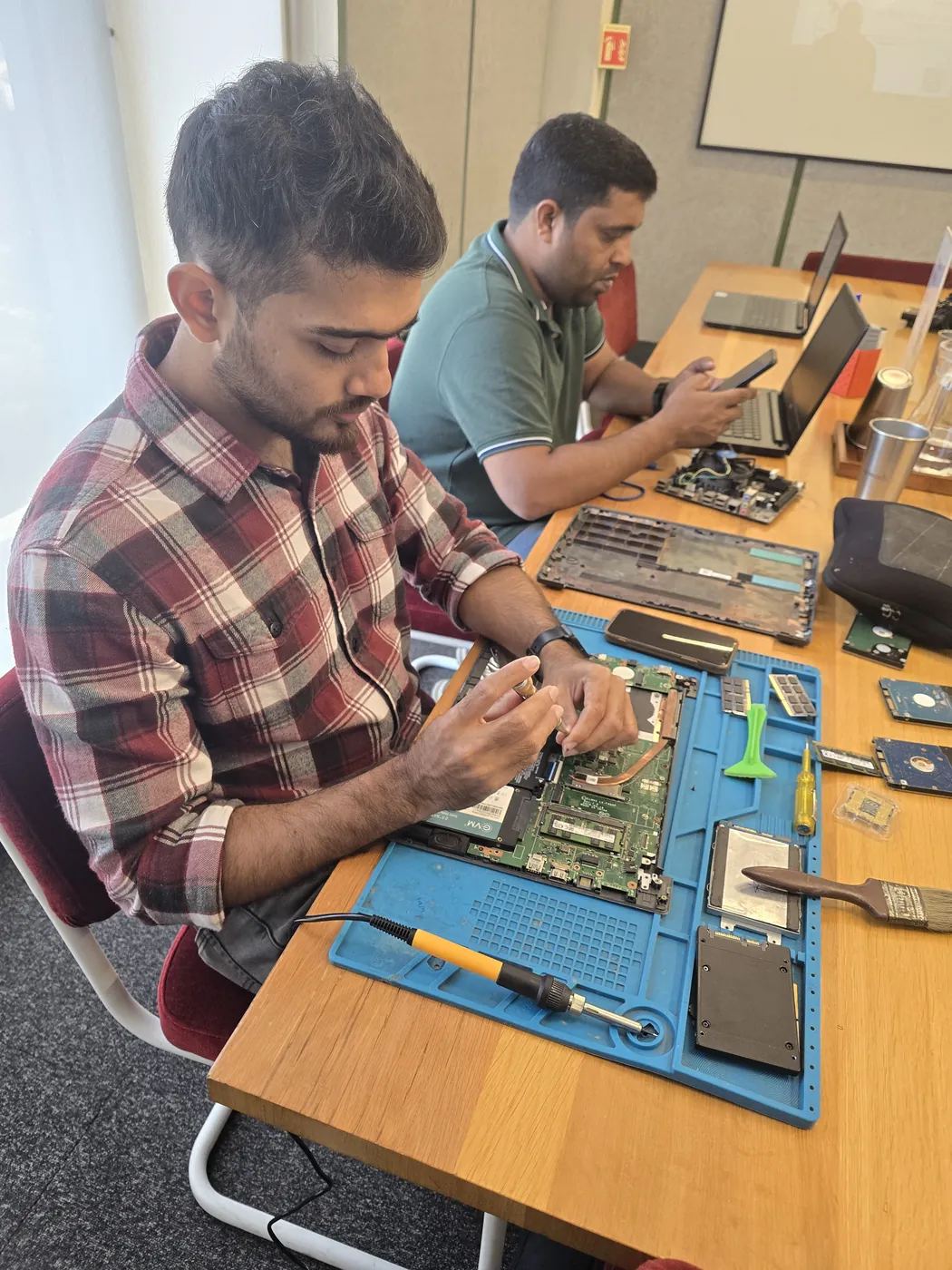
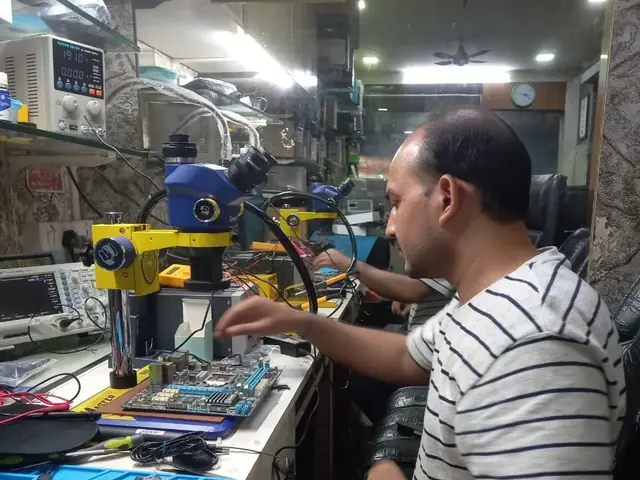
Technician inspecting a laptop motherboard under a microscope at the repair bench Technician testing a laptop mainboard with a multimeter beside a Xigox-branded monitor Technician brushing dust off an opened laptop motherboard with a cleaning brush Technician inspecting a laptop motherboard under a microscope at the repair bench
Xigox technicians at the repair bench.
Our Process

How Epson L5190 Printer Setup Works

From booking to delivery — here's exactly what happens at every step

Book Pickup

Call or WhatsApp +91 74997 61196. Tell us your Epson L5190 issue in Pokharan Road and schedule a free doorstep pickup.

₹350 Inspection (refunded if you proceed with repair)

Our experienced technician inspects your Epson L5190 and provides a transparent written quote for Printer Setup.

Expert Repair

Once approved, we perform Printer Setup using OEM-quality parts. Most repairs are completed same-day.

Quality Check

Every Epson L5190 passes a multi-point QA test before delivery. Your 90-day warranty starts from this moment.

Free Delivery

We deliver your repaired Epson L5190 back to your Pokharan Road address. Completely free, same day.

After-Service Care

Post-repair support via WhatsApp. If the issue recurs within 90 days, we fix it at zero cost.

Repair examples

Recently Repaired Printers

View All Recent Repairs

Canon

PIXMA G3010

Fixed
Issue
Paper jamming every 3-4 pages. Multiple sheets feeding simultaneously. Grinding noise during paper pickup.
Solution
Replaced worn paper pickup rollers and separation pad. Cleaned dust from feed mechanism. Calibrated paper tray alignment.

Technician's note

Pickup rollers had glazed surface from high humidity. Used genuine Canon rollers for best grip.

Malad West 1.5 Hours
  • Canon
  • Paper Jam
  • Roller Replacement

Epson

L3252

Fixed
Issue
Printer not connecting to Wi-Fi network. Wi-Fi Direct not functioning. Mobile printing completely non-operational.
Solution
Updated printer firmware to latest version. Reset network settings and reconfigured Wi-Fi with WPA3 protocol. Tested wireless printing from...

Technician's note

Old firmware had known Wi-Fi bug. Post-update, connection stable at 5GHz band.

Bandra West 45 Minutes
  • Epson
  • Wi-Fi
  • Wireless Printing

Samsung

Xpress M2835DW

Fixed
Issue
Vertical black lines appearing on every printed page. Print quality deteriorating with ghost images visible.
Solution
Replaced worn imaging drum unit. Cleaned corona wire and transfer roller. Ran diagnostic print to confirm clean output.

Technician's note

Drum surface had scratches causing line defects. Drum at 150%% of rated life — impressive longevity.

Thane West 1.5 Hours
  • Samsung
  • Laser
  • Drum Replacement

HP

LaserJet Pro M404dn

Fixed
Issue
Printer producing wrinkled, smeared pages with toner marks on backside. Fuser roller showing visible wear.
Solution
Replaced faulty fuser assembly with OEM part. Cleaned paper path rollers. Printed 50-page test run with zero defects.

Technician's note

Fuser exceeded rated page count of 100K. Recommended replacement every 80K pages for consistent output.

Andheri West 2 Hours
  • Laser Printer
  • HP
  • Fuser Repair

HP

DeskJet 2723

Fixed
Issue
Showing "Cartridge Problem" error after installing new cartridges. Printer refusing to print. Orange error light blinking.
Solution
Cleaned cartridge contacts with isopropyl alcohol. Reseated cartridges with proper alignment. Updated printer firmware to recognize new cart...

Technician's note

Oxidation on carriage contacts was causing intermittent connection. Genuine HP cartridges verified.

Powai 30 Minutes
  • HP
  • Cartridge
  • DeskJet

Brother

DCP-T820DW

Fixed
Issue
Ink tank printer showing "Unable to Clean" error. Black ink not printing at all despite full tank. Head cleaning cycles ineffective.
Solution
Disassembled print head assembly. Ultrasonic cleaned clogged nozzles. Replaced ink dampers and purged air from ink lines.

Technician's note

Ink had dried in dampers due to 3 months of non-use. Advised customer to print test page weekly to prevent recurrence.

Borivali East 3 Hours
  • Ink Tank
  • Brother
  • Print Head

Comparison

Xigox vs Other Epson L5190 Shops in Pokharan Road

What you get with Xigox in Pokharan Road, side by side.

FeatureXigoxOther shops
Experienced Technicians Trained & VerifiedVaries; ask who will work on the device
Genuine / OEM Parts OEM-Quality PartsVaries; ask which part will be fitted
90-Day Warranty Written CertificateVaries; ask for the warranty in writing
Diagnosis / Inspection ₹350, credited to the repairVaries; ask what the diagnosis costs
Same-Day Turnaround Pokharan Road — Most RepairsVaries; ask for a time in writing
Free Doorstep Pickup Pokharan Road — FreeVaries; ask whether pickup is free
Transparent Pricing Written Quote FirstVaries; ask for a written quote first
Live WhatsApp Updates Real-time Repair StatusVaries; ask how you will get updates

Xigox charges ₹350 for inspection — credited to your repair cost if you go ahead.

Customer reviews

What Customers Say About Epson L5190 Printer Setup in Pokharan Road

4.9/5 · 12 reviews shown

See all 9,605+ reviews

Epson M2140 — New Printer Setup

“Needed our new Epson M2140 connected to twelve office computers. Xigox Virar configured network printing, scan-to-email, and installed drivers on every machine. Double-sided defaults set up too. Smooth and professional setup.”
P Pooja Nair Bhakti Park · 21 Mar 2026 27

Epson L1300 — Printer Not Responding Fix

“Our Epson L1300 showed online but refused to print anything. Xigox Colaba found a corrupted spooler and faulty communication board. Fixed both and updated firmware. Prints instantly now at full rated speed.”
T Tejal Sukthankar Haji Ali · 9 Feb 2025 3

Epson M2140 — Annual Maintenance

“Called Xigox Khar for annual service of our Epson M2140. They cleaned rollers, replaced pads, lubricated carriage, updated firmware, and calibrated colours. Printer runs faster and quieter now. Comprehensive and thorough work.”
S Swati Bhatt Mohammed Ali Road · 14 Jul 2025 5

Epson L1300 — Blank Pages Fix

“Our Epson L1300 was feeding paper but printing blank pages only. Xigox Malad diagnosed a disconnected print head cable and reseated it properly. Full printing restored immediately. Quick diagnosis saved our deadline.”
T Tushar Pawar Malad · 27 Jun 2025 8

Epson M2140 — Annual Maintenance

“Called Xigox Goregaon for annual service of our Epson M2140. They cleaned rollers, replaced pads, lubricated carriage, updated firmware, and calibrated colours. Printer runs faster and quieter now. Comprehensive and thorough work.”
L Leela Gokhale Goregaon · 10 Jun 2026 15

Epson L3210 — Network Printer Setup

“Needed our Epson L3210 configured as a shared network printer for our twenty-person office. Xigox Vasai set up static IP, SNMP monitoring, and driver deployment. Everyone can print seamlessly now. Professional IT-level setup.”
R Ravi Shankar Pydhonie · 15 May 2024 38
Page 1 / 2

← Swipe or tap dots to browse →

Customer stories

Customer Stories

What customers say about their laptop and computer repairs

“Printer was showing paper jam but tray was empty. Xigox found a broken roller and replaced it. Prints 50 pages without a jam now. Excellent repair!”

HP LaserJet M428fdw

R Ramesh Hegde Santacruz
“Colour prints were streaky and faded. Xigox cleaned the print heads, calibrated the nozzles. Prints are sharp and vibrant again. Professional job!”

Epson EcoTank L15160

A Archana Kamath Mira Road
“Office printer was giving E04 error. Xigox replaced the drum unit and fuser. Printer back in service same day. AMC plan also taken — good value!”

Canon imageRUNNER 2204N

G Girish Patil Bhayandar
“Printer stopped powering on after a power surge. Xigox replaced the fuse and power board. Printing again at full speed. Saved buying a new printer!”

Brother HL-L2321D

U Usha Menon Vasai
“Our office MFP was printing with ghosting and faded text. Xigox replaced the drum unit and calibrated the toner density. Print quality is back to factory fresh. They even cleaned the scanner glass!”

HP LaserJet M428fdw

H Harsh Jain Goregaon
“My Epson ink tank printer was leaking ink internally. Xigox disassembled it completely, cleaned the waste ink pads, and replaced damaged tubes. Saved me from buying a new printer. Very skilled technic...”

Epson L3250

S Sneha Kadam Andheri

FAQ

FAQs — Epson L5190 Printer Setup in Pokharan Road

Everything you need to know before booking your repair

10 questions answered

For software faults, setup, upgrades and diagnostics we can work on-site anywhere in Pokharan Road. Component-level work — board repair, screen bonding, liquid-damage recovery — needs workshop equipment, so we collect the printer, repair it, and return it. Both options are free of travel charges. Customers across Pokharan Road (400606) enjoy priority same-day scheduling.
We send live updates over WhatsApp at each stage: collection, diagnosis, quote approval, repair completion, and dispatch. You can reply to that thread at any point to reach the technician handling your printer rather than a general helpline. We've been serving Thane district for over 15 years.
Back up documents, photos and anything stored only on that printer before any repair — with us or anyone else. Most Epson L5190 Printer Setup work does not touch your data, but board-level faults and storage failures can be unpredictable. Tell us in advance if the drive holds irreplaceable data and we will treat recovery as the first priority. Trusted by customers throughout Thane — rated 4.9★ across 9,605+ reviews.
Our rule of thumb: if the repair costs more than roughly half of a comparable replacement and the printer is more than five years old, replacement is usually the better call. We tell you which side of that line you are on during the inspection in Pokharan Road, even when the answer means we do not get the job. We also serve Vartak Nagar, Wagle Estate, Charai, so you can recommend us to neighbours too.
Yes — Xigox operates 9 AM to 9 PM, seven days a week in Pokharan Road, including Sundays and public holidays. Weekend pickups are often the most convenient option for people who cannot be at home on a working day. Customers across Pokharan Road (400606) enjoy priority same-day scheduling.
Yes, on request. Any component we remove during Epson L5190 Printer Setup is yours, and we will hand it back with the repaired printer so you can see exactly what was changed. Just mention it when you approve the quote. Customers across Pokharan Road (400606) enjoy priority same-day scheduling.
The cost of Epson L5190 Printer Setup in Pokharan Road depends on your laptop or computer model and the extent of damage. Xigox charges ₹350 for inspection — refunded if you proceed with the repair — you'll receive a transparent, written quote with no hidden charges. Most standard Epson L5190 Printer Setup jobs start from ₹499. Call or WhatsApp +91 74997 61196 for an instant estimate. Customers near Pokhran Road No. 1 in Pokharan Road are covered by our free pickup.
Most Epson L5190 Printer Setup jobs in Pokharan Road are completed the same day — usually within 2–4 hours of pickup. Complex repairs such as motherboard replacement or liquid-damage recovery may take 1–2 days. We'll give you an accurate time estimate during the inspection. Free pickup also available in Vartak Nagar, Wagle Estate, Charai and surrounding areas.
Yes — Xigox provides completely free doorstep pickup and delivery for Epson L5190 Printer Setup across Pokharan Road. An experienced technician collects your laptop or computer from your home or office, completes the repair at our workshop, and returns it — often the same day. Call or WhatsApp +91 74997 61196 to book. Free pickup also available in Vartak Nagar, Wagle Estate, Charai and surrounding areas.
Every Epson L5190 Printer Setup at Xigox includes a 90-day warranty on the repaired component and all parts used. If the same issue recurs within 90 days, we fix it at zero cost. This warranty applies to all Epson L5190 Printer Setup completed in Pokharan Road and across Mumbai MMR. Trusted by customers throughout Thane — rated 4.9★ across 9,605+ reviews.

Still have questions?

Send us your question on WhatsApp or call — a technician will answer.

Epson L5190 Repair in Pokharan Road — Xigox

Most Pokharan Road repair shops handle Epson the same way they handle every other make. We do not. Our Epson technicians are trained specifically on Epson L5190 architecture — schematics, boardview files and firmware behaviour — which is why our first-time fix rate on Epson work is so much higher than a general shop's.

We stock genuine Epson parts and OEM-compatible components for every common Epson L5190 fault — from screen replacements and battery swaps to logic board repairs and data recovery. Before any work begins, you receive a written cost estimate. Our ₹350 inspection fee is refunded if you proceed with the repair.

We actively serve the entire 400606 postal area within Thane district, ensuring same-day response for every repair request. ₹350 inspection fee (refunded if you proceed with repair). Located near Pokhran Road No. 1, our service coverage extends across Pokharan Road and all surrounding localities. In addition to Pokharan Road, we also provide doorstep repairs and free pickup for lab work for customers in Vartak Nagar, Wagle Estate, Charai and other nearby areas.

How your Epson L5190 gets serviced depends on the fault. Part swaps happen on-site anywhere in Pokharan Road; board-level work goes to the bench because it needs proper rework equipment. Either way collection and return are free, and you get progress updates rather than having to chase us.

Your Epson L5190 leaves with a written 90-day warranty covering both parts and labour. Same fault back inside that window and we redo it free — no argument, no diagnostic fee. WhatsApp support stays open afterwards for any question about the repair.

Service Hours

Monday – Sunday · 9 AM – 9 PM

Open on all public holidays

Service Area

Pokharan Road & surrounding Mumbai areas

Doorstep repairs + free pickup for lab work

Contact Us

+91 74997 61196

info@xigox.com

Our Guarantee

90-day warranty on all repairs

Free re-repair if same fault recurs

Printer Setup for Other Epson Models

We repair all Epson models in Pokharan Road

Printer Setup for Other Brands in Pokharan Road

We repair all major brands — same service, same quality, same warranty

Areas, Roads & Landmarks We Cover in Pokharan Road

Free pickup & drop across all these neighbourhoods

Localities & neighbourhoods

  • Thane West
  • Vartak Nagar
  • Majiwada

Roads & highways

  • Pokhran Road No. 1
  • Pokhran Road No. 2
  • Ghodbunder Road

Landmarks & famous places

  • Viviana Mall
  • Hiranandani Estate
  • Thane Station

Not sure which repair you need? See all Epson L5190 repairs in Pokharan Road

Printer Setup Across Mumbai — All Locations

Explore more services

More Repair & Tech Services Near Pokharan Road

Same technicians · Free pickup · 90-day warranty across all services.

ISO 9001:2015 Certified · 1,00,318+ Repairs · 4.9 ★ Rating

Ready to Fix Your
Epson L5190 Today?

₹350 inspection fee (refunded if you proceed with repair) · Same-day Printer Setup · 90-day warranty

Serving Pokharan Road and all of Mumbai MMR · Open 9 AM – 9 PM daily

How it's done

How We Perform Printer Setup

What our technicians do, what it requires, and how to tell you need it.

1 How It's Performed

For a clean installation or setup, we isolate whether the fault is the printer, the connection (USB/WiFi), or the computer's driver/queue first — each has a different fix — by testing the printer directly against a different device before concluding where the fault actually sits.

Typical time: 20–40 minutes

2 What This Requires

  • Testing the printer against a second device, to separate a printer-side fault from a computer-side driver or queue issue.
  • The correct, current driver package for your exact printer model and OS version.

3 When You Need This

  • The printer works from one device but not another on the same network — pointing to a driver/connection issue on the affected device rather than the printer itself.

The model

About the Epson L5190

Best for: high-volume home or office printing, especially where low running cost matters most

The Epson L5190 is part of Epson's L-series — Epson's original and most widely sold tank-based printer range in India, the line that established the "ink tank printer" category in the Indian market.

Key features

  • Refillable ink tanks — extremely low cost-per-page, the defining feature of the L-series.
  • Among the most widely serviced printer lines in India given its long market presence, so parts are generally easy to source.
  • Print-head clogging after periods of inactivity is a known characteristic of ink-tank printers generally, including this line.

Epson L5190 Printer Setup in Pokharan Road — Professional, Reliable, and Affordable

Don't waste time on booking portals. Reach the engineers directly with Xigox. Print nozzle blockages are the most common cause for poor print quality — and most are fixable without head replacement. Xigox's printer team uses ultrasonic cleaning and manufacturer purge utilities to restore nozzle flow for all major inkjet brands. Most Epson L5190 Printer Setup jobs in Pokharan Road costs under ₹1,000.

Fast & Easy Epson L5190 Printer Setup in Pokharan Road

We know you can't stay disconnected in Pokharan Road. We plan this repair for rapid turnaround. For most issues, our technicians finish the repair within hours. We arrange secure collection from your Pokharan Road home or office, execute the repair using precision tools, and deliver it back to you.

Same-Day Rush Epson L5190 Printer Setup Available

Is your deadline today? We provide rush this job in Pokharan Road for urgent situations. Whether you have an important client meeting and your Epson just stopped working, our priority service puts your Epson at the front of the queue, so most repairs can be finished the same business day. Priority repairs are available 7 days a week in Pokharan Road. Simply mention 'URGENT' when booking and we'll prioritise your job immediately.

Any Epson, Any Brand in Pokharan Road

No matter the Epson you own, Xigox handles this repair. Xigox engineers are trained across all major brands: HP, Dell, Lenovo, Asus, Acer, MSI, Toshiba, Samsung and Apple MacBook. Different manufacturers have unique design choices we account for in every repair. This depth of brand knowledge reduces repair time and lowers the chance of secondary damage.

No-Obligation Testing in Pokharan Road

Not sure what's wrong with your Epson? Before you commit to any job, Xigox conducts a comprehensive hardware inspection. While we charge a nominal ₹350, this amount is fully refunded when you approve the quote. Our local experts will explain the exact fault clearly so you can make an informed decision.

Premium Protection Epson L5190 Printer Setup Options

Many Pokharan Road customers wonder whether their laptop insurance covers this repair. We help with insurance claims and can generate the detailed GST invoice required for claim submission — broken down by component and labour. For out-of-warranty Epson units, third-party repair is typically often far cheaper compared to the brand's authorised centre.

The Best Choice for Epson L5190 Printer Setup in Pokharan Road

You have options in Pokharan Road, but Xigox is the preferred choice for this job. Our core values include complete transparency. Every job starts with a detailed hardware check costing just ₹350, refunded if you proceed. No hidden charges — just professional job in Pokharan Road.

No Hidden Costs Policy for Epson L5190 Printer Setup

The biggest frustration about repair shops in Pokharan Road is surprise bills after the job is done. We've built our entire model around transparency. Before any work begins, our technician provides a clear cost estimate that covers everything. You see the exact cost — approve it or decline, no pressure. Our ₹350 inspection fee is fully refunded when you approve the repair.

Repairs for Pokharan Road

We repair devices for homes, offices and colleges across Pokharan Road book us with free pickup and drop. You get a written quote before any work, OEM-grade parts and a 90-day warranty, for a single Epson or a whole office. When you choose Xigox for this job in Pokharan Road, you get the same service and warranty as every other customer.

Expert Technicians for Epson L5190 Printer Setup in Pokharan Road

Not everyone in Pokharan Road can handle complex this repair. Xigox's engineers undergo rigorous training specifically for Epson hardware. Whether it's a minor fix or advanced component-level motherboard repair, we fix it properly right here for Pokharan Road clients.

Free Logistics across Pokharan Road

Traveling across town in Pokharan Road is stressful. That's why Xigox has built a straightforward pickup and delivery network for this job. Just drop your pin, and our technician will pick up the Epson from your home or office. After the job is completed, it is delivered back fully tested and sealed. Save your time without leaving your desk.

Thousands of returning customers across Mumbai, Thane and Palghar can't be wrong. Xigox is your trusted partner for Epson L5190 Printer Setup in Pokharan Road. Each service comes with a 90-day warranty, OEM-grade parts, and complete transparency. Get your quote — call +91 74997 61196.

Service area

Epson L5190 Printer Setup in Pokharan Road — Service Area & Coverage

Xigox provides epson l5190 printer setup across Pokharan Road (PIN 400606), in the Thane district. Our doorstep pickup and on-site service cover the entire Pokharan Road area and the neighbourhoods around it.

Localities we cover in Pokharan Road: Thane West, Vartak Nagar, Majiwada. Wherever you are in Pokharan Road, we can collect your device from your door and bring it back after the repair.

Our technicians regularly serve homes, societies and offices around Viviana Mall, Hiranandani Estate and Thane Station, and along Pokhran Road No. 1, Pokhran Road No. 2 and Ghodbunder Road. If you're near any of these landmarks, same-day pickup for epson l5190 printer setup is almost always available.

Epson L5190 Printer Setup near Pokharan Road

We also serve these nearby areas — tap your locality for local epson l5190 printer setup:

Epson L5190 Printer Setup price in Pokharan Road — know it before you book

  1. 1Pick your device & issue
  2. 2See the real price range
  3. 3Free doorstep pickup in Pokharan Road

4.9 from 64 customer reviews for this service · upfront pricing · 90-day warranty

Before you book: have your device model and a quick description of the issue ready — it speeds up your quote.

Not sure what's wrong?

Find Your Fix by Symptom

Tell us what your device is doing — we'll point you to the right repair, with real pricing and next steps.

See all repair problems we fix

Nearest branch: Hiranandani Estate, Thane West

~6.6 km from Pokharan Road. With free doorstep pickup you don't need to travel — this is our nearest branch.

Book a repair

Epson L5190 Printer Setup — Book Now

Free pickup · Genuine parts · 90-day warranty

Booking received

We'll call you within 1 hour to confirm your appointment and arrange doorstep pickup.

Inspection fee: ₹350

  • Credited to your total repair cost if you go ahead.
  • Still applies if the device can't be repaired or you decline the repair.

+91

Device type *

Inspection fee: ₹350

  • If you go ahead with the repair, the ₹350 is credited to your total repair cost.
  • If the device can't be repaired or you decide not to continue, the ₹350 inspection fee still applies.

Your details are used only to arrange this repair. By submitting, you agree to our Privacy Policy.

Call WhatsApp