Lenovo IdeaCentre 5
Blue Screen (BSOD) Fix
Near Me
Looking for Blue Screen (BSOD) Fix for your Lenovo IdeaCentre 5 near you? Xigox provides free doorstep pickup within 2 hours — experienced technicians, OEM parts & 90-day warranty.
Open 9 AM – 9 PM · 7 days a week
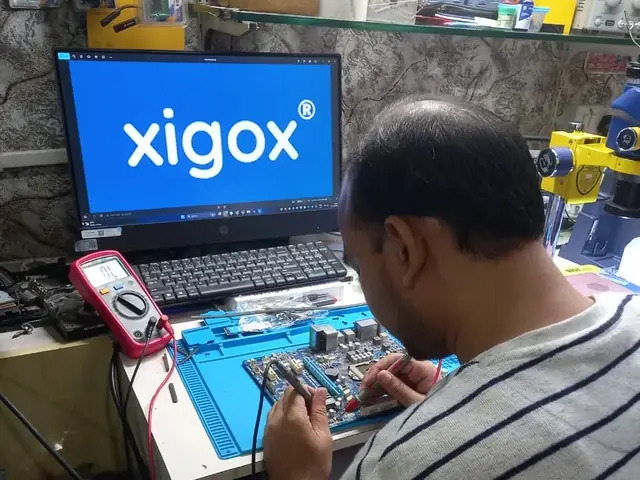
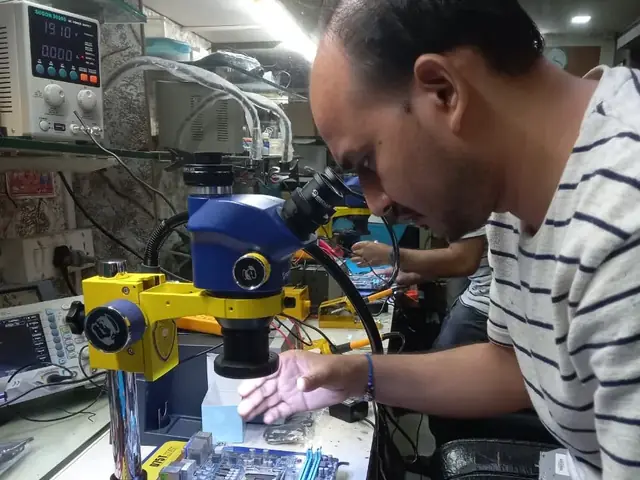
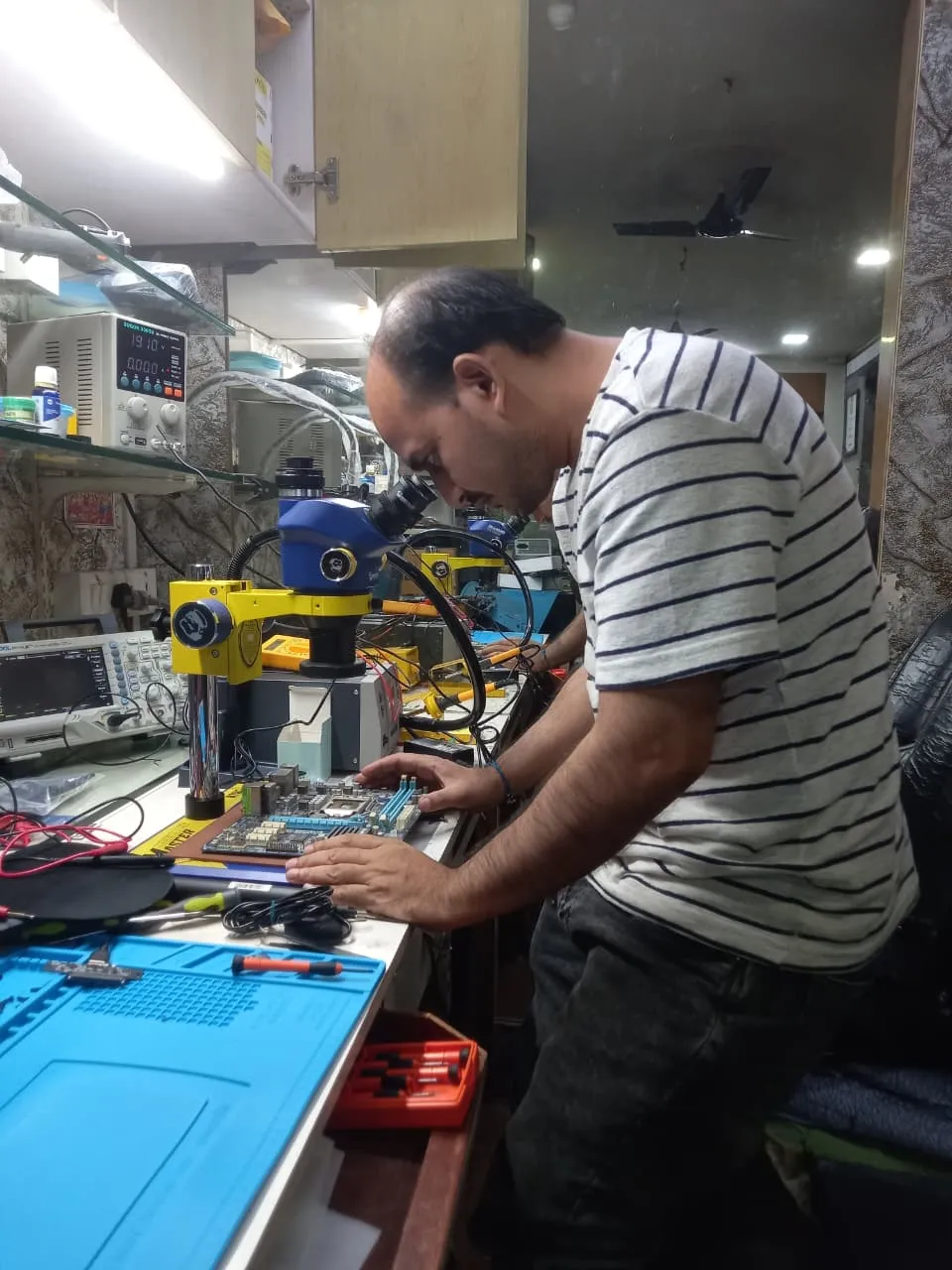
How Lenovo IdeaCentre 5 Blue Screen (BSOD) Fix Works — Near You
From booking to delivery — simple, fast, transparent
Call or WhatsApp
Contact us — we'll confirm availability and give you a price estimate for your Lenovo IdeaCentre 5.
Free Doorstep Pickup
Our technician arrives at your location within 2 hours. No travel needed.
Expert Repair
Experienced team fixes your laptop or computer using OEM-quality parts. Most repairs done same-day.
Delivered Back
Laptop delivered to your doorstep, tested & quality-checked. 90-day warranty starts.
Lenovo IdeaCentre 5 Blue Screen (BSOD) Fix — Price List
Transparent pricing · No hidden charges · Pay only after approval
| Issue / Component | Repair Price | Warranty |
|---|---|---|
| Laptop & Computer Blue Screen (BSOD) Fix — Basic fix | ₹599 | 90 Days |
| Laptop & Computer Blue Screen (BSOD) Fix — Standard fix | ₹999 | 90 Days |
| Laptop & Computer Blue Screen (BSOD) Fix — Advanced fix | ₹1,999 | 90 Days |
| Laptop & Computer Blue Screen (BSOD) Fix — Complex case | ₹3,999 | 90 Days |
Customer reviews
What Customers Say About Laptop & Computer Repairs in Mumbai
4.9/5 · 9 reviews shown
← Swipe or tap dots to browse →
FAQ
FAQs — Lenovo IdeaCentre 5 Blue Screen (BSOD) Fix Near Me
Quick answers about our doorstep repair service
10 questions answered
Still have questions?
Send us your question on WhatsApp or call — a technician will answer.
Watch & learn
See Our Repair Process in Action
Repair videos from our Virar West workshop

Inside Xigox — Computer & Laptop Repair Service Centre, Mumbai
A tour of our ISO 9001:2015 certified workshop — laptop, desktop and computer repairs with genuine-grade parts and a 90-day warranty.

Laptop & Computer Repair, Sales & Data Recovery — Xigox
How the Xigox team handles laptop and computer repair, sales, service and data recovery across Mumbai, Thane & Palghar.

Xigox Laptop & Computer Repair — Real Customer Experience
See how Xigox handles real customer repairs — fast diagnosis, transparent pricing and a 90-day warranty on every job.

Xigox Service Centre — Mumbai's Trusted Repair Experts
A closer look at the Xigox team, our tools, and the repair process behind 9,605+ customer reviews across Mumbai MMR.
Lenovo IdeaCentre 5 Blue Screen (BSOD) Fix — All Locations
Choose your area for instant doorstep pickup
Other Lenovo IdeaCentre 5 Repair Services Near You
Explore all available repair options for your Lenovo IdeaCentre 5
Explore more services
More Repair & Tech Services Near Mumbai
Same technicians · Free pickup · 90-day warranty across all services.
Need Lenovo IdeaCentre 5
Blue Screen (BSOD) Fix Near You?
Free doorstep pickup within 2 hours · Same-day repair · 90-day warranty · All of Mumbai MMR
How it's done
How We Perform Blue Screen (BSOD) Fix
What our technicians do, what it requires, and how to tell you need it.
1 How It's Performed
For this specific fault, our technicians run a memory diagnostic and disk health check alongside reviewing recent driver/software changes, since these three causes together explain the large majority of recurring blue screens.
We read the stop code and minidump from the crash itself before touching anything, since blue screens can stem from driver conflicts, failing RAM, or disk corruption — each needs a different fix.
Typical time: 45–90 minutes
2 What This Requires
- The exact stop code and, where available, the crash dump file — this is the single most useful piece of information for diagnosing a BSOD correctly the first time.
- A memory test and disk health check as standard parts of the diagnosis, not an afterthought.
3 When You Need This
- Blue screens happen repeatedly rather than as a one-off.
- The crash correlates with a specific action — gaming, waking from sleep, plugging in a device.
- A recent driver, Windows update, or new hardware addition coincided with the crashes starting.
The model
About the Lenovo IdeaCentre 5
The Lenovo IdeaCentre 5 is Lenovo's mainstream consumer desktop tower — everyday home computing, Lenovo's answer to Dell Inspiron Desktop and HP Slim Desktop.
Key features
- Compact-to-mid-size tower options for everyday use.
- Generally accessible internals for upgrades on most generations.
- Mainstream component tiers suited to everyday computing rather than heavy workloads.
Lenovo IdeaCentre 5 Blue Screen (BSOD) Fix in Mumbai — Professional, Reliable, and Affordable
Avoid the directory hustle. Choose a direct service centre with Xigox. A black screen, flickering display, or visible cracks on your Lenovo IdeaCentre 5 — these are the signs you need Lenovo IdeaCentre 5 Blue Screen (BSOD) Fix in Mumbai. Instead of replacing the full lid assembly, Xigox performs targeted panel replacement — at a fraction of a full assembly replacement. All panels undergoes dead-pixel testing, backlight calibration, and touch verification before delivery.
Repairs for Mumbai
We repair devices for homes, offices and colleges across Mumbai book us with free pickup and drop. You get a written quote before any work, OEM-grade parts and a 90-day warranty, for a single Lenovo IdeaCentre 5 or a whole office. When you choose Xigox for the repair in Mumbai, you get the same service and warranty as every other customer.
No Hidden Costs Policy for Lenovo IdeaCentre 5 Blue Screen (BSOD) Fix
The biggest frustration about repair shops in Mumbai is surprise bills after the job is done. We've built our entire model around transparency. Before any work begins, our technician shares a written quote that covers everything. You see the exact cost — approve it or decline, no pressure. Our ₹350 inspection fee is fully refunded when you proceed with this issue.
Written Warranty Protection for Lenovo IdeaCentre 5 Blue Screen (BSOD) Fix
All the repair performed by Xigox in Mumbai comes with a written 90-day warranty covering parts and labour. Simply put, if the same issue recurs within 90 days, we redo it completely free. Xigox issues a printed warranty receipt every single time, so you know exactly what is covered.
Xigox Service Promise for Lenovo IdeaCentre 5 Blue Screen (BSOD) Fix
Your issue doesn't end when the Lenovo IdeaCentre 5 is returned. Our support line is available daily via call or message. If you notice anything unusual in the post-repair period, just reach out and we dispatch a technician immediately. This promise is why Mumbai customers choose Xigox again and again.
Fast & Easy Lenovo IdeaCentre 5 Blue Screen (BSOD) Fix in Mumbai
We know your time is valuable in Mumbai. Xigox plans the repair for speed and efficiency. In 90% of cases, our technicians complete the repair on the same day. Our team offers free doorstep pickup from your Mumbai address, execute the repair at our workshop, and return it to you.
No-Obligation Testing in Mumbai
Uncertain about the issue with your Lenovo IdeaCentre 5? Prior to starting any issue, Xigox performs a thorough diagnostic check. The ₹350 inspection fee, it is 100% refunded if you proceed with the repair. Our local experts will show you the broken part in plain English so you can make an informed decision.
Same-Day Rush Lenovo IdeaCentre 5 Blue Screen (BSOD) Fix in Mumbai
Is your deadline today? We provide emergency the repair in Mumbai for time-sensitive situations. Whether you have a presentation tomorrow and your Lenovo IdeaCentre 5 just stopped working, our priority service puts your Lenovo IdeaCentre 5 at the front of the queue, so most repairs can be finished the same business day. Priority repairs are available 7 days a week in Mumbai. Simply mention 'URGENT' when booking and we'll prioritise your repair immediately.
Expert Technicians for Lenovo IdeaCentre 5 Blue Screen (BSOD) Fix in Mumbai
Not everyone in Mumbai can handle complex this issue. Xigox's engineers undergo rigorous training specifically for Lenovo IdeaCentre 5 hardware. Whether it's a minor fix or advanced component-level motherboard repair, we fix it properly right here for Mumbai clients.
Safe & Secure Lenovo IdeaCentre 5 Blue Screen (BSOD) Fix
Your personal data is our top priority during your repair. Customers throughout Mumbai trust us because we never access personal files. Throughout the repair, your confidential files remain untouched. If a software reset is necessary, we consult you beforehand.
Post-Repair Performance Lenovo IdeaCentre 5 Blue Screen (BSOD) Fix
Following a professional issue in Mumbai, you can expect significantly better performance: faster boot times, lower fan noise, full-day battery performance, or crisp, bright display — based on what was fixed. Xigox performs a benchmark at the end of every issue in Mumbai to document the improvement.
Make the smart choice for your Lenovo IdeaCentre 5 in Mumbai. Xigox: real technical skill, genuine components, no hidden costs, doorstep service — all confirmed in writing. Thousands of Mumbai customers already have: call +91 74997 61196 for fast, affordable Lenovo IdeaCentre 5 Blue Screen (BSOD) Fix in Mumbai.
Lenovo IdeaCentre 5 Blue Screen (BSOD) Fix price in Mumbai — know it before you book
- 1Pick your device & issue
- 2See the real price range
- 3Free doorstep pickup in Mumbai
4.9 from 9,605 customer reviews across all repairs · upfront pricing · 90-day warranty
Before you book: have your device model and a quick description of the issue ready — it speeds up your quote.
Not sure what's wrong?
Find Your Fix by Symptom
Tell us what your device is doing — we'll point you to the right repair, with real pricing and next steps.
Book a repair
Lenovo IdeaCentre 5 Blue Screen (BSOD) Fix — Book Now
Free doorstep pickup · Genuine parts · 90-day warranty
Booking received
We'll call you within 1 hour to confirm your appointment and arrange doorstep pickup.
Inspection fee: ₹350
- Credited to your total repair cost if you go ahead.
- Still applies if the device can't be repaired or you decline the repair.
Device type *
Inspection fee: ₹350
- If you go ahead with the repair, the ₹350 is credited to your total repair cost.
- If the device can't be repaired or you decide not to continue, the ₹350 inspection fee still applies.
Your details are used only to arrange this repair. By submitting, you agree to our Privacy Policy.