Gaming
PC RTX 4080
- Issue
- No display output, fans spinning. No boot sequence.
- Solution
- Diagnosed motherboard failure. Replaced with compatible board.
Goregaon West
4 Hours
- Motherboard
- Gaming
- Display
 Lenovo · ThinkCentre M70t · Saphale Station
Expert repair for your Lenovo ThinkCentre M70t in Saphale Station. Free doorstep pickup, OEM-quality parts & 90-day warranty.
Open every day, 9 AM – 9 PM


Run by Tejas & Janak Chudasama since 2011
Xigox is a family-run, ISO 9001:2015-certified repair business, not a marketplace listing or a franchise. Every repair is backed by a written 90-day warranty and billed against GSTIN 27AJXPC8441R1Z7. Read our story
Photos
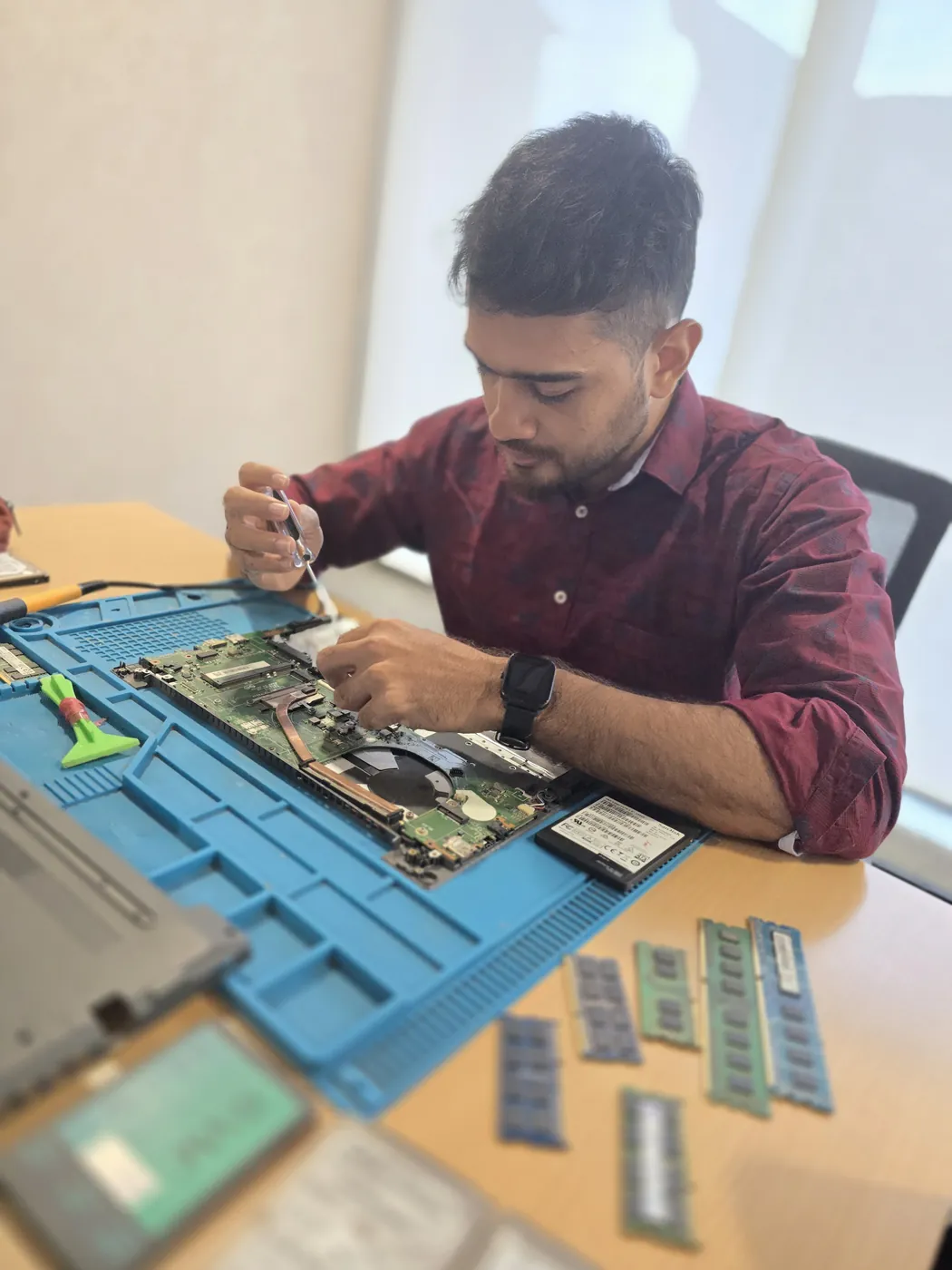
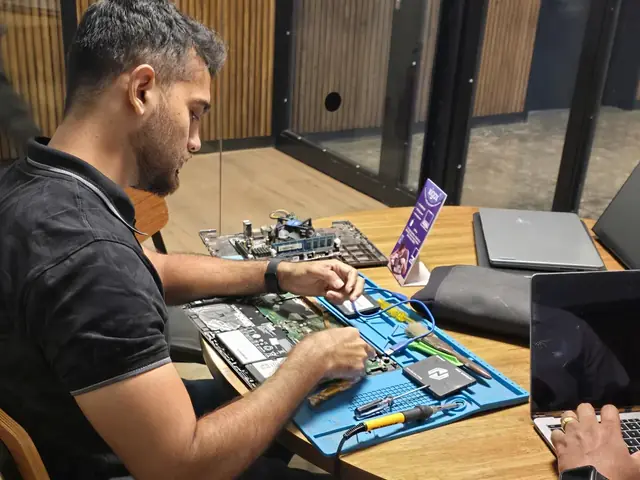
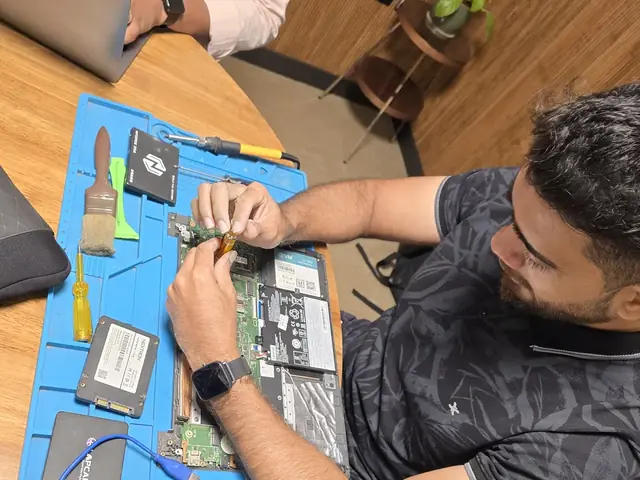
Photographs of Xigox technicians working on opened laptops and boards. They show how the work is done, not the results on any particular customer's device.
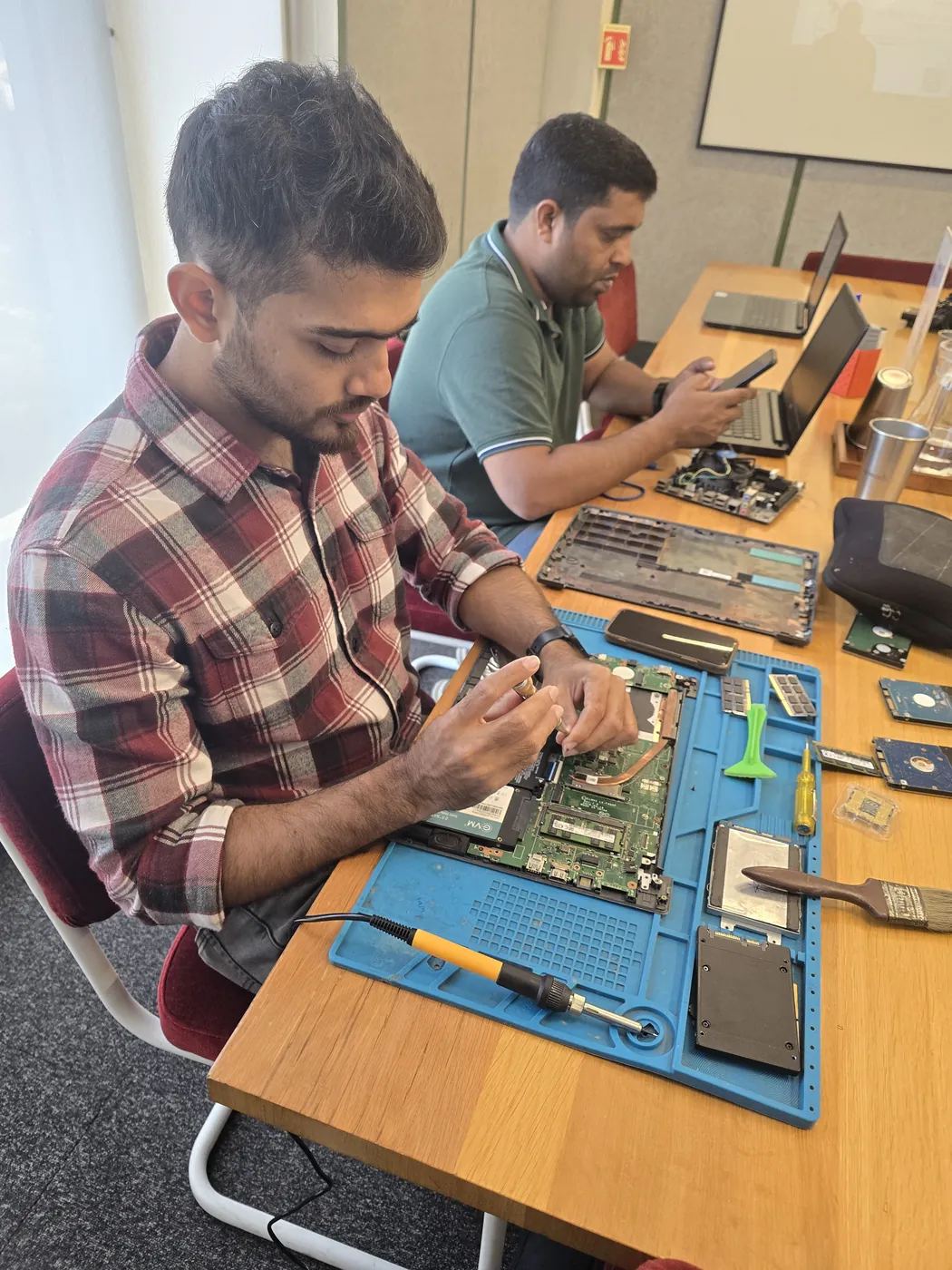
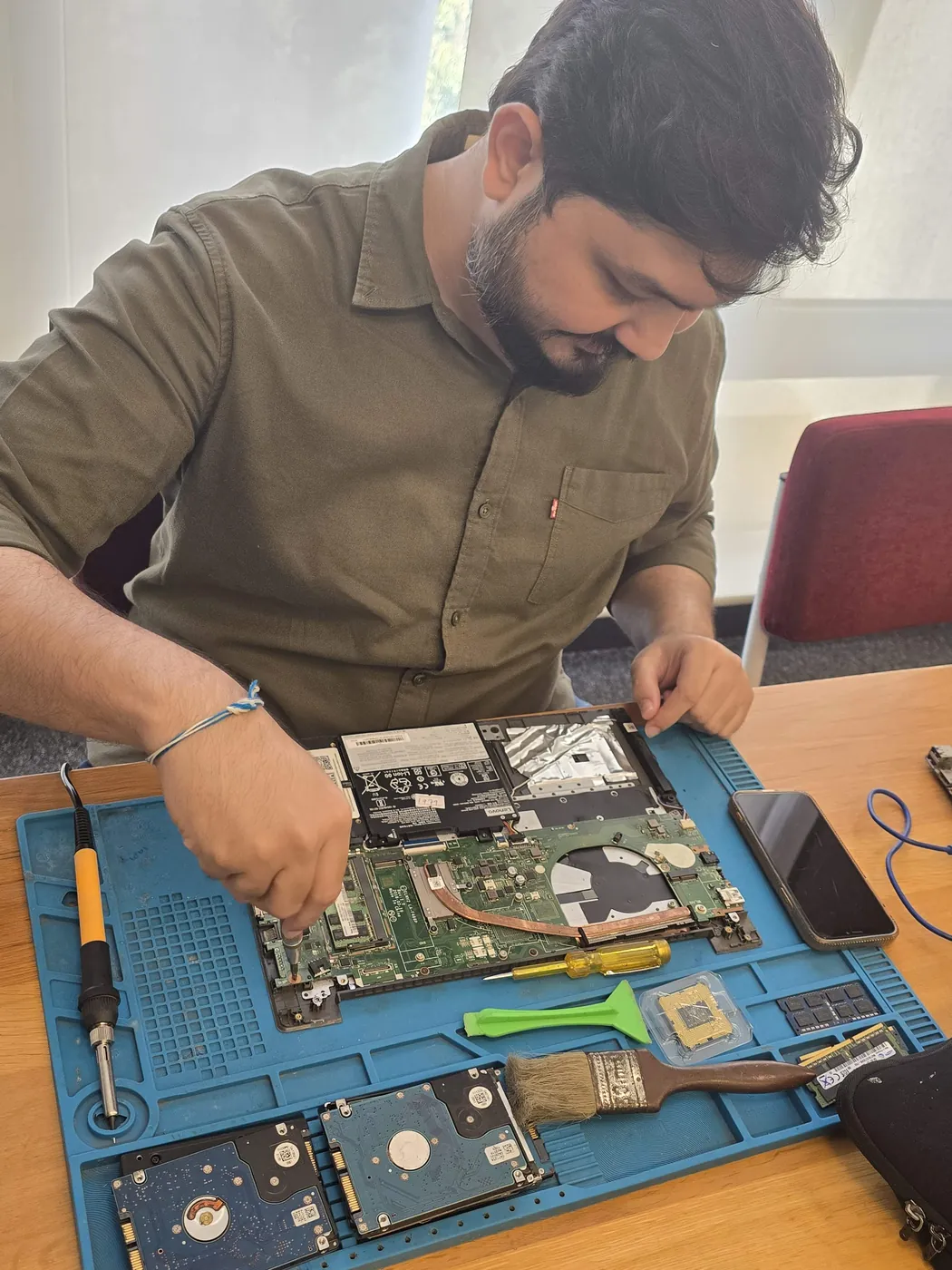
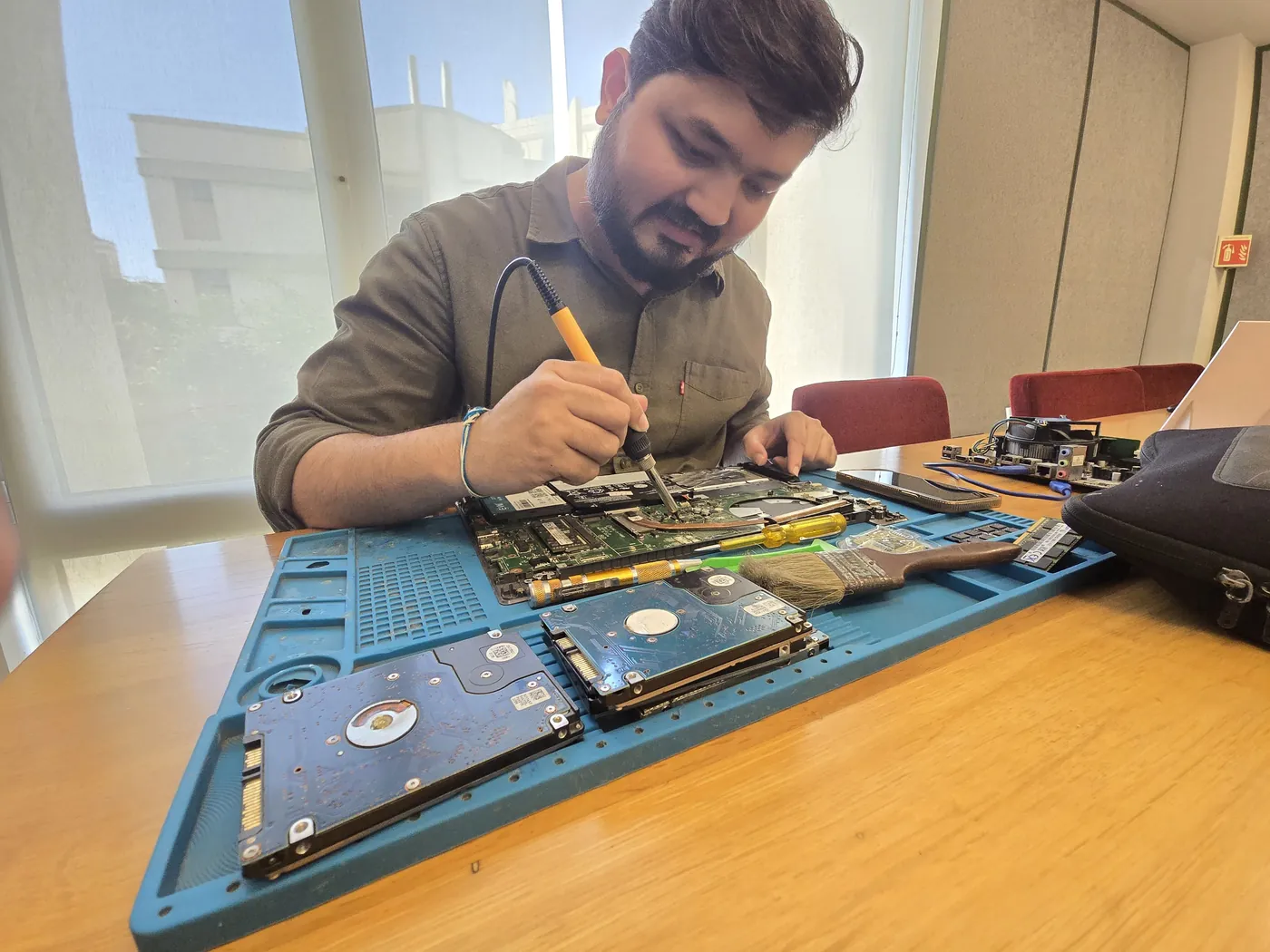
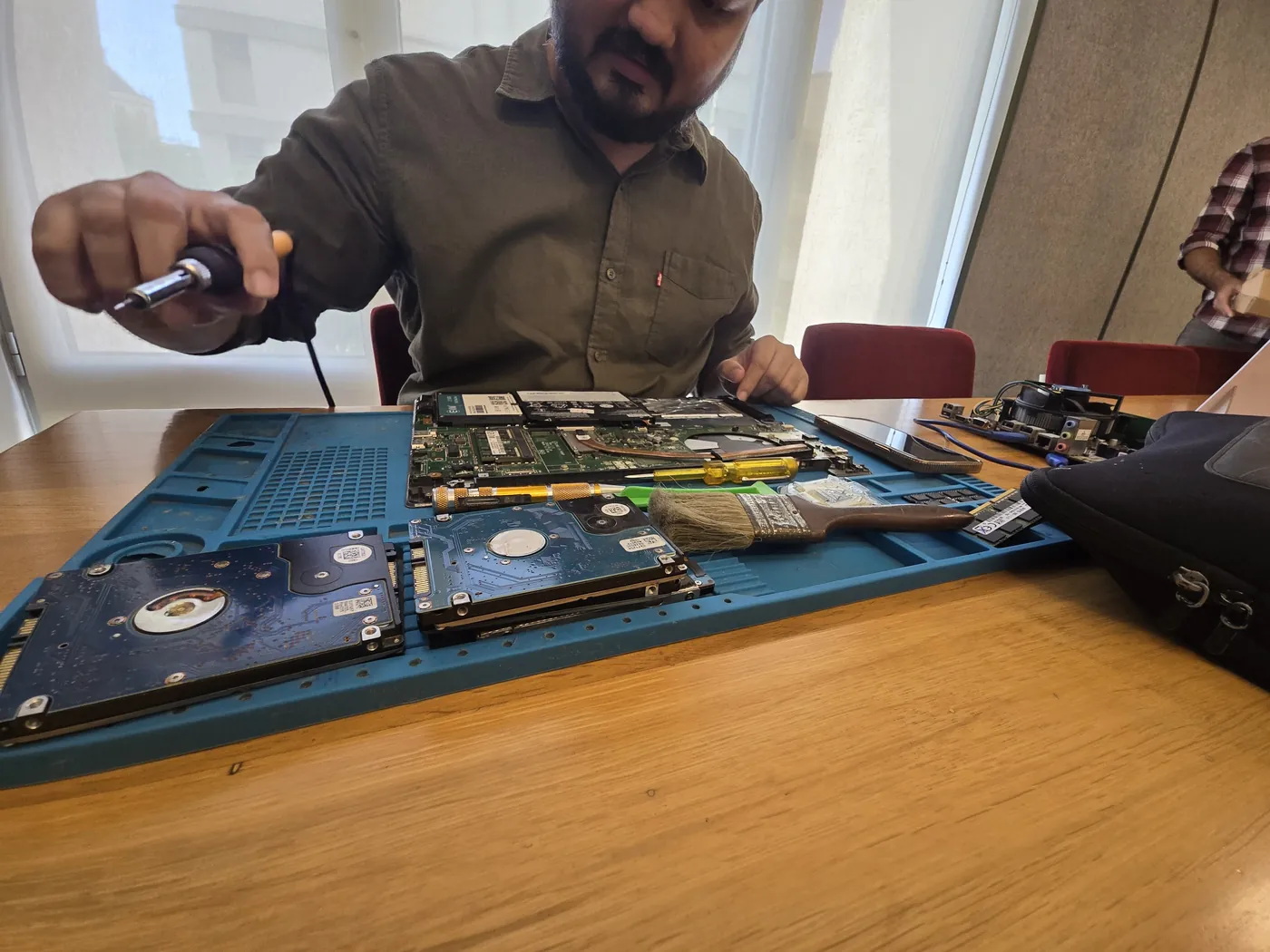
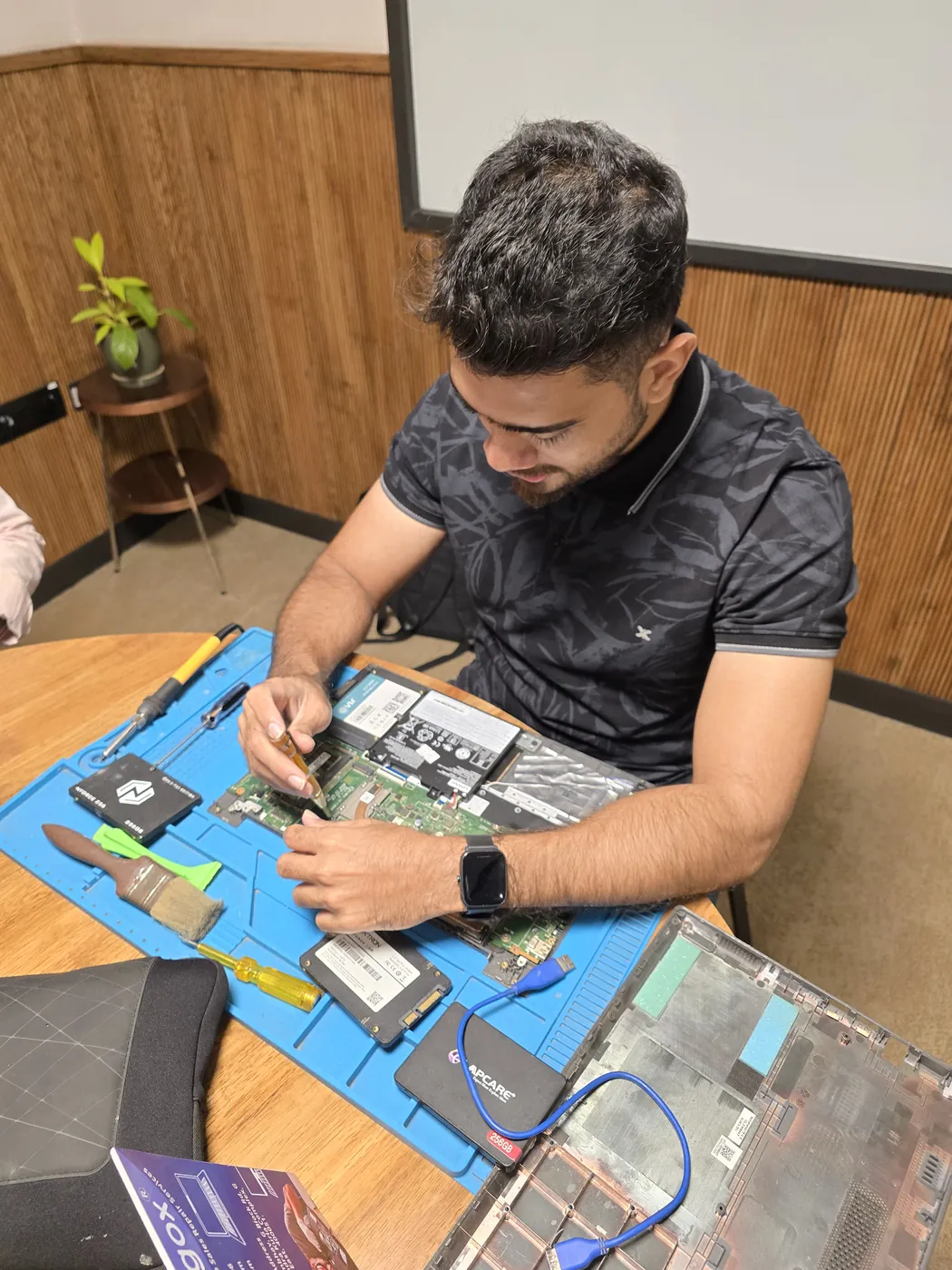
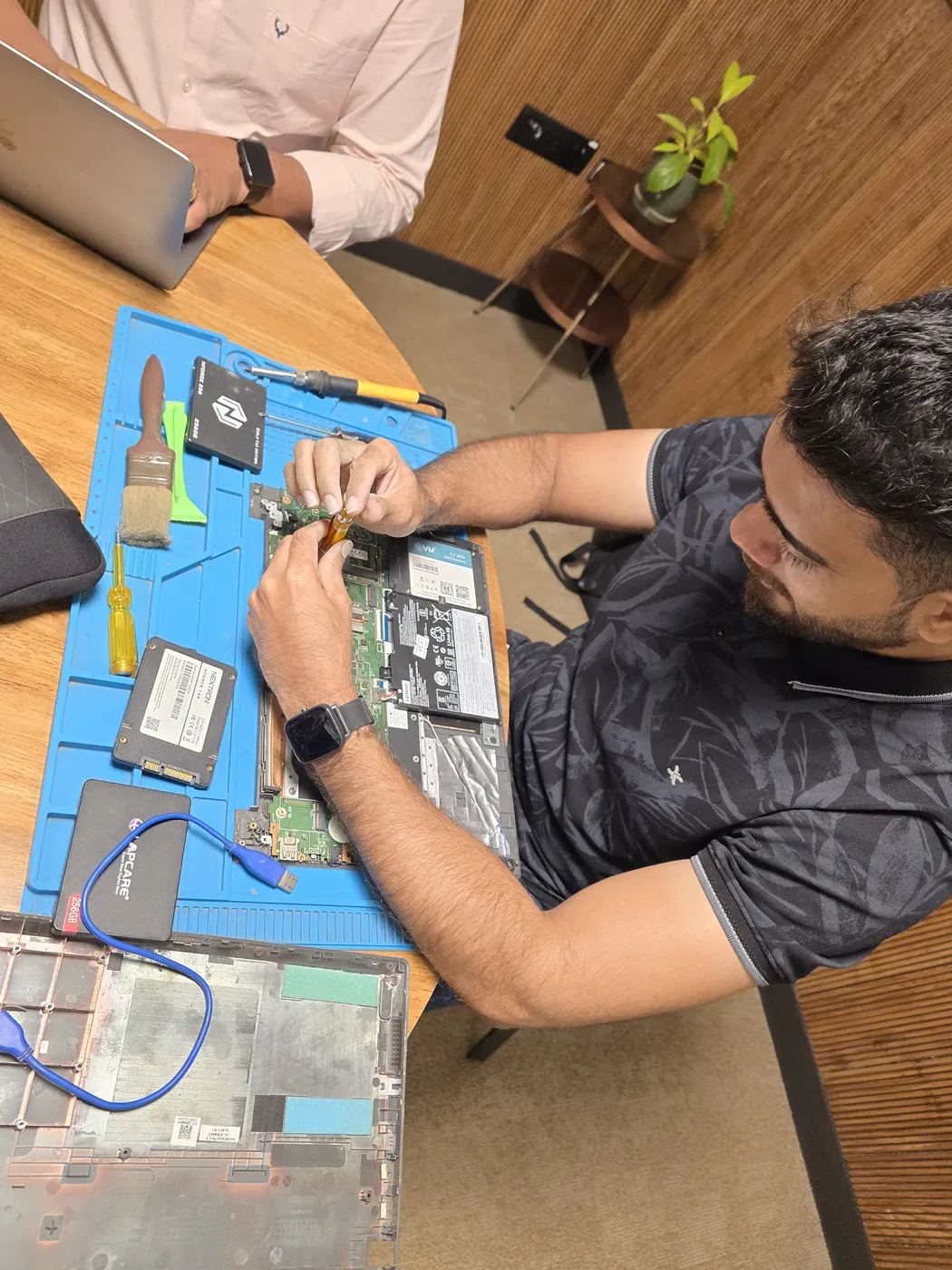
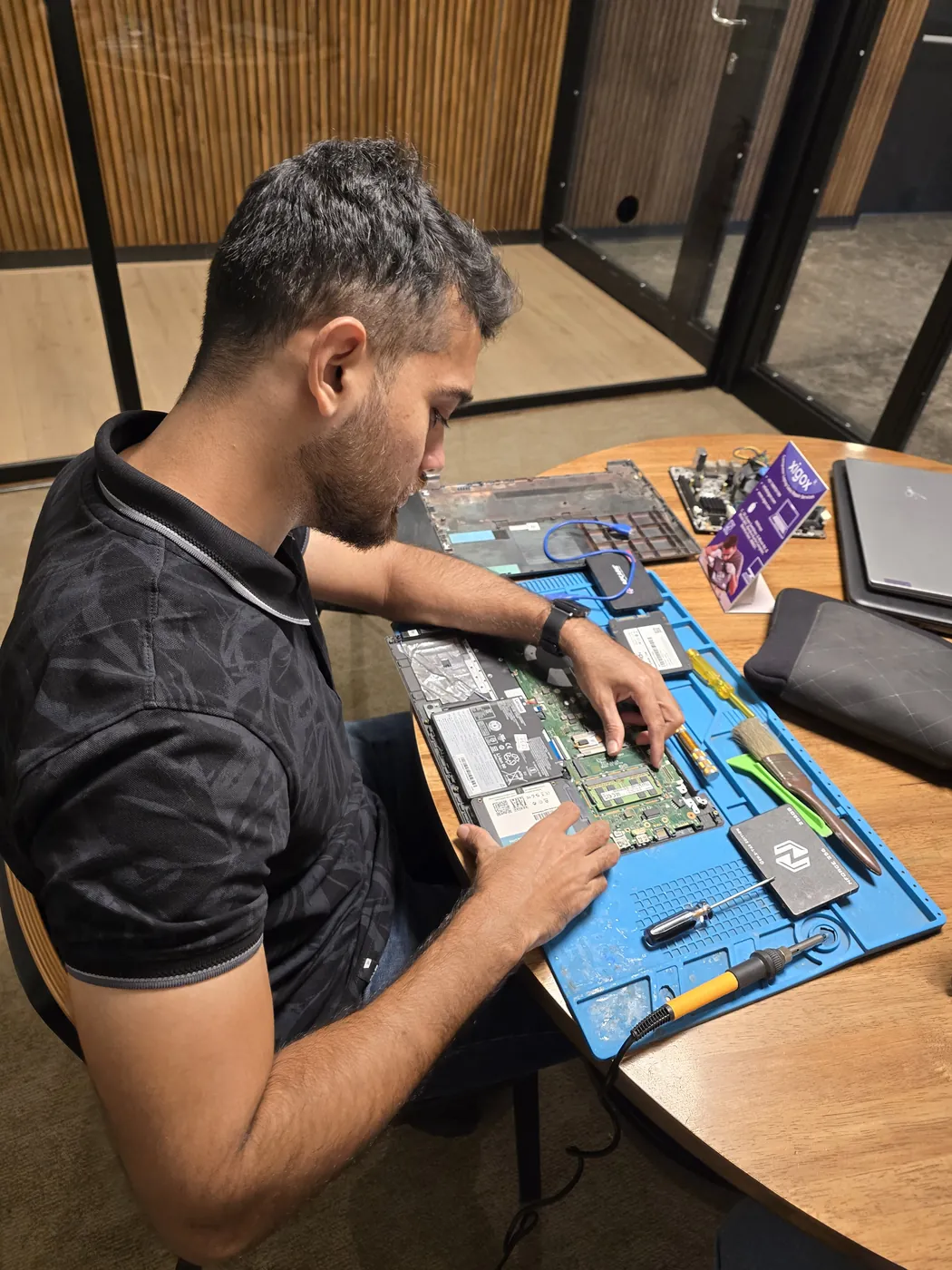
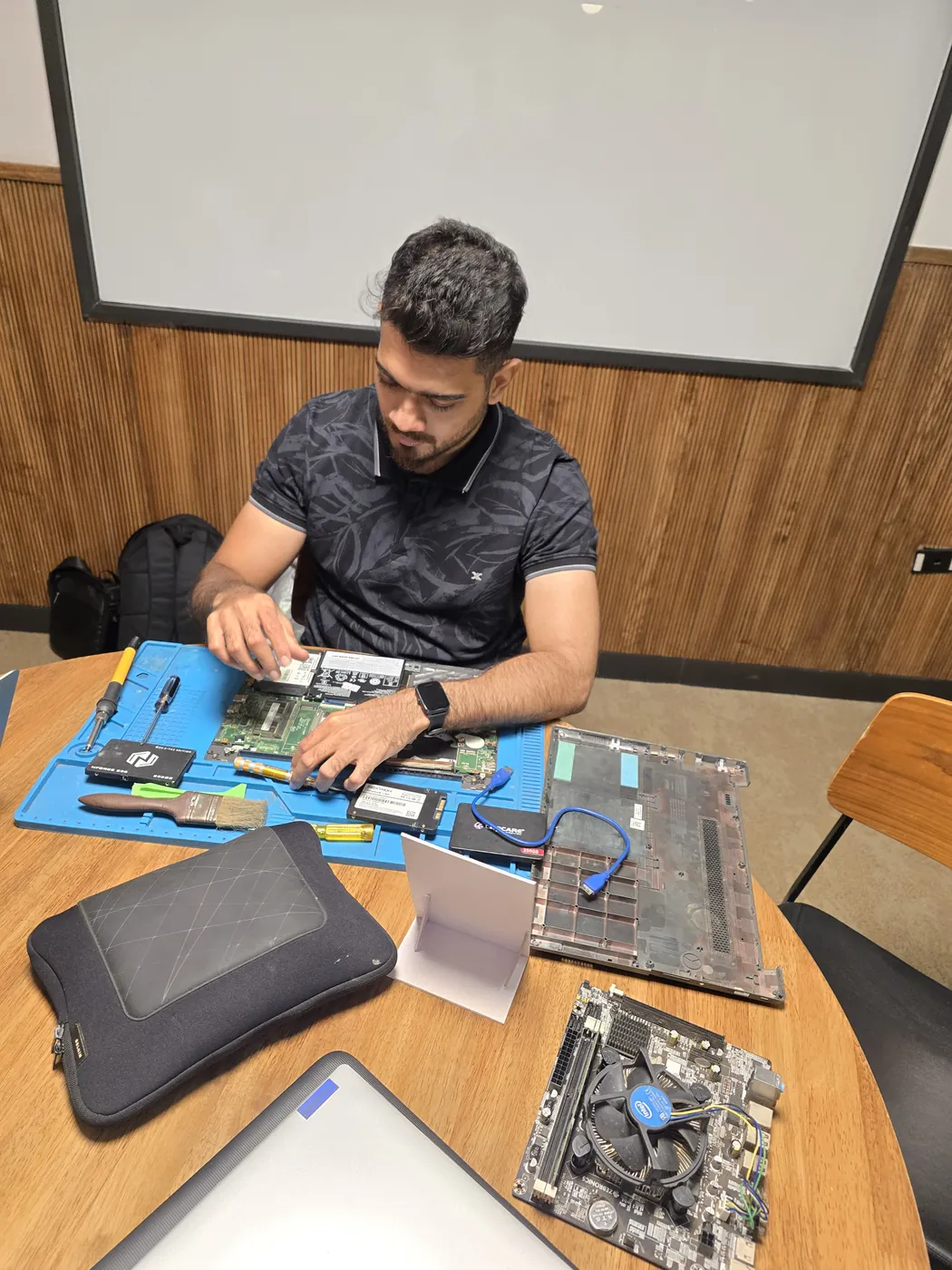
All photos are real photographs of the Xigox team at work.
Why Us?
With 1,00,329+ successful repairs and a 4.9-star rating, Xigox is an independent Lenovo repair specialist serving Saphale Station. Serving all addresses in the 401102 postal zone.
If we cannot resolve your Lenovo Desktop SSD Upgrade issue, you pay nothing beyond the inspection fee.
We repair Lenovo hardware at chip and board level where it's safe to do so — often a fraction of a full-module swap.
Our engineers work on Lenovo hardware regularly. Every repair is tested before return.
We use genuine Lenovo parts wherever available; otherwise OEM-compatible components.
Every repair backed by a written 90-day warranty. Same fault recurs? We fix it free of charge.
Most Lenovo Desktop SSD Upgrade jobs in Saphale Station are completed same-day. Urgent service available for critical cases.
Who repairs your device
Your Lenovo ThinkCentre M70t is handled by Xigox technicians from start to finish. It is never handed on to another shop. Work that needs the repair bench is done at our workshop in Virar West.
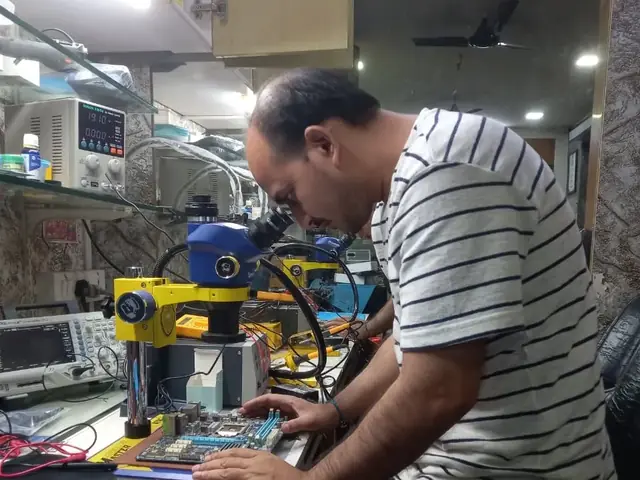
Board-level faults are traced with a microscope, a multimeter and a soldering station before any part is replaced, and parts are fitted only after you approve the quote.
We don't open your personal files during a repair. When a job needs access to your data, such as data recovery or a Windows reinstall, we ask you first.
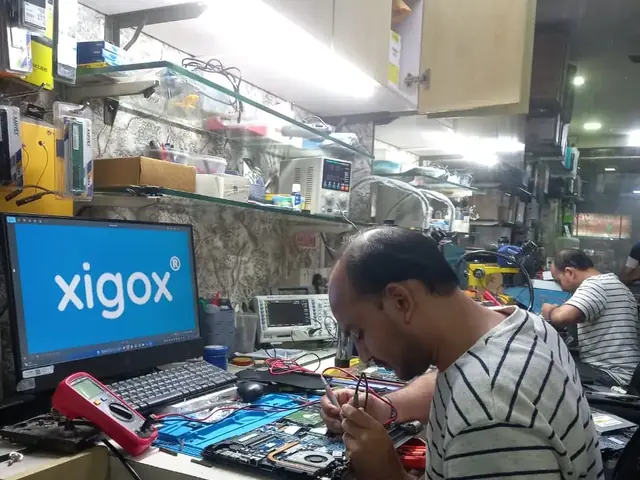
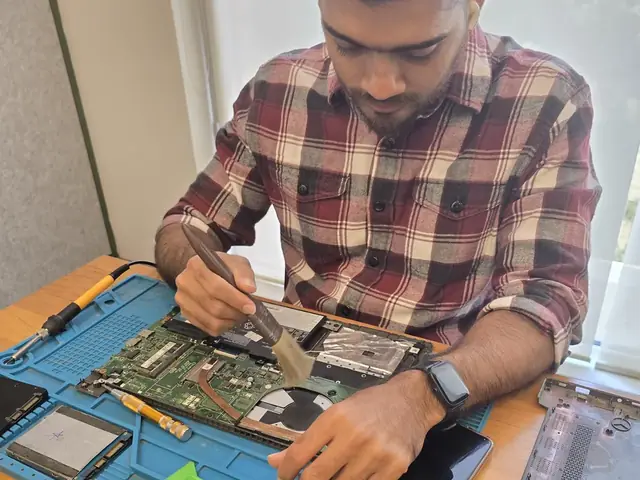
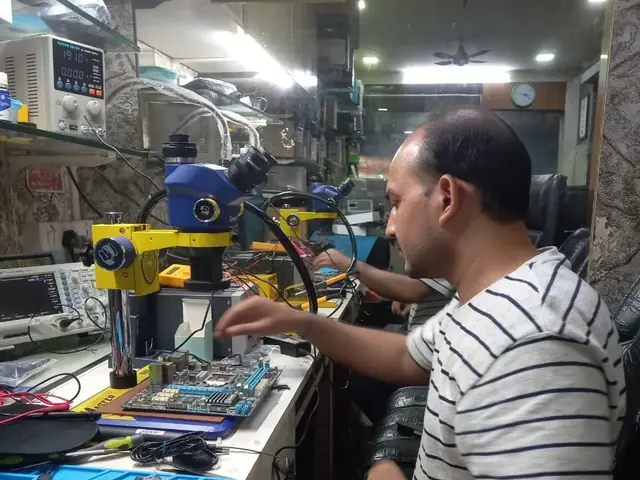
From booking to delivery — here's exactly what happens at every step
Call or WhatsApp +91 74997 61196. Tell us your Lenovo ThinkCentre M70t issue in Saphale Station and schedule a free doorstep pickup.
Our experienced technician inspects your Lenovo ThinkCentre M70t and provides a transparent written quote for Desktop SSD Upgrade.
Once approved, we perform Desktop SSD Upgrade using OEM-quality parts. Most repairs are completed same-day.
Every Lenovo ThinkCentre M70t passes a multi-point QA test before delivery. Your 90-day warranty starts from this moment.
We deliver your repaired Lenovo ThinkCentre M70t back to your Saphale Station address. Completely free, same day.
Post-repair support via WhatsApp. If the issue recurs within 90 days, we fix it at zero cost.
Repair examples
Gaming
PC RTX 4080
HP
ProDesk 400 G9
Technician's note
Original HDD retained as secondary storage. Best ROI upgrade for any desktop.
HP
ProDesk 400 G7
Technician's note
Capacitor failure likely caused by prolonged voltage fluctuation. Recommended UPS installation.
Custom
Build (AMD Ryzen 7)
Technician's note
Old PSU only had one 8-pin PCIe connector. New 750W provides clean, stable power for the RTX 4070.
Lenovo
ThinkCentre M70t
Technician's note
Component-level repair saved customer from motherboard replacement cost.
Mac
Mini M2
Technician's note
M2 Mac Mini SSD upgrade requires specific NVMe controller compatibility. Used validated module.
Comparison
What you get with Xigox in Saphale Station, side by side.
| Feature | Xigox | Other shops |
|---|---|---|
| Experienced Technicians | Trained & Verified | Varies; ask who will work on the device |
| Genuine / OEM Parts | OEM-Quality Parts | Varies; ask which part will be fitted |
| 90-Day Warranty | Written Certificate | Varies; ask for the warranty in writing |
| Diagnosis / Inspection | ₹350, credited to the repair | Varies; ask what the diagnosis costs |
| Same-Day Turnaround | Saphale Station — Most Repairs | Varies; ask for a time in writing |
| Free Doorstep Pickup | Saphale Station — Free | Varies; ask whether pickup is free |
| Transparent Pricing | Written Quote First | Varies; ask for a written quote first |
| Live WhatsApp Updates | Real-time Repair Status | Varies; ask how you will get updates |
Xigox charges ₹350 for inspection — credited to your repair cost if you go ahead.
Customer reviews
4.9/5 · 12 reviews shown
← Swipe or tap dots to browse →
Watch & learn
Repair videos from our Virar West workshop

See how Xigox handles real customer repairs — fast diagnosis, transparent pricing and a 90-day warranty on every job.

A closer look at the Xigox team, our tools, and the repair process behind 9,605+ customer reviews across Mumbai MMR.

A tour of our ISO 9001:2015 certified workshop — laptop, desktop and computer repairs with genuine-grade parts and a 90-day warranty.

How the Xigox team handles laptop and computer repair, sales, service and data recovery across Mumbai, Thane & Palghar.
Customer stories
What customers say about their laptop and computer repairs
“Desktop was freezing randomly. Xigox diagnosed a failing HDD, replaced with SSD. Boot time went from 3 minutes to 15 seconds. Outstanding upgrade!”
HP ProDesk 600 G6
“Graphics card died on our office desktop. Xigox sourced a compatible GPU and installed it same day. CAD software running smoothly again. Great service!”
Dell OptiPlex 7080
“RAM upgrade from 8GB to 32GB plus NVMe SSD. Xigox handled everything — cable management, BIOS update, Windows reinstall. PC is blazing fast now!”
Custom Gaming PC
“iMac screen had a crack — thought it was a write-off. Xigox repaired it for half the Apple Store price. Looks and works perfectly. Saved so much money!”
Apple iMac 2021
“PSU blew out with a bang. Xigox replaced the power supply unit within 3 hours. All data intact, no OS reinstall needed. Professional and fast!”
Lenovo ThinkCentre M90n
“Blue screen errors every hour. Xigox ran diagnostics — faulty RAM stick. Replaced under warranty, reinstalled Windows 11. No crashes in 2 months!”
Assembled Desktop i7
FAQ
Everything you need to know before booking your repair
10 questions answered
Send us your question on WhatsApp or call — a technician will answer.
Xigox is Saphale Station's leading independent specialist for Lenovo ThinkCentre M70t repair. Our engineers are not generalists — they undergo dedicated training on Lenovo hardware, firmware and diagnostics. Since 2011, we have completed over 1,00,000+ repairs across all Lenovo product lines, earning a 4.9-star average customer rating.
Parts for Lenovo ThinkCentre M70t models are held in stock rather than ordered after you book, so most repairs are not waiting on a supplier. Screens, batteries, keyboards, charging boards and flex cables are all OEM-grade. You approve a written estimate first, and the ₹350 inspection is credited back against the repair.
We actively serve the entire 401102 postal area within Palghar district, ensuring same-day response for every repair request. ₹350 inspection fee (refunded if you proceed with repair). Located near Saphale Station Road, our service coverage extends across Saphale Station and all surrounding localities. In addition to Saphale Station, we also provide doorstep repairs and free pickup for lab work for customers in Saphale Market, Kudan, Boisar East and other nearby areas.
Doorstep part replacement (battery, keyboard, screen, SSD, RAM) is available across Saphale Station. For chip-level and motherboard repairs, we provide free pickup and drop — confirming within 15 minutes of your booking. Most common faults are resolved same-day. For complex repairs, we provide a realistic timeline and keep you updated throughout.
Your Lenovo ThinkCentre M70t leaves with a written 90-day warranty covering both parts and labour. Same fault back inside that window and we redo it free — no argument, no diagnostic fee. WhatsApp support stays open afterwards for any question about the repair.
Service Hours
Monday – Sunday · 9 AM – 9 PM
Open on all public holidays
Service Area
Saphale Station & surrounding Mumbai areas
Doorstep repairs + free pickup for lab work
Our Guarantee
90-day warranty on all repairs
Free re-repair if same fault recurs
Explore all available repair options for your Lenovo ThinkCentre M70t
We repair all Lenovo models in Saphale Station
Free pickup & drop across all these neighbourhoods
Not sure which repair you need? See all Lenovo ThinkCentre M70t repairs in Saphale Station
Same-day service available in all these nearby areas
Explore more services
Same technicians · Free pickup · 90-day warranty across all services.
₹350 inspection fee (refunded if you proceed with repair) · Same-day Desktop SSD Upgrade · 90-day warranty
Serving Saphale Station and all of Mumbai MMR · Open 9 AM – 9 PM daily
How it's done
What our technicians do, what it requires, and how to tell you need it.
When you want more capacity or speed rather than just a fix, our technicians fit the replacement drive, migrate your data via direct cloning (or a fresh OS install plus manual file restore if cloning isn't viable), and verify the new drive boots cleanly and passes a read/write health check before handover.
Typical time: 30–60 minutes (longer if cloning existing data)
The model
The Lenovo ThinkCentre M70t is Lenovo's business desktop line — small-form-factor and tower options for corporate deployment, competing with Dell OptiPlex and HP EliteDesk.
Avoid the directory hustle. Choose a direct service centre with Xigox. A Lenovo that's 4–5 years old isn't necessarily obsolete — the right component swap can extend its productive life by 3–5 years. Xigox Saphale Station offers personalised upgrade consultation: we benchmark your current Lenovo and recommend the upgrade with the best ROI for your budget. Most upgrades completed same-day in Saphale Station including all data transfer.
Quality matters for this issue. Because of this, our team strictly use genuine parts for your Lenovo. Instead of unbranded components, we use trusted supply chains. This is how we help your issue stay durable, supported by our standard 90-day warranty.
Not everyone in Saphale Station can handle complex the repair. Xigox's engineers work on Lenovo hardware every day specifically for Lenovo hardware. Whether it's a minor fix or advanced component-level motherboard repair, we fix it properly right here for Saphale Station clients.
One of the most common complaints about repair shops in Saphale Station is hidden charges after the job is done. Xigox operates differently. Before any work begins, our technician provides a clear cost estimate covering parts and labour. There is zero ambiguity — the decision is entirely yours. The ₹350 diagnostic is credited 100% when you approve the repair.
Xigox's responsibility extends beyond the repair itself. Our support line is available daily via call or message. If you notice anything unusual in the post-repair period, just reach out and we dispatch a technician immediately. This promise is why Saphale Station customers choose Xigox again and again.
When should you consider it's time for this issue on your Lenovo? Watch for: frequent freezing, excessive heat, lagging response, strange noises, battery draining fast, or dead pixels. Experiencing even one of these in Saphale Station, don't ignore them — delaying often increases repair costs. Xigox technicians can diagnose your Lenovo within the hour and advise on the right this issue.
Uncertain about the issue with your Lenovo? Prior to starting any repair, Xigox performs a thorough diagnostic check. The ₹350 inspection fee, it is 100% refunded if you proceed with the repair. Our technicians in Saphale Station will show you the broken part in plain English so you can make an informed decision.
While your Lenovo is opened for this issue in Saphale Station, it's the perfect time to consider an upgrade. A large number of clients choose to add more RAM during the same visit. Bundling these services saves you money on labour and extends its life by years. Inquire today about performance upgrades when you book your issue.
Fixing the immediate problem is only half the job at Xigox. Before your Lenovo is returned in Saphale Station, it must pass a strict multi-point quality check. Our team ensures that the repair was successful, checking wi-fi connectivity. This level of testing is the reason for our 4.9★ rating across Saphale Station.
Each issue performed by Xigox in Saphale Station comes with a comprehensive 90-day warranty covering parts and labour. Simply put, if the same issue recurs within 90 days, we redo it completely free. Xigox issues a printed warranty receipt every single time, so you know exactly what is covered.
High-quality repair shouldn't break the bank in Saphale Station. Because we repair at the component level, we typically save customers 30% to 50% versus authorized brand service centres. You receive identical stellar quality for your Lenovo, but at a much fairer price. Get your free quote for the repair in Saphale Station now.
Make the smart choice for your Lenovo in Saphale Station. Xigox: real technical skill, genuine components, no hidden costs, doorstep service — all confirmed in writing. Your neighbours already trust us: call +91 74997 61196 for fast, affordable Lenovo ThinkCentre M70t Desktop SSD Upgrade in Saphale Station.
Service area
Xigox provides lenovo thinkcentre m70t desktop ssd upgrade across Saphale Station (PIN 401102), in the Palghar district of Saphale. Our doorstep pickup and on-site service cover the entire Saphale Station area and the neighbourhoods around it.
Localities we cover in Saphale Station: Saphale, Vaitarna, Kelve Road. Wherever you are in Saphale Station, we can collect your device from your door and bring it back after the repair.
Our technicians regularly serve homes, societies and offices around Saphale Station, Vaitarna River Bridge and Saphale Market, and along Saphale Station Road, NH-48 (Mumbai-Ahmedabad Highway) and Khodala Road. If you're near any of these landmarks, same-day pickup for lenovo thinkcentre m70t desktop ssd upgrade is almost always available.
We also serve these nearby areas — tap your locality for local lenovo thinkcentre m70t desktop ssd upgrade:
4.9 from 9,605 customer reviews across all repairs · upfront pricing · 90-day warranty
Before you book: have your device model and a quick description of the issue ready — it speeds up your quote.
Not sure what's wrong?
Tell us what your device is doing — we'll point you to the right repair, with real pricing and next steps.
Our head office: Virar West
~34.2 km from Saphale Station. With free doorstep pickup you don't need to travel — this is where the repair is done.
Book a repair
Free pickup · Genuine parts · 90-day warranty
We'll call you within 1 hour to confirm your appointment and arrange doorstep pickup.
Inspection fee: ₹350
Device type *
Inspection fee: ₹350
Your details are used only to arrange this repair. By submitting, you agree to our Privacy Policy.
 Acer
 Apple
 ASUS
 Dell
 HP
 Intel
 MSI
 Samsung