Printer Not Scanning diagnosis and repair in Mumbai. Fix paper jams, print quality issues, connectivity problems and error codes on all printer brands.
Free pickup & drop · 90-day warranty on every repair
90-day warranty
₹350 inspection, credited if you repair
Free pickup & drop
Same-day for most repairs
Genuine parts
ISO 9001:2015 certified
What Causes Printer Not Scanning
?
Printer Not Scanning can occur due to multiple hardware or software reasons. Common causes include physical damage, component wear, software conflicts, or manufacturing defects. Accurate diagnosis is critical before attempting any fix.
Physical damage or drops
Hardware impact can cause component failures leading to Printer Not Scanning
Component wear over time
Aging hardware parts can degrade and cause recurring issues
Software or firmware conflict
Corrupt OS files or failed updates can trigger laptop problems
Overheating or power issues
Thermal stress and voltage irregularities damage internal components
If you are facing Printer Not Scanning with your printer, Xigox in Mumbai provides professional diagnostic and repair services. A standard diagnostic costs ₹350 (refunded if you proceed with the repair). Turnaround is typically within 4-6 hours for common issues. All replacement parts used are genuine-grade OEM compatible, ensuring data safety and device longevity. Customers receive a 90-day parts and labour warranty on completed repairs, alongside free doorstep pickup and delivery across all Mumbai areas.
Printer Not Scanning can significantly impact your printer's performance, reliability, and lifespan. At Xigox, our expert engineers use advanced diagnostic equipment to pinpoint the exact root cause — whether it's a hardware component failure, software corruption, or age-related wear. Our technicians resolve Printer Not Scanning regularly at our workshop, and we back every fix with a comprehensive 90-day warranty and free follow-up support.
Our Repair Process for Printer Not Scanning
Our Printer Not Scanning repair process follows a structured five-step workflow designed for quality and transparency. Step one: free pickup from your doorstep anywhere in Mumbai. Step two: comprehensive ₹350 diagnostic session at our equipped facility. Step three: a detailed written quote sent to you via WhatsApp or email — no surprises, no hidden charges. Step four: repair using genuine-grade OEM parts by experienced technicians, with every step documented. Step five: multi-point quality assurance testing followed by free delivery back to your location. Most Printer Not Scanning repairs are completed same-day, and every job carries our 90-day written warranty.
All Brands and Models Covered for Printer Not Scanning
Xigox services Printer Not Scanning across all major printer brands including HP, Canon, Epson, Brother, Samsung, Ricoh and Kyocera, and more. Whether you have a premium flagship or a budget model, our engineers are trained on brand-specific repair procedures and have access to genuine-grade replacement parts for each. We maintain a comprehensive parts inventory for rapid turnaround — most Printer Not Scanning repairs are completed within the same day. Our brand-agnostic expertise means you get one trusted repair destination for all your equipment at home or in the office.
How Our Engineers Diagnose Printer Not Scanning
Accurate diagnosis is the foundation of a lasting repair. When you bring your printer to Xigox for Printer Not Scanning, our technicians run a comprehensive multi-point diagnostic that includes hardware stress tests, component-level inspection, and software analysis. We use professional-grade tools — oscilloscopes, multimeters, and thermal imaging — to identify the exact point of failure. This precision approach eliminates guesswork and ensures we fix the actual root cause, not just the symptoms. You receive a detailed written report explaining our findings and a transparent quote before any repair work begins.
How Much Does Printer Not Scanning Repair Cost?
The cost of fixing Printer Not Scanning varies depending on your printer brand, model, and the specific components involved. At Xigox, we believe in complete pricing transparency — you receive a detailed written quote after our ₹350 diagnostic session, and this inspection fee is refunded if you proceed with the repair. There are never hidden charges. Common Printer Not Scanning repairs range from ₹499 for minor software fixes to ₹1,999–₹8,999 for hardware component replacements. Premium models and complex motherboard-level repairs may be higher, but you always know the exact cost before we begin any work.
Data Safety During Printer Not Scanning Repair
We understand that your printer contains irreplaceable personal and professional data. During Printer Not Scanning repair at Xigox, data safety is a top priority. Our engineers follow strict data protection protocols — no data is accessed, copied, or deleted during the repair process. In cases where data is at risk (such as storage failures), we inform you immediately and offer professional data recovery options before proceeding. All customer data interactions are governed by our privacy policy, and our facility has secure storage for equipment awaiting or undergoing repair. Your data stays yours — always.
The longer Printer Not Scanning goes unaddressed, the more likely it is to affect other parts of your printer. Xigox's Mumbai team can usually diagnose and fix it the same day — free pickup, genuine-grade parts, and a 90-day warranty included. Reach out on +91 74997 61196 to get started with the ₹350 inspection, refunded if you proceed.
Repair Services for Printer Not Scanning
Our engineers use targeted services to resolve this issue permanently
Our Printer Not Scanning Process in Mumbai — Step by Step
We've streamlined every step to make Printer Not Scanning in Mumbai fast, transparent, and worry-free.
1
Step 1Step 1: Tell Us Your Printer IssueFree
Tell Us Your Printer Issue
Call, WhatsApp, or fill out our online form. Share your printer brand (HP, Canon, Epson, Brother, Xerox, Ricoh) and the issue — not printing, paper jam, streaks, poor print quality, connectivity problems, or error codes. We respond within minutes with availability.
2
Step 2Step 2: Doorstep Technician or Free Pickup
Doorstep Technician or Free Pickup
For cartridge replacements, ink refills, WiFi printer setup, and minor software fixes, our technician visits your Mumbai doorstep. For mainboard repairs, printhead replacement, drum unit service, and deep cleaning, we offer free pickup and drop from your Mumbai address. Safe handling.
Our experienced printer engineer runs a complete diagnostic — print quality test, nozzle alignment check, roller inspection, and connectivity scan. ₹350 inspection fee applies (fully refunded if you proceed with the repair). You receive a clear, itemised written quote before any work begins. Our 4.9★ rating across 9,605+ reviews reflects our commitment to thorough quality assurance.
4
Step 4Step 4: Expert Repair with Genuine Printer Parts
Expert Repair with Genuine Printer Parts
Using OEM-grade cartridges, genuine printheads, quality rollers, drum units, and manufacturer-approved techniques, our technicians restore your printer to factory output quality. Most repairs — paper jams, print quality, WiFi connectivity — are resolved the same day.
5
Step 5Step 5: Test Prints & Free Delivery with 90-Day Warranty
Test Prints & Free Delivery with 90-Day Warranty
Before return, we run multiple test prints — nozzle check, colour calibration page, alignment test, and quality verification. Your repaired printer is delivered back to your Mumbai doorstep at zero cost. Every repair includes a 90-day written warranty covering parts and labour.
Don't wait — book your repair from Mumbai today. Doorstep service for part replacements, free pickup for lab repairs. Same-day service available.
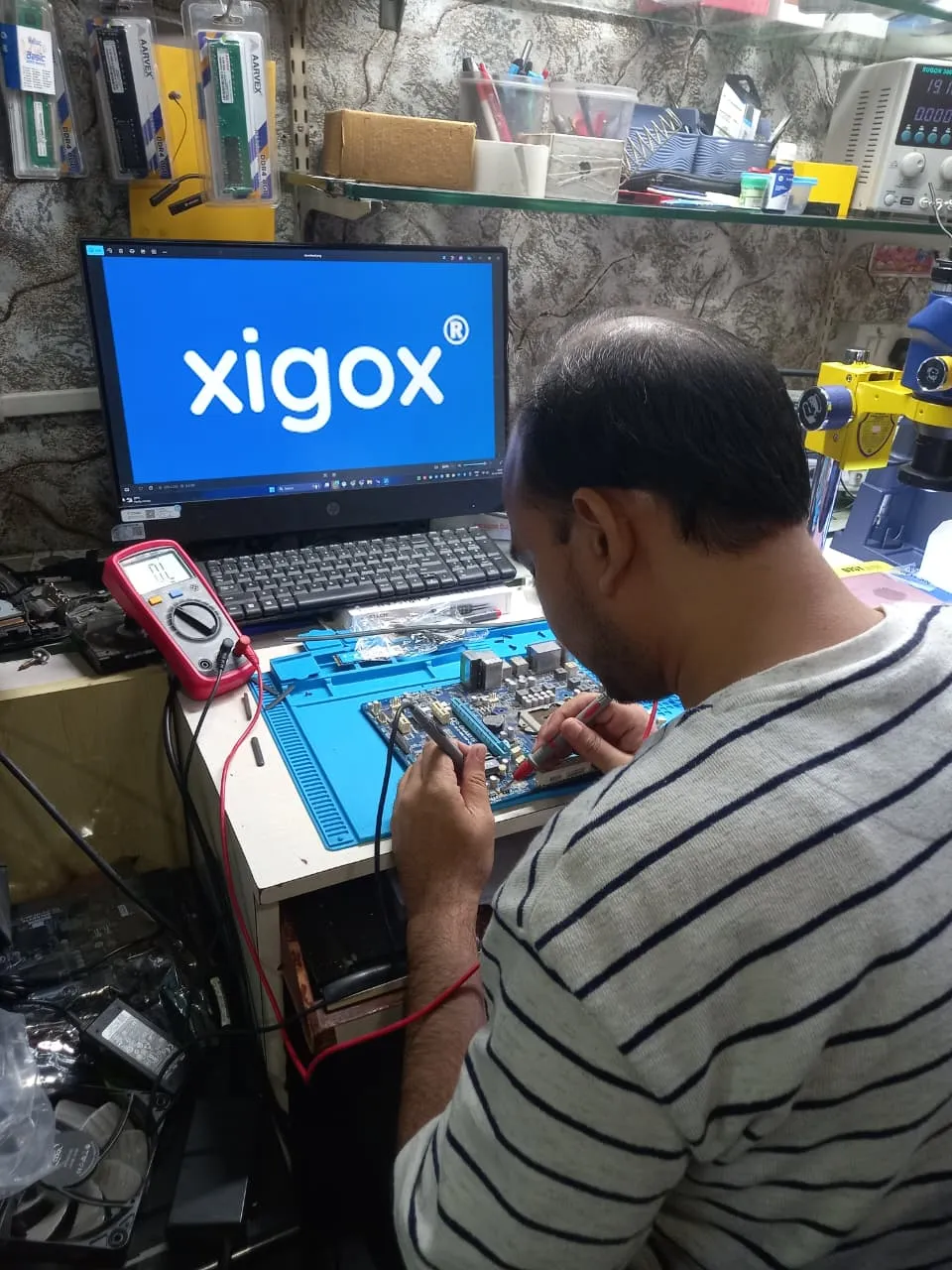
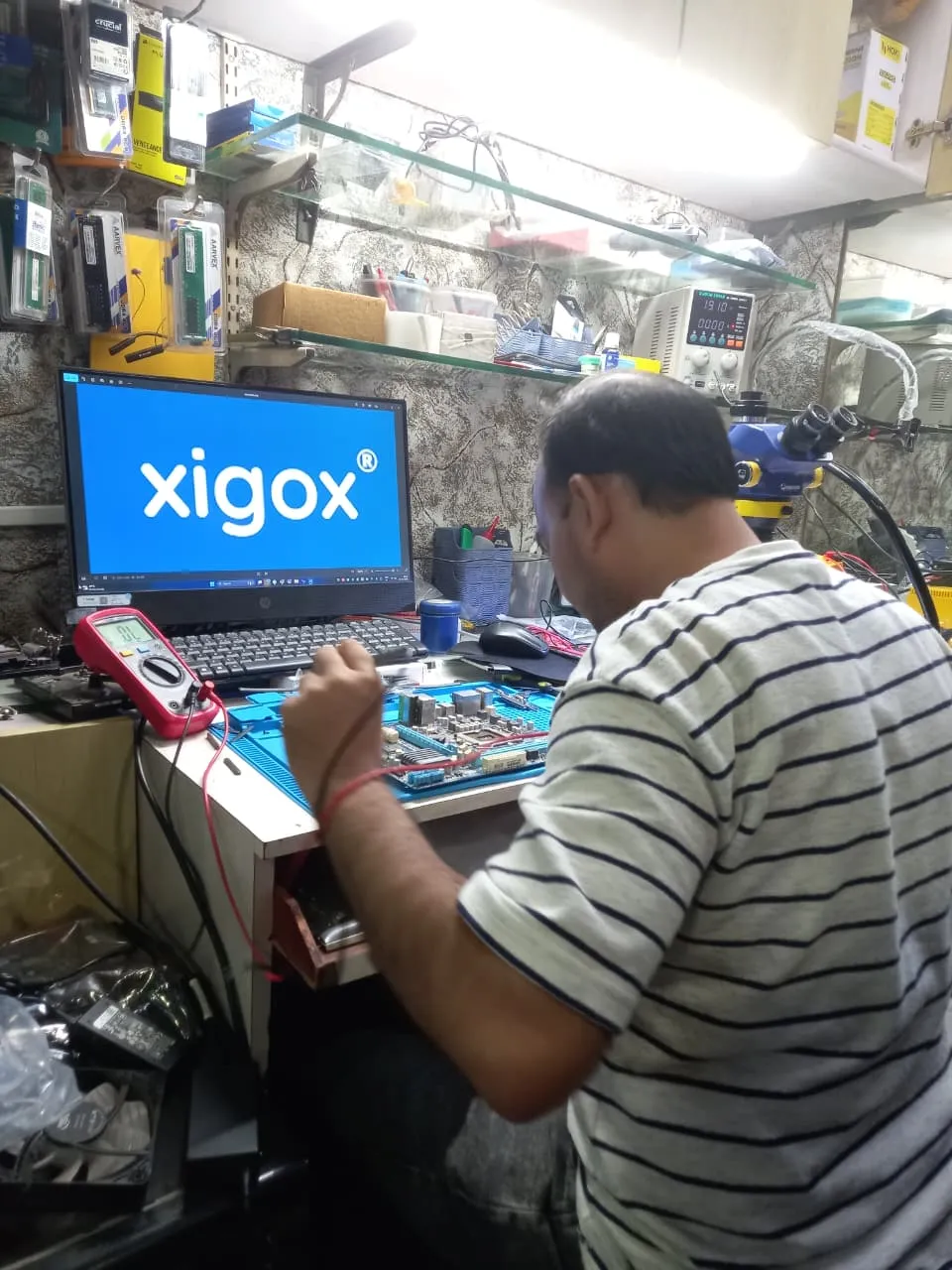
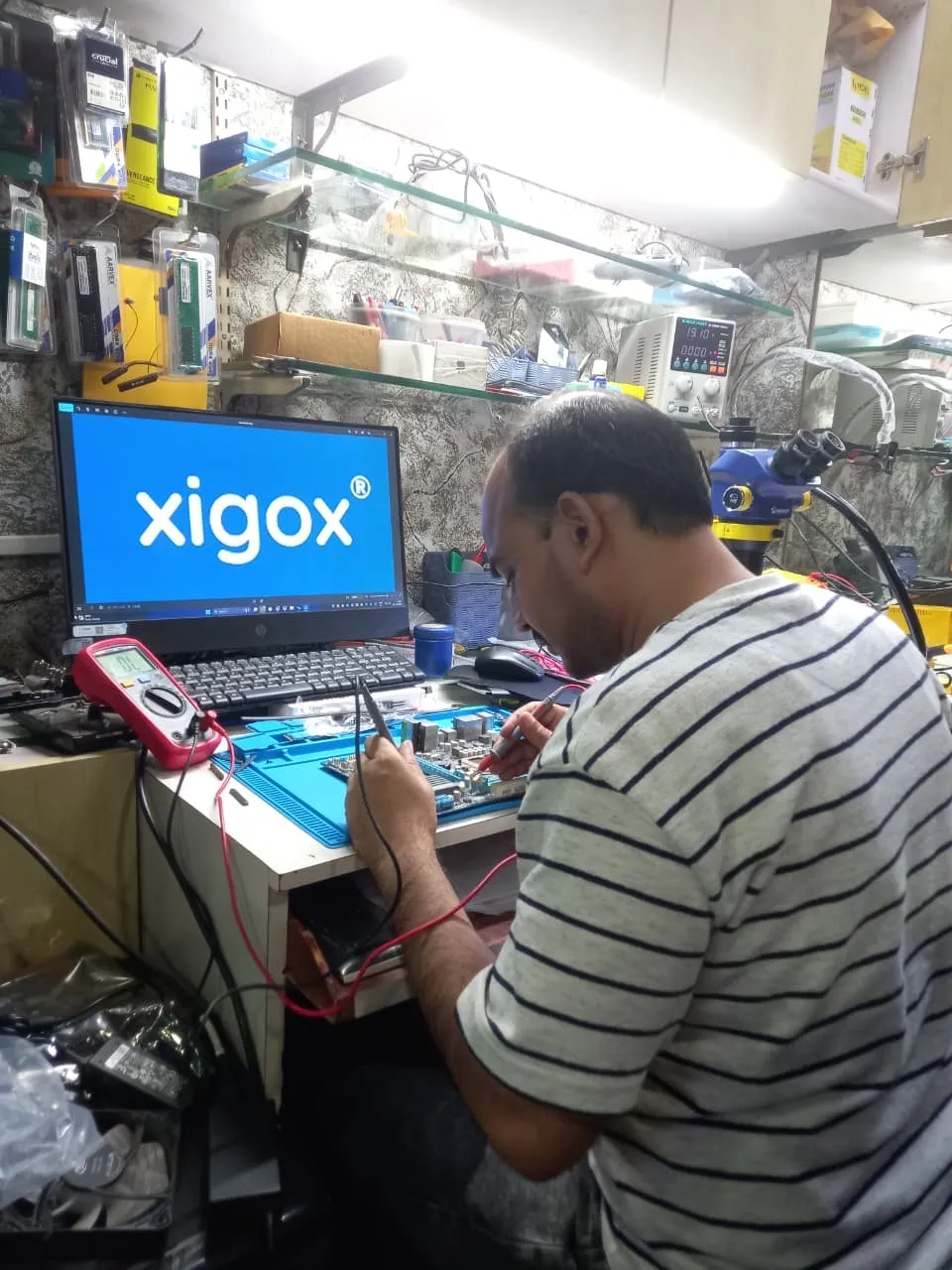
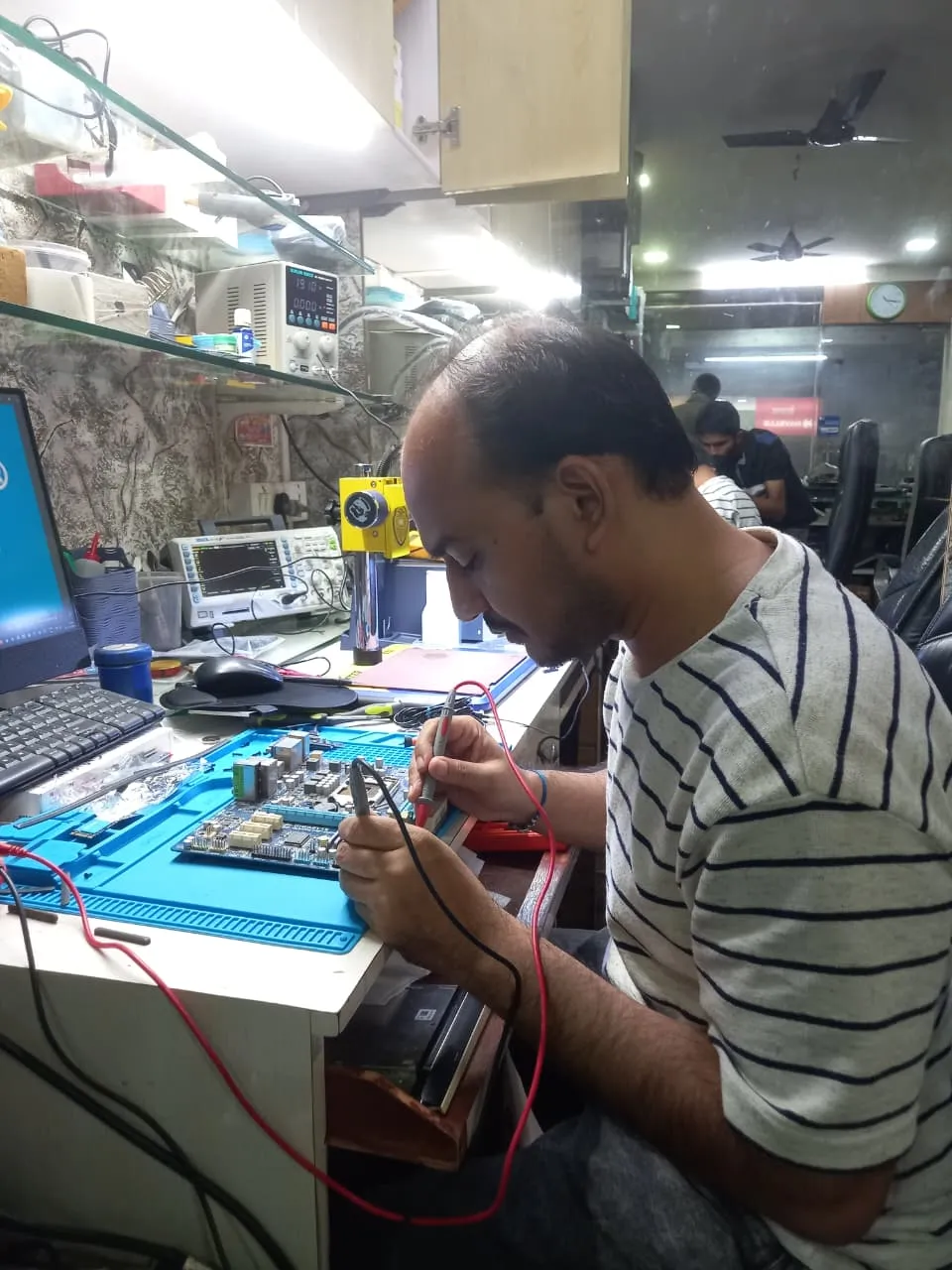
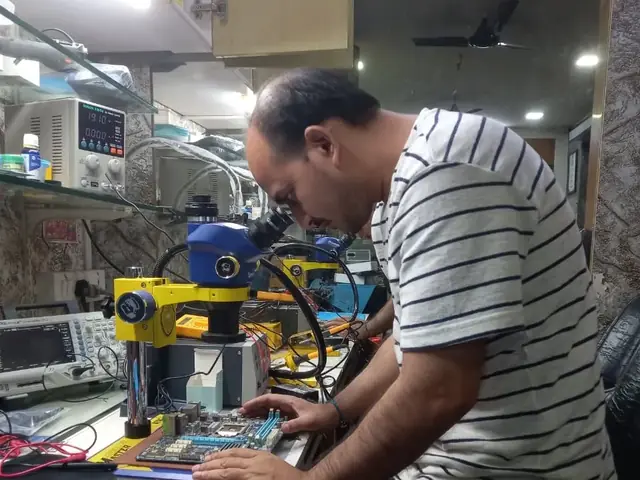
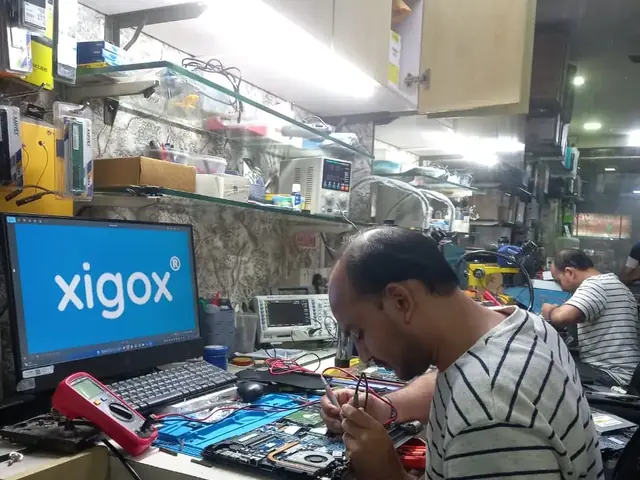
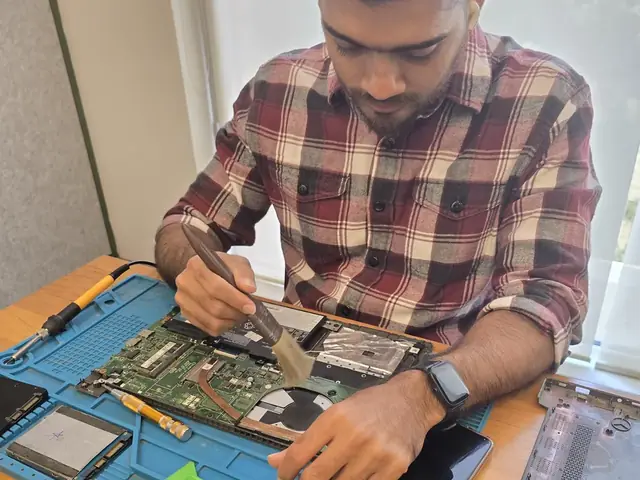
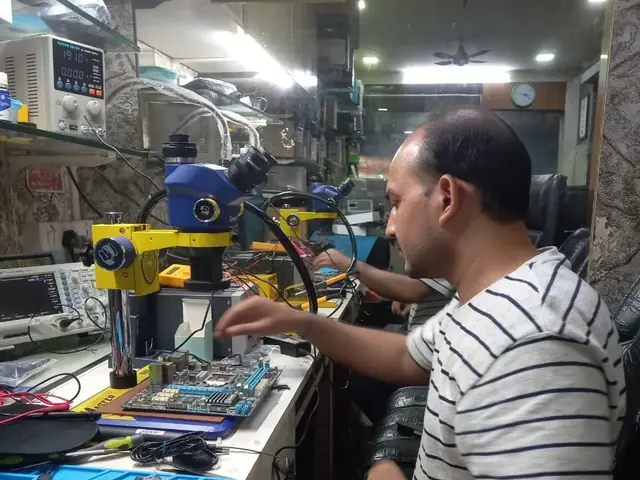
Photographs of Xigox technicians working on opened laptops and boards. They show how the work is done,
not the results on any particular customer's device.
· / 66
All photos are real photographs of the Xigox team at work.
Who repairs your device
Repaired in-house by Xigox technicians
Printer Not Scanning jobs are diagnosed and fixed by Xigox technicians, never handed on to another shop. Work that needs the repair bench is done at our workshop in Virar West.
Board-level faults are traced with a microscope, a multimeter and a soldering station before any part is replaced, and parts are fitted only after you approve the quote.
We don't open your personal files during a repair. When a job needs access to your data, such as data recovery or a Windows reinstall, we ask you first.
Common questions about fixing Printer Not Scanning
10 questions answered
You bring it straight back. The same fault inside 90 days is covered under warranty — no second inspection fee, no diagnostic charge, no argument. The cover is there in writing so you do not have to just take our word for it.
We use OEM or OEM-grade components and tell you which one your quote covers before work starts. We do not fit unbranded aftermarket parts or recycled pulls sold as new — part quality is the single biggest factor in whether a printer repair lasts, so it is not somewhere we cut cost.
That is what the ₹350 inspection is for. Symptoms overlap constantly — the same visible behaviour can come from three different components. We test rather than guess, then show you what we found before quoting. If the actual fault turns out to be something cheaper, the quote reflects that.
Usually not for long. Left alone, most faults of this kind put stress on neighbouring components and turn a contained repair into a board-level one. If you cannot bring it in immediately, tell us the symptoms on WhatsApp and we will tell you honestly whether it can wait a few days or should be powered down now.
Yes — Xigox specialises in Printer Not Scanning across Mumbai. Our experienced technicians diagnose and fix the problem efficiently, using OEM-quality parts and backed by a 90-day warranty. Free doorstep pickup is available in Mumbai — call or WhatsApp +91 74997 61196.
Most Printer Not Scanning issues in Mumbai are resolved the same day — typically within 2–4 hours of pickup. We provide an accurate time estimate during the ₹350 inspection (refunded if you proceed with repair) so you're never left guessing.
Common causes of Printer Not Scanning include physical impact, wear and tear, manufacturing defects, water damage, overheating, or software conflicts. Xigox technicians perform a thorough diagnosis to identify the root cause and fix it permanently rather than applying a temporary patch.
Every repair at Xigox — including Printer Not Scanning fixes — is covered by a 90-day warranty. If the same problem recurs within 90 days, we repair it free of charge. Our warranty is provided in writing and applies to all repairs across Mumbai and Mumbai MMR.
The cost to fix Printer Not Scanning in Mumbai varies by printer model and severity. Xigox charges ₹350 for inspection — refunded if you proceed with the repair. A transparent written quote before any work begins. You're never charged until you approve the repair — no hidden fees, ever.
Xigox repairs Printer Not Scanning on HP, Canon, Epson, Brother, Samsung, Ricoh and Kyocera, and more. Our engineers are trained on brand-specific procedures and we stock genuine-grade parts for the most common models, so most repairs in Mumbai are completed the same day.
Still have questions?
Send us your question on WhatsApp or call — a technician will answer.
9 AM – 9 PM Daily · Free Pickup · Most repairs same-day
Printer Not Scanning in Mumbai — Professional, Reliable, and Affordable
Avoid the directory hustle. Choose a direct service centre with Xigox. Regular printer maintenance in Mumbai saves businesses thousands in replacement costs: scheduled head cleaning, preventive paper feed servicing, OEM cartridge management. Xigox offers Mumbai businesses annual maintenance contracts (AMC) for 2–50 printers — including routine and emergency calls.
Our Printer Not Scanning Process Works
Arranging this job in Mumbai is incredibly straightforward. Step 1, call or WhatsApp us at +91 74997 61196 to describe your issue. Next, our complimentary collection driver arrives at your Mumbai doorstep within 1–2 hours. The team then carry out a thorough diagnostic (₹350, credited toward your repair). Once you agree, this job is executed with genuine parts — and your printer is returned to you. Most repairs done same day.
Post-Repair Quality Check after Printer Not Scanning
Completing the repair is just the first step at Xigox. Before your printer is returned in Mumbai, it undergoes a strict multi-point inspection. We verify that your repair was executed flawlessly, testing thermal performance. This attention to detail is why our return rate is so low across Mumbai.
Express Printer Not Scanning — What to Expect
Wondering how fast Xigox can complete job in Mumbai? Our standard process: First — call or WhatsApp +91 74997 61196 and our pickup technician arrives at your Mumbai address within 2 hours. Then — ₹350 diagnostic pinpoints the issue. Step 3 — you approve the quote via WhatsApp — zero pressure. Step 4 — this job is done using OEM-grade components by our engineers, usually within 2–4 hours. Step 5 — your printer is delivered back to you with a quality report.
Business & Corporate Printer Not Scanning in Mumbai
Businesses across Mumbai trust our repair to keep operations running. We offer bulk repair contracts, same-day priority service, and a single point of contact. From a small team or an entire floor, Xigox manages this repair for your Mumbai workspace with GST invoices and complete service reports.
Extended Care Printer Not Scanning Options
A common question is whether their laptop insurance covers this job. We help with insurance claims and can generate the detailed GST invoice required for claim submission — broken down by component and labour. For out-of-warranty printer units, our repair is almost always often far cheaper compared to the brand's authorised centre.
All-Brand Printer Not Scanning in Mumbai
No matter the printer you own, Xigox handles this repair. Our technicians are brand-agnostic experts: HP, Canon, Epson, Brother, Samsung, Ricoh and Kyocera. Each brand has quirks in their assembly that our team knows well. Model-specific experience cuts diagnostic time and improves first-time fix rates.
Transparent Pricing Policy for Printer Not Scanning
The biggest frustration about repair shops in Mumbai is surprise bills after the job is done. We've built our entire model around transparency. Before any work begins, our technician shares a written quote that covers everything. You see the exact cost — approve it or decline, no pressure. Our ₹350 inspection fee is fully refunded when you proceed with this job.
After-Repair Care for Printer Not Scanning
Your repair doesn't end when the printer is returned. The Xigox after-service team remains reachable 7 days a week, 9 AM–9 PM via WhatsApp or phone. Should any concern arise in the post-repair period, simply contact us and a technician is dispatched at no cost. This commitment is why residents in Mumbai return to Xigox.
Experienced Technicians for Printer Not Scanning in Mumbai
Not everyone in Mumbai can handle complex this job. Xigox's engineers work on printer hardware every day specifically for printer hardware. Whether it's a minor fix or advanced component-level motherboard repair, we fix it properly right here for Mumbai clients.
Doorstep Pickup & Drop across Mumbai
Traveling across town in Mumbai can be a nightmare. That's why Xigox has built a straightforward pickup and delivery network for this repair. Simply share your Mumbai address, and our technician will pick up the printer from your home or office. After the repair is completed, it is delivered back fully tested and sealed. Save your time without leaving your desk.
Your printer is an investment — keep it running with a trusted Printer Not Scanning service. Xigox serves homes and offices across the region with honest quotes. Ready to get started? Reach us at +91 74997 61196 for instant Printer Not Scanning in Mumbai.
Printer Not Scanning price in Mumbai — know it before you book
1Pick your device & issue
2See the real price range
3Free doorstep pickup in Mumbai
★ 4.9 from 9,605 customer reviews across all repairs · upfront pricing · 90-day warranty
Before you book: have your device model and a quick description of the issue ready — it speeds up your quote.