Repair Dell Inspiron Desktop
in Boisar
Expert repair services for your Dell Inspiron Desktop in Boisar. We fix screen damage, battery issues, keyboard faults, motherboard problems & more — with free doorstep pickup & 90-day warranty.
Open every day, 9 AM – 9 PM
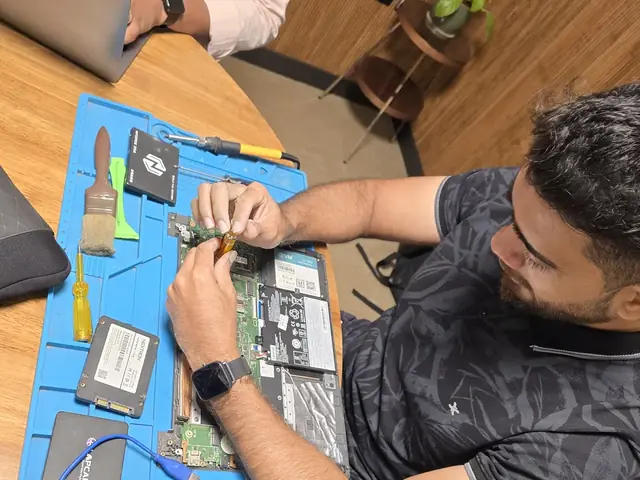
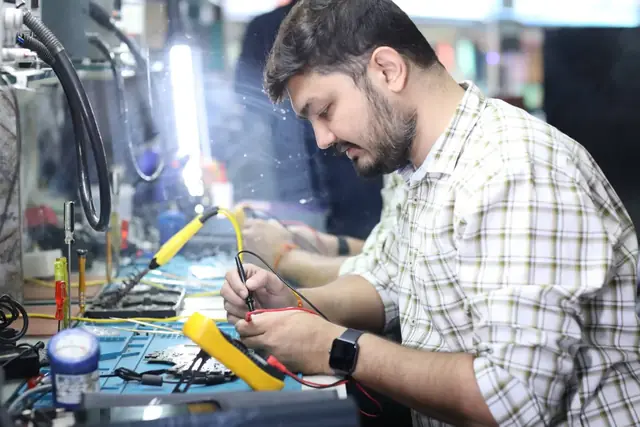
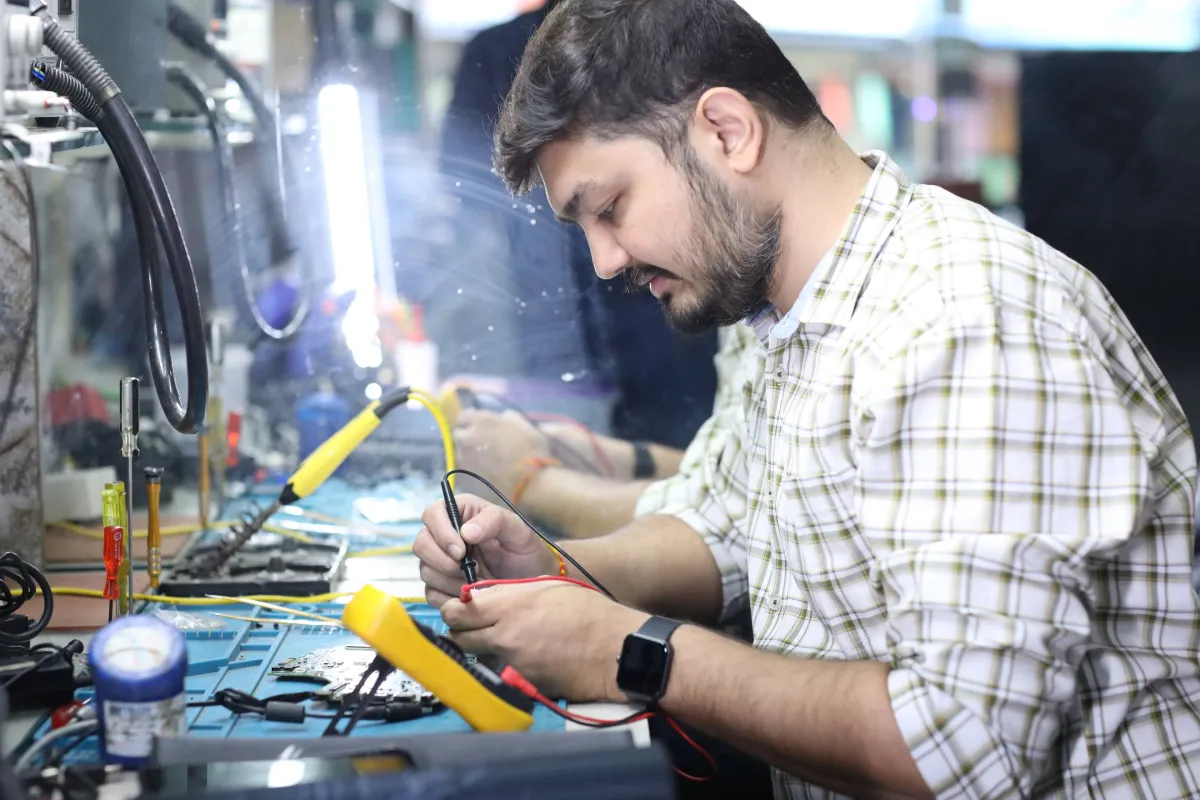
Why Choose Xigox for Dell Inspiron Desktop Repair in Boisar?
Experienced technicians · Genuine parts · Transparent pricing
Free Doorstep Pickup
We pick up your Dell Inspiron Desktop from Boisar — no travel, no hassle. Free both ways.
Same-Day Repair
Most repairs completed within 2–4 hours. Get your laptop or computer back the same day.
90-Day Warranty
Written warranty on all parts and labour. Peace of mind guaranteed.
OEM-Quality Parts
Only original or OEM-equivalent parts used for your Dell Inspiron Desktop.
No Fix, No Fee
If we can't fix it, you don't pay. Zero risk for you.
Experienced Technicians
5+ years average experience. Trained on all major brands and models.
Dell Inspiron Desktop Repair — Price List
Transparent pricing · No hidden charges · Pay only after approval
| Issue / Component | Repair Price | Warranty |
|---|---|---|
| Dell Inspiron Desktop Keyboard Replacement | ₹999 - ₹3,499 | 90 Days |
| Dell Inspiron Desktop Battery Replacement | ₹1,499 - ₹4,999 | 90 Days |
| Dell Inspiron Desktop Screen Replacement | ₹3,999 - ₹9,999 | 90 Days |
| Dell Inspiron Desktop Motherboard Repair | ₹3,999 - ₹11,999 | 90 Days |
Prices may vary by exact condition. Final quote given after ₹350 inspection (refunded if you proceed with repair).
Get Exact QuoteCustomer reviews
What Customers Say About Dell Inspiron Desktop Repair in Boisar
4.9/5 · 12 reviews shown
← Swipe or tap dots to browse →
FAQ
FAQs — Dell Inspiron Desktop Repair in Boisar
Everything you need to know before booking your repair
10 questions answered
Still have questions?
Send us your question on WhatsApp or call — a technician will answer.
Watch & learn
See Our Repair Process in Action
Repair videos from our Virar West workshop
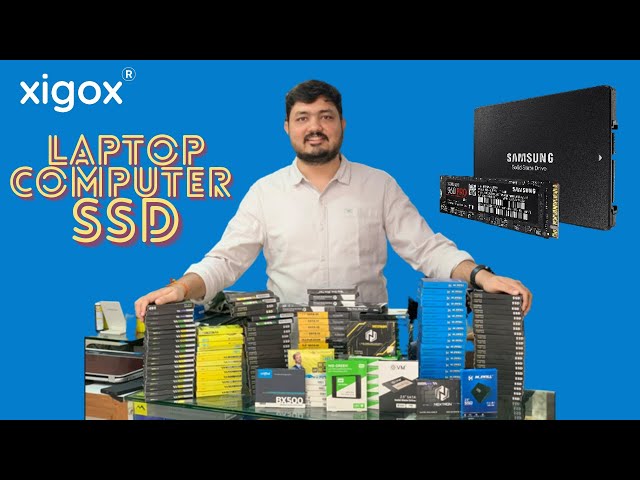
Xigox Service Centre — Mumbai's Trusted Repair Experts
A closer look at the Xigox team, our tools, and the repair process behind 9,605+ customer reviews across Mumbai MMR.

Inside Xigox — Computer & Laptop Repair Service Centre, Mumbai
A tour of our ISO 9001:2015 certified workshop — laptop, desktop and computer repairs with genuine-grade parts and a 90-day warranty.

Laptop & Computer Repair, Sales & Data Recovery — Xigox
How the Xigox team handles laptop and computer repair, sales, service and data recovery across Mumbai, Thane & Palghar.

Xigox Laptop & Computer Repair — Real Customer Experience
See how Xigox handles real customer repairs — fast diagnosis, transparent pricing and a 90-day warranty on every job.
Repair Other Dell Models in Boisar
We repair all Dell models with the same quality & warranty
Areas, Roads & Landmarks We Cover in Boisar
Free pickup & drop across all these neighbourhoods
Localities & neighbourhoods
- Boisar West
- Boisar East
- Tarapur MIDC
- Palghar
- Dahanu
- Boisar Industrial Area
Roads & highways
- NH-48 (Mumbai-Ahmedabad Highway)
- MIDC Road Boisar
- Boisar Station Road
Landmarks & famous places
- Boisar Station
- Tarapur Nuclear Power Station (nearby)
- Boisar Market
Dell Inspiron Desktop Repair Near Boisar
Same-day service available in all these nearby areas
Explore more services
More Repair & Tech Services Near Boisar
Same technicians · Free pickup · 90-day warranty across all services.
Ready to Fix Your
Dell Inspiron Desktop in Boisar?
Same-day repair · 90-day warranty · Free doorstep pickup from Boisar
How it's done
How We Perform Computer Repair
What our technicians do, what it requires, and how to tell you need it.
1 How It's Performed
When this needs a genuine repair rather than a reset, we run the same structured diagnose-then-repair process we use for every job: confirm the fault, explain the cause in plain terms, quote the fix, and only then carry out the repair — using genuine parts and testing the result before handover.
Typical time: 30–60 minutes for most cases
2 What This Requires
- An honest assessment of repair-vs-replace economics on older devices, so you're not paying more to fix something than it would cost to replace.
3 When You Need This
- You want a professional opinion before deciding whether a repair is worthwhile, rather than guessing at the cause yourself.
The model
About the Dell Inspiron Desktop
The Dell Inspiron Desktop is Dell's mainstream consumer desktop tower — everyday home computing with straightforward, accessible internals for upgrades and repairs.
Key features
- Tool-less or minimal-tool chassis access on most models, making component swaps genuinely straightforward.
- Standard ATX-style internals in most configurations, meaning parts availability is broad rather than proprietary.
- Entry-to-mid-range component tiers — adequate for everyday use, limited headroom for heavy workloads.
Dell Inspiron Desktop Repair in Boisar — Professional, Reliable, and Affordable
Why waste time on aggregators? Get direct service without middleman markup with Xigox. Desktop PCs have different failure modes from laptop repair: larger PSUs with more failure-prone capacitors, discrete GPU mounting, and tower cooling. Our engineers apply proper desktop diagnostic protocols to identify the exact component at fault — not a full board swap.
Real Reviews for Dell Inspiron Desktop Repair
Don't just take our word for it. Xigox has earned a 4.9-star rating from 9,605+ customer reviews from customers across Mumbai MMR. Customers frequently mention: no surprise charges, same-day completion, and OEM-grade replacements. What Boisar customers value most: "Same-day fix with genuine parts and clear communication throughout." Join the growing community of happy Xigox customers in Boisar.
Rapid Dell Inspiron Desktop Repair — Timeline
Curious how quickly Xigox can complete job in Boisar? Here's our typical timeline: Step 1 — message us and our pickup technician reaches you within 2 hours. Step 2 — our inspection identifies the exact fault. Next — you give the go-ahead via WhatsApp — completely your decision. Finally — this job is executed using genuine parts at our Virar West workshop, often same day. Then — we return it to your Boisar address fully tested.
Trained Technicians for Dell Inspiron Desktop Repair in Boisar
Not everyone in Boisar can handle complex this repair. Xigox's engineers possess years of experience specifically for Dell Inspiron Desktop hardware. Whether it's a minor fix or advanced component-level motherboard repair, we fix it properly right here for Boisar clients.
Multi-Point Inspection after Dell Inspiron Desktop Repair
Completing the repair is just the first step at Xigox. Before your Dell Inspiron Desktop is returned in Boisar, it undergoes a strict multi-point inspection. We verify that your job was executed flawlessly, testing thermal performance. This attention to detail is why our return rate is so low across Boisar.
Top-Rated Dell Inspiron Desktop Repair in Boisar
There are many repair shops in Boisar, however, Xigox stands out for this repair. We believe in 100% upfront pricing. Each repair begins with a thorough diagnostic inspection for ₹350, which is fully refunded if you proceed. No surprise fees — only expert repair in Boisar.
Fixed-Quote Policy for Dell Inspiron Desktop Repair
One of the most common complaints about repair shops in Boisar is hidden charges after the job is done. Xigox operates differently. Prior to touching your Dell Inspiron Desktop, our technician shares a written quote covering parts and labour. There is zero ambiguity — the decision is entirely yours. The ₹350 diagnostic is credited 100% when you approve the repair.
Our Dell Inspiron Desktop Repair Process Step by Step
Getting your Dell Inspiron Desktop fixed in Boisar is incredibly simple. Step 1, call or WhatsApp us at +91 74997 61196 to describe your issue. Next, our complimentary collection driver arrives at your Boisar doorstep within 1–2 hours. The team then carry out a thorough diagnostic (₹350, credited toward your repair). Once you agree, this repair is executed with genuine parts — and your Dell Inspiron Desktop is returned to you. Most repairs done same day.
Boisar Customer Support for Dell Inspiron Desktop Repair
Xigox's responsibility extends beyond the repair itself. The Xigox after-service team remains reachable 7 days a week, 9 AM–9 PM via WhatsApp or phone. Should any concern arise within 90 days of your job, simply contact us and a technician is dispatched at no cost. This commitment is why residents in Boisar return to Xigox.
Same-Day Dell Inspiron Desktop Repair in Boisar
We know you can't stay disconnected in Boisar. We plan this repair for speed and efficiency. For most issues, our technicians finish the repair within hours. We arrange secure collection from your Boisar home or office, execute the repair using precision tools, and deliver it back to you.
After-Repair Speed Dell Inspiron Desktop Repair
After a successful this job in Boisar, most customers notice immediate performance improvements: quicker application loading, cooler operating temperatures, restored battery life, or a perfect display — depending on the specific repair. Xigox runs diagnostic tests before and after this job in Boisar to confirm the improvement.
Time is money in Boisar. That's why Xigox built a fast, transparent, doorstep Dell Inspiron Desktop Repair you can rely on. No waiting in queues — only honest, warranty-backed repairs. WhatsApp +91 74997 61196 to arrange same-day Dell Inspiron Desktop Repair.
Service area
Dell Inspiron Desktop Repair in Boisar — Service Area & Coverage
Xigox provides dell inspiron desktop repair across Boisar (PIN 401501), in the Palghar district. Our doorstep pickup and on-site service cover the entire Boisar area and the neighbourhoods around it.
Localities we cover in Boisar: Boisar West, Boisar East, Tarapur MIDC, Palghar, Dahanu, Boisar Industrial Area. Wherever you are in Boisar, we can collect your device from your door and bring it back after the repair.
Our technicians regularly serve homes, societies and offices around Boisar Station, Tarapur Nuclear Power Station (nearby) and Boisar Market, and along NH-48 (Mumbai-Ahmedabad Highway), MIDC Road Boisar and Boisar Station Road. If you're near any of these landmarks, same-day pickup for dell inspiron desktop repair is almost always available.
Dell Inspiron Desktop Repair near Boisar
We also serve these nearby areas — tap your locality for local dell inspiron desktop repair:
Dell Inspiron Desktop Repair price in Boisar — know it before you book
- 1Pick your device & issue
- 2See the real price range
- 3Free doorstep pickup in Boisar
4.9 from 157 customer reviews for this service · upfront pricing · 90-day warranty
Before you book: have your device model and a quick description of the issue ready — it speeds up your quote.
Not sure what's wrong?
Find Your Fix by Symptom
Tell us what your device is doing — we'll point you to the right repair, with real pricing and next steps.
Our head office: Virar West
~39.5 km from Boisar. With free doorstep pickup you don't need to travel — this is where the repair is done.
Book a repair
Dell Inspiron Desktop Repair in Boisar — Book Now
Free pickup · Genuine parts · 90-day warranty
Booking received
We'll call you within 1 hour to confirm your appointment and arrange doorstep pickup.
Inspection fee: ₹350
- Credited to your total repair cost if you go ahead.
- Still applies if the device can't be repaired or you decline the repair.
Device type *
Inspection fee: ₹350
- If you go ahead with the repair, the ₹350 is credited to your total repair cost.
- If the device can't be repaired or you decide not to continue, the ₹350 inspection fee still applies.
Your details are used only to arrange this repair. By submitting, you agree to our Privacy Policy.