Repair MSI MAG Infinite S3
in Naya Nagar
Expert repair services for your MSI MAG Infinite S3 in Naya Nagar. We fix screen damage, battery issues, keyboard faults, motherboard problems & more — with free doorstep pickup & 90-day warranty.
Open every day, 9 AM – 9 PM
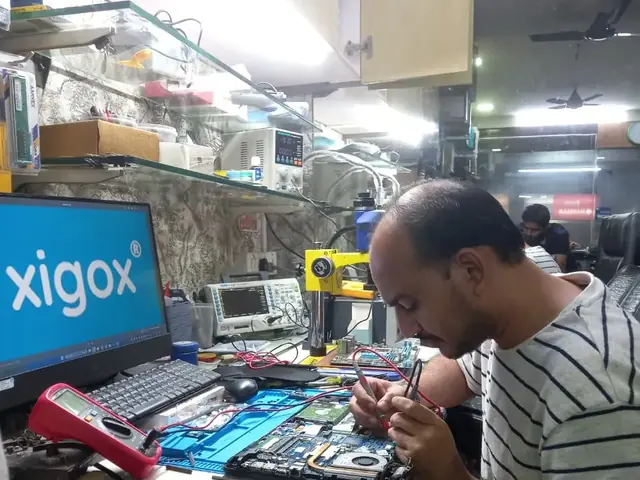
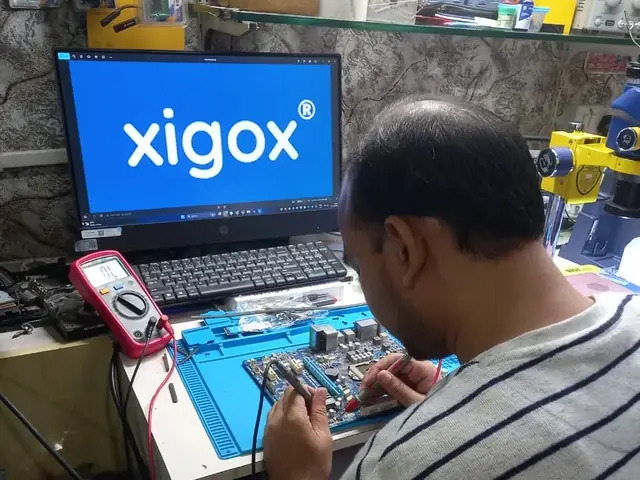
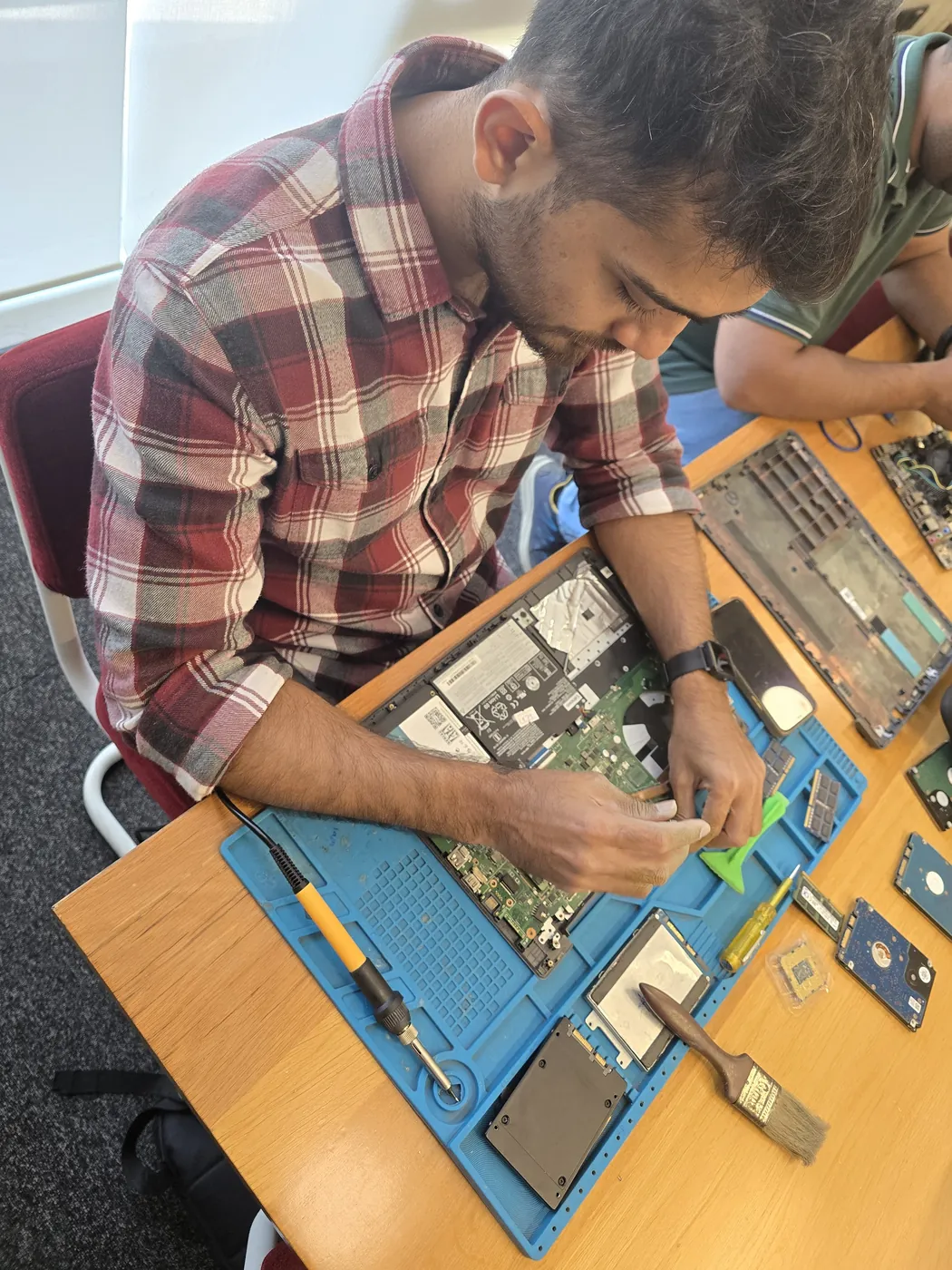
Why Choose Xigox for MSI MAG Infinite S3 Repair in Naya Nagar?
Experienced technicians · Genuine parts · Transparent pricing
Free Doorstep Pickup
We pick up your MSI MAG Infinite S3 from Naya Nagar — no travel, no hassle. Free both ways.
Same-Day Repair
Most repairs completed within 2–4 hours. Get your laptop or computer back the same day.
90-Day Warranty
Written warranty on all parts and labour. Peace of mind guaranteed.
OEM-Quality Parts
Only original or OEM-equivalent parts used for your MSI MAG Infinite S3.
No Fix, No Fee
If we can't fix it, you don't pay. Zero risk for you.
Experienced Technicians
5+ years average experience. Trained on all major brands and models.
MSI MAG Infinite S3 Repair — Price List
Transparent pricing · No hidden charges · Pay only after approval
| Issue / Component | Repair Price | Warranty |
|---|---|---|
| MSI MAG Infinite S3 Keyboard Replacement | ₹999 - ₹3,499 | 90 Days |
| MSI MAG Infinite S3 Battery Replacement | ₹1,499 - ₹4,999 | 90 Days |
| MSI MAG Infinite S3 Screen Replacement | ₹3,999 - ₹9,999 | 90 Days |
| MSI MAG Infinite S3 Motherboard Repair | ₹3,999 - ₹11,999 | 90 Days |
Prices may vary by exact condition. Final quote given after ₹350 inspection (refunded if you proceed with repair).
Get Exact QuoteCustomer reviews
What Customers Say About MSI MAG Infinite S3 Repair in Naya Nagar
4.9/5 · 12 reviews shown
← Swipe or tap dots to browse →
FAQ
FAQs — MSI MAG Infinite S3 Repair in Naya Nagar
Everything you need to know before booking your repair
10 questions answered
Still have questions?
Send us your question on WhatsApp or call — a technician will answer.
Watch & learn
See Our Repair Process in Action
Repair videos from our Virar West workshop

Laptop & Computer Repair, Sales & Data Recovery — Xigox
How the Xigox team handles laptop and computer repair, sales, service and data recovery across Mumbai, Thane & Palghar.

Xigox Laptop & Computer Repair — Real Customer Experience
See how Xigox handles real customer repairs — fast diagnosis, transparent pricing and a 90-day warranty on every job.

Xigox Service Centre — Mumbai's Trusted Repair Experts
A closer look at the Xigox team, our tools, and the repair process behind 9,605+ customer reviews across Mumbai MMR.

Inside Xigox — Computer & Laptop Repair Service Centre, Mumbai
A tour of our ISO 9001:2015 certified workshop — laptop, desktop and computer repairs with genuine-grade parts and a 90-day warranty.
Repair Other MSI Models in Naya Nagar
We repair all MSI models with the same quality & warranty
Areas, Roads & Landmarks We Cover in Naya Nagar
Free pickup & drop across all these neighbourhoods
Localities & neighbourhoods
- Naya Nagar
- Mira Road East
- Kashimira
Roads & highways
- Naya Nagar Road
- LT Road
- Mira Road Station Road
Landmarks & famous places
- Naya Nagar Colony
- Mira Road Station
- Jangid Complex
MSI MAG Infinite S3 Repair Near Naya Nagar
Same-day service available in all these nearby areas
Explore more services
More Repair & Tech Services Near Naya Nagar
Same technicians · Free pickup · 90-day warranty across all services.
Ready to Fix Your
MSI MAG Infinite S3 in Naya Nagar?
Same-day repair · 90-day warranty · Free doorstep pickup from Naya Nagar
How it's done
How We Perform Computer Repair
What our technicians do, what it requires, and how to tell you need it.
1 How It's Performed
When this needs a genuine repair rather than a reset, we run the same structured diagnose-then-repair process we use for every job: confirm the fault, explain the cause in plain terms, quote the fix, and only then carry out the repair — using genuine parts and testing the result before handover.
Typical time: 30–60 minutes for most cases
2 What This Requires
- An honest assessment of repair-vs-replace economics on older devices, so you're not paying more to fix something than it would cost to replace.
3 When You Need This
- You want a professional opinion before deciding whether a repair is worthwhile, rather than guessing at the cause yourself.
The model
About the MSI MAG Infinite S3
The MSI MAG Infinite S3 is part of MSI's MAG desktop line — mid-tier gaming desktops balancing performance and value, positioned below the flagship MEG line.
Key features
- Solid mid-tier gaming performance at a more accessible price than MEG.
- Standard ATX-compatible internals for straightforward future upgrades.
MSI MAG Infinite S3 Repair in Naya Nagar — Professional, Reliable, and Affordable
Avoid the directory hustle. Choose a direct service centre with Xigox. Office desktops and workstations in Naya Nagar cannot afford extended downtime. Xigox offers annual maintenance contracts for 5–500 units in Naya Nagar: proactive servicing, 4-hour SLA response, and full repair documentation with corporate billing.
Upfront Diagnosis in Naya Nagar
Not sure what's wrong with your MSI MAG Infinite S3? Before you commit to any repair, Xigox conducts a comprehensive hardware inspection. While we charge a nominal ₹350, this amount is fully refunded when you approve the quote. Our technicians in Naya Nagar will explain the exact fault clearly so you can make an informed decision.
Business & Corporate MSI MAG Infinite S3 Repair in Naya Nagar
Xigox isn't just for individuals Naya Nagar rely on our issue to maintain productivity. Our corporate solutions include AMC agreements, a priority response queue, and dedicated account managers. Whether you have 5 laptops or 500, Xigox handles this issue for your Naya Nagar office with corporate billing and detailed repair documentation.
OEM-Grade Solutions for MSI MAG Infinite S3 Repair
Longevity matters for the repair. Because of this, our team strictly use OEM-grade parts for your MSI MAG Infinite S3. Instead of grey-market components, we use trusted supply chains. This is how we help your repair stay durable, supported by our standard 90-day warranty.
Chip-Level MSI MAG Infinite S3 Repair in Naya Nagar
Replacing an entire board is often unnecessary than fixing the fault on it. Xigox's in-house BGA rework station means engineers diagnose the exact failing IC and replace only that component — a fraction of full board replacement. Naya Nagar residents seek us out for chip-level issue.
Transparent Pricing Policy for MSI MAG Infinite S3 Repair
One of the most common complaints about repair shops in Naya Nagar is hidden charges after the job is done. Xigox operates differently. Prior to touching your MSI MAG Infinite S3, our technician sends a WhatsApp quote covering parts and labour. There is zero ambiguity — the decision is entirely yours. The ₹350 diagnostic is credited 100% when you approve the repair.
Xigox Service Promise for MSI MAG Infinite S3 Repair
Your issue doesn't end when the MSI MAG Infinite S3 is returned. Our support line is available daily via call or message. If you notice anything unusual in the post-repair period, just reach out and we dispatch a technician immediately. This promise is why Naya Nagar customers choose Xigox again and again.
Post-Repair Quality Check after MSI MAG Infinite S3 Repair
Completing the repair is just the first step at Xigox. Before your MSI MAG Infinite S3 is returned in Naya Nagar, it undergoes a rigorous full-system inspection. We verify that your repair was executed flawlessly, testing screen calibration. This attention to detail is why our return rate is so low across Naya Nagar.
All-Brand MSI MAG Infinite S3 Repair in Naya Nagar
Your MSI MAG Infinite S3 model never limits what we can fix. Xigox engineers are trained across all major brands: HP, Dell, Lenovo, Asus, Acer, MSI, Toshiba, Samsung and Apple MacBook. Different manufacturers have unique design choices we account for in every repair. This depth of brand knowledge reduces repair time and lowers the chance of secondary damage.
Post-Repair Support for MSI MAG Infinite S3 Repair
Each repair performed by Xigox in Naya Nagar comes with a comprehensive 90-day warranty covering parts and labour. Simply put, if the same issue recurs within 90 days, we redo it completely free. Xigox issues a printed warranty receipt every single time, so you know exactly what is covered.
Extended Care MSI MAG Infinite S3 Repair Options
A common question is whether their laptop insurance covers this issue. We help with insurance claims and can generate the detailed GST invoice required for claim submission — broken down by component and labour. For out-of-warranty MSI MAG Infinite S3 units, our repair is almost always often far cheaper compared to the brand's authorised centre.
Countless happy customers across Mumbai, Thane and Palghar confirm our expertise. We're the reliable choice for MSI MAG Infinite S3 Repair in Naya Nagar. Every repair comes with a written warranty, genuine parts, and full honesty. Request your quote — WhatsApp us today.
Service area
MSI MAG Infinite S3 Repair in Naya Nagar — Service Area & Coverage
Xigox provides msi mag infinite s3 repair across Naya Nagar (PIN 401107), in the Thane district of Mira Road. Our doorstep pickup and on-site service cover the entire Naya Nagar area and the neighbourhoods around it.
Localities we cover in Naya Nagar: Mira Road East, Kashimira. Wherever you are in Naya Nagar, we can collect your device from your door and bring it back after the repair.
Our technicians regularly serve homes, societies and offices around Naya Nagar Colony, Mira Road Station and Jangid Complex, and along Naya Nagar Road, LT Road and Mira Road Station Road. If you're near any of these landmarks, same-day pickup for msi mag infinite s3 repair is almost always available.
MSI MAG Infinite S3 Repair near Naya Nagar
We also serve these nearby areas — tap your locality for local msi mag infinite s3 repair:
MSI MAG Infinite S3 Repair price in Naya Nagar — know it before you book
- 1Pick your device & issue
- 2See the real price range
- 3Free doorstep pickup in Naya Nagar
4.9 from 157 customer reviews for this service · upfront pricing · 90-day warranty
Before you book: have your device model and a quick description of the issue ready — it speeds up your quote.
Not sure what's wrong?
Find Your Fix by Symptom
Tell us what your device is doing — we'll point you to the right repair, with real pricing and next steps.
Nearest branch: Mira Road East
~1.3 km from Naya Nagar. With free doorstep pickup you don't need to travel — this is our nearest branch.
Book a repair
MSI MAG Infinite S3 Repair in Naya Nagar — Book Now
Free pickup · Genuine parts · 90-day warranty
Booking received
We'll call you within 1 hour to confirm your appointment and arrange doorstep pickup.
Inspection fee: ₹350
- Credited to your total repair cost if you go ahead.
- Still applies if the device can't be repaired or you decline the repair.
Device type *
Inspection fee: ₹350
- If you go ahead with the repair, the ₹350 is credited to your total repair cost.
- If the device can't be repaired or you decide not to continue, the ₹350 inspection fee still applies.
Your details are used only to arrange this repair. By submitting, you agree to our Privacy Policy.