Kyocera · ECOSYS M2040dn · Kamani

Kyocera ECOSYS M2040dn
Printer Network Setup
in Kamani

Expert repair for your Kyocera ECOSYS M2040dn in Kamani. Free doorstep pickup, OEM-quality parts & 90-day warranty.

✓ Free Doorstep Pickup ✓ Same-Day Repair ✓ 90-Day Warranty ✓ ISO 9001 Certified

Open every day, 9 AM – 9 PM

Tejas Chudasama, Xigox Founder Janak Chudasama, Xigox CTO

Run by Tejas & Janak Chudasama since 2011

Xigox is a family-run, ISO 9001:2015-certified repair business, not a marketplace listing or a franchise. Every repair is backed by a written 90-day warranty and billed against GSTIN 27AJXPC8441R1Z7. Read our story

Repair Pricing

Kyocera ECOSYS M2040dn Printer Network Setup — Price List

Transparent pricing · ₹350 inspection (refunded if you proceed with repair) · No hidden charges · Pay only after approval

Issue / ComponentRepair PriceWarranty
Ethernet Printer Config ₹899 - ₹1,599 90 Days
Print Server Installation ₹999 - ₹1,999 90 Days
Active Directory Printer Setup ₹1,499 - ₹2,999 90 Days

Prices may vary by exact condition. Final quote given after ₹350 inspection (refunded if you proceed with repair).

Get Exact Quote

Why Us?

Why Choose Xigox for Kyocera Printer Network Setup in Kamani?

With 1,00,475+ successful repairs and a 4.9-star rating, Xigox is an independent Kyocera repair specialist serving Kamani. Serving all addresses in the 400070 postal zone.

Transparent Pricing

₹350 inspection fee (refunded if you proceed). Written quote before any Kyocera Printer Network Setup work begins.

No Fix, No Repair Fee

If we cannot resolve your Kyocera Printer Network Setup issue, you pay nothing beyond the inspection fee.

Component-Level Repairs

We repair Kyocera hardware at chip and board level where it's safe to do so — often a fraction of a full-module swap.

Experienced Technicians

Our engineers work on Kyocera hardware regularly. Every repair is tested before return.

Genuine & OEM-Grade Parts

We use genuine Kyocera parts wherever available; otherwise OEM-compatible components.

90-Day Parts Warranty

Every repair backed by a written 90-day warranty. Same fault recurs? We fix it free of charge.

Repairs Completed
1,00,475+
Since 2011
Average Rating
4.9 ★
9,605+ reviews
Repair Warranty
90 Days
Parts & labour
Avg Response
30 Min
For common issues
Pickup & Drop
Free
₹350 inspection fee
Est. Since
2011
15+ yrs in Mumbai Suburban

Who repairs your device

Repaired in-house by Xigox technicians

Your Kyocera ECOSYS M2040dn is handled by Xigox technicians from start to finish. It is never handed on to another shop. Work that needs the repair bench is done at our workshop in Virar West.

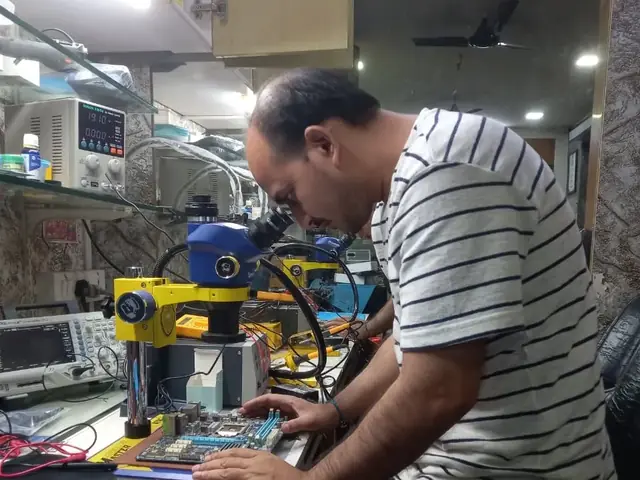
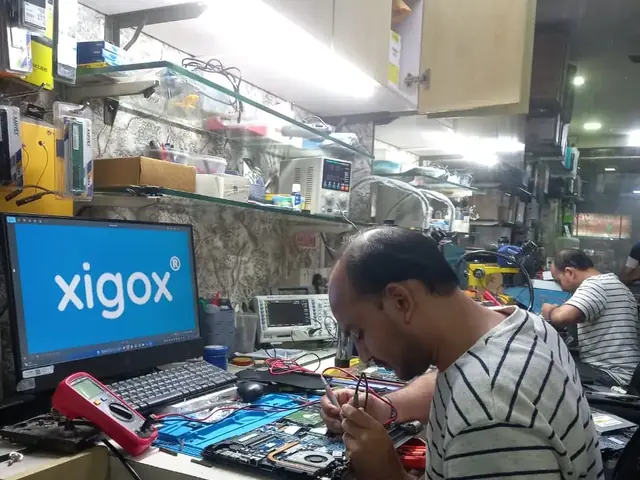
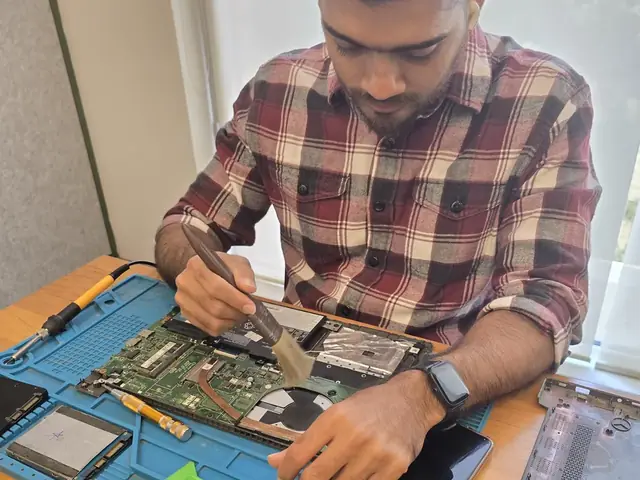
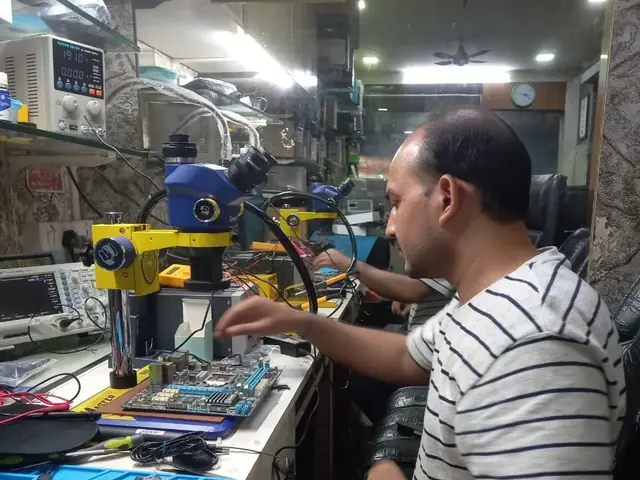
Board-level faults are traced with a microscope, a multimeter and a soldering station before any part is replaced, and parts are fitted only after you approve the quote.

We don't open your personal files during a repair. When a job needs access to your data, such as data recovery or a Windows reinstall, we ask you first.

  • Repaired in-house, not outsourced
  • Quote approved by you before work starts
  • Your files stay private
  • Microscope and board-level tools
  • Genuine or OEM-grade parts
  • 90-day warranty on repairs
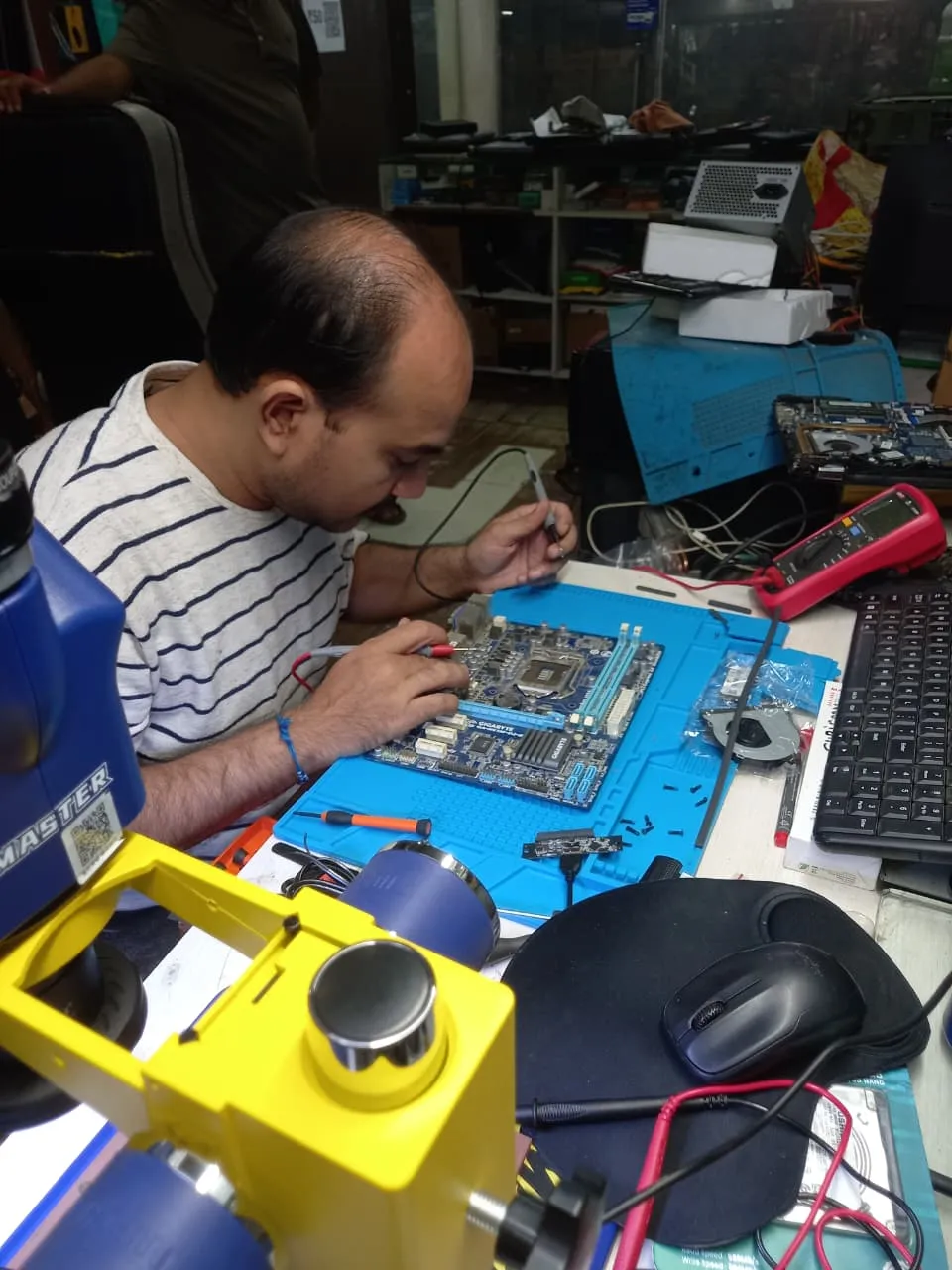
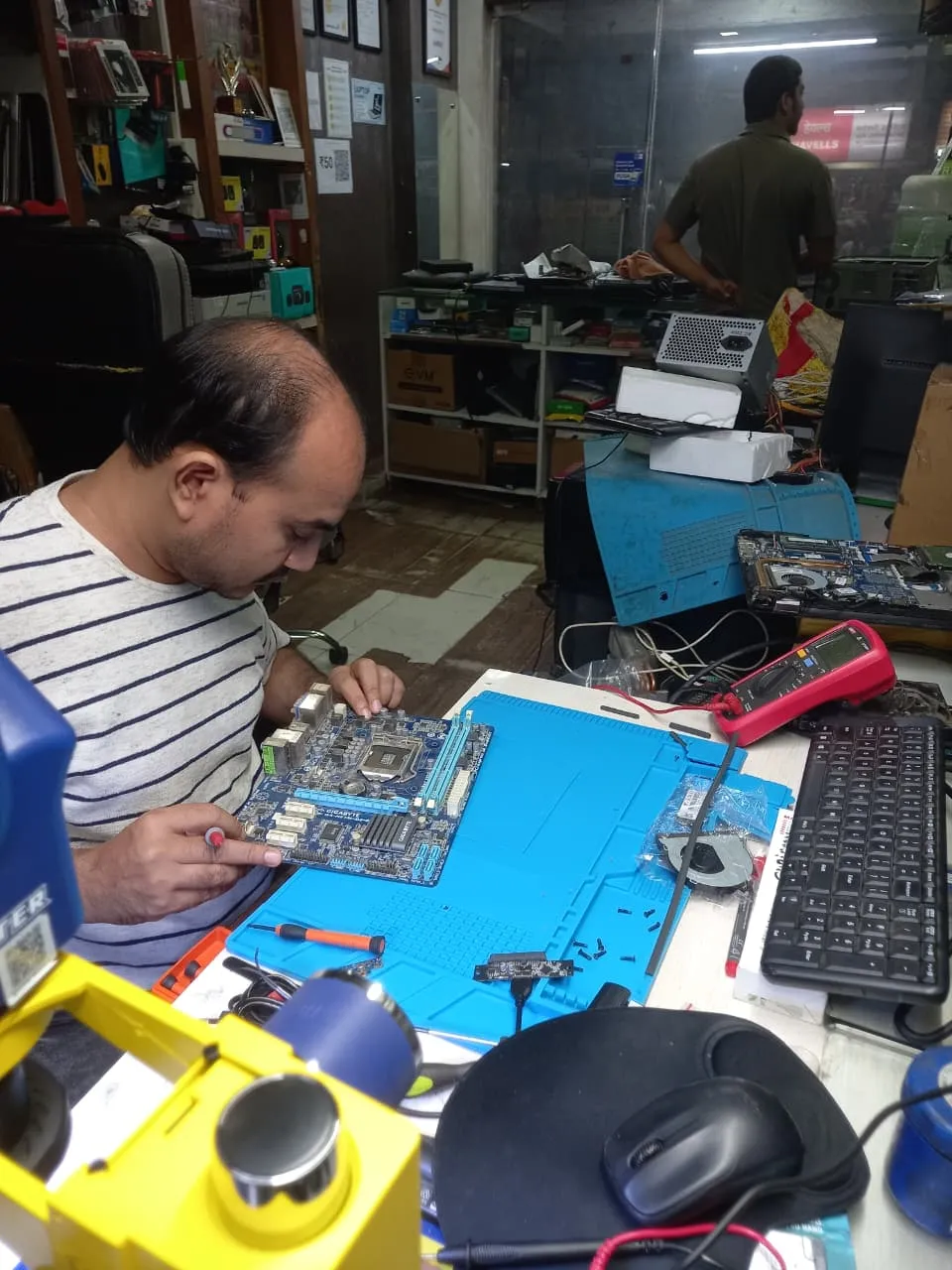
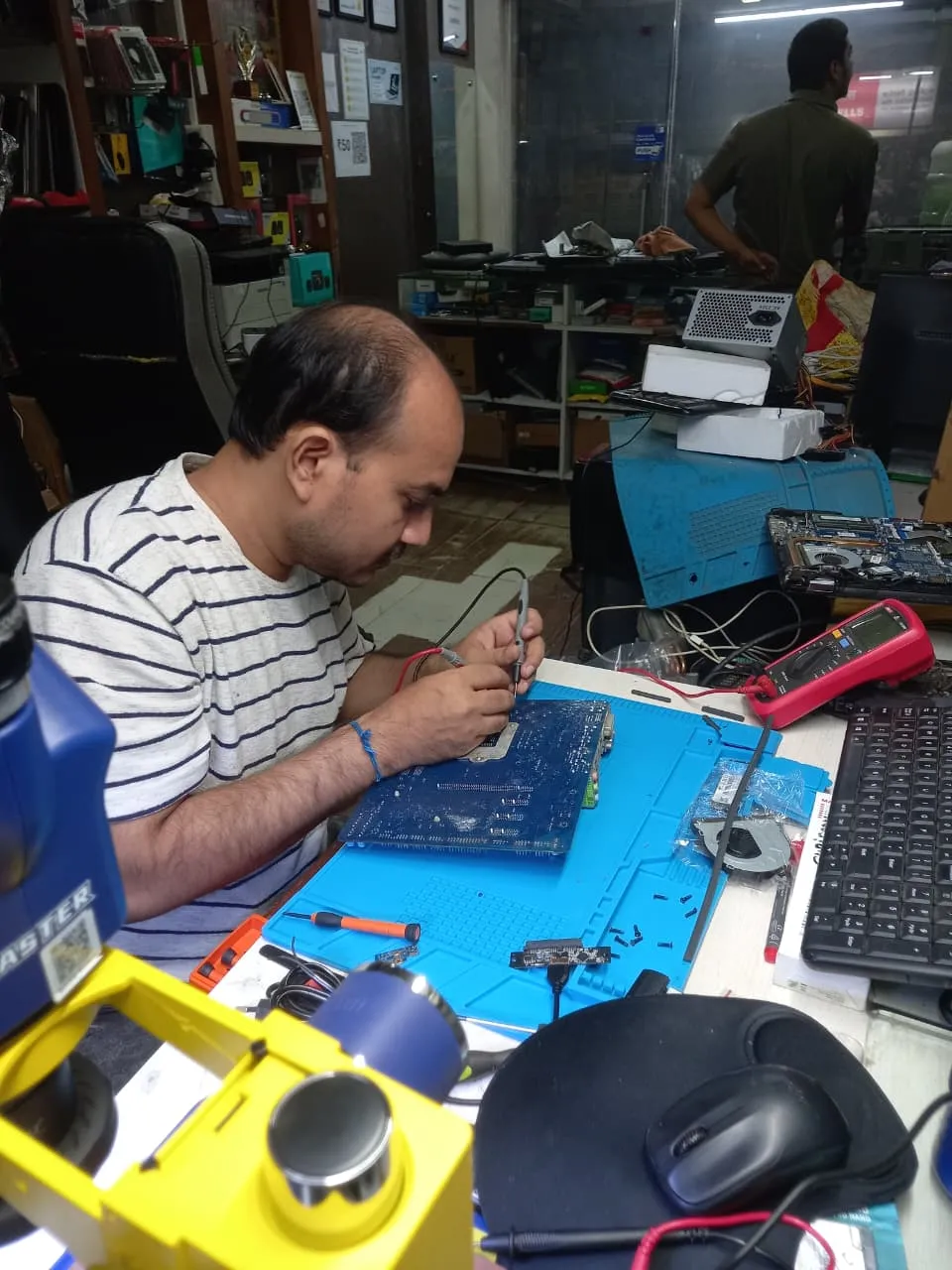
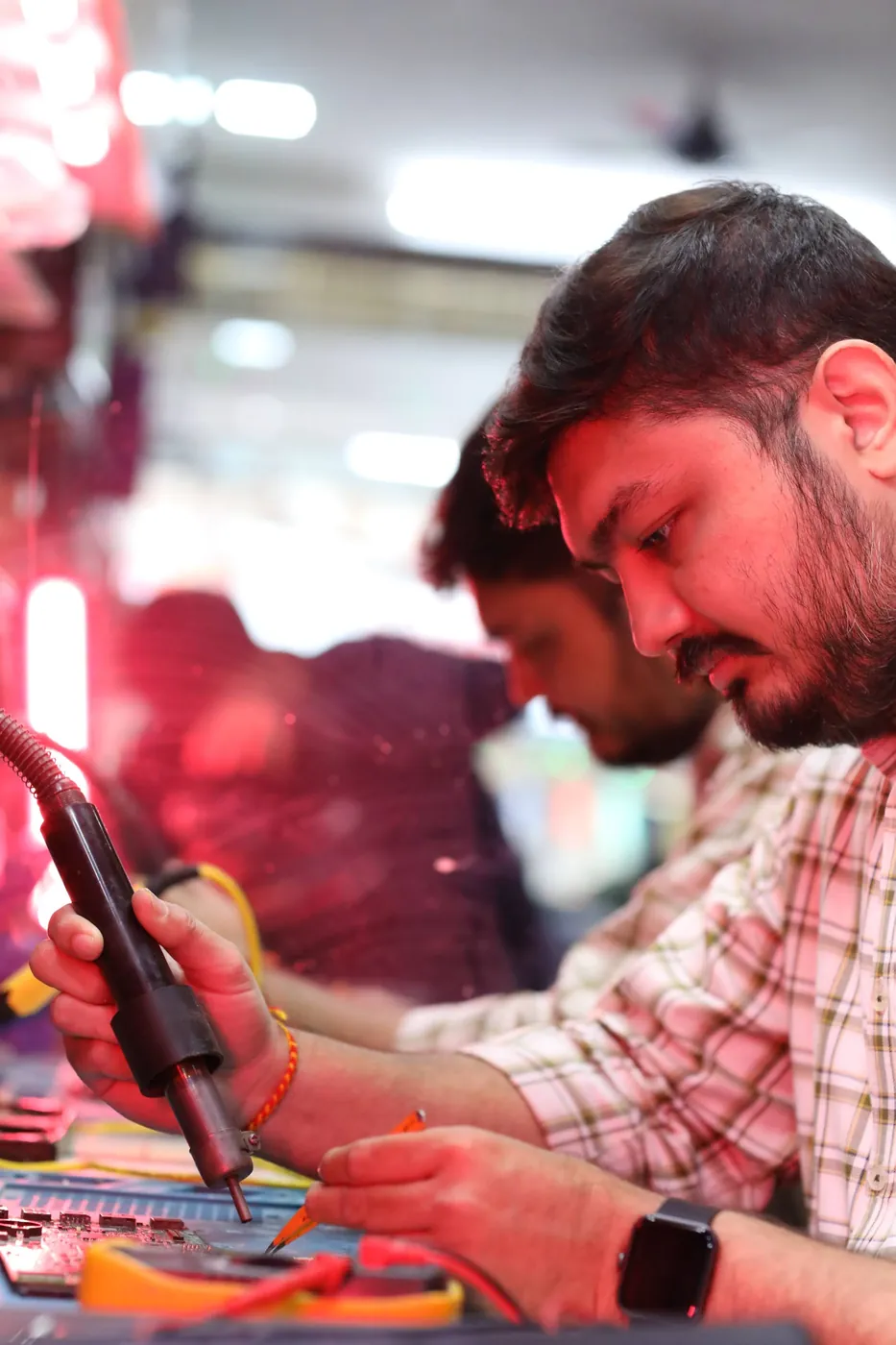
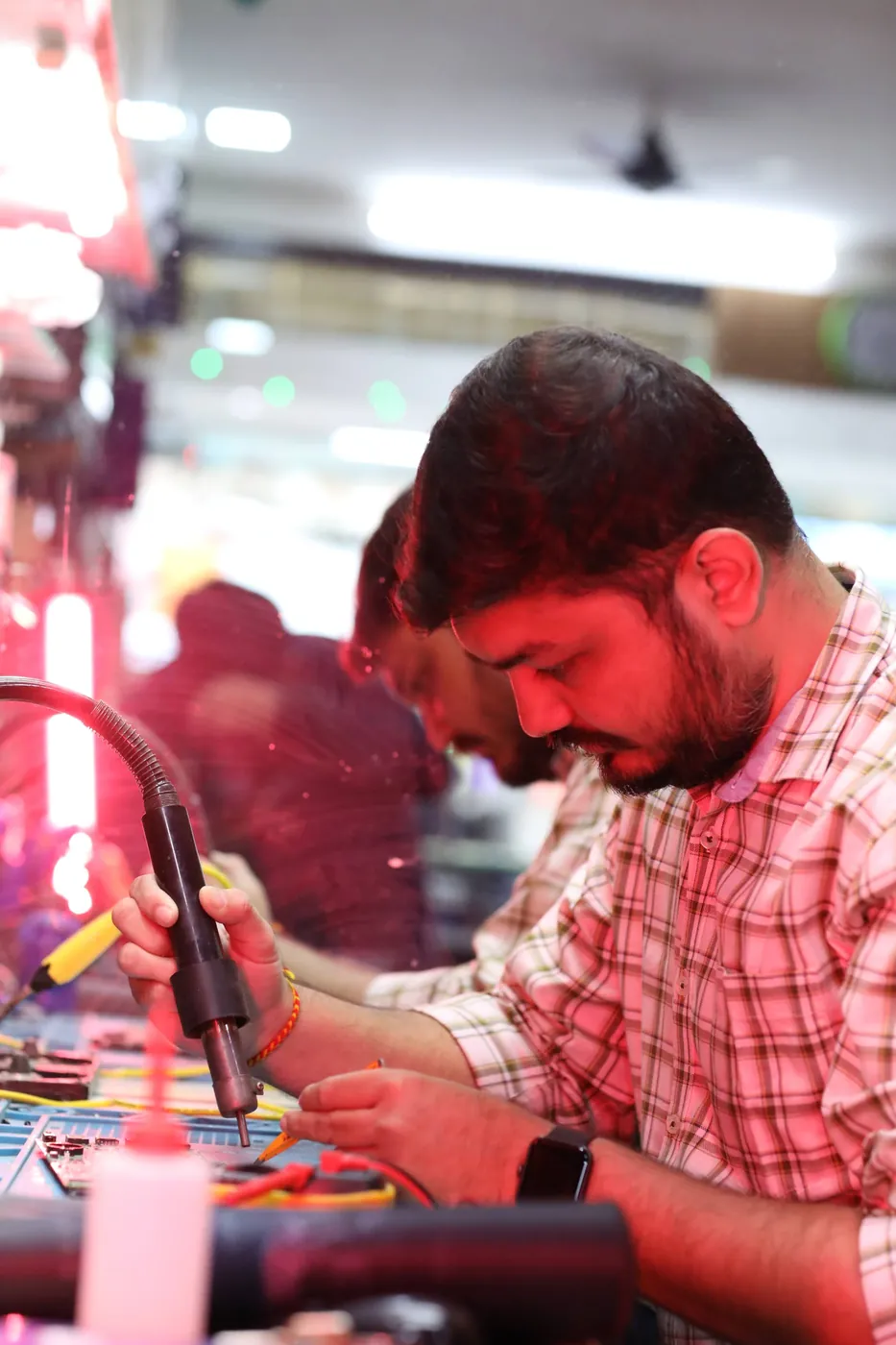
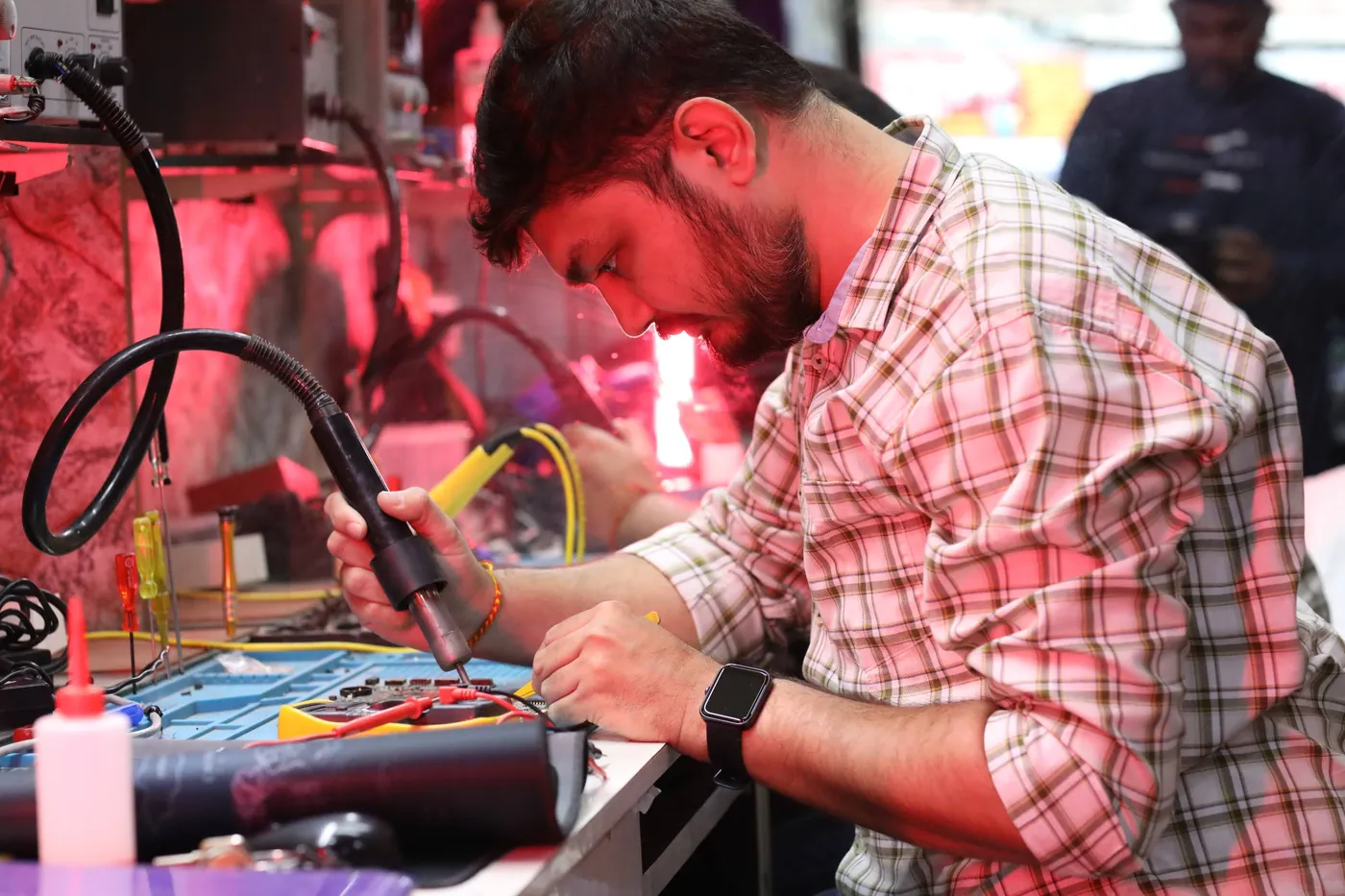
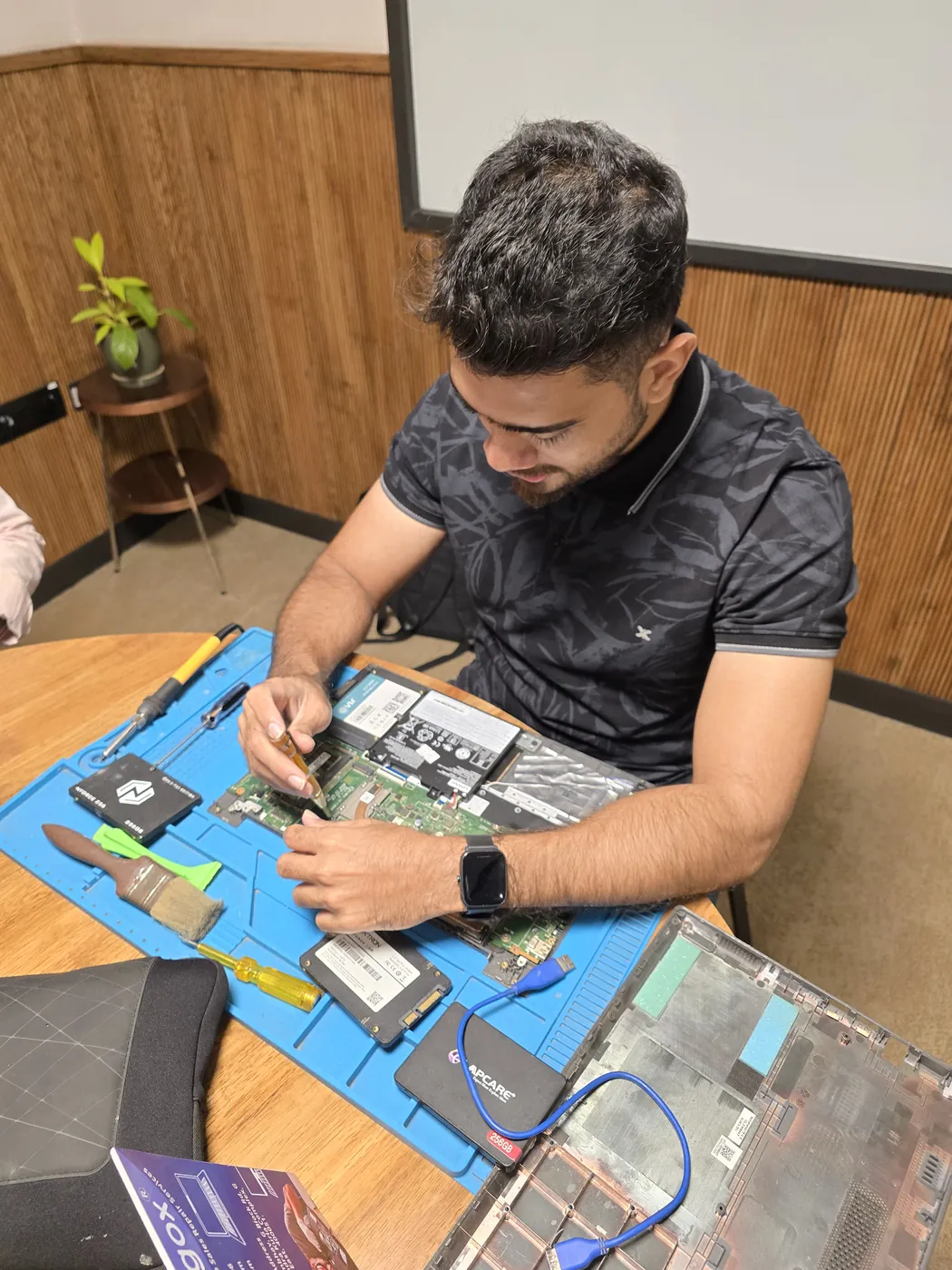
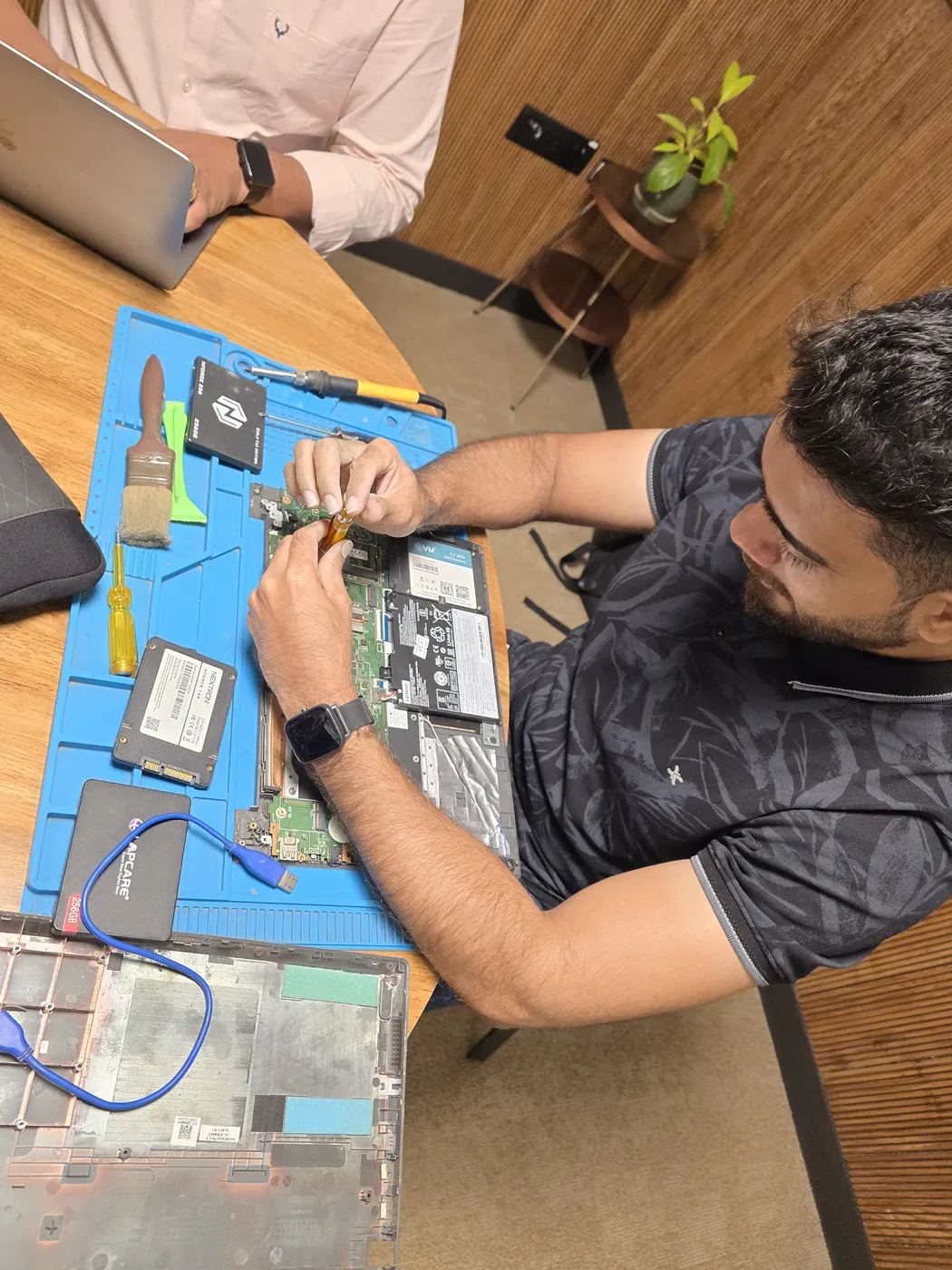
Technician inspecting a laptop motherboard under a microscope at the repair bench Technician testing a laptop mainboard with a multimeter beside a Xigox-branded monitor Technician brushing dust off an opened laptop motherboard with a cleaning brush Technician inspecting a laptop motherboard under a microscope at the repair bench
Xigox technicians at the repair bench.
Our Process

How Kyocera ECOSYS M2040dn Printer Network Setup Works

From booking to delivery — here's exactly what happens at every step

Book Pickup

Call or WhatsApp +91 74997 61196. Tell us your Kyocera ECOSYS M2040dn issue in Kamani and schedule a free doorstep pickup.

₹350 Inspection (refunded if you proceed with repair)

Our experienced technician inspects your Kyocera ECOSYS M2040dn and provides a transparent written quote for Printer Network Setup.

Expert Repair

Once approved, we perform Printer Network Setup using OEM-quality parts. Most repairs are completed same-day.

Quality Check

Every Kyocera ECOSYS M2040dn passes a multi-point QA test before delivery. Your 90-day warranty starts from this moment.

Free Delivery

We deliver your repaired Kyocera ECOSYS M2040dn back to your Kamani address. Completely free, same day.

After-Service Care

Post-repair support via WhatsApp. If the issue recurs within 90 days, we fix it at zero cost.

Repair examples

Recently Repaired Printers

View All Recent Repairs

Canon

imageCLASS LBP226dw

Fixed
Issue
Printer showing "Toner Low" despite new toner cartridge installed. Print density extremely light.
Solution
Cleaned toner level sensor window inside printer. Reset toner counter. Replaced faulty toner sensor board.

Technician's note

Toner dust had coated the optical sensor, giving false low readings. Sensor board had corroded connector pin.

Goregaon East 2 Hours
  • Canon
  • Laser
  • Toner Sensor

Epson

EcoTank L3250

Fixed
Issue
Cannot connect to Wi-Fi. Mobile printing not working.
Solution
Reset network settings. Configured Wi-Fi Direct and router. Set up Print apps.
Lower Parel 1 Hours
  • Wireless
  • Epson
  • Wi-Fi

Epson

L805

Fixed
Issue
Photo prints showing incorrect colors — skin tones appearing greenish. Color banding visible in gradient areas.
Solution
Performed nozzle check and deep cleaning. Ran ICM color profile calibration. Aligned print head for optimal dot placement.

Technician's note

Light cyan channel was partially blocked. After 3 cleaning cycles and manual alignment, color accuracy restored to factory spec.

Dadar West 2.5 Hours
  • Epson
  • Photo Printer
  • Color Calibration

HP

LaserJet M428fdw

Fixed
Issue
Scanner producing black lines across scanned documents. ADF feeding but scanner output corrupted.
Solution
Replaced cracked ADF scanner glass strip. Cleaned flatbed scanner glass and calibration strip. Tested scan-to-email and copy functions.

Technician's note

Hairline crack in CIS scanner glass invisible to naked eye but caused consistent vertical line artifact.

Vikhroli East 1.5 Hours
  • HP
  • MFP
  • Scanner

Epson

L3252

Fixed
Issue
Printer not connecting to Wi-Fi network. Wi-Fi Direct not functioning. Mobile printing completely non-operational.
Solution
Updated printer firmware to latest version. Reset network settings and reconfigured Wi-Fi with WPA3 protocol. Tested wireless printing from...

Technician's note

Old firmware had known Wi-Fi bug. Post-update, connection stable at 5GHz band.

Bandra West 45 Minutes
  • Epson
  • Wi-Fi
  • Wireless Printing

Samsung

Xpress M2835DW

Fixed
Issue
Vertical black lines appearing on every printed page. Print quality deteriorating with ghost images visible.
Solution
Replaced worn imaging drum unit. Cleaned corona wire and transfer roller. Ran diagnostic print to confirm clean output.

Technician's note

Drum surface had scratches causing line defects. Drum at 150%% of rated life — impressive longevity.

Thane West 1.5 Hours
  • Samsung
  • Laser
  • Drum Replacement

Comparison

Xigox vs Other Kyocera ECOSYS M2040dn Shops in Kamani

What you get with Xigox in Kamani, side by side.

FeatureXigoxOther shops
Experienced Technicians Trained & VerifiedVaries; ask who will work on the device
Genuine / OEM Parts OEM-Quality PartsVaries; ask which part will be fitted
90-Day Warranty Written CertificateVaries; ask for the warranty in writing
Diagnosis / Inspection ₹350, credited to the repairVaries; ask what the diagnosis costs
Same-Day Turnaround Kamani — Most RepairsVaries; ask for a time in writing
Free Doorstep Pickup Kamani — FreeVaries; ask whether pickup is free
Transparent Pricing Written Quote FirstVaries; ask for a written quote first
Live WhatsApp Updates Real-time Repair StatusVaries; ask how you will get updates

Xigox charges ₹350 for inspection — credited to your repair cost if you go ahead.

Customer reviews

What Customers Say About Laptop & Computer Repairs in Kamani

4.9/5 · 12 reviews shown

See all 9,605+ reviews

Epson L3210 — Spooler Error Fix

“Print spooler errors on our Windows machines blocked all printing to Epson L3210. Xigox Ghatkopar rebuilt the spooler service, cleared stuck jobs, and reinstalled drivers. Printing queue runs perfectly now across all computers.”
V Vijay Apte Bhandup · 1 Aug 2025 30

Kyocera ECOSYS M2040dn — Printer Repair

“Kyocera ECOSYS M2040dn repair was completed professionally and printer is working smoothly now.”
N Nihal Joshi Andheri · 14 Jan 2026 7

Brother MFC-L2701DW — Spooler Error Fix

“Print spooler errors on our Windows machines blocked all printing to Brother MFC-L2701DW. Xigox Malad rebuilt the spooler service, cleared stuck jobs, and reinstalled drivers. Printing queue runs perfectly now across all computers.”
D Deepa Nene Malad · 19 Jan 2026 43

Kyocera ECOSYS P2040dn — Printer Repair

“Kyocera ECOSYS P2040dn had paper-feed and print issues. Service resolved both with genuine parts.”
V Vivaan Patel Andheri · 23 Nov 2025 3

Brother DCP-T220 — Colour Mismatch Fix

“Colours on our Brother DCP-T220 were completely off — reds looked orange and blues looked purple. Xigox Kandivali recalibrated the colour profiles and replaced a worn imaging drum. Prints match on-screen colours perfectly now.”
N Nandini Saraf Kandivali · 26 Feb 2025 6

Kyocera ECOSYS M2040dn — Printer Repair

“Kyocera ECOSYS M2040dn had paper-feed and print issues. Service resolved both with genuine parts.”
S Siya Nair Andheri · 2 May 2024 10
Page 1 / 2

← Swipe or tap dots to browse →

Customer stories

Customer Stories

What customers say about their laptop and computer repairs

“Printer was showing paper jam but tray was empty. Xigox found a broken roller and replaced it. Prints 50 pages without a jam now. Excellent repair!”

HP LaserJet M428fdw

R Ramesh Hegde Santacruz
“Colour prints were streaky and faded. Xigox cleaned the print heads, calibrated the nozzles. Prints are sharp and vibrant again. Professional job!”

Epson EcoTank L15160

A Archana Kamath Mira Road
“Office printer was giving E04 error. Xigox replaced the drum unit and fuser. Printer back in service same day. AMC plan also taken — good value!”

Canon imageRUNNER 2204N

G Girish Patil Bhayandar
“Printer stopped powering on after a power surge. Xigox replaced the fuse and power board. Printing again at full speed. Saved buying a new printer!”

Brother HL-L2321D

U Usha Menon Vasai
“Our office MFP was printing with ghosting and faded text. Xigox replaced the drum unit and calibrated the toner density. Print quality is back to factory fresh. They even cleaned the scanner glass!”

HP LaserJet M428fdw

H Harsh Jain Goregaon
“My Epson ink tank printer was leaking ink internally. Xigox disassembled it completely, cleaned the waste ink pads, and replaced damaged tubes. Saved me from buying a new printer. Very skilled technic...”

Epson L3250

S Sneha Kadam Andheri

FAQ

FAQs — Kyocera ECOSYS M2040dn Printer Network Setup in Kamani

Everything you need to know before booking your repair

10 questions answered

Basic printer service takes 1-2 hours. Hardware repairs may take 2-4 hours. We offer doorstep service for convenience.
Yes! Xigox offers same-day Kyocera ECOSYS M2040dn Printer Network Setup for most common issues in Kamani. We pick up your printer in the morning, repair it at our workshop, and deliver it back by evening. Same-day service applies to screen replacements, battery changes, software repairs, and more. Our service covers the full 400070 postal area in Kamani.
Absolutely. Data security is our top priority. Our technicians never access personal files during Kyocera ECOSYS M2040dn Printer Network Setup. We follow strict protocols to prevent data loss, and we'll always inform you before any procedure that could affect stored data. Your privacy is fully protected. We also serve Vidyavihar East, Vidyavihar, Pant Nagar, so you can recommend us to neighbours too.
Xigox handles Kyocera ECOSYS M2040dn Printer Network Setup for all major brands in Kamani, including HP, Canon, Epson, Brother, Samsung, Ricoh and Kyocera — and many more. No brand or model is too complex — we repair them all. We also serve Vidyavihar East, Vidyavihar, Pant Nagar, so you can recommend us to neighbours too.
Yes — ₹350 for the inspection in Kamani. Our technician diagnoses your printer and gives you a clear written estimate; if you go ahead with the repair, that ₹350 is adjusted against the total cost, so the inspection itself doesn't add to the bill. If you decide not to proceed, the ₹350 still applies for the technician's time. We also serve Vidyavihar East, Vidyavihar, Pant Nagar, so you can recommend us to neighbours too.
We accept all major payment methods for Kyocera ECOSYS M2040dn Printer Network Setup in Kamani: UPI (Google Pay, PhonePe, Paytm), debit/credit cards, net banking, and cash. Payment is collected after the repair is completed to your satisfaction — we never charge upfront without consent. Customers across Kamani (400070) enjoy priority same-day scheduling.
Yes — out-of-warranty printers are most of what we handle in Kamani. Once the manufacturer warranty lapses, authorised centres often quote near-replacement prices for a single component. We repair at component level where it is safe to do so, which is usually a fraction of that cost, and back it with our own 90-day warranty. We also serve Vidyavihar East, Vidyavihar, Pant Nagar, so you can recommend us to neighbours too.
You pay nothing beyond the ₹350 inspection. If we cannot resolve the fault, we explain exactly what we found, return your printer in the condition we received it, and — where the economics do not justify a repair — tell you so plainly rather than selling you work that is not worth doing. Trusted by customers throughout Mumbai Suburban — rated 4.9★ across 9,605+ reviews.
For software faults, setup, upgrades and diagnostics we can work on-site anywhere in Kamani. Component-level work — board repair, screen bonding, liquid-damage recovery — needs workshop equipment, so we collect the printer, repair it, and return it. Both options are free of travel charges. Free pickup also available in Vidyavihar East, Vidyavihar, Pant Nagar and surrounding areas.
We send live updates over WhatsApp at each stage: collection, diagnosis, quote approval, repair completion, and dispatch. You can reply to that thread at any point to reach the technician handling your printer rather than a general helpline. Trusted by customers throughout Mumbai Suburban — rated 4.9★ across 9,605+ reviews.

Still have questions?

Send us your question on WhatsApp or call — a technician will answer.

Kyocera ECOSYS M2040dn Repair in Kamani — Xigox

Most Kamani repair shops handle Kyocera the same way they handle every other make. We do not. Our Kyocera technicians are trained specifically on Kyocera ECOSYS M2040dn architecture — schematics, boardview files and firmware behaviour — which is why our first-time fix rate on Kyocera work is so much higher than a general shop's.

We stock genuine Kyocera parts and OEM-compatible components for every common Kyocera ECOSYS M2040dn fault — from screen replacements and battery swaps to logic board repairs and data recovery. Before any work begins, you receive a written cost estimate. Our ₹350 inspection fee is refunded if you proceed with the repair.

We actively serve the entire 400070 postal area within Mumbai Suburban district, ensuring same-day response for every repair request. ₹350 inspection fee (refunded if you proceed with repair). Located near LBS Marg, our service coverage extends across Kamani and all surrounding localities. In addition to Kamani, we also provide doorstep repairs and free pickup for lab work for customers in Vidyavihar East, Vidyavihar, Pant Nagar and other nearby areas.

How your Kyocera ECOSYS M2040dn gets serviced depends on the fault. Part swaps happen on-site anywhere in Kamani; board-level work goes to the bench because it needs proper rework equipment. Either way collection and return are free, and you get progress updates rather than having to chase us.

We back Kyocera work with a 90-day parts-and-labour warranty in writing, not just a verbal promise. If your Kyocera ECOSYS M2040dn does come back with the same fault, we cover it. You keep a direct WhatsApp line to the team that did the work.
Service Hours

Monday – Sunday · 9 AM – 9 PM

Open on all public holidays

Service Area

Kamani & surrounding Mumbai areas

Doorstep repairs + free pickup for lab work

Contact Us

+91 74997 61196

info@xigox.com

Our Guarantee

90-day warranty on all repairs

Free re-repair if same fault recurs

Printer Network Setup for Other Kyocera Models

We repair all Kyocera models in Kamani

Printer Network Setup for Other Brands in Kamani

We repair all major brands — same service, same quality, same warranty

Explore more services

More Repair & Tech Services Near Kamani

Same technicians · Free pickup · 90-day warranty across all services.

ISO 9001:2015 Certified · 1,00,475+ Repairs · 4.9 ★ Rating

Ready to Fix Your
Kyocera ECOSYS M2040dn Today?

₹350 inspection fee (refunded if you proceed with repair) · Same-day Printer Network Setup · 90-day warranty

Serving Kamani and all of Mumbai MMR · Open 9 AM – 9 PM daily

How it's done

How We Perform Printer Network Setup

What our technicians do, what it requires, and how to tell you need it.

1 How It's Performed

For a clean installation or setup, our technicians configure the printer or device's wireless settings from scratch (rather than just retrying a half-working existing setup), install the matching driver on each device that needs it, and confirm the connection survives a router restart.

Typical time: 20–40 minutes

2 What This Requires

  • Your network's WiFi credentials, or a direct Ethernet connection if WiFi isn't in use.
  • Confirmation of how many devices need to connect, since each one needs its own driver installed even once the printer/device itself is online.

3 When You Need This

  • Setting up a new device for the first time.
  • An existing connection keeps dropping or needs to be re-paired after every router restart.
  • You've moved to a new network (new home/office, new router) and need the device reconnected.

The model

About the Kyocera ECOSYS M2040dn

Best for: offices wanting lower long-term consumable-replacement frequency

The Kyocera ECOSYS M2040dn is part of Kyocera's ECOSYS line — Kyocera's laser printer series, known for a long-life drum design that reduces the frequency of consumable replacement compared to typical laser printers.

Key features

  • Long-life drum unit design — a genuine Kyocera differentiator, reducing how often major consumables need replacing.
  • Toner-based laser printing for low per-page document cost.

Kyocera ECOSYS M2040dn Printer Network Setup in Kamani — Professional, Reliable, and Affordable

Skip the directories. Book direct for transparent pricing with Xigox. Print quality issues — faded output, ink smears, or offline status cost Kamani businesses hours of lost productivity. The Xigox team provides Kyocera ECOSYS M2040dn Printer Network Setup for HP, Canon, Epson, and Brother: cartridge system servicing, laser component overhaul, paper feed roller replacement, and network printing configuration.

Rigorous Testing after Kyocera ECOSYS M2040dn Printer Network Setup

Fixing the immediate problem is only half the job at Xigox. Prior to delivery in Kamani, it must pass a comprehensive multi-point quality check. Our team ensures that the job was successful, checking port functionality. This level of testing is the reason for our 4.9★ rating across Kamani.

Written Warranty Protection for Kyocera ECOSYS M2040dn Printer Network Setup

Every repair performed by Xigox in Kamani comes with a documented 90-day warranty covering parts and labour. Simply put, if the same issue recurs within 90 days, we redo it completely free. Xigox issues a printed warranty receipt with every repair, so you know exactly what is covered.

Any Kyocera, Any Brand in Kamani

Your Kyocera model never limits what we can fix. Xigox engineers are trained across all major brands: HP, Dell, Lenovo, Asus, Acer, MSI, Toshiba, Samsung and Apple MacBook. Different manufacturers have unique design choices we account for in every repair. This depth of brand knowledge reduces repair time and lowers the chance of secondary damage.

Expert Technicians for Kyocera ECOSYS M2040dn Printer Network Setup in Kamani

Not all shops in Kamani has the skills for complex this repair. Our technicians work on Kyocera hardware every day dealing with Kyocera hardware. From basic part swaps to complex micro-soldering, we handle it all right here for Kamani clients.

No-Obligation Testing in Kamani

Uncertain about the issue with your Kyocera? Prior to starting any job, Xigox performs a thorough diagnostic check. The ₹350 inspection fee, it is 100% refunded if you proceed with the repair. Our local experts will show you the broken part in plain English so you can make an informed decision.

Same-Day Rush Kyocera ECOSYS M2040dn Printer Network Setup in Kamani

Need your Kyocera fixed urgently? We provide priority this repair in Kamani for critical situations. Whether you have an exam deadline and your Kyocera just stopped working, our priority service puts your Kyocera at the front of the queue, so most repairs can be finished the same business day. Emergency this repair are available 7 days a week in Kamani. Simply mention 'URGENT' when booking and we'll prioritise your repair immediately.

Printer Kyocera ECOSYS M2040dn Printer Network Setup in Kamani

Printer problems are surprisingly common and disruptive. Xigox handles HP, Canon, Epson, and Brother printers: inkjet clogging and print head cleaning, fuser assembly repair. Common issues we resolve same-day: paper jam errors. Corporate print fleets in Kamani benefit from AMC plans covering all Kyocera units.

Same-Day Kyocera ECOSYS M2040dn Printer Network Setup — How It Works

Curious how quickly Xigox can complete repair in Kamani? Here's our typical timeline: Step 1 — message us and our pickup technician reaches you within 2 hours. Step 2 — our inspection identifies the exact fault. Next — you give the go-ahead via WhatsApp — completely your decision. Finally — this repair is executed using genuine parts at our Virar West workshop, often same day. Then — we return it to your Kamani address fully tested.

Authentic Components for Kyocera ECOSYS M2040dn Printer Network Setup

Reliability matters for this job. That's why our technicians exclusively use original-specification parts for your Kyocera. Rather than counterfeit components, we source from established suppliers. This helps your job last, backed by our written 90-day warranty.

Free Logistics across Kamani

Traveling across town in Kamani is stressful. That's why Xigox has built a straightforward pickup and delivery network for this repair. Simply share your Kamani address, and our technician will pick up the Kyocera from your home or office. After the repair is completed, it is delivered back fully tested and sealed. Save your time without leaving your desk.

Thousands of returning customers across Mumbai, Thane and Palghar can't be wrong. Xigox is your trusted partner for Kyocera ECOSYS M2040dn Printer Network Setup in Kamani. Each service comes with a 90-day warranty, OEM-grade parts, and complete transparency. Get your quote — call +91 74997 61196.

Service area

Kyocera ECOSYS M2040dn Printer Network Setup in Kamani — Service Area & Coverage

Xigox provides kyocera ecosys m2040dn printer network setup across Kamani (PIN 400070), in the Mumbai Suburban district of Mumbai. Our doorstep pickup and on-site service cover the entire Kamani area and the neighbourhoods around it.

Localities we cover in Kamani: Kurla, Ghatkopar, Kurla West. Wherever you are in Kamani, we can collect your device from your door and bring it back after the repair.

Our technicians regularly serve homes, societies and offices around Kamani Junction, and along LBS Marg. If you're near any of these landmarks, same-day pickup for kyocera ecosys m2040dn printer network setup is almost always available.

Kyocera ECOSYS M2040dn Printer Network Setup near Kamani

We also serve these nearby areas — tap your locality for local kyocera ecosys m2040dn printer network setup:

Kyocera ECOSYS M2040dn Printer Network Setup price in Kamani — know it before you book

  1. 1Pick your device & issue
  2. 2See the real price range
  3. 3Free doorstep pickup in Kamani

4.9 from 65 customer reviews for this service · upfront pricing · 90-day warranty

Before you book: have your device model and a quick description of the issue ready — it speeds up your quote.

Not sure what's wrong?

Find Your Fix by Symptom

Tell us what your device is doing — we'll point you to the right repair, with real pricing and next steps.

See all repair problems we fix

Nearest branch: BKC

About 4.4 km from Kamani in a straight line. With free doorstep pickup you don't need to travel — call or WhatsApp before you visit.

Book a repair

Kyocera ECOSYS M2040dn Printer Network Setup — Book Now

Free pickup · Genuine parts · 90-day warranty

Booking received

We'll call you within 1 hour to confirm your appointment and arrange doorstep pickup.

Inspection fee: ₹350

  • Credited to your total repair cost if you go ahead.
  • Still applies if the device can't be repaired or you decline the repair.

+91

Device type *

Inspection fee: ₹350

  • If you go ahead with the repair, the ₹350 is credited to your total repair cost.
  • If the device can't be repaired or you decide not to continue, the ₹350 inspection fee still applies.

Your details are used only to arrange this repair. By submitting, you agree to our Privacy Policy.

Call WhatsApp